
There are several SleekFlow alternatives for customer support, including Chatling, Respond.io, Tidio, SiteSpeakAI, etc. They cover different support workflows, from AI-powered customer service and live chat to WhatsApp messaging, human handoff, shared inboxes, and full help desk systems.
Chatling focuses on AI customer support with live chat, human handoff, lead capture, and automated support actions. Respond.io, Tidio, and Wati are useful for businesses that manage customer conversations across messaging channels, with Wati placing a stronger focus on WhatsApp.
TL;DR: Best SleekFlow Alternatives at a Glance
Tool | Best For | Customer Support Features | Why Consider It | Starting Price |
|---|---|---|---|---|
Chatling | AI-powered customer support | AI Agents, live chat, human handoff, inbox, support tickets, routing | Automates customer questions and support tasks while giving teams a way to take over conversations | Free plan + $25/mo |
Respond.io | Omnichannel customer support | Shared inbox, AI Agents, routing, CRM context, human escalation | Brings conversations from multiple channels into one support workflow | Free trial + $99/mo |
Tidio | Small-business support | AI Agent, live chat, help desk, ticketing, automation | Combines live support, AI answers, and support workflows in one platform | 7-day free trial + paid from $29/month |
SiteSpeakAI | AI support with business data | AI agents, live chat, human handoff, live data, actions | Connects customer support conversations with APIs, CRM systems, and business data | Free plan; paid from $29/month |
Fernand | SaaS customer support | Shared inbox, live chat, AI agent, support automation | Gives small SaaS teams a focused support workspace with AI included | Free trial + $29/user/mo |
Wati | WhatsApp customer support | WhatsApp inbox, chatbots, AI, routing, human escalation | Builds customer support and engagement around WhatsApp | Free trial + $49/mo |
Help Scout | Help desk support | Shared inbox, ticketing, knowledge base, AI Answers, workflows | Provides a structured support system for teams that need inboxes, workflows, and reporting | Free plan + $30/user/mo |
Zendesk | Larger support teams | Ticketing, AI Agents, routing, workflows, reporting, voice | Covers complex customer service operations with advanced support tools | $19/agent/month, paid yearly |
Chatbase | AI customer support | AI Agents, helpdesk, ticketing, human escalation, WhatsApp, voice | Combines AI support with human support and multiple customer channels | Free plan + 7-day trial + paid from $40/mo |
SiteGPT | Website-based AI support | AI chatbot, human handoff, lead capture, appointments, integrations | Trains customer support chatbots on company websites and other business content | Free trial + $59/mo |
Where SleekFlow May Fall Short
SleekFlow combines customer support with sales, marketing, CRM, messaging, and commerce. That broad setup can work well for businesses that want to manage several parts of the customer journey in one place. But teams looking mainly for a customer support platform may not need all of those capabilities.
The main question is whether SleekFlow’s broader customer engagement approach matches your support workflow. Here are some areas to consider before choosing it.
- It covers much more than customer support. SleekFlow includes lead generation, sales automation, marketing automation, CRM, broadcasts, WhatsApp commerce, product catalogs, payment links, and e-commerce workflows alongside customer support. If your main priority is answering customer questions and managing support requests, a more focused support platform may be a better fit.
- Ticketing starts at $349/month. SleekFlow includes ticket creation, categorization, assignment, prioritization, team collaboration, and ticket metrics such as resolution time, customer satisfaction, and trends. However, the ticketing system appears on the Premium plan rather than Pro, so teams that specifically need structured ticket management need the $349/month plan.
- The $139/month Pro plan focuses heavily on broader customer engagement. Pro includes AI Agents, the Omnichannel Inbox, broadcast campaigns, automation flows, Shopify and Google Sheets integrations, API integration, basic analytics, and lead-oriented capabilities. Businesses that only need a straightforward support inbox and ticketing workflow may find that much of the platform goes beyond their core requirements.
- Some CRM connections depend on the plan. Shopify, Google Sheets, and API integrations are available on Pro, while HubSpot and Zoho are listed under Premium and Salesforce under Enterprise. If your support team relies heavily on CRM data, check which integrations and workflows your plan needs before choosing.
- Advanced administration is aimed at higher-tier setups. Role-based access control is included with Premium, while Enterprise adds features such as PII data masking, multiple workspaces, conversation export, enterprise SLAs, and a dedicated customer success manager. Teams with specific security, governance, or multi-workspace requirements should check these plan requirements early.
Capabilities to Look For In a SleekFlow Alternative
If you are switching from SleekFlow because customer support is your priority, focus on how each platform handles the day-to-day support workflow. The most important differences usually come down to AI capabilities, human support, automation, channels, integrations, and how the platform handles your support volume.
Capability | What to look for |
|---|---|
AI support | AI that can answer questions using your company information, follow instructions, collect customer details, and take actions such as creating tickets or updating records. |
Human handoff | Easy transfer to human agents with conversation history, customer details, summaries, and routing so customers do not have to repeat themselves. |
Ticketing | Tools to create, assign, categorize, prioritize, and track tickets. Larger teams may need more structured ticketing than a basic shared inbox. |
Support content and AI training | Support for websites, documents, FAQs, help centers, and other knowledge sources, plus an easy way to keep this information updated. |
Automation and AI actions | Workflows for collecting information, creating tickets, updating records, routing conversations, sending follow-ups, and handling repetitive tasks. |
Channels | Support for the channels your customers use, such as website chat, WhatsApp, email, Instagram, Messenger, SMS, or voice, with consistent AI and handoff workflows. |
Integrations | Connections with your CRM, helpdesk, e-commerce platform, and other tools. Check API and webhook support if you need custom connections. |
Reporting and analytics | Data on conversations, resolution, response times, customer satisfaction, AI performance, and recurring support topics. |
Team management | User roles, permissions, routing, assignments, multiple teams, and collaboration features to keep conversations organized. |
Pricing and usage limits | Costs and limits for users, AI usage, messages, conversations, contacts, and automation, compared with your expected support volume. |
10 Best SleekFlow Alternatives For Smarter Customer Support
SleekFlow combines customer conversations, AI agents, automation, CRM, marketing, sales, and commerce in one platform. The alternatives below take different approaches to customer support, from AI-first support and website chatbots to shared inboxes, ticketing, and WhatsApp-based support.
1. Chatling: Best For AI-Powered Customer Support
Chatling is a conversational AI platform for building AI Agents and AI Chatbots for customer support and other customer-facing workflows. It combines AI conversations with a Knowledge Base, AI Actions, live chat, human handoff, conversation management, analytics, and multiple customer channels.
AI Agents handle open-ended requests and can answer questions, collect information, create support tickets, update CRM records, send emails, book appointments, and hand conversations to human agents. AI Chatbots use structured flows, making them useful for FAQs, guided conversations, qualification, and predictable support journeys.
Key Features
- AI Agents: Handle open-ended support conversations, answer questions, collect information, create tickets, update records, and perform configured actions.
- AI Chatbots: Build structured flows for FAQs, guided support, qualification, and predictable customer journeys.
- AI Actions: Connect conversations to tasks such as lead capture, email, Google Sheets, HubSpot, Zendesk, HTTP requests, and appointment booking.
- Knowledge Base: Use websites, sitemaps, URLs, PDFs, DOCX files, TXT files, FAQs, Zendesk, and Zoho as sources for AI responses.
- Live chat and human handoff: Let agents take over conversations, add notes, assign requests, set priorities, and receive conversation history, summaries, and other context.
- Routing: Route conversations using variables, channel, language, priority, or sentiment, with round-robin routing available on supported plans.
- Analytics and Playground: Test Agent configurations before launch and track conversations, resolution, satisfaction, common questions, and gaps in your support content.
- Channels: Deploy AI Agents and AI Chatbots on websites, Instagram, Messenger, and WhatsApp.
Pricing
- Free: 200 AI credits, 1 AI agent, 1 seat, 500,000 knowledge base characters, workflows available, and 1 workflow
- Starter ($25/mo): 1,750 AI credits, 2 AI agents, 2 seats, 10 million knowledge base characters, weekly knowledge base auto-sync, workflows available, and 5 workflows
- Growth ($75/mo): 6,000 AI credits, 5 AI agents, 5 seats, 30 million knowledge base characters, hourly knowledge base auto-sync, satisfaction surveys, workflows available, and 15 workflows
- Scale ($295/mo): 35,000 AI credits, 7 AI agents, 10 seats, 100 million knowledge base characters, hourly knowledge base auto-sync, satisfaction surveys, workflows available, and unlimited workflows
Heads Up
Chatling’s plans include different amounts of AI credits, so the right plan will depend on how much AI usage you expect from your support conversations.
2. Respond.io: Best For Omnichannel Customer Support
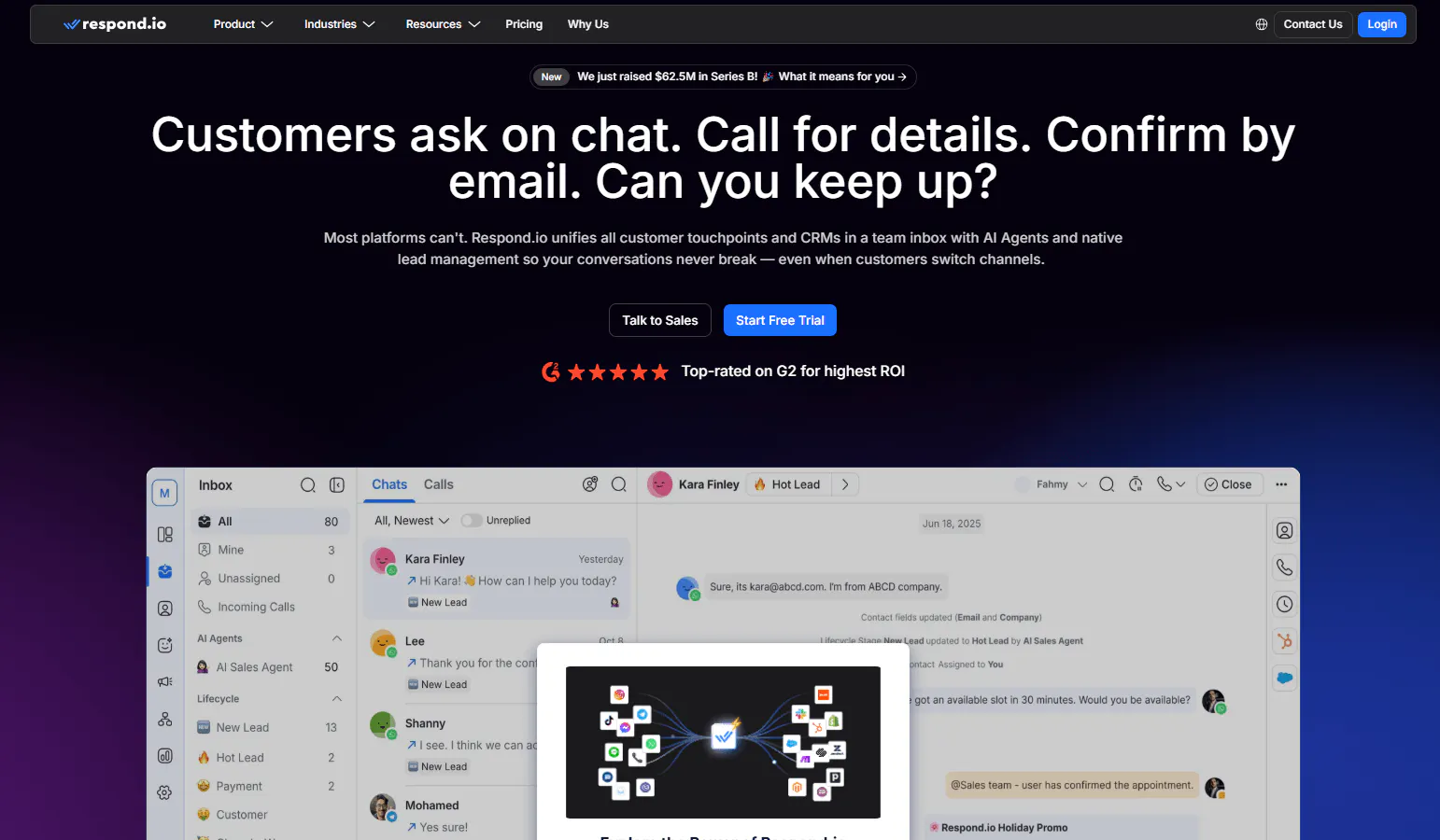
Respond.io is a customer conversation platform built around a shared inbox for multiple messaging channels. It combines conversations, AI Agents, routing, automation, CRM context, and team workflows in one system.
Its AI Agents can answer FAQs, qualify leads, update CRM information, route conversations, book appointments, and escalate conversations to human agents. The platform is particularly suited to teams managing large volumes of conversations across multiple channels and locations.
Key Features
- Omnichannel inbox: Manage customer conversations from multiple supported messaging channels in one workspace.
- AI Agents: Answer FAQs, qualify leads, update CRM information, route conversations, and handle customer journeys.
- Conversation routing: Direct conversations to the appropriate team or user based on your support workflows.
- CRM context: Bring customer and CRM information into conversations so agents have more context when responding.
- Human escalation: Move conversations from AI to human agents when a customer needs additional help.
- Conversation history: Give agents access to previous interactions when they take over a conversation.
- Team workflows: Organize conversations across teams, users, locations, and different customer journeys.
- Analytics: Track conversations and operational activity across customer interactions.
How to use it well: Set up your routing rules before moving conversations into the platform. Define which teams handle each request type and what customer information agents need before taking over.
Pricing
- Starter: $99/month: Includes 5 users, 1,000 monthly active contacts, and 5,000 AI credits.
- Growth: $199/month: Includes 10 users, 2,500 monthly active contacts, and 10,000 AI credits, with additional automation and AI capabilities.
- Advanced: $349/month: Includes 10 users, 5,000 monthly active contacts, and 20,000 AI credits, with advanced integrations, multiple workspaces, and enhanced security.
- Enterprise: Custom pricing: Includes unlimited users, 10,000 starting monthly active contacts, 40,000 starting AI credits, and enterprise-level capabilities.
Heads Up
Respond.io uses several usage measures, including users, monthly active contacts, and AI credits. Check how those measures apply to your expected support volume before estimating long-term costs.
3. Tidio: Best For Small-Business Customer Support
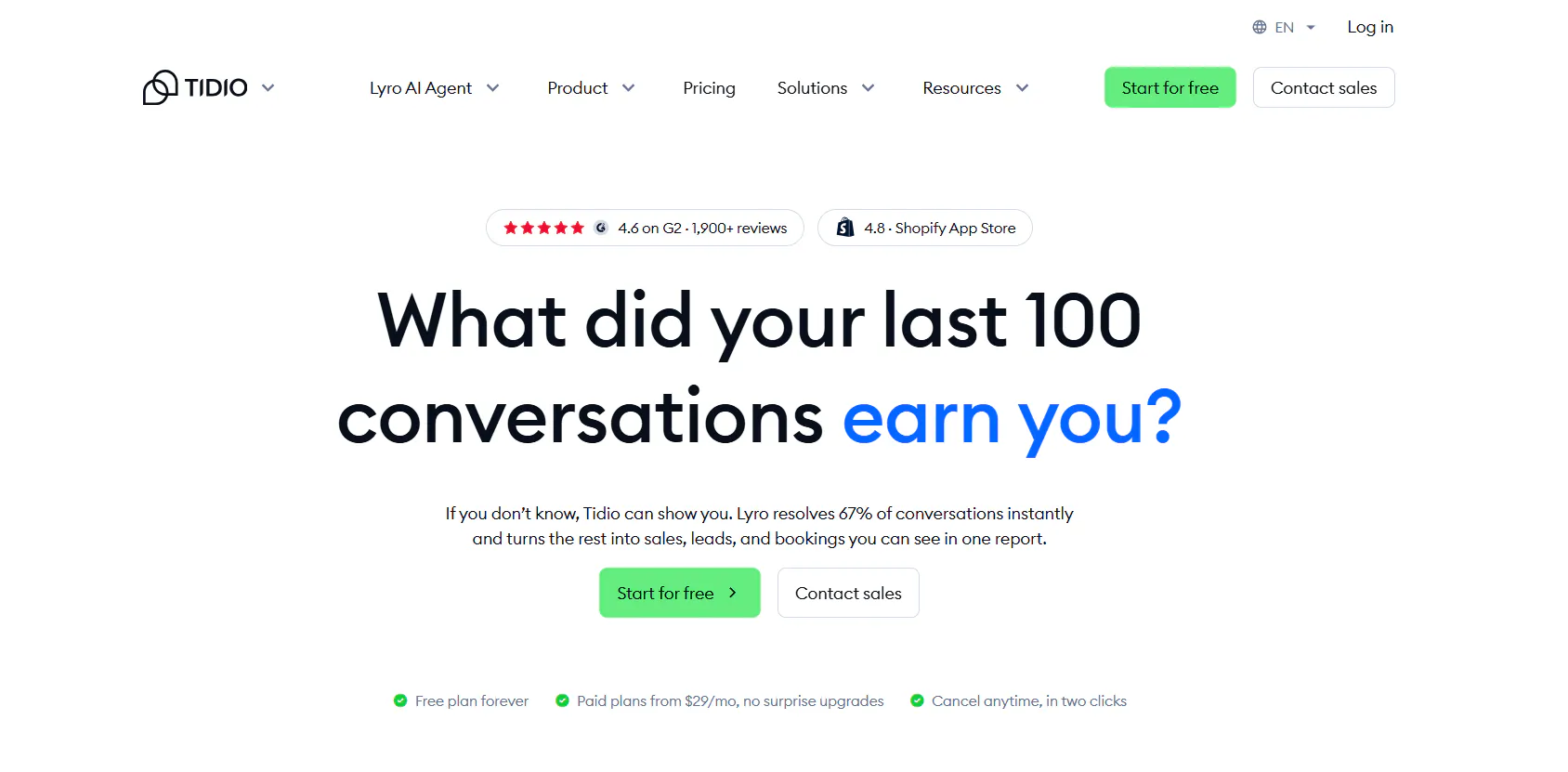
Tidio combines live chat, an AI Agent, help desk tools, ticketing, automation, and customer conversations. Its Lyro AI Agent can answer customer questions, handle supported tasks, and hand conversations to human agents.
The platform also brings live chat and ticketing into the same support workflow, with channels including email, Instagram, Messenger, and WhatsApp. That combination gives smaller teams a way to manage both automated and human support from one platform.
Key Features
- Lyro AI Agent: Answer customer questions using business information and handle supported customer support tasks.
- Live Chat: Let support agents communicate directly with website visitors and customers.
- Help Desk: Manage tickets, priorities, ownership, tags, routing, and other support workflows.
- Flows: Build rule-based automated customer journeys using predefined workflow templates.
- Smart Actions: Let Lyro handle supported tasks such as order updates and lead qualification.
- Human handoff: Transfer conversations from AI to human support when the request requires an agent.
- Customer channels: Handle support through Live Chat, email, Instagram, Messenger, and WhatsApp.
- Analytics: Track customer support activity and conversation performance.
- Integrations: Connect Tidio with supported CRM, automation, and other third-party platforms.
How to use it well: Start with repeatable support requests such as common product questions or order-related queries. Keep cases that require judgment or personal assistance with human agents.
Pricing
- Starter: $29/month for 100 billable conversations, plus 50 one-off Lyro conversations, 100 Flow visitors, live chat, ticketing, and basic analytics.
- Growth: starts at $59/month for 250+ billable conversations, adding advanced analytics, user permissions, automatic assignment, automatic replies, and macros.
- Plus: starts at $300/month + usage with custom conversation limits, premium support, a Success Manager, departments, multiproject, ticketing automation, OpenAPI, and custom limits.
- Premium: custom pricing with 3,000+ Lyro conversations, a 50% Lyro resolution-rate guarantee, pay-per-resolution billing, AI insights, Advanced Copilot, custom analytics, and managed Lyro.
Heads Up
Tidio uses different billing units for customer-support conversations, Lyro conversations, and Flow visitors. Check all three when estimating costs for AI and automation-heavy support.
Read Next: Best Tidio Alternatives for Customer Support in 2026
4. SiteSpeakAI: Best For Customer Support Connected To Business Data
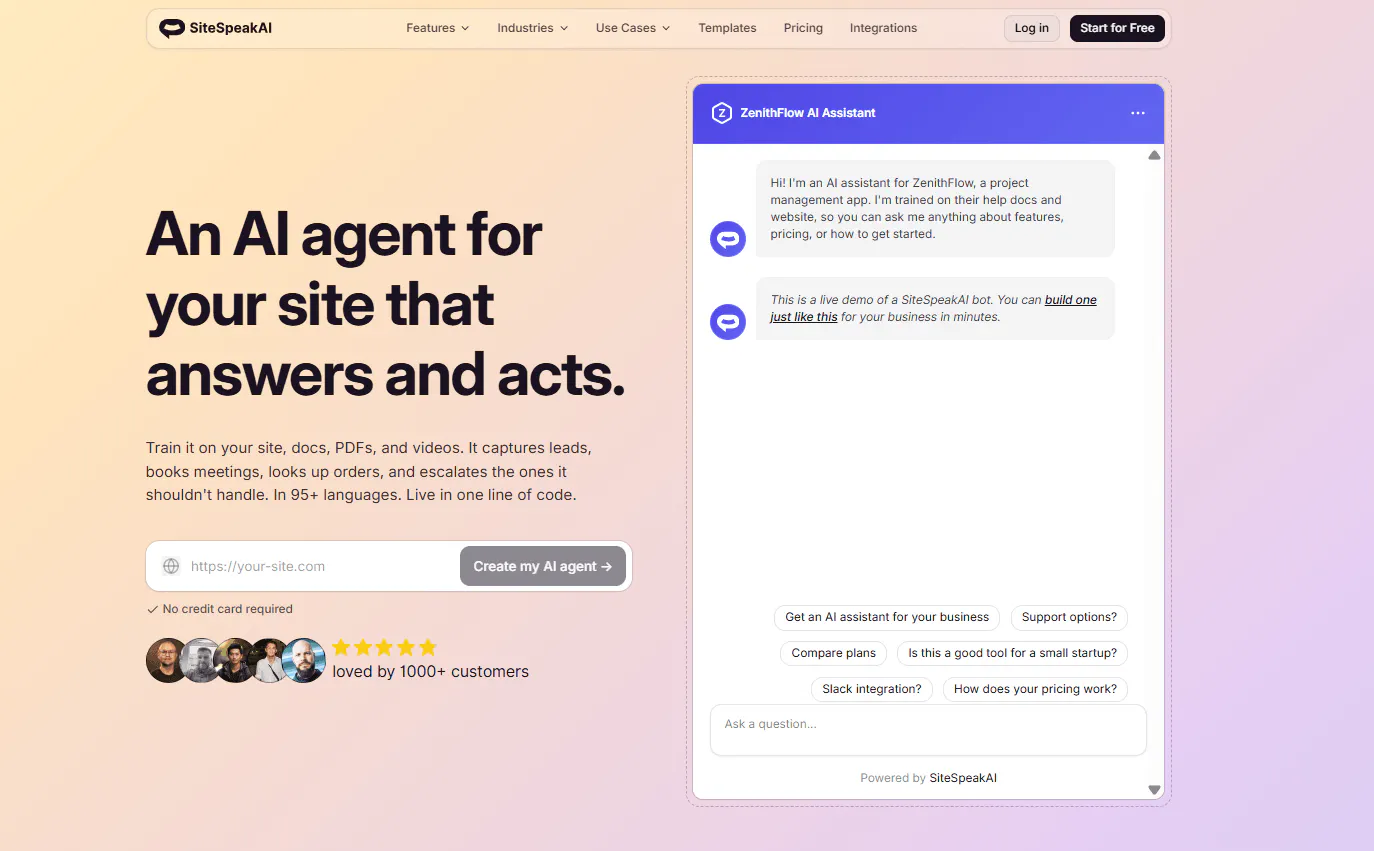
SiteSpeakAI lets businesses create AI agents trained on websites, documents, PDFs, videos, and other company information. The agents can answer questions, retrieve live information, capture leads, perform supported actions, and escalate conversations to human agents.
Its support workflows can also connect to APIs, CRM systems, external tools, and live data. This gives businesses a way to use current business information when a customer asks something that static website content cannot answer.
Key Features
- AI agents: Handle customer questions and support conversations using connected company information.
- Live data: Retrieve current information when a support request requires data beyond static content.
- Human escalation: Send conversations to human agents when the AI cannot handle a request or the customer asks for a person.
- Lead capture: Collect email addresses, phone numbers, company details, qualification information, and other fields.
- CRM connections: Send captured customer information to supported CRM systems.
- API access: Connect AI agents with external systems and business data.
- Actions: Let agents perform supported tasks through connected systems.
- Live chat: Give customers a website-based way to contact support.
- WhatsApp: Available on Pro and higher plans.
- Conversation history: Give support teams access to previous conversations when handling requests.
- Multilingual support: Supports 95+ languages.
How to use it well: Use live data for information that changes frequently, such as current customer or product information. Keep stable company information in your regular support content so the agent can use the right source for each question.
Pricing
- Free: $0/month — Includes 30 message credits per month, 1 AI Agent, 10 training sources, basic AI models, and a live chat widget.
- Starter: $29/month — Includes everything in Free, plus 1,000 message credits per month, 1 AI Agent, 200 training sources, lead capture, and removal of the “Powered By” branding.
- Pro: $79/month — Includes everything in Starter, plus 3,000 message credits per month, 5 AI Agents, 2,500 training sources, all AI models and BYOK, WhatsApp, Google Chat, HubSpot, API access, and MCP Server access.
- Growth: $249/month — Includes everything in Pro, plus 10,000 message credits per month, 15 AI Agents, 8,000 training sources, 15 actions per agent, a custom domain, and daily automatic source syncing.
- Business: $499/month — Includes everything in Growth, plus 20,000 message credits per month, unlimited AI Agents, 20,000 training sources, 15 actions per agent, dedicated onboarding, and priority support.
The available product information does not provide monthly dollar prices for the paid SiteSpeakAI plans.
Heads Up
SiteSpeakAI counts each AI reply as one message credit. Additional credits cost $25 per 1,000 credits, so estimate your expected AI reply volume before choosing a plan.
Read Next: 7 SiteSpeakAI Alternatives for AI Agents, Support, and Automation
5. Fernand: Best For SaaS Customer Support Teams
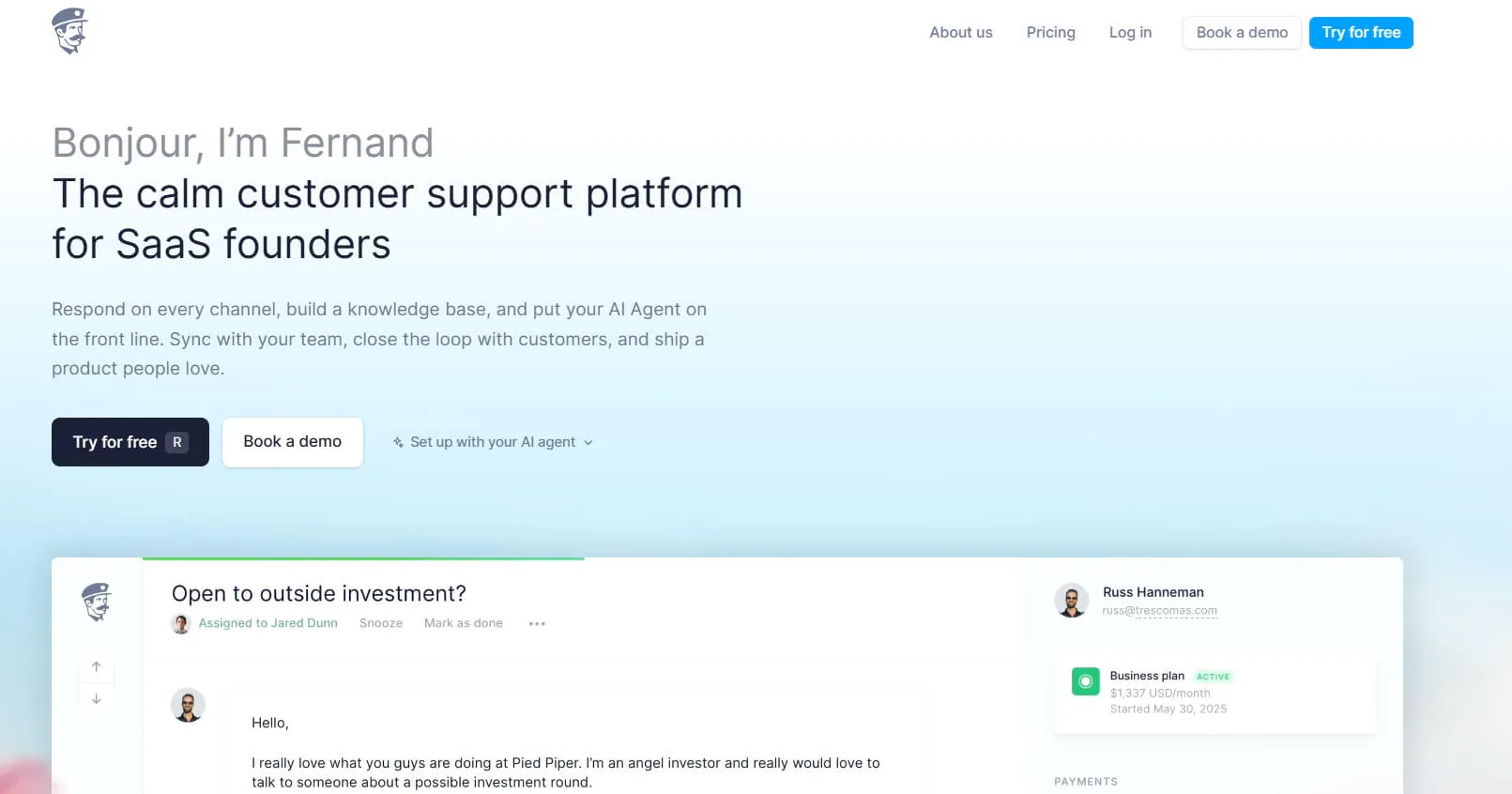
Fernand is a customer support platform built for SaaS founders and small teams. It combines a shared inbox, live chat, AI support, customer information, automation, and connections with product-development tools.
The platform focuses on support issues such as product questions, bug reports, refund requests, and recurring customer problems. It can also connect support conversations with tools such as Linear and GitHub, giving SaaS teams a direct connection between customer issues and product work.
Key Features
- Shared inbox: Give support teams one place to manage customer conversations and follow up on requests.
- AI agent: Answer customer questions using product information and customer context.
- Live chat: Give customers a direct way to contact the support team.
- Conversation assignment: Assign conversations to individual team members or teams.
- Product issue tracking: Connect customer conversations with Linear and GitHub issues.
- Customer data: Bring custom customer information into support conversations.
- External connections: Connect with systems through the API, n8n, Zapier, Make, Stripe, GitHub, Linear, and HTTP endpoints.
- Human support: Keep conversations with human agents when AI cannot resolve the issue.
- Migration: Move support data from major helpdesk platforms with manual migration assistance.
How to use it well: Connect your product-development tools if customer support frequently reports bugs or product issues. This lets support teams pass relevant customer problems into the same systems used by product and engineering teams.
Pricing
- Standard: $29 per active user/month: Includes the shared inbox, live chat with AI agent, company information, migration, unlimited conversations, unlimited replies, and all available features.
- AI agent: Included in the $29 active-user price with no separate AI resolution charge.
- 14-day free trial: No credit card is required, and the account does not automatically charge when the trial ends.
Heads Up
Fernand is designed specifically around SaaS founders and small teams, with the product focused on teams of 10 or fewer.
Read Next: 8 Best Fernand Alternatives Compared for Growing SaaS Teams
6. Wati: Best For WhatsApp Customer Support
Wati is a customer engagement platform centered on WhatsApp and other messaging channels. It combines an omnichannel inbox with WhatsApp messaging, chatbots, automation, campaigns, lead capture, AI, and human escalation.
WhatsApp sits at the center of its support workflow. Businesses can manage conversations, automate responses, route chats, qualify leads, follow up with customers, and move conversations to human agents when needed.
Key Features
- WhatsApp inbox: Manage customer conversations through WhatsApp in a shared workspace.
- Chatbots: Automate answers to common customer questions and support requests.
- Human escalation: Move automated conversations to support or sales teams when human action is required.
- Automatic routing: Direct conversations to the appropriate team or operator.
- Lead capture: Collect and qualify customer and lead information through WhatsApp conversations.
- Automated follow-ups: Send follow-up messages based on supported customer workflows.
- WhatsApp Catalog: Display products and manage e-commerce conversations through WhatsApp.
- Shopify support: Connect WhatsApp workflows with Shopify product and order activity.
- AI Copilot: Help agents with suggested responses, conversation summaries, translations, and conversation scoring.
- Astra AI Agents: Create AI agents that work across web, WhatsApp, and voice.
How to use it well: Keep support workflows separate from promotional campaigns when designing your customer journeys. Define which conversations require an agent and which can move through automated responses or follow-ups.
Pricing
- Growth: $49/month: Includes 3 users, an omnichannel inbox, WhatsApp messaging, WhatsApp Business Calling, broadcast campaigns, lead capture, automated follow-ups, reporting, WhatsApp Catalog, Shopify templates, 1,000 free automation triggers, 2 selected Commerce/CRM integrations, 10,000 API calls, and 250 AI Copilot credits.
- Pro: $99/month: Includes 5 users and everything in Growth, plus advanced chatbots, lead qualification, forms, more integrations, Instagram automation, automatic routing, operator reports, 2,000 automation triggers, 5 integrations including HubSpot, 200,000 API calls, and 500 AI Copilot credits.
- Business: $249/month: Includes 5 users and everything in Pro, plus multiple WhatsApp numbers, round-robin assignment, higher API limits, more automation triggers, unlimited integrations, extensive webhooks, 1,500 AI Copilot credits, and a dedicated Customer Success Manager.
Heads Up
Wati charges separately for WhatsApp messages. The exact cost depends on the message category, so the subscription price alone does not represent total messaging costs.
7. Help Scout: Best For Structured Customer Support
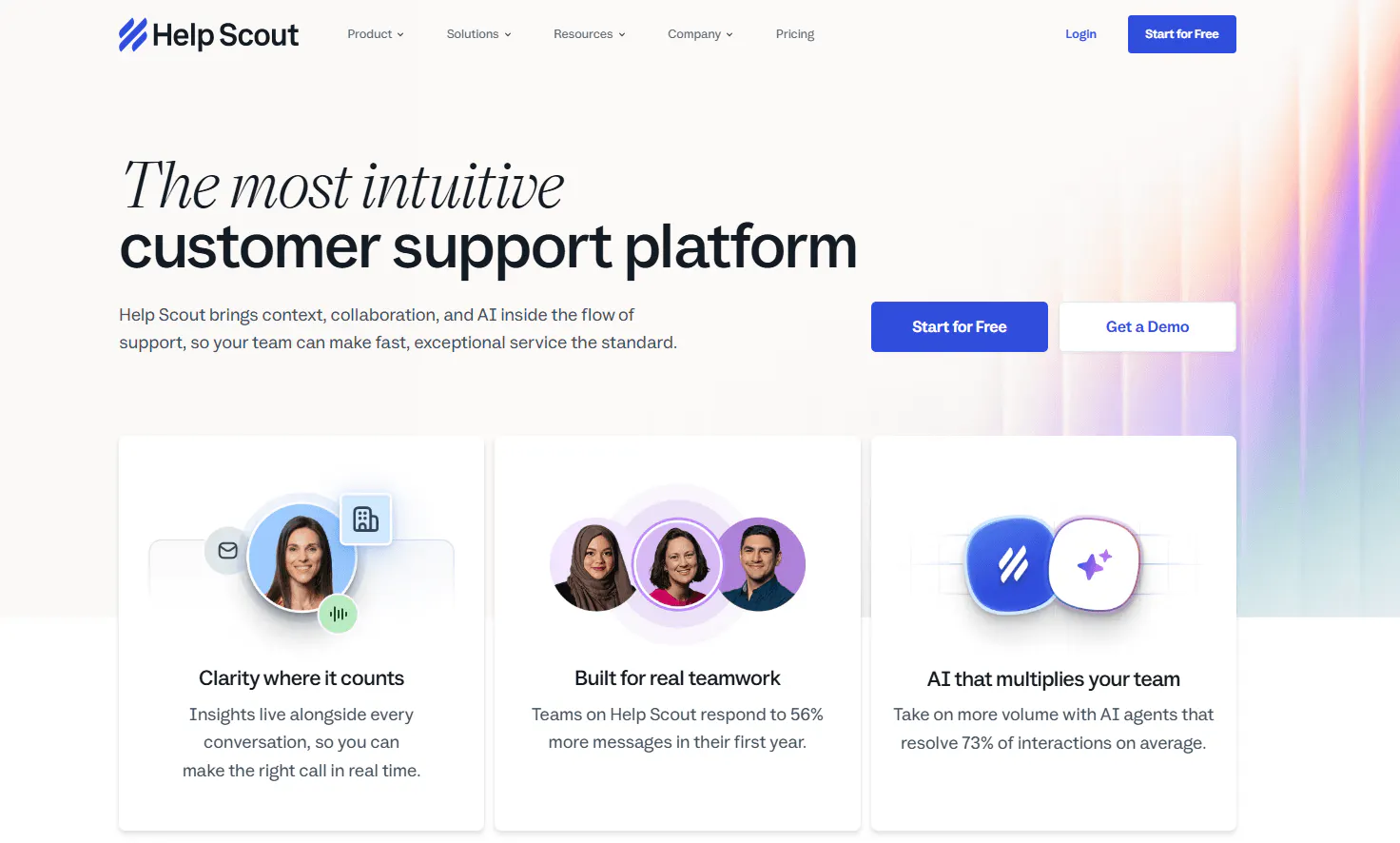
Help Scout is a customer support platform built around a shared inbox, help center, customer messaging, workflows, reporting, and AI tools. Its products include Inbox, Beacon, Docs, AI Answers, AI Drafts, AI Summarize, AI Assist, Messages, and Reports.
The platform follows a support-first approach. Teams can organize customer conversations, publish self-service content, automate repetitive support tasks, and use AI to help both customers and support agents.
Key Features
- Inbox: Give support teams a shared workspace for managing customer conversations.
- Beacon: Add a customer-facing support widget to your website or product.
- Docs: Create a help center where customers can find answers themselves.
- AI Answers: Let AI answer customer questions using available support information.
- AI Drafts: Help agents create responses to customer conversations.
- AI Summarize: Summarize conversations so agents can quickly understand the context.
- AI Assist: Help agents with writing, tone, length, grammar, and translation.
- Workflows: Automate actions such as assignment, tagging, status changes, and notifications.
- Reports: Track support activity and operational performance.
- Customer Portal: Give customers access to their support history on supported plans.
- Integrations: Connect Help Scout with external systems through apps and APIs.
How to use it well: Start with repetitive support tasks such as tagging, assigning, and changing conversation status. Once those workflows are working reliably, build more advanced automation around them.
Pricing
- Standard: $30/user/month — Includes multiple Inboxes, live chat and SMS, WhatsApp, Instagram, and Messenger, multiple knowledge bases, one basic SLA policy, basic workflows, unlimited tags and saved replies, and the AI Inbox assistant.
- Plus: $54/user/month — Includes everything in Standard, plus advanced workflows, two advanced SLA policies, a secure customer portal, unlimited AI Drafts, round robin routing, Salesforce, Jira, and HubSpot integrations, internal teams, and the ability to group conversations by company.
- Pro: $90/user/month — Includes everything in Plus, plus unlimited workflows and SLA policies, multiple routing types, SSO/SAML, HIPAA compliance, up to 50 light users, dedicated onboarding, a strategic account manager, and preferred pricing on Aircall.
- AI Answers: $0.75/resolution — Available as an add-on that charges monthly based on resolved customer requests. It can answer customer questions using your website or other connected sources, with human support available for more complex requests. Help Scout offers a 3-month free trial and pre-paid discounts.
Heads Up
Help Scout combines subscription pricing with usage-based charges for features such as AI Answers and Messages. Include those charges when calculating the full cost of your support setup.
Read Next: 6 Best Help Scout Alternatives in 2026: Pricing, Features & Key Differences
8. Zendesk: Best For Complex Customer Support Operations
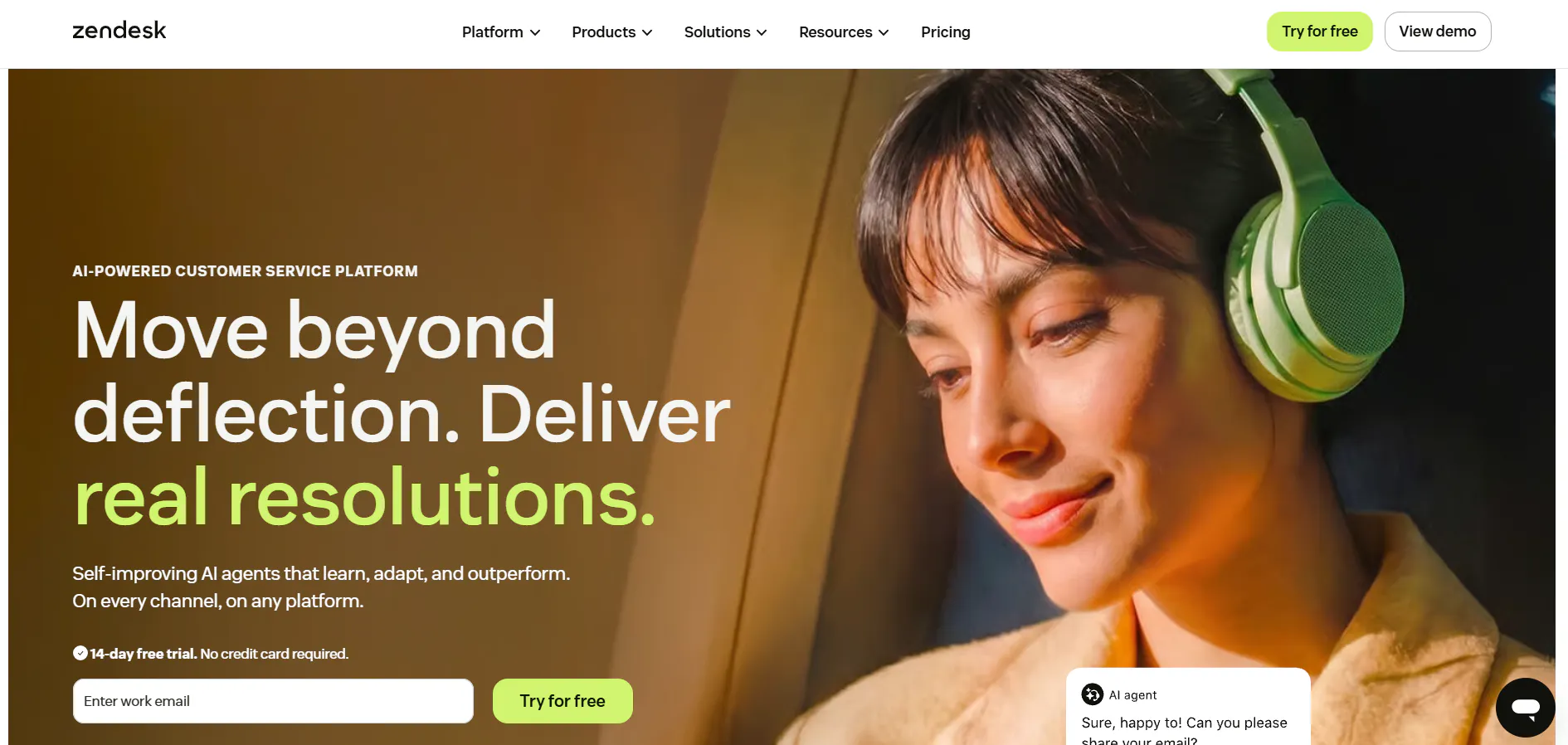
Zendesk is a customer service platform with ticketing, messaging, voice, AI Agents, routing, workflows, knowledge management, analytics, and reporting.
Its support tools cover structured ticket management, routing across teams, automated workflows, customer conversations, and reporting. That gives larger or more process-heavy support teams tools for managing customer service beyond a basic shared inbox.
Key Features
- Ticketing: Manage customer requests as structured support tickets from creation through resolution.
- AI Agents: Automate customer conversations and handle common support requests.
- Omnichannel routing: Route conversations based on availability, workload, priority, skills, language, and customer information.
- Workflows: Automate support processes and actions related to customer requests.
- Messaging: Manage customer conversations through supported messaging channels.
- Voice: Provide phone-based customer support alongside other support channels.
- Knowledge management: Organize information that agents and AI can use when helping customers.
- Reporting: Track customer service activity, performance, and operational trends.
- APIs: Connect Zendesk with external systems and business processes.
- Integrations: Connect customer support with other business tools and systems.
Pricing
For the full Zendesk Suite, the supplied monthly pricing is:
- Support Team: $19/agent/month, paid yearly — Includes email and ticketing, ticket routing, prebuilt analytics dashboards, pre-written responses, customer context, automations, and triggers.
- Suite Team: $55/agent/month, paid yearly — Includes everything in Support Team, plus AI Agents, an AI-powered knowledge base, Action Builder, omnichannel routing, messaging and live chat, and telephony.
- Suite Professional: $115/agent/month, paid yearly — Includes everything in Suite Team, plus Admin Copilot, App Builder, Writing Tools, Quick Reports, skills-based routing, and an IVR phone tree.
- Suite Enterprise + Copilot: Custom pricing — Includes everything in Suite Professional, plus Intelligent Triage, Auto Assist, generative AI for Voice, approval workflows, a sandbox environment, and custom agent roles.
Heads Up
Zendesk offers a broad set of customer service features across multiple plans. Map the ticketing, routing, reporting, messaging, and administration workflows your team needs before selecting a tier.
Read Next: Zendesk Pricing 2026: Plans, Costs, AI Add-Ons, and a Simpler Alternative
9. Chatbase: Best For AI Customer Support And Human Handoff
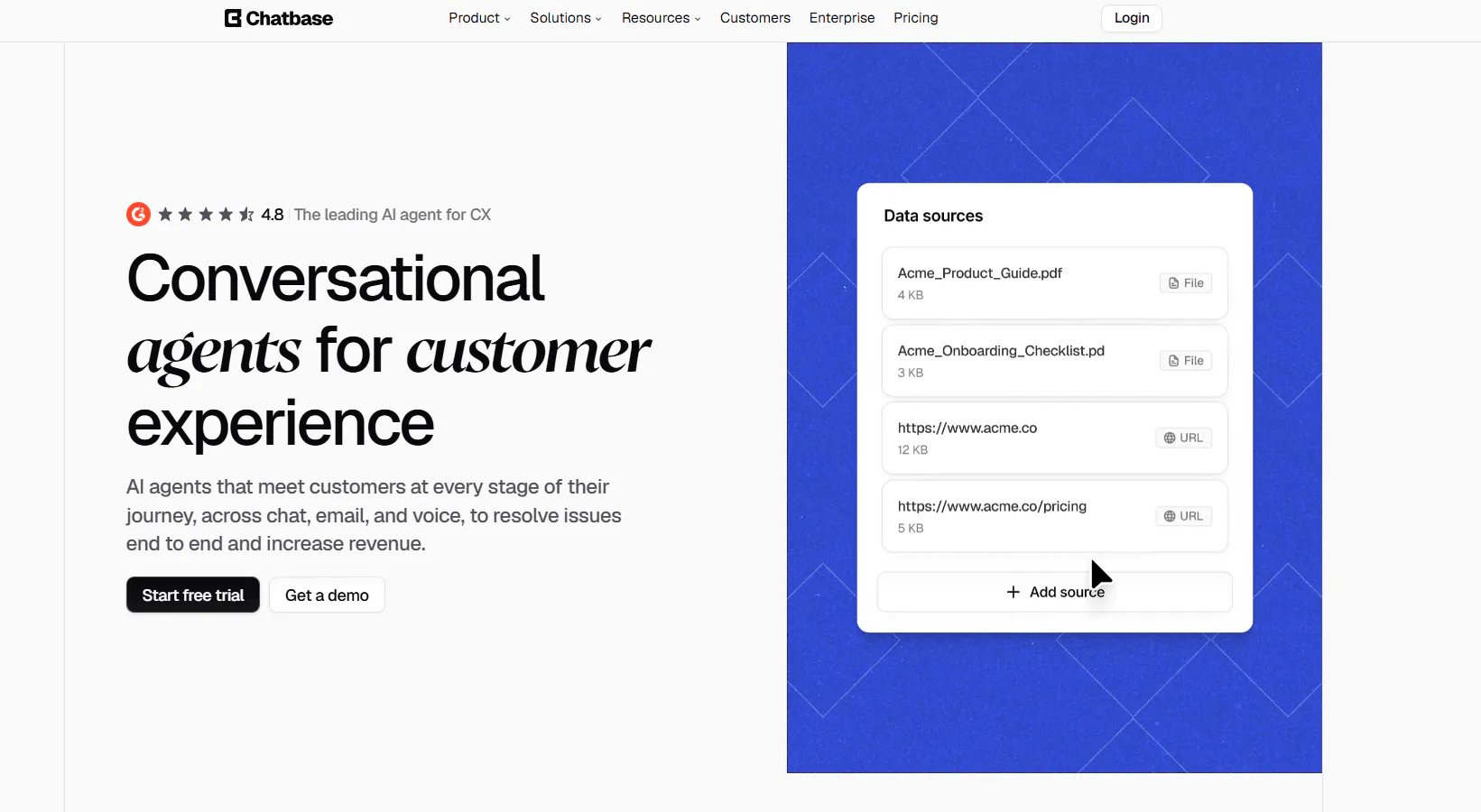
Chatbase is an AI customer support and customer experience platform that combines AI Agents with helpdesk tools, ticketing, human escalation, multiple channels, voice, and analytics.
AI Agents can answer customer questions, handle support requests, qualify leads, perform supported actions, and escalate conversations to human agents. Its built-in Helpdesk can also manage human support through chat, email, WhatsApp, and API tickets.
Key Features
- AI Agents: Answer customer questions, handle support requests, qualify leads, and guide customers through supported workflows.
- AI Actions: Retrieve information and perform actions through connected systems and APIs.
- Helpdesk: Manage human support through chat, email, WhatsApp, and API tickets.
- Human escalation: Transfer conversations from AI to human support when additional assistance is required.
- Ticketing: Create and manage customer support tickets.
- WhatsApp: Handle customer conversations through WhatsApp.
- Voice: Handle inbound voice conversations with AI.
- Analytics: Track topics, sentiment, trends, conversation performance, and support issues.
- Multiple models: Choose from supported OpenAI, Anthropic, Gemini, Meta, and other models.
- Integrations: Connect support workflows with Zendesk, Salesforce, Intercom, HubSpot, Zoho Desk, Freshdesk, Help Scout, and other systems.
How to use it well: Define your escalation rules before launching the AI Agent. Specify which questions it should answer, which actions it can perform, and which situations should immediately move to a human agent.
Pricing
- Free: $0/month with 50 message credits, 1 member, and limited model access. Agents are deleted after 14 days of inactivity.
- Hobby: $40/month with 700 message credits, 2 members, advanced models, integrations, basic analytics, and attachments. Includes a 7-day trial.
- Standard: $150/month with 4,000 message credits, 3 members, Helpdesk, Voice, Telephony, outbound campaigns, API access, personalization, auto-resync, and advanced integrations. Includes a 7-day trial.
- Pro: $500/month with 15,000 message credits, 5 members, advanced analytics, source suggestions, and tickets as a source. Includes a 7-day trial.
- Enterprise: Custom pricing with higher limits, flexible billing, custom roles, SSO, white-labeling, audit logs, priority support, a success manager, SLAs, and HIPAA eligibility.
Heads Up
Chatbase uses message credits as a core usage measure. Compare the credits included in your plan with the number of AI-supported conversations you expect each month.
Read Next: Chatbase Alternatives: 7 AI Customer Support Tools Worth Comparing in 2026
10. SiteGPT: Best For Website-Based AI Customer Support
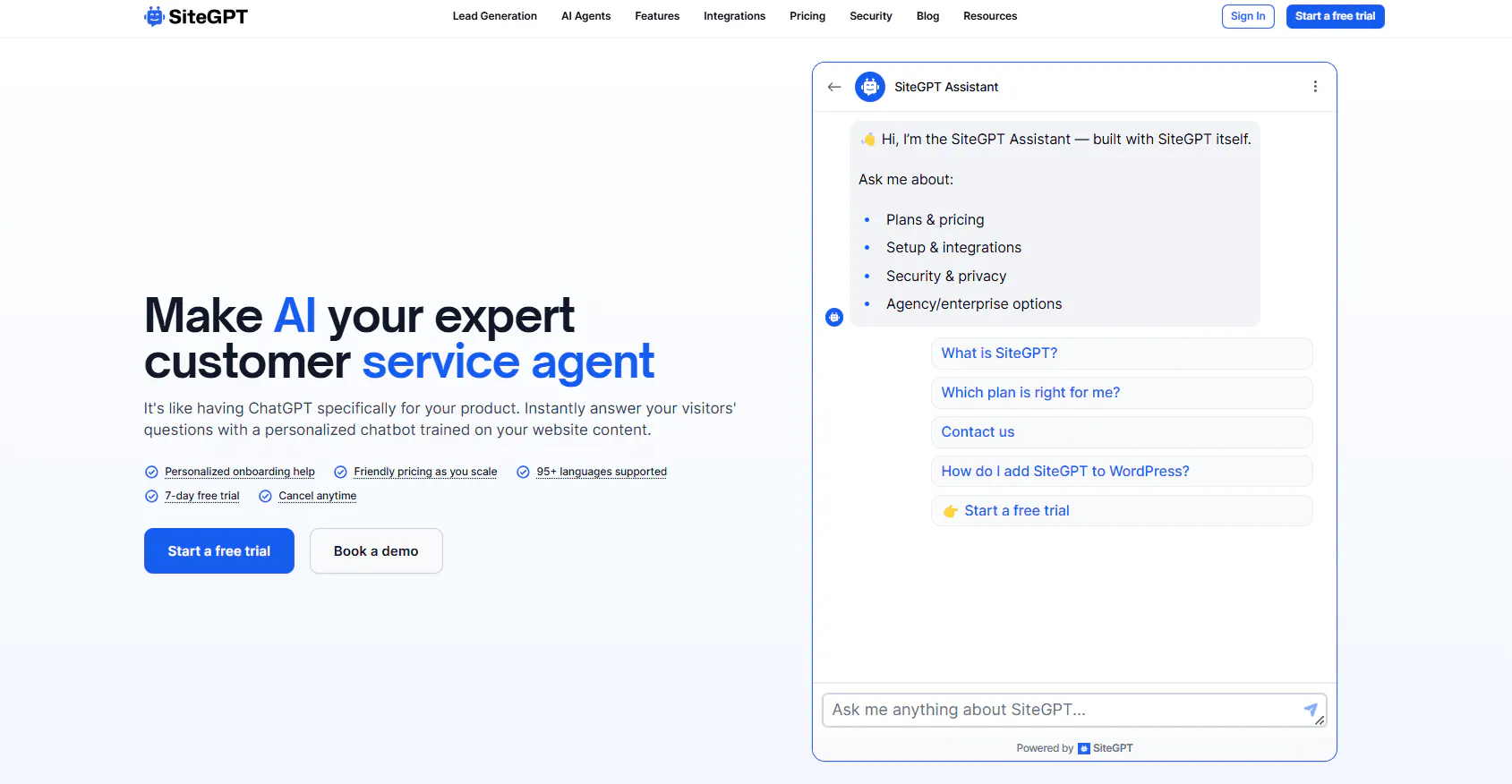
SiteGPT creates AI chatbots trained on a company's website and other business content. It can use website pages, sitemaps, files, help centers, YouTube, cloud storage, GitHub, customer support platforms, and other supported sources.
The chatbot can answer customer questions, capture leads, book appointments, connect with external systems, and hand conversations to human support. This gives businesses a focused way to put AI support directly on their website.
Key Features
- AI chatbot: Answer customer questions using information from company content.
- Website training: Train the chatbot on website pages and sitemaps.
- Document training: Add supported files and business documents to the chatbot's information.
- Help center connections: Connect supported customer support platforms and documentation systems.
- Human handoff: Transfer conversations to human support when the AI cannot resolve a request.
- Lead capture: Collect contact information and qualify leads using business-defined criteria.
- Appointment booking: Connect supported calendars so customers can book appointments through the chatbot.
- Analytics: Track message volume, ratings, quota usage, and more advanced conversation data on higher plans.
- Automatic refresh: Refresh connected content monthly, weekly, or daily depending on the plan.
- API and webhooks: Connect SiteGPT with external systems on supported plans.
- Zendesk AI Agent: Available on Scale and Enterprise.
How to use it well: Start with the pages customers use most when they need help. Review unanswered questions regularly and update the chatbot's information when you identify gaps in the support content.
Pricing
- Starter: $59/month: Includes 1 chatbot, up to 4,000 monthly GPT-4.1-mini messages or 400 GPT-4.1 messages, 1,000 pages, 10 files, 1 team member, and basic analytics.
- Growth: $129/month: Includes 2 chatbots, up to 10,000 monthly GPT-4.1-mini messages or 1,000 GPT-4.1 messages, 10,000 pages, 100 files, 4 team members, advanced analytics, API access, multiple integrations, rate limiting, and monthly automatic refresh.
- Scale: $429/month: Includes 3 chatbots, up to 40,000 monthly GPT-4.1-mini messages or 4,000 GPT-4.1 messages, 50,000 pages, 500 files, 10 team members, advanced analytics with AI insights, webhooks, and Zendesk AI Agent.
- Enterprise: Custom pricing: Includes higher limits, custom integrations, priority support, HIPAA eligibility, BAA, and enterprise controls.
All self-serve plans include a 7-day free trial, with a credit card required according to the supplied pricing information.
Heads Up
SiteGPT's message allowance depends on the AI model you use. GPT-4.1 and GPT-4.1-mini consume the available quota at different rates, so compare your expected support volume with the model you plan to use.
Find The Right SleekFlow Alternative For Your Customer Support Needs
The right SleekFlow alternative depends on the customer support workflow you need to improve.
If You Need... | Consider | Why It Fits | Check Before You Choose |
|---|---|---|---|
AI to handle customer questions and support tasks | Chatling, SiteSpeakAI, Chatbase | These tools focus on AI-powered customer support, with capabilities for answering questions, handling support requests, and automating customer interactions. | Compare AI usage limits, support workflows, and the actions or integrations you need. |
One inbox for conversations across multiple channels | Respond.io, Wati, Help Scout | These platforms bring customer conversations into a shared workspace and add routing, automation, or team collaboration features. | Check supported channels, user limits, contact limits, and any usage-based charges. |
Live chat, AI, and helpdesk features for a smaller team | Tidio, Help Scout, Fernand | Each combines customer conversations with AI and support tools, with different approaches to inboxes, automation, and customer management. | Compare team size limits, AI usage, conversation limits, and helpdesk features. |
AI support that can work with live business information | Chatling, SiteSpeakAI | Both can connect AI support with business data and configured actions, allowing conversations to go beyond basic FAQ responses. | Check available integrations, AI usage, and the actions your support workflow requires. |
A focused support platform for a SaaS team | Fernand, Help Scout, Chatling | These tools combine customer support with features for managing conversations, customer information, and team workflows. | Check whether the product supports your team structure, integrations, and support processes. |
WhatsApp as your main support channel | Chatling, Wati, Respond.io | These platforms support customer conversations through WhatsApp, with AI, automation, or team support features depending on the product. | Compare WhatsApp capabilities, messaging costs, AI usage, and team features. |
A dedicated help desk and shared inbox | Help Scout, Zendesk, Chatbase | These platforms combine customer conversations with support management features such as ticketing, inboxes, automation, and AI. | Compare ticketing features, team pricing, AI costs, and the channels you need. |
Advanced customer service operations | Zendesk, Respond.io, Help Scout | These platforms offer broader support operations with routing, automation, reporting, integrations, and team management. | Map your required workflows, channels, integrations, and users to each plan. |
AI support with a built-in helpdesk | Chatling, Chatbase, Zendesk | These options combine AI-powered customer interactions with tools for handling support requests and escalating conversations to people. | Check ticketing capabilities, AI usage, human handoff, and required channels. |
AI support based on your website and company content | Chatling, SiteGPT, SiteSpeakAI | These tools can use website content and other company information to answer customer questions through AI-powered conversations. | Compare source limits, AI usage, syncing options, and the level of control you need over responses. |
Frequently Asked Questions
What is the best SleekFlow alternative for customer support?
The right choice depends on the type of customer support you need. Chatling focuses on AI-powered support, live chat, human handoff, and support actions. Help Scout and Zendesk focus on structured help desk operations. Tidio combines AI, live chat, ticketing, and automation, while Wati focuses heavily on WhatsApp support.
What is the best SleekFlow alternative for WhatsApp customer support?
Wati and Respond.io both support WhatsApp customer conversations. Wati puts WhatsApp at the center of its customer engagement platform, while Respond.io combines WhatsApp with a broader omnichannel inbox, routing, AI Agents, and CRM context. Chatling also supports WhatsApp alongside AI Agents, live chat, human handoff, and support actions.
Are there free SleekFlow alternatives?
Yes. Chatling, Tidio, Help Scout, Chatbase, and SiteSpeakAI all have free plans in the supplied product information. Several other options offer free trials. Check the limits carefully because free plans differ in AI credits, conversations, users, and other usage limits.
Which SleekFlow alternatives have AI agents?
Chatling, Respond.io, Tidio, SiteSpeakAI, Fernand, Wati, Zendesk, Chatbase, and SiteGPT all offer AI-agent or AI-powered customer support capabilities.
Which SleekFlow alternatives support human handoff?
Chatling, Tidio, SiteSpeakAI, Fernand, Wati, Zendesk, Chatbase, and SiteGPT support human escalation or handoff. The workflow differs between products. Some move the conversation into a human inbox, while others connect the AI workflow to a helpdesk or support team.
Which SleekFlow alternatives support customer support ticketing?
Chatling can create support tickets through its supported actions. Tidio includes ticketing in its Help Desk, while Zendesk and Help Scout provide dedicated ticketing and support-management capabilities. Chatbase also includes ticketing through its Helpdesk.
Which SleekFlow alternatives support CRM integrations?
Chatling supports HubSpot and Zendesk actions. Respond.io connects conversations with CRM context. SiteSpeakAI supports CRM connections, Wati supports CRM integrations, and Chatbase connects with platforms such as HubSpot, Salesforce, Zendesk, Help Scout, and others.
Which SleekFlow alternative is best for a small customer support team?
Start with the size of your team and the type of support you handle. Fernand specifically focuses on SaaS founders and small teams. Tidio offers live chat, AI, ticketing, and automation, while Chatling provides AI support, live chat, human handoff, and automated support actions.
What should I look for when switching from SleekFlow?
Start with the customer support workflows you use every day. Check how the platform handles AI answers, human handoff, team routing, WhatsApp, ticketing, integrations, reporting, and pricing. Then test the specific workflows that matter most before moving your entire support operation.