
SiteSpeakAI is a good fit if you want an AI Agent trained on your website, documents, and other business content. It can answer questions, capture leads, book meetings, take actions, and hand conversations to a human.
The question is what happens when your support needs go beyond that. You might want AI and live chat in the same workspace, connect it to WhatsApp or Instagram, add more complex workflows, or bring AI into the helpdesk your team already uses.
That's where the alternatives start to make more sense. Some give you more control over what the AI can do, while others are built around human support, existing helpdesks, or specific use cases like ecommerce.
Here are sever SiteSpeakAI alternatives worth looking at, what they actually change, and where each one fits.
Keep in mind: none of these tools is a direct replacement for SiteSpeakAI in every situation. The useful comparison is what changes for your support team after you switch.
TL;DR: Best SiteSpeakAI Alternatives at a Glance
Platform | Best for | What changes compared with SiteSpeak.ai | Starting price |
|---|---|---|---|
Chatling | Teams that want AI to take actions, work across channels, and hand off to humans with context | More Actions, workflows, channels, and flexible model choice | Free plan; paid from $25/month |
Tidio | Teams that want AI, live chat and ticketing in one inbox | Adds a full human support workspace around Lyro | Free plan; paid from $29/month |
Chatbase | Teams that want one agent across chat, email, WhatsApp and voice | Adds Helpdesk, Voice, Telephony, and outbound campaigns | Free plan; paid from $40/month |
Crisp | Teams that want a shared inbox across many channels | Puts AI, inbox, routing, workflows, and human agents together | Free plan; paid from $45/month/workspace |
eesel AI | Teams that already have a helpdesk and want AI inside it | Keeps your current helpdesk and learns from its tickets | $0.40/ticket; free until $50 usage |
Fin | Teams that want AI to resolve support requests inside their helpdesk | Adds AI to your existing helpdesk with outcome-based billing | $0.99/outcome; $49 monthly minimum |
Gorgias | Ecommerce stores handling orders, returns and refunds | Connects AI directly to orders, returns, products, and shopping data | From $10/month; AI Agent from $40/month |
What SiteSpeakAI Does Well
SiteSpeakAI is good at the part most businesses actually want to get started with: putting an AI Agent on their website and giving it enough business knowledge to answer customers without building a complicated support system first.
You can train an Agent on your website, documents, and other business content. From there, it can:
- Answer customer questions
- Capture leads
- Book meetings
- Retrieve information
- Take actions
- Hand conversations over to a human when needed
That makes SiteSpeakAI more capable than a basic FAQ chatbot, but it does not require a business to start with a full helpdesk setup.
The knowledge base has plenty of room to grow
The training limits are one of the more practical parts of SiteSpeakAI:
Plan | Training sources | AI Agents | Message credits/month |
|---|---|---|---|
Free | 10 | 1 | 30 |
Starter | 200 | 1 | 1,000 |
Pro | 2,500 | 5 | 3,000 |
Growth | 8,000 | 15 | 10,000 |
Business | 20,000 | Unlimited | 20,000 |
For a small website, 200 training sources on Starter may be more than enough. A larger company with product documentation, help articles, policies, and other business content has considerably more room on Pro and Growth.
The jump to 2,500 sources on Pro is particularly useful if you are not building the Agent around a handful of FAQ pages. You can support a much larger knowledge base without immediately moving to the highest plan.
You can start small and add more as the setup grows
SiteSpeakAI has a fairly clear progression between its plans.
- Starter is $29/month. You get one AI Agent, 1,000 message credits, 200 training sources, lead capture, and the ability to remove the SiteSpeakAI branding.
- Pro is $79/month. This increases the limits to five AI Agents, 3,000 message credits, and 2,500 training sources. It also adds all AI models and BYOK, WhatsApp, Google Chat, HubSpot, API, and MCP Server access.
- Growth is $249/month. This is where the more advanced Agent setup starts to make sense. You get 15 AI Agents, 10,000 message credits, 8,000 training sources, 15 actions per Agent, daily source syncing, and a custom domain.
- Business is $499/month. It moves to unlimited AI Agents, 20,000 training sources, 20,000 message credits, dedicated onboarding, and priority support.
That makes the plans relatively easy to understand if you work backwards from your requirements. You do not need Growth just because you want an AI Agent. You need to look at Growth when you need the higher Agent, source, and message limits, or when actions and daily syncing become important to your setup.
It is not limited to a single website chatbot
SiteSpeakAI supports website, Slack, Telegram, and Discord across its plans. WhatsApp and Google Chat become available on Pro.
That gives you some flexibility if your customers or internal teams already use those channels. You can also run multiple AI Agents on the higher plans, which is useful if different products, websites, or use cases need their own Agents rather than one Agent trying to handle everything.
Where SiteSpeaAI Falls Short
SiteSpeakAI covers the core AI Agent use case well. The limitations become more noticeable when you need to turn that Agent into a bigger customer support operation.
The important distinction is that some of these are not missing features. They are higher-tier features. That matters because the price you see at the bottom of the pricing page is not necessarily the price you will end up paying for the setup you actually want.
The more advanced Agent features get expensive
The biggest pricing jump happens when you move beyond basic AI answers.
Starter is $29/month and Pro is $79/month, but 15 actions per Agent are listed on Growth and Business, which start at $249/month and $499/month respectively.
That changes the calculation for a business that wants its Agent to do more than answer questions.
If the job is simply:
Customer asks a question → Agent finds the answer → Customer gets a reply
then Starter or Pro may be enough.
If you want a more involved setup where the Agent needs to take actions as part of the support workflow, you need to look at Growth or above.
So the relevant question is not just "Does SiteSpeakAI support actions?" It is "At what point in my support setup will I need them, and am I comfortable moving to a $249/month plan when I do?"
Message credits make the real cost harder to estimate
SiteSpeakAI does not give every plan unlimited AI usage. You get a monthly pool of message credits:
- Free: 30
- Starter: 1,000
- Pro: 3,000
- Growth: 10,000
- Business: 20,000
Each AI reply consumes a message credit.
That makes the monthly price only part of the calculation. A company with low support volume may have no problem staying within its allowance. A company that puts the Agent in front of a much larger customer base needs to think about how quickly those credits will be used.
This is particularly important when comparing SiteSpeakAI with tools that use a different billing unit. Two platforms can both advertise a $79/month starting point and still produce very different bills once you put real support volume through them.
The message-credit calculation is worth doing
SiteSpeakAI charges by message credits, and each AI reply consumes a credit. If you expect around 1,500 AI replies a month, Pro's 3,000 credits at $79/month gives you plenty of room.
At 4,000 replies, though, you are over Pro. SiteSpeakAI charges $25 for each additional 1,000 message credits, so Pro plus one 1,000-credit top-up would be $104/month.
At 10,000 replies, Growth is $249/month. You could technically stay on Pro and add 7,000 credits for $175, bringing the total to $254/month. In that example, Growth is only $5 more and also gives you 15 Agents, 8,000 training sources, daily syncing, and 15 Actions per Agent.
Some useful channels are locked behind Pro
SiteSpeakAI supports website, Slack, Telegram, and Discord across its plans. WhatsApp and Google Chat start on Pro at $79/month.
That is fine if your main support channel is your website. It becomes more relevant if WhatsApp is where a large part of your customer communication already happens.
There is also a bigger gap to keep in mind: Messenger is listed as coming soon, while Instagram and SMS are not listed among the available channels in the current setup.
So if you are specifically looking for a platform where several customer messaging channels are central to the product, SiteSpeakAI may not give you the same channel coverage as some alternatives.
The knowledge-base limits are generous, but they are still limits
The difference between 200 training sources on Starter and 20,000 on Business is huge.
For most smaller businesses, that probably will not be an immediate problem. But it becomes something to consider if your Agent needs to cover a large product catalog, extensive documentation, multiple sites, or a growing library of support content.
The same pattern appears throughout the plans: the basic Agent is not necessarily the constraint. The amount of business you can build around it is.
Several scale-oriented features sit on the higher plans
A few features become available only once you reach Growth or Business.
Growth at $249/month adds:
- Daily automatic syncing of sources
- Custom domain
- 15 actions per Agent
- 15 AI Agents
- 10,000 message credits
Business at $499/month adds:
- Unlimited AI Agents
- 20,000 training sources
- 20,000 message credits
- Dedicated onboarding
- Priority support
None of those features are particularly unusual for a higher-tier plan. The consideration is simply that they can push a business into a much more expensive tier than the initial $29 or $79 price suggests.
So who is most likely to outgrow SiteSpeakAI?
The answer depends on what you need from your support stack.
SiteSpeakAI can be a good fit if you mainly want an AI Agent trained on your own content and you are comfortable scaling into higher plans as your usage grows.
You may start looking elsewhere if you need:
- More customer messaging channels
- A fuller helpdesk experience around the AI
- More advanced Agent actions without moving to a $249/month plan
- A different usage-based pricing model
- A large multi-client support operation
- Features that are available earlier in another platform's pricing structure
That is why the alternatives in this list are not simply seven versions of the same product. Each one solves a slightly different support problem. The useful comparison is not which tool has the longest feature list, but which one gives you the particular support setup you are trying to build without paying for capabilities you do not need.
The 7 Best SiteSpeakAI Alternatives to Explore in 2026
The seven tools below are not trying to solve exactly the same problem as SiteSpeakAI. Some are better suited to teams that want a helpdesk around their AI. Others are built for businesses that already have a helpdesk and want to add AI to it. Then there are platforms that put more emphasis on ecommerce actions, messaging channels, or giving teams control over how an Agent behaves.
1. Chatling: Best for AI support with actions, multiple channels, and human handoff
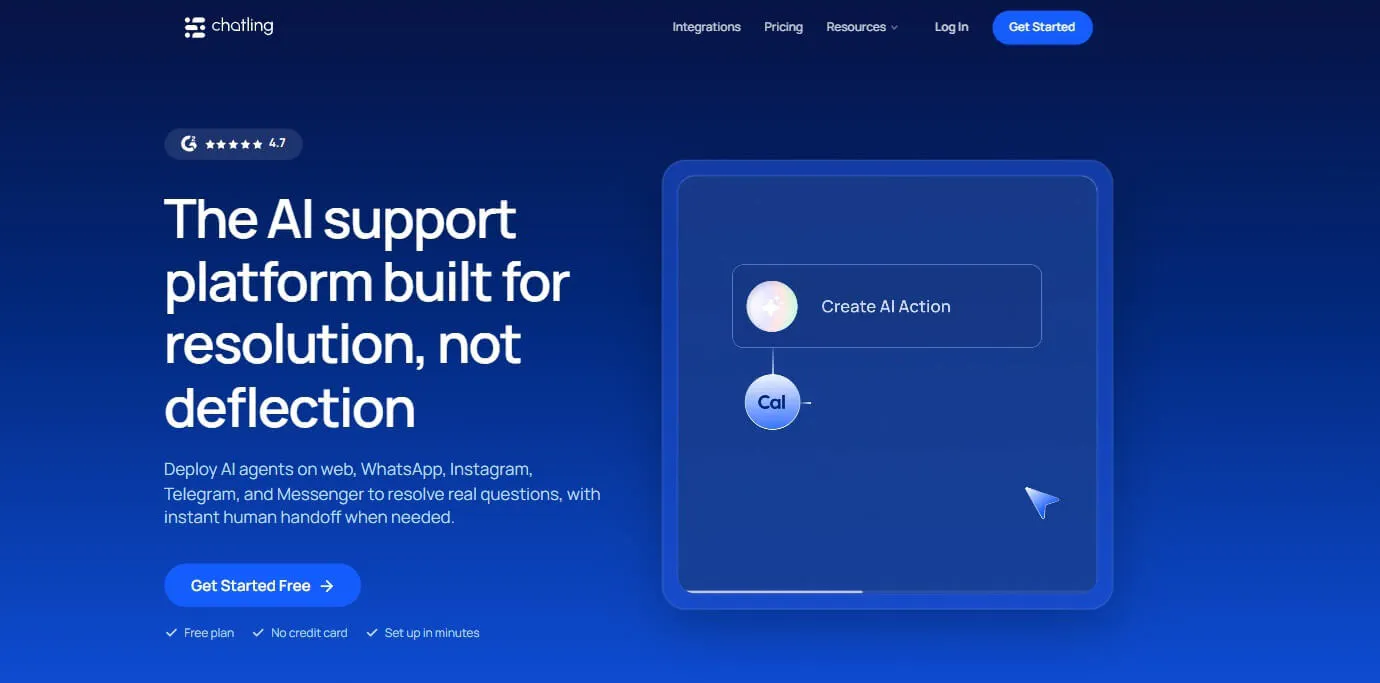
Chatling is a no-code customer-support platform built around AI Agents and AI Chatbots. It can answer questions from your business content, but the more interesting part is what happens when the customer needs something done.
An Agent can collect information, book an appointment, create a support ticket, update a CRM record, send an email, or connect to another system through an HTTP request. That makes Chatling a particularly relevant SiteSpeakAI alternative if you want your AI to handle more of the conversation instead of simply providing an answer.
The other difference is that Chatling combines those Agent capabilities with Live Chat and Human Handoff. So you can have AI handling the initial conversation, then move the customer to a human with the conversation context intact when the request needs a person.
Key features
Chatling's feature set is broad, but a few parts are particularly relevant when you are comparing it with SiteSpeakAI.
AI Actions
AI Actions let the Agent actually do something with the information it collects.
Depending on the setup, that can mean creating a Zendesk ticket, sending an email, adding information to Google Sheets, updating HubSpot, collecting a lead, or booking an appointment through Cal.com.
This matters because a support conversation often does not end with an answer. A customer might ask to speak to sales, request a callback, report a problem, or need a ticket created. The Agent can move that request into the next step instead of asking the customer to do it themselves.
HTTP Requests
If there is no native integration for the system you want to connect, Chatling's HTTP Requests can send GET, POST, PUT, PATCH, and DELETE requests to an API.
You can also test the request with sample values before using it in a live Agent.
That gives technical teams a way to connect the Agent to systems that are not already covered by a built-in integration.
Action instructions
Each action can have its own instructions covering when it should be used, what conditions need to be met, and when the Agent should avoid using it.
That control becomes important as you add more automation. You can tell an Agent exactly when a booking action should run, for example, rather than giving it access to the action and leaving the decision completely open-ended.
Human handoff
Chatling can hand a conversation to a human when the customer asks for one, a configured rule is triggered, or the conversation meets a condition that requires human support.
The handoff includes the conversation history, an AI summary, priority, and sentiment. Routing can also be configured around factors such as channel, language, or sentiment.
So the human agent can pick up where the AI stopped instead of asking the customer to repeat the entire conversation.
AI Agents and AI Chatbots
Chatling has two different conversation-building approaches.
AI Agents handle more open-ended conversations and can decide how to respond and which configured actions to use. AI Chatbots use the visual Builder for more structured experiences, with things such as buttons, forms, conditions, AI responses, variables, and action blocks.
That distinction is useful when some parts of your support experience need AI flexibility while others need a predictable flow.
Knowledge Base
Chatling can connect websites, sitemaps, URL lists, PDFs, DOCX, TXT files, FAQs, Zendesk, and Zoho to the Knowledge Base.
Teams can also resync sources manually or use automatic syncing.
There are controls for correcting specific answers through FAQs and excluding sections of webpages that should not become part of the Agent's knowledge.
Playground and analytics
The Playground lets teams compare up to five Agent configurations against the same scenario before launch.
Analytics then help identify things such as resolution, deflection, satisfaction, common questions, knowledge gaps, and AI performance.
This gives you two useful points of control: test the Agent before customers see it, then use actual conversations to find what needs to be fixed after launch.
Pricing
| Feature | Free | Starter ($25/mo) | Growth ($75/mo) | Scale ($295/mo) |
|---|---|---|---|---|
| AI credits | 200 | 1,750 | 6,000 | 35,000 |
| AI agents | 1 | 2 | 5 | 7 |
| Seats | 1 | 2 | 5 | 10 |
| Knowledge base size | 500,000 | 10 million | 30 million | 100 million |
| Actions per agent | 2 | 4 | 7 | 12 |
To estimate your cost, start with your expected AI replies and the model you plan to use. For example, Gemini 2.5 Flash uses 0.5 credits per reply, so 1,500 replies would use:
1,500 × 0.5 = 750 credits
That fits within Starter's 1,750-credit allowance, making the cost $25/month.
Higher-credit models change the calculation. Claude Opus 5 and GPT-5.6 Sol use 25 credits per reply, so 1,500 replies would require 37,500 credits. Scale includes 35,000 credits for $295/month, with additional credits available at $10 per 1,000.
So the plan you need depends on both how many replies you expect and which models you want to use.
Heads Up
If you're comparing Chatling with another platform, don't compare the AI credits directly with a competitor's conversation or message allowance. They're different billing units. With Chatling, the model you use affects how quickly you consume those credits.
The other thing worth checking is what you're actually building. A single support Agent may fit comfortably on a lower plan, while a team running several Agents, multiple team members, larger Knowledge Bases, and more Actions may get more value from a higher tier.
Why consider Chatling over SiteSpeakAI?
Chatling is worth considering if the reason you are leaving SiteSpeaAI is that you want more action-oriented AI support, broader messaging coverage, API access, and a more detailed human handoff experience.
It also gives you AI Agents and structured AI Chatbots in the same platform, so you can use the format that fits each part of your support workflow.

We have saved so much time on customer support inquiries thanks to Chatling. We have over 100+ articles in our knowledge base, so Chatling became an expert on our product immediately after scanning them. The answers it writes are essentially the same as I would provide, but customers get an answer in seconds instead of waiting hours. It's also fantastic that it can speak any language. We have lots of international customers, and it's amazing to watch Chatling answer their questions correctly in German, Italian, etc.
2. Tidio: Best for combining AI support with live chat and ticketing
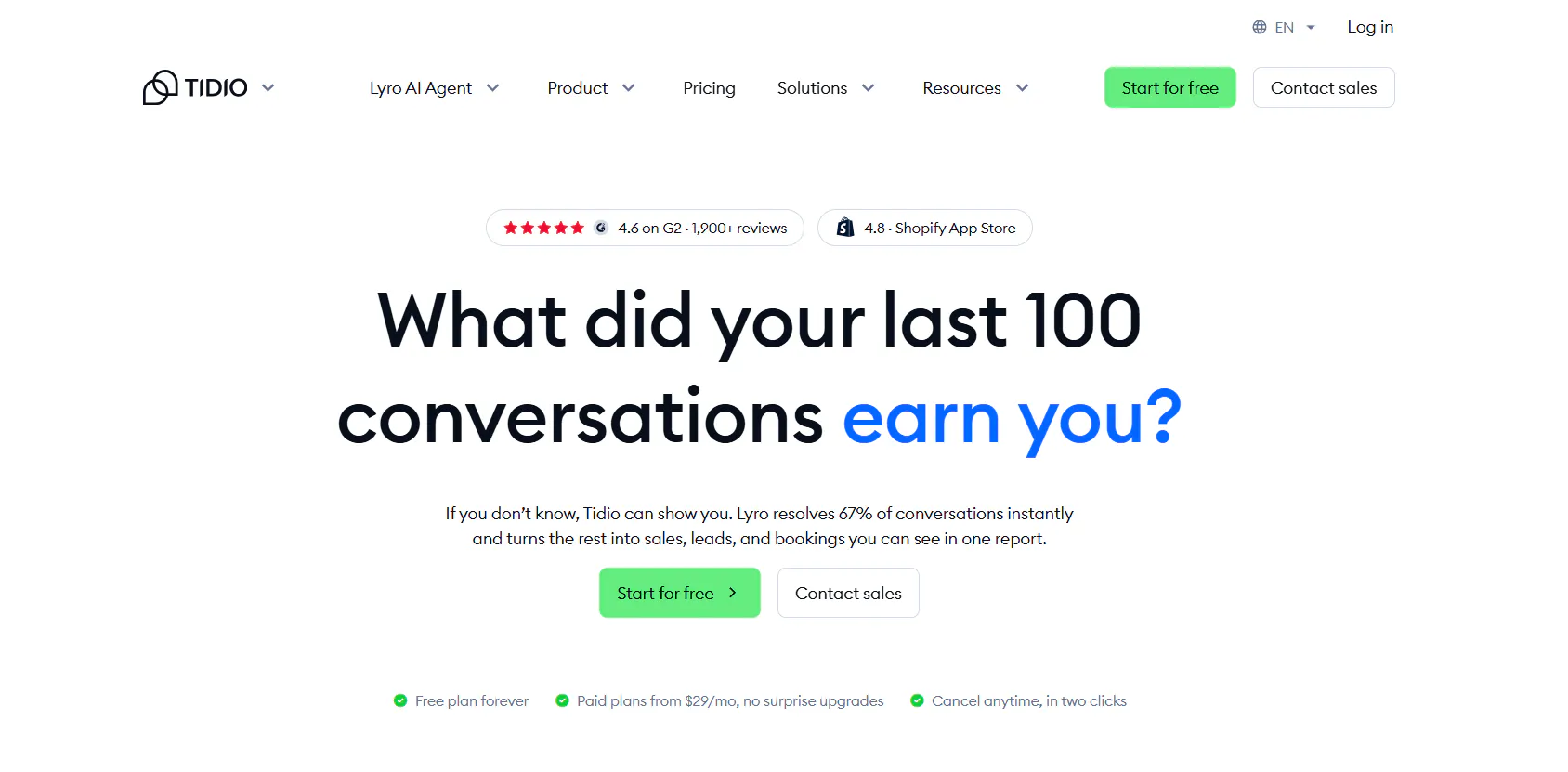
Tidio takes a different approach. Instead of making the AI Agent the center of the entire product, it puts Lyro AI, live chat, Help Desk, and Flows together.
That is useful for businesses where AI will handle a large portion of conversations but human agents still need to manage tickets, respond to customers, and work from the same support environment.
It is particularly relevant for ecommerce and service businesses because Lyro can handle supported customer-service tasks while Tidio's Help Desk manages the conversations that still need people.
Key Features
Tidio has several layers that work together rather than one large AI feature.
Lyro AI Agent
Lyro answers customer questions using the business information provided to it and supports 45+ languages.
It can also ask clarifying questions, create tickets, and hand conversations to human agents according to rules you define.
That means you can decide that certain conversations should always reach a person, such as sensitive topics or cases involving VIP customers, rather than waiting for the AI to decide on its own.
Lyro Smart Actions
Smart Actions let Lyro do more than provide information.
The supplied product information includes actions for things such as order updates, order-status checks, address updates, and lead qualification.
For an ecommerce business, that distinction matters. "Your order is on the way" is a very different experience from an Agent that can actually retrieve the order status and respond using the customer's current information.
Flows
Flows are Tidio's visual automation layer.
They are designed for predictable interactions such as lead capture, demo booking, quote requests, and FAQ automation. The builder includes more than 40 templates.
This gives teams a way to keep simple, structured journeys separate from the more open-ended conversations handled by Lyro.
Help Desk
Tidio's Help Desk adds ticketing, priorities, ownership, tags, routing, and support workflows.
The AI therefore does not have to be responsible for every conversation from beginning to end. A conversation can move from Lyro into a human-managed support process when necessary.
Analytics
Tidio also provides support analytics around areas such as first response time, time to close, operator and channel performance, leads collected, and satisfaction.
Pricing
Tidio is one of the platforms where the headline subscription price is not enough to estimate your bill.
Plan | Monthly price | Billable conversations | Lyro | Flows |
|---|---|---|---|---|
Free | $0 | 50 | 50 one-off | 100 visitors |
Starter | $29/mo | 100 | 50 one-off | 100 visitors |
Growth | From $59/mo | From 250 | Usage-based | Usage-based |
Plus | From $300/mo + usage | Custom | Usage-based | Usage-based |
Premium | Custom | Custom | Custom | Custom |
Tidio tracks billable human conversations, Lyro AI conversations, and Flow visitors separately.
That is why a calculator example is more useful than just saying "Tidio starts at $29."
For example:
- 250 billable conversations: $59
- 50 Lyro AI conversations: $39
- 3,000 Flow visitors: $39
Total:
$59 + $39 + $39 = $137/month
If you only need 250 human billable conversations and do not use Lyro or higher Flow limits, your calculation is very different.
Lyro is also available separately, so a business that only wants the AI layer does not necessarily need the whole customer-service bundle.
Heads up
Tidio's different usage quotas are easy to overlook.
A business might have low human-agent volume but high Lyro usage, or lots of automated Flow visitors without many support conversations. Check all three before deciding which plan actually fits.
Why consider Tidio over SiteSpeakAI?
Tidio makes more sense if what you want from an alternative is AI plus a conventional support workspace.
You get the AI Agent, live chat, ticketing, rule-based automation, and human support in one platform rather than building your support operation primarily around the AI Agent.
Read Next: Best Tidio Alternatives for Customer Support in 2026
3. Chatbase: Best for AI support with Helpdesk, actions, and voice
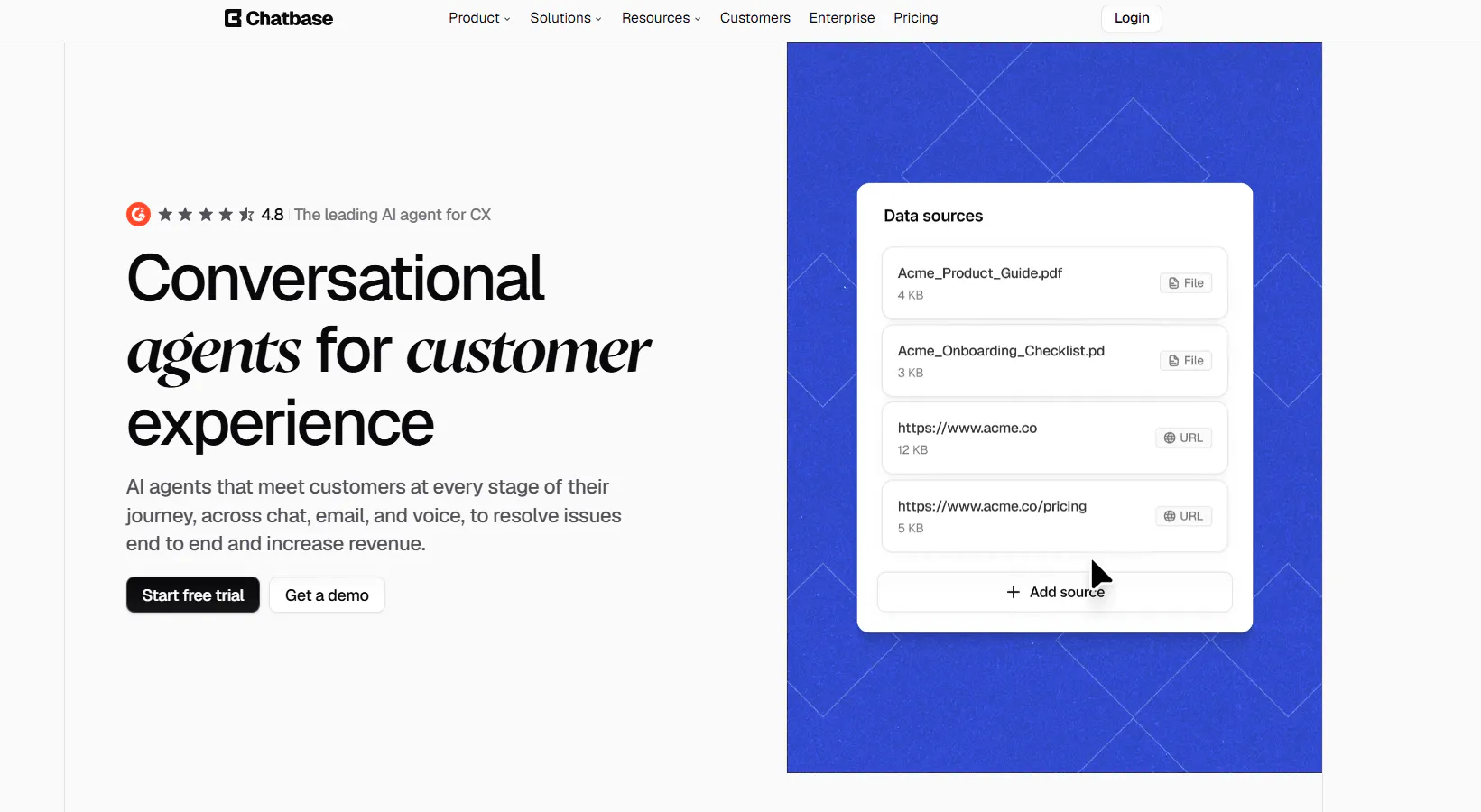
Chatbase has moved beyond the basic website-trained chatbot model. Its AI Agent Builder sits alongside a Helpdesk, AI Actions, human escalation, multiple channels, and voice.
That combination makes it relevant when your support operation needs the AI to connect to more than just your website content.
Key features
AI Agent Builder
The Agent Builder gives teams controls for instructions, procedures, brand voice, guardrails, models, actions, knowledge, and escalation rules.
So instead of simply uploading documents and hoping the AI answers correctly, you can define how it should behave and what it should do when the conversation requires an action or a human.
Knowledge sources
Chatbase Agents can use websites, documents, custom text, databases, help centers, FAQs, tickets, and connected sources.
That makes the knowledge layer broader than simply crawling a website.
AI Actions
Actions let the Agent retrieve information and perform tasks through connected systems and APIs.
This is the part to focus on if you are comparing Chatbase with SiteSpeakAI because both products move beyond simple question answering.
Helpdesk
Chatbase has its own Helpdesk, supporting widget, email, WhatsApp, and API tickets.
The Agent can therefore sit in front of a support workflow rather than existing as an isolated website widget.
Human escalation
Conversations can be escalated to external support systems such as Zendesk, Salesforce, Intercom, Zoho Desk, Freshdesk, HubSpot, and Help Scout.
That matters for companies that already have a human support stack and do not want the AI to replace it.
Voice and channels
Chatbase supports website/chat, email, voice, WhatsApp, Slack, Messenger, Instagram, Meta Apps, and API/custom applications.
The addition of voice is particularly relevant if phone support is part of your customer-service workflow.
Pricing
Plan | Price | Message credits/mo | Members |
|---|---|---|---|
Free | $0 | 50 | 1 |
Hobby | $40/mo | 700 | 2 |
Standard | $150/mo | 4,000 | 3 |
Pro | $500/mo | 15,000 | 5 |
Enterprise | Custom | Custom | Custom |
Hobby gives you 700 credits for $40. If you need 1,700 credits in a month, you have 700 included and can add 1,000 through auto-recharge. That puts the subscription plus one 1,000-credit top-up at $80.
If you regularly need around 4,000 credits, Standard at $150 gives you the larger allowance plus Helpdesk, Voice, Telephony, outbound campaigns, API access, and other higher-tier features.
Heads up
Chatbase uses message credits, and higher-level support capabilities sit on higher plans.
Do not compare the $40 Hobby plan with a SiteSpeakAI plan based purely on price if you actually need Helpdesk, Voice, or telephony.
Why consider Chatbase over SiteSpeakAI?
Chatbase is worth considering when you want AI support that extends into Helpdesk, voice, telephony, outbound campaigns, and multiple escalation destinations.
Read Next: Chatbase Alternatives: 7 AI Customer Support Tools Worth Comparing in 2026
4. Crisp: Best for an omnichannel inbox with AI and human support
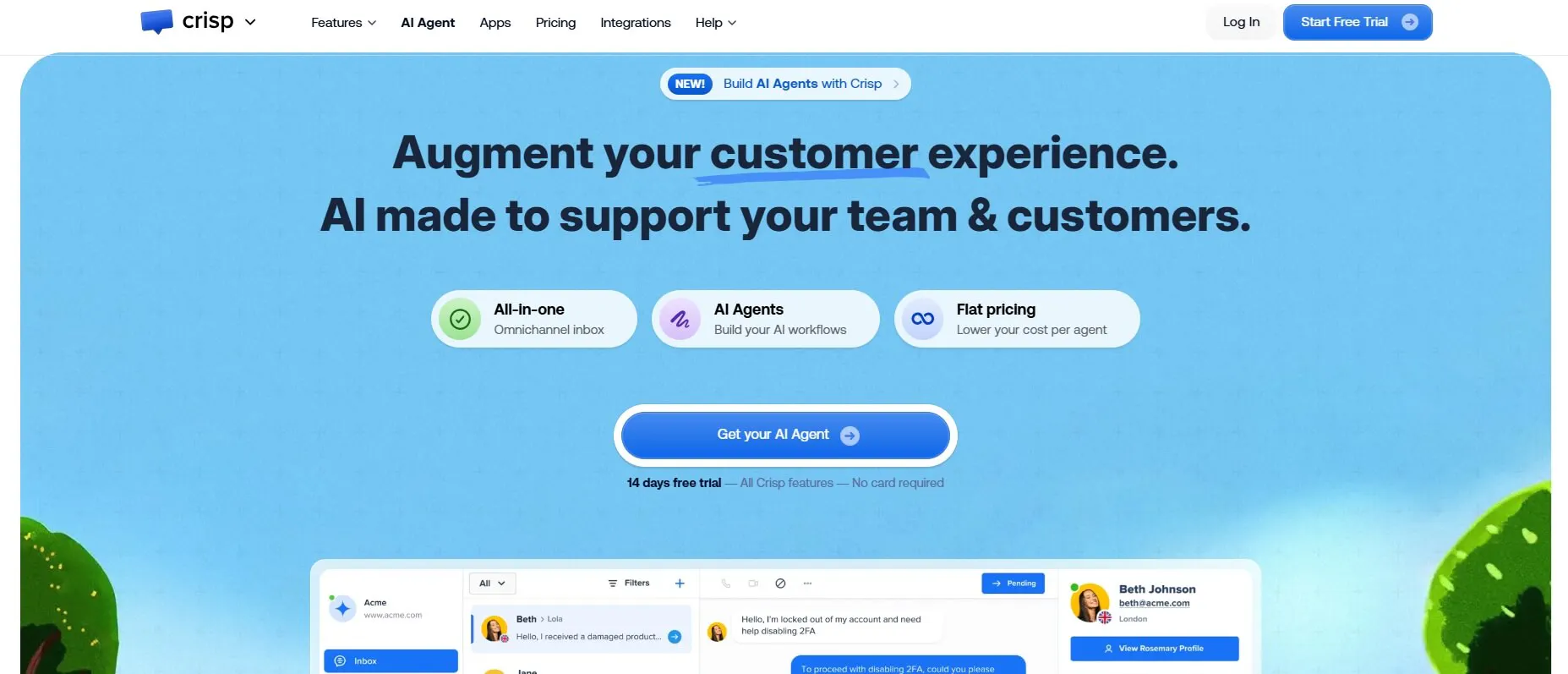
Crisp is built around a shared support workspace.
That distinction matters because the product is not just trying to automate customer conversations. It gives human agents a shared inbox, customer data, workflows, routing, analytics, and a Knowledge Base alongside its Hugo AI Agent.
If your problem with SiteSpeakAI is that the AI is only one part of what your support team needs, Crisp is a very different type of alternative.
Key features
Hugo AI Agent
Hugo can answer questions using your knowledge, follow instructions, execute workflows, trigger actions, and escalate conversations.
The Agent therefore works inside the same support environment as the human team rather than operating as a separate chatbot.
Shared Inbox
The Shared Inbox brings customer conversations into one workspace for human agents.
That becomes especially useful when several agents need to collaborate on the same support queue instead of having customer conversations scattered across separate channels.
Omnichannel support
Depending on the plan, Crisp supports website chat, email, WhatsApp Business, Instagram, Messenger, SMS, Telegram, X/Twitter, Viber, LINE, and phone.
For businesses where customers arrive through several messaging channels, this is one of the main reasons to consider Crisp.
No-code workflows
Crisp's workflow builder can handle routing, escalation, information collection, and other automated processes.
Workflows can run before Hugo responds, during an escalation, from triggers, or through the API.
Knowledge Base
Hugo can use websites, Crisp Knowledge Base content, TXT, CSV, PDF, MD, MDX, and Q&A sources.
This gives teams a way to combine structured support documentation with their AI support setup.
Analytics
Crisp's analytics cover areas such as conversations, satisfaction, topics, operator performance, SLAs, first response time, resolution time, workload, and AI performance.
Pricing
Plan | Price/workspace | Seats | AI credits | Approx. automated conversations |
|---|---|---|---|---|
Free | $0 | 2 | $0 | — |
Mini | $45/mo | 4 | $5 | ~90 |
Essentials | $95/mo | 10 | $25 | ~450 |
Plus | $295/mo | 20+ | $75 | ~1,350 |
Enterprise | Custom | Custom | Custom | Custom |
The Free plan gives you the shared inbox but no AI credits.
Mini adds AI credits and a shared email inbox. Essentials is where Crisp becomes a fuller support platform, with the omnichannel inbox, workflow builder, AI Chatbot, Knowledge Base, analytics, routing, and assignment.
Plus adds ticketing, unlimited task automations, 100+ integrations, white labeling, and advanced analytics.
The practical calculation is simple. If you need around 400 automated conversations, Essentials gives you around 450 automated conversations and costs $95/month. If you need around 1,000, Plus is the first plan with enough included AI allowance at around 1,350 automated conversations, at $295/month.
Heads up
Crisp's Free plan does not include AI credits.
Also, the workspace price is only part of the calculation if you need AI heavily, because AI usage follows its own allowance.
Why consider Crisp over SiteSpeakAI?
Crisp is worth considering when you want AI, a shared inbox, customer data, workflows, routing, and human support in the same workspace.
5. eesel AI: Best for adding AI to the helpdesk you already use
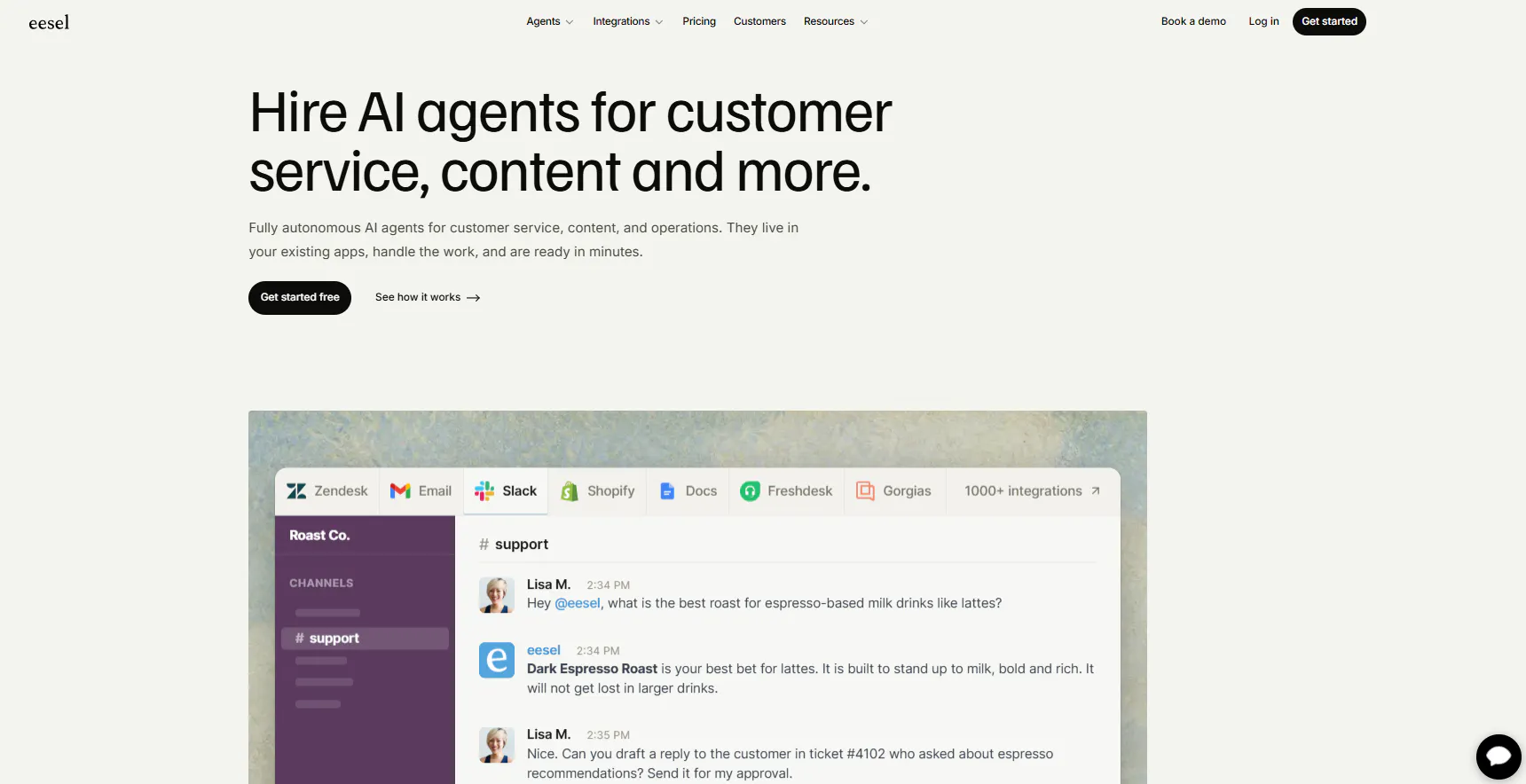
eesel AI is the most obvious option on this list if your reaction to SiteSpeakAI is:
"I don't want another support platform. I want AI inside the one I already have."
The platform works with helpdesks and business tools such as Zendesk, Freshdesk, Intercom, Front, Gorgias, Help Scout, Salesforce, and Jira Service Management.
It can learn from past tickets, help documentation, policies, company documents, website content, product catalogs, CRM data, and other connected sources.
Key features
AI inside the existing helpdesk
eesel AI is designed around the systems your support team already works in.
Instead of moving your agents into a new inbox, the AI can work within the existing helpdesk workflow.
Historical ticket simulations
One of the more useful features is the ability to test how the Agent would have handled previous support conversations.
That gives a team something much more practical to evaluate than a handful of invented test questions. You can take actual support tickets and see where the AI would have answered correctly, where it would have struggled, and where your knowledge base needs work.
Draft-first automation
Teams can start with AI-generated drafts and human approval before moving toward more autonomous handling.
That makes the transition less binary. You do not have to go from "humans answer everything" to "AI answers everything" on day one.
Knowledge management
eesel AI can combine websites, PDFs, help centers, knowledge bases, past tickets, documents, product catalogs, CRM data, and project-management systems into the information available to its Agents.
The same knowledge can then support different AI workflows depending on the connected tools.
Human control
You can define when the Agent responds, what tone it uses, which rules it follows, what process it should use, whether it can send messages, whether it should only draft, and when it should escalate to a human.
That makes the platform particularly relevant for teams that want to increase automation gradually rather than switch it on all at once.
Pricing
Eesel AI uses a simple credit system. One ticket or chat counts as one credit, regardless of how long it is.
Monthly credits | Price |
|---|---|
100 | Free |
500 | $299/mo |
1,000 | $499/mo |
1,500 | $699/mo |
2,500 | $999/mo |
3,500 | $1,349/mo |
5,000 | $1,899/mo |
More than 5,000 | Custom |
The free plan gives you 100 credits to try the product. Paid plans start at 500 credits for $299/month, and you can change the size of your monthly batch.
That makes the calculation straightforward.
Heads up
Eesel's pricing makes more sense when you already have a support operation you want to keep.
If you only need a low-cost website chatbot, the $299 paid starting point puts it in a very different price range from tools such as Chatling and Tidio.
Why consider eesel AI over SiteSpeakAI?
Choose eesel AI when the main requirement is keeping your existing helpdesk and adding AI to it.
The historical-ticket testing and gradual draft-to-autonomous workflow are also useful if your support team wants to prove the Agent against real conversations before letting it work independently.
Read Next: 10 eesel AI Alternatives: Compare Features, Pricing & Support Capabilities
6. Fin: Best for AI resolution inside your existing helpdesk
Fin is designed around a different question:
What if the AI did not need to replace your existing support system at all?
It can work with Intercom and other helpdesks, while connecting AI conversations to Procedures, Data Connectors, APIs, MCP, testing, analytics, ecommerce workflows, and human escalation.
That makes it particularly relevant for established support teams that already have customer data and processes spread across several systems.
Key features
AI Engine
Fin's AI Engine refines queries, retrieves information, reranks results, generates responses, and validates them.
The goal is not simply to retrieve a matching help article. The Agent can work through the support request using the available information and tools.
Procedures
Procedures let teams define multi-step processes that can use Data Connectors, APIs, MCP, and real-time business information.
This is useful when the correct support response depends on doing several things in a particular order.
Data Connectors
Data Connectors give Fin access to connected business information.
Instead of asking the customer for information your systems already contain, the Agent can use connected data as part of the support workflow.
Fin Vision
Fin can understand screenshots, photos, documents, receipts, error messages, and other images.
That matters for support cases where the customer cannot explain the problem clearly in text.
Testing
Fin includes Simulations, Regression Tests, Previews, and Audience Testing.
So teams can test the Agent against scenarios before relying on it with live customers.
Analytics
Fin provides CX Score, AI Topics, Trends, AI Recommendations, Monitors, and Custom AI Scorecards for evaluating support performance.
Channels
Fin supports chat, email, voice, WhatsApp, SMS, Messenger, Instagram, Facebook Messenger, Slack, and API. It can also work with several helpdesk systems.
Pricing
Fin uses outcome-based pricing when you connect it to an existing helpdesk. You pay $0.99 for each billable outcome, with a minimum of 50 outcomes per month, equivalent to a $49 monthly commitment. There are no separate Fin setup, integration, platform, or Fin seat fees under this model.
One outcome is charged per conversation, even if Fin takes multiple actions. Resolutions, Procedure handoffs, and disqualifications cost $0.99. A qualification outcome costs $9.99. A conversation simply passed to the support team without producing an outcome isn't charged.
Option | Price | Main billing unit |
|---|---|---|
Existing helpdesk | $0.99/outcome | Outcome |
Minimum commitment | $49/mo | 50 outcomes |
Fin + Intercom | $0.99/outcome + $29/seat | Outcome + helpdesk seat |
Fin Pro | From $99/mo | Conversations |
Copilot | $35/user/mo | User |
Voice | Custom | Custom |
One conversation can produce only one billable outcome, even if Fin takes several actions.That makes the calculation easy once you know your resolution volume.
100 billable outcomes:
100 × $0.99 = $99
500 outcomes:
500 × $0.99 = $495
1,000 outcomes:
1,000 × $0.99 = $990
The important thing is that not every conversation becomes an outcome. A customer asking to speak to a human and being handed to the support team without a billable outcome is not charged under this model.
Fin also has an option to use Fin with Intercom, where the current plan starts at $29 per seat plus the $0.99 outcome charge. Fin Pro starts from $99/month for up to 1,000 conversations, with higher-volume rates available above that.
Heads up
Fin's $0.99 price is an outcome price, not a message price.
That means you need to estimate how many conversations you expect the Agent to resolve rather than simply how many messages it will send.
Why consider Fin over SiteSpeaAI?
Fin is worth considering when you already have a helpdesk and want AI to resolve conversations using your existing systems, procedures, and customer data instead of moving the entire support operation.
7. Gorgias: Best for ecommerce customer support
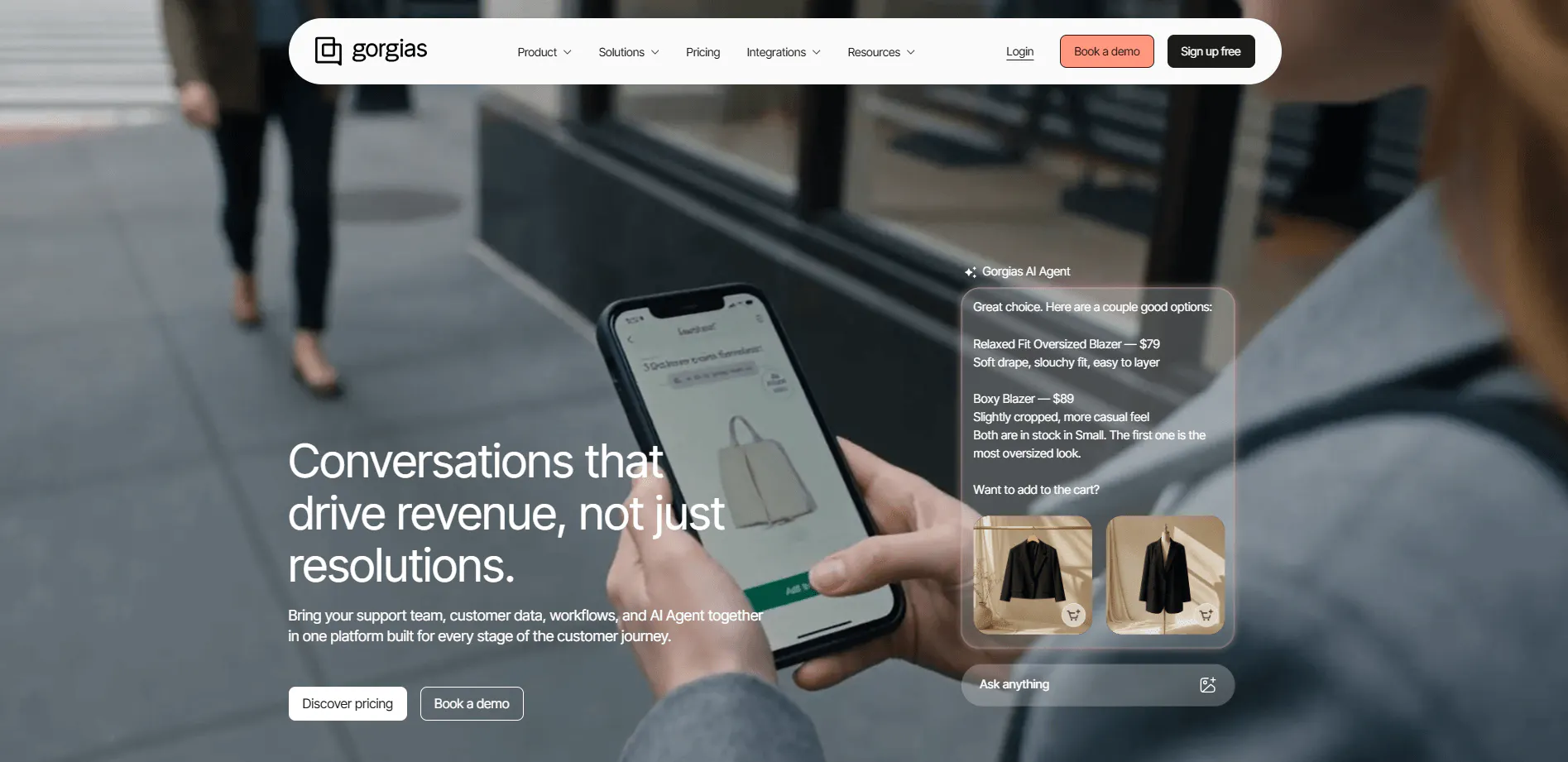
Gorgias is the most specialized product in this list.
It is built specifically around ecommerce customer experience, combining its Helpdesk with an AI Agent that handles both post-purchase support and pre-purchase shopping assistance.
So if your customer conversations revolve around orders, returns, refunds, subscriptions, product questions, and recommendations, Gorgias is solving a much more specific problem than a general-purpose AI Agent.
Key features
Support Agent
The Support Agent handles post-purchase questions such as order tracking, cancellations, returns, refunds, missing items, order edits, subscription changes, and other repetitive support requests.
More importantly, it can perform supported ecommerce actions rather than simply explain what the customer should do.
For example, the Agent can update an order, cancel it, process a refund, change shipping information, or manage a supported subscription workflow.
Shopping Assistant
The Shopping Assistant handles the other side of ecommerce support: customers who have not bought yet.
It can answer product questions, recommend products, suggest complementary or similar products, upsell and cross-sell, generate dynamic discounts, and proactively engage shoppers.
It can use information such as browsing activity, cart contents, purchase history, buying intent, product data, and customer data.
That means Gorgias is not only trying to reduce support tickets. It can also participate in the shopping journey.
Product knowledge
The AI can use Shopify catalog data, website content, Gorgias Help Center content, custom product information, brand policies, support guidance, and product rules.
Brands can also control which products the AI can promote or mention.
Customer context
The Customer Sidebar and Customer Timeline bring together information such as orders, customer history, reviews, subscriptions, and previous interactions.
That gives the Agent more context when handling a support conversation.
Omnichannel Helpdesk
Gorgias supports Email, Chat, Facebook, Instagram, TikTok, WhatsApp, SMS, and Voice.
Pricing
Gorgias combines a ticket-volume-based Helpdesk with outcome-based AI Agent pricing. The Helpdesk itself starts at $10/month, while the combined monthly price with AI Agent starts at $40/month.
Plan | Price/mo | Included tickets |
|---|---|---|
Starter | $10/mo | 50 |
Basic | $60/mo | 300 |
Pro | $360/mo | 2,000 |
Advanced | $900/mo | 5,000 |
Enterprise | Custom | Custom |
AI Agent is a separate add-on.
Gorgias currently charges for AI Agent based on resolved interactions. Starter begins at $1 per resolved interaction, while most plans are $0.90 per resolved interaction. Published AI bundles range from 90 to 2,500+ automated interactions per month.
So if you are estimating Gorgias, you need two numbers:
- How many tickets will your human support team handle?
- How many conversations do you expect AI to resolve completely?
For example, a store with 300 human-resolved tickets would start with the $60 Basic Helpdesk plan. If AI resolves another 100 conversations, you then add the relevant AI Agent usage for those 100 resolutions. The exact AI bundle and overage rate depend on the plan, so it is better not to treat the AI cost as part of the $60 Helpdesk subscription.
Gorgias also charges overages when you exceed your included ticket or automated-interaction allowance. Voice and SMS are separate usage-based add-ons.
Heads up
Gorgias's AI-inclusive plans do not mean unlimited AI usage.
Voice and SMS also have separate usage considerations, so calculate the complete support setup rather than comparing only the $40 AI-inclusive starting price.
Why consider Gorgias over SiteSpeakAI?
Gorgias is the more relevant alternative if you run ecommerce and want the AI to work directly with orders, returns, refunds, subscriptions, product recommendations, and customer shopping data.
Find Alternatives to More Tools:
- 6 Kore.ai Alternatives for AI Customer Support Worth Switching To in 2026
- 10 Best SleekFlow Alternatives To Upgrade Your Customer Support
- 8 Best Fernand Alternatives Compared for Growing SaaS Teams
Which SiteSpeakAI Alternative Should You Choose for Your Business?
The right SiteSpeakAI alternative depends less on the number of features you can get and more on what you want your support setup to do differently.
If you still want an AI agent that can answer questions, take actions, work across customer channels, and hand conversations to your team, you probably do not need to completely change your approach. If you want a helpdesk, ecommerce support, or AI inside the helpdesk you already use, you are looking for something different.
Here is how we would narrow it down.
Choose Chatling if you want a more capable AI agent
Chatling is the closest fit if you like the AI-agent approach but want more room for actions, channels, and workflows.
It can answer from your knowledge base, take actions such as booking meetings or creating tickets, make HTTP requests, and hand conversations to a human with the conversation context. You can also run the same AI Agent across your website, WhatsApp, Instagram, Messenger, and Telegram.
That makes Chatling a particularly useful option if the reason you are leaving SiteSpeakAI is “I want the AI to do more,” rather than “I want to replace my entire support system.”
Its no-code Builder is also useful when some conversations need a fixed flow instead of an open-ended AI response.
Choose Tidio or Crisp if you want AI and a helpdesk together
If your main problem with SiteSpeakAI is that your human support team needs more than an AI inbox, look at Tidio or Crisp.
Tidio combines AI with live chat, ticketing, Flows, and an omnichannel inbox. Crisp gives you a shared inbox, AI, workflows, support CRM, and team features in the same workspace.
This is a better direction if you want your AI and human support operation to live in one place.
Choose eesel AI or Fin if you already have a helpdesk
If your team already works in a helpdesk such as Zendesk, Freshdesk, or Intercom and you are happy with it, do not automatically replace it.
Eesel AI and Fin are worth comparing because they bring AI into an existing support setup instead. Eesel AI can use your existing helpdesk content and ticket history, while Fin works with existing helpdesk environments and focuses on resolving support outcomes.
This is the key question to ask: Do you need a new support platform, or do you just need better AI inside the one you already have?
If it is the second, these tools make more sense than moving everything to another AI chatbot platform.
Choose Gorgias if ecommerce support is your main use case
For an online store, the important question is not just whether the AI can answer product questions. It is whether it can work with orders, returns, refunds, and other ecommerce support tasks.
That is where Gorgias stands apart in this list. Its helpdesk and AI Agent are built around ecommerce support, so it is worth considering if most of your customer conversations revolve around the store itself.
Tidio, Fin, and eesel AI are also worth comparing if ecommerce is important but you have other support requirements.
So, where does that leave SiteSpeakAI?
SiteSpeakAI is still a sensible choice if its current combination of AI agents, knowledge-base training, actions, and channels already covers what you need.
The reason to switch should be specific.
If you want more capable AI actions and a flexible agent setup, start with Chatling. If you want AI plus a full support workspace, compare Tidio and Crisp. If you want AI inside your existing helpdesk, look at eesel AI or Fin. If you run ecommerce support, put Gorgias on the shortlist.
For most teams, that should reduce the seven alternatives to two or three worth actually testing.
Before you switch, take a handful of your real customer questions and test them in those tools. The best choice is the one that handles your support workflow well, at a cost that still makes sense as your conversation volume grows.
If Chatling is one of the options you're considering, you can start with its free plan and test your own knowledge base, customer questions, and AI workflows before making the switch. That gives you a much better idea of whether it fits your support setup than comparing feature lists alone.
Try Chatling for free and see how it automates your customer support.
Frequently Asked Questions
What is the best alternative to SiteSpeakAI?
The answer depends on what you want to change. Chatling is worth looking at if you want more Actions and workflow flexibility. Tidio and Crisp are suited to teams that want AI and human support in one workspace. Eesel AI and Fin are designed for teams that already have a helpdesk, while Gorgias is built around ecommerce support.
What is the cheapest SiteSpeakAI alternative?
Chatling starts at $25/month, Tidio at $29/month, and Chatbase at $40/month.
The starting subscription does not tell you the full cost if the product also charges for AI usage, conversations, credits, or integrations.
Is there a free alternative to SiteSpeakAI?
Yes. Chatling, Tidio, Chatbase, and Crisp all have free plans. Eesel AI also gives you 100 credits to try the product. The limits vary considerably.
How much does SiteSpeakAI cost?
SiteSpeakAI has a Free plan, then Starter at $29/month, Pro at $79/month, Growth at $249/month, and Business at $499/month.
Starter includes 1,000 message credits, Pro includes 3,000, Growth includes 10,000, and Business includes 20,000. Extra message credits cost $25 per 1,000.
Which SiteSpeakAI alternative supports WhatsApp?
Chatling, Tidio, Chatbase, Crisp, Fin, and Gorgias support WhatsApp, although the exact plan or channel setup differs between products.
SiteSpeakAI adds WhatsApp at Pro.
Which SiteSpeakAI alternative has a built-in helpdesk?
Tidio, Crisp, Chatbase, and Gorgias have helpdesk or ticketing functionality. Eesel AI and Fin take another approach. They can add AI to an existing helpdesk rather than asking you to replace it.
Can I use AI chat support with the helpdesk I already have?
Yes. Eesel AI and Fin are specifically relevant if you already use a helpdesk such as Zendesk, Freshdesk, Intercom, Gorgias, or another supported system. Chatling and Chatbase can also connect to external support systems through integrations and Actions.
Which SiteSpeakAI alternative is best for ecommerce support?
Gorgias is the most ecommerce-focused option in this comparison. Its AI can work with orders, returns, refunds, subscriptions, products, and customer shopping data.
Tidio, Fin, Eesel AI, and Chatling are also worth looking at if ecommerce is important but your support requirements are broader.
How does Chatling pricing compare with SiteSpeakAI?
Chatling starts at $25/month, while SiteSpeakAI Starter starts at $29/month.
They use different usage meters. Chatling uses AI credits, and credit consumption depends on the model. SiteSpeakAI uses message credits, with each AI reply consuming a message credit.
Compare the two based on your expected number of AI replies and the models you expect to use, rather than just the starting subscription price.
Which SiteSpeakAI alternative should I choose?
Start with the support setup you already have.
If you want a more action-focused AI Agent, look at Chatling. If you need AI and human support together, look at Tidio or Crisp. If Helpdesk, Voice, and Telephony matter, look at Chatbase. If you already have a helpdesk, look at Eesel AI or Fin. For ecommerce, look at Gorgias.