
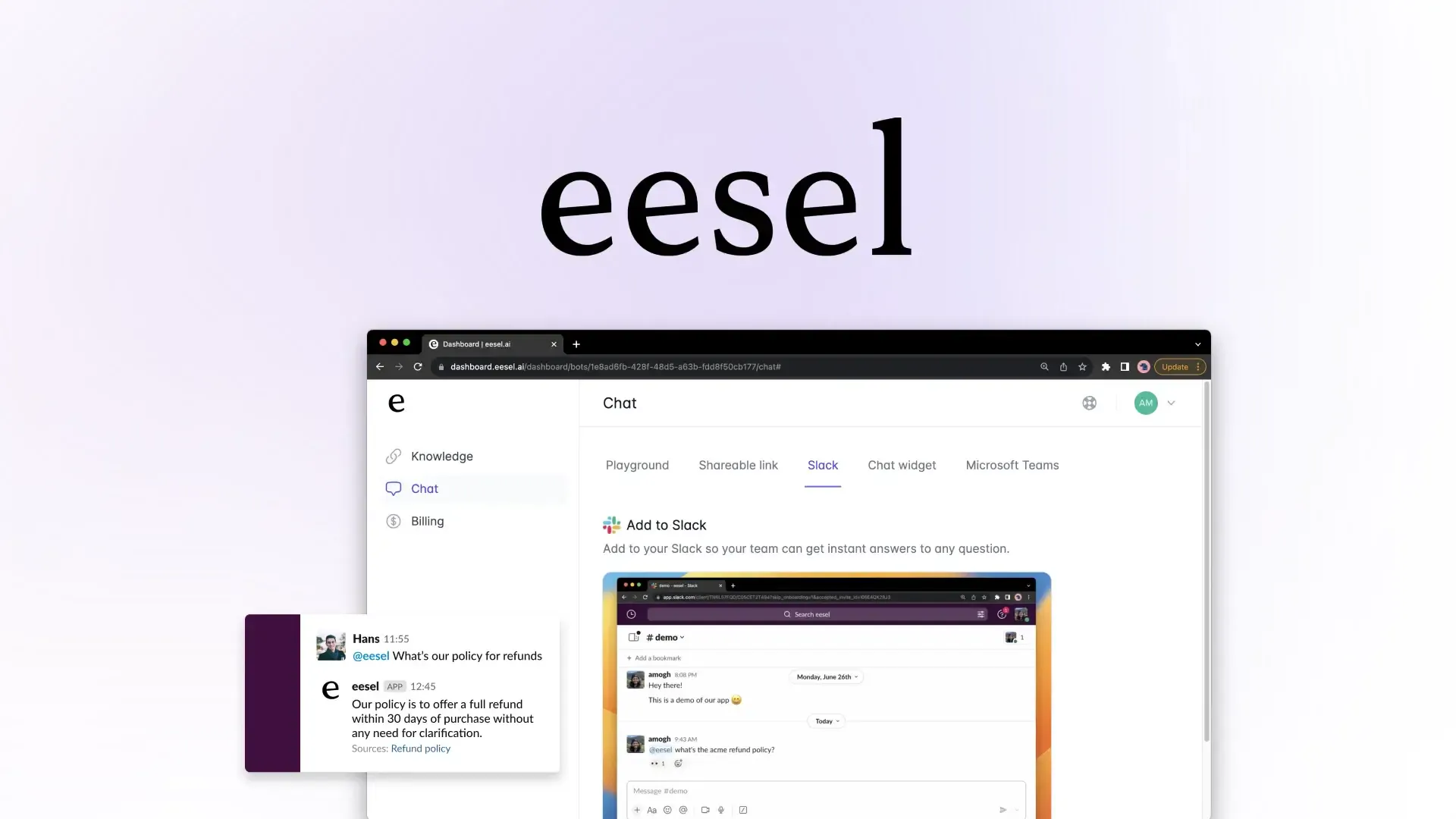
Chatling, Tidio, and Zendesk are three top eesel AI alternatives for customer support, but each takes a different approach. Chatling combines AI agents, structured AI chatbots, human support, and actions across multiple channels. Tidio brings AI support together with live chat and ticketing, while Zendesk combines AI with a broader customer service platform.
If you're comparing eesel AI alternatives, the right option depends on how you want AI to fit into your support operation. Some platforms are built around AI agents, while others combine AI with a shared inbox, ticketing, ecommerce workflows, or highly customizable agent development.
This comparison covers 10 eesel AI alternatives for customer support, including their features, channels, pricing, and important considerations.
TL;DR: Top eesel AI Alternatives At a Glance
Tool | Best for | Key strengths | Channels | Starting price |
|---|---|---|---|---|
Chatling | Businesses that want to automate customer support while keeping human agents in the loop | AI Agents, AI Chatbots, human handoff, AI Actions, agent inbox, analytics, multilingual support | Web, WhatsApp, Instagram, Telegram, Messenger | Free plan + paid from $25/mo |
Tidio | Small and growing teams combining live chat with AI-powered support | Lyro AI Agent, live chat, ticketing, automation, analytics, visitor tracking | Website, live chat, email, Messenger, Instagram, WhatsApp | 7-day free trial + paid from $29/month. |
Chatbase | Teams that need AI agents with advanced integrations and automated support workflows | AI Agent Builder, knowledge base, AI Actions, human escalation, helpdesk, voice, analytics | Website, email, WhatsApp, voice, Slack, Messenger, Instagram, API | Free plan + 7-day trial + paid from $40/mo |
Zendesk | Established support teams that need a full customer service platform | Ticketing, Agent Workspace, AI, routing, automation, knowledge base, reporting, voice | Web, mobile, email, voice, SMS, live chat, social | Free trial + paid from $19/agent/month (when billed yearly). |
Fin AI | Support teams that want AI to resolve conversations across existing helpdesk systems | AI Agent, Procedures, Data Connectors, Fin Voice, Copilot, analytics, ecommerce support | Chat, email, WhatsApp, Messenger, Instagram, SMS, voice, API | Free trial + paid from $0.99/outcome |
Gorgias | Ecommerce businesses that want AI support connected to their store | AI Agent, helpdesk, order management, refunds, product recommendations, ecommerce integrations | Email, chat, Facebook, Instagram, TikTok, WhatsApp, SMS, voice | From $40/month with AI Agent. |
Crisp | Teams that want a shared inbox combining AI, automation, and human support | AI agents, shared inbox, CRM, workflow automation, knowledge base, routing, analytics | Web chat, email, WhatsApp, Instagram, Messenger, SMS, Telegram, and more | plan + 14-day free trial + paid from $45/month. |
SleekFlow | Businesses managing customer conversations across messaging and sales channels | Unified inbox, AI Agents, AgentFlow, ticketing, CRM, automation, ecommerce, analytics | WhatsApp, email, Instagram, SMS, TikTok, Facebook Messenger, VoIP | From $139/mo |
SiteGPT | Businesses that want a website chatbot trained on their own content | Website-trained AI, knowledge sources, human escalation, lead generation, analytics, API | Website, apps, help centers | Free trial + paid from $59/mo |
Voiceflow | Teams building customized AI support and voice agents | Agent Builder, Workflows, Playbooks, knowledge base, Functions, MCP, voice AI, testing | Web, voice/phone, API, custom channels | Free trial + usage-based pricing |
5 Areas Where eesel AI May Fall Short
eesel AI offers AI agents for customer service, ecommerce, content, and business operations, and it can work with existing helpdesks, company documents, websites, customer information, product data, and other business systems.
It also supports simulations, analytics, multilingual conversations, customer-facing chat, WhatsApp, Instagram, Facebook Messenger, and SMS.
The differences between eesel AI and other customer support AI tools are therefore less about basic functionality and more about how the product fits into a support team's workflow.
1. It is built around existing tools
eesel AI's Helpdesk Agent is designed to work inside platforms such as Zendesk, Freshdesk, Intercom, Front, Gorgias, Help Scout, Salesforce, and Jira Service Management. The agent uses information and context from those connected systems instead of requiring a team to replace its existing helpdesk.
That can work well for businesses that already have an established support stack.
However, teams looking for a dedicated AI customer support environment may prefer a platform where the AI conversations, human inbox, handoff workflow, actions, analytics, and customer channels are central parts of the product.
2. The support experience depends on connected systems
eesel AI can deploy through a Chat Bubble, Inline Embed, Public Chat Link, WhatsApp, Instagram DMs, Facebook Messenger, and SMS.
It can also work inside connected systems such as Intercom, HubSpot, Gorgias, Help Scout, Front, and Salesforce.
The distinction is that eesel AI's core approach is to bring AI into the systems a business already uses.
If you want one customer support platform that puts AI conversations and human support into a central workspace, that difference in product architecture is worth considering.
3. It does not document a flow-based AI chatbot builder
eesel AI supports conversational agent configuration, instructions, rules, escalation, human oversight, autonomous resolution, and simulations.
However, the supplied product material does not document a separate visual, flow-based AI Chatbot Builder.
That matters for teams that want both an open-ended AI agent and a structured chatbot where they can manually define conversation paths, conditions, buttons, forms, and actions.
Chatling, for example, supports both AI Agents and flow-based AI Chatbots. Its visual Builder includes blocks, variables, conditions, AI responses, actions, triggers, and integrations.
4. Its pricing is usage-based
eesel AI charges $0.40 per ticket or helpdesk conversation handled. Usage is free until it reaches $50, while Enterprise adds a $1,000/month platform fee on top of usage.
This differs from platforms that package their customer support AI into monthly plans with defined seats, credits, conversations, tickets, or AI interactions.
5. Its product scope extends beyond customer support
eesel AI covers customer service alongside content, SEO, ecommerce, project management, and other business operations. Its agents can work with company information, customer data, product information, and connected business systems across these use cases.
For a company specifically evaluating AI customer support software, that makes it useful to compare eesel AI's broader agent approach with platforms designed primarily around customer conversations and support operations.
What Makes a Good Customer Support Chatbot?
A good customer support chatbot should give customers accurate information, resolve routine requests, involve a human when needed, and give your support team enough control to improve it over time.
When comparing eesel AI alternatives, these are the six areas worth checking:
What to check | Why it matters | What a good chatbot should do |
|---|---|---|
Answer accuracy | Wrong answers create more support work instead of reducing it. | Use your website, FAQs, product information, policies, and documentation to give accurate answers. |
Actions, not just answers | Customers often need something done, not just explained. | Retrieve information, create tickets, update records, send emails, book appointments, or trigger workflows. |
Human handoff | Some issues need a person, especially complex or sensitive requests. | Escalate to an agent with the conversation context intact, so customers don't have to repeat themselves. |
Customer channels | Customers expect support where they already contact your business. | Support the channels that matter to your audience, such as your website, WhatsApp, Instagram, Messenger, or Telegram. |
Testing and control | AI can behave differently across different questions and situations. | Test real scenarios, adjust instructions and configurations, and catch problems before going live. |
Analytics | You need to know whether AI is actually improving support. | Track conversations, resolution, customer satisfaction, common questions, and areas where the AI needs improvement. |
The simple rule: Don't choose an AI chatbot based on how many features it has. Choose one that can answer accurately, take useful actions, hand off smoothly to humans, work across your important channels, and show you what's happening after launch.
10 eesel AI Alternatives You Can’t Go Wrong With
The biggest differences between eesel AI alternatives come down to how much control you want over AI, how closely it works with human agents, which channels you need, and what you want AI to do beyond answering questions. The options in this list cover each of those approaches, so you can compare them against the way your support team actually works.
1. Chatling: AI customer support with agents, actions, and multichannel support
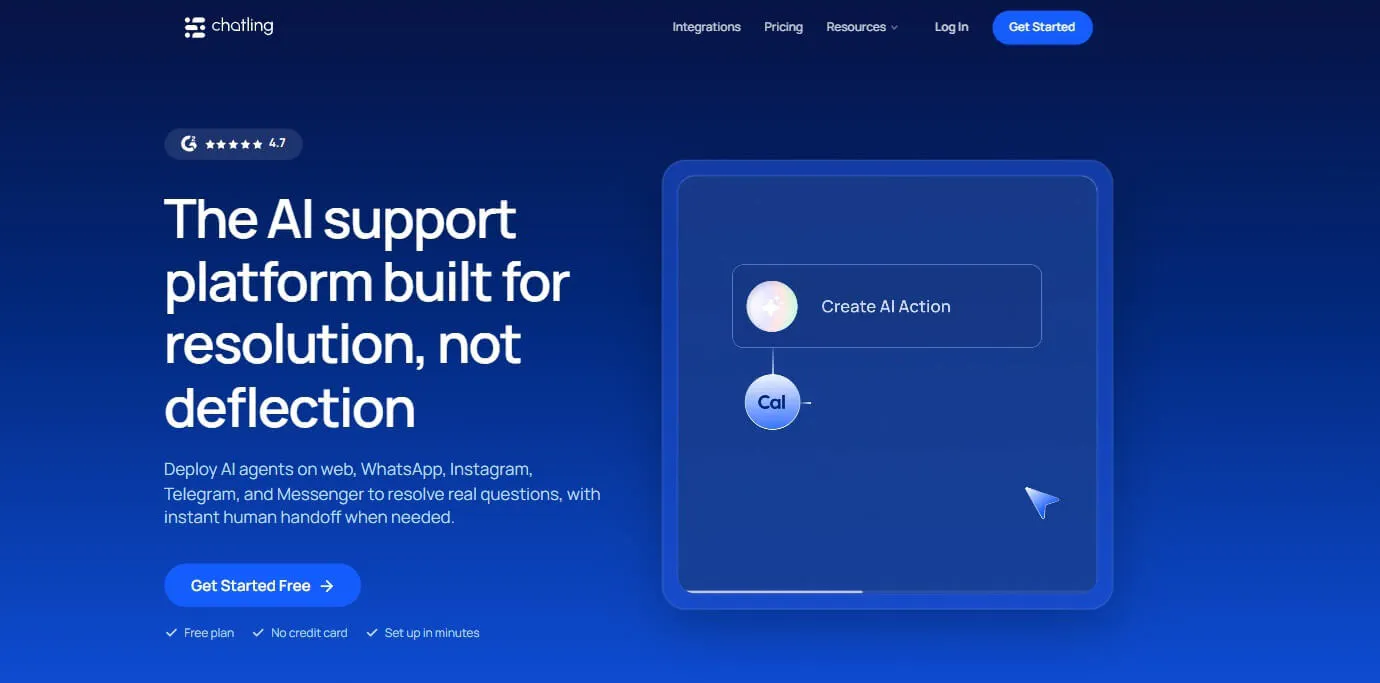
Chatling combines AI Agents and AI Chatbots with company content, AI Actions, Live Chat, Human Handoff, analytics, conversation management, and lead and contact management.
Its AI Agents can handle open-ended support requests and decide how to respond or which configured action to use. Its AI Chatbots provide a separate structured approach for guided conversations and defined workflows.
Key features
Chatling's customer support capabilities cover the path from answering a question to taking an action or handing the conversation to a human.
- AI Agents: Answer customer questions, troubleshoot issues, retrieve information, create support tickets, update records, send emails, book appointments, capture leads, call external APIs, and hand conversations to human agents.
- AI Chatbots: Build structured chatbot experiences using messages, questions, buttons, forms, conditions, AI responses, variables, triggers, and actions.
- Company content: Use websites, sitemaps, URL lists, PDFs, DOCX files, TXT files, text, FAQs, Zendesk, and Zoho as sources for AI responses. The website crawler supports up to 1,000 pages.
- AI Actions: Use lead forms, buttons, HTTP requests, Cal.com, email, Google Sheets, HubSpot, and Zendesk to collect information, retrieve data, update records, create tickets, and complete configured tasks.
- Live Chat and Human Handoff: Human agents can take over conversations with access to conversation history, AI summaries, priority, sentiment, internal notes, assignment, routing, and canned responses.
- Testing and analytics: Playground supports configuration and model comparisons, while analytics cover conversations, leads, resolution, satisfaction, content gaps, and AI performance.
- Channels: Chatling supports Web, WhatsApp, Instagram, Messenger, and Telegram for customer conversations.
Pricing
- Free: 200 AI credits, 1 AI agent, 1 seat, 500,000 knowledge base characters, 2 actions per agent, workflows available, and 1 workflow
- Starter ($25/mo): 1,750 AI credits, 2 AI agents, 2 seats, 10 million knowledge base characters, 4 actions per agent, workflows available, and 5 workflows
- Growth ($75/mo): 6,000 AI credits, 5 AI agents, 5 seats, 30 million knowledge base characters, 7 actions per agent, workflows available, and 15 workflows
- Scale ($295/mo): 35,000 AI credits, 7 AI agents, 10 seats, 100 million knowledge base characters, 12 actions per agent, workflows available, and unlimited workflows
Heads up
Chatling offers both AI Agents and AI Chatbots, so you can choose between open-ended AI conversations and more structured, flow-based experiences. AI Agents are better suited to handling varied customer questions and multi-step tasks, while AI Chatbots give you more control over the conversation flow for structured support journeys, FAQs, and predictable workflows.
You can also combine AI responses and actions with chatbot flows, so the choice comes down to how much control you want over each customer interaction.
2. Tidio: AI support with live chat and ticketing
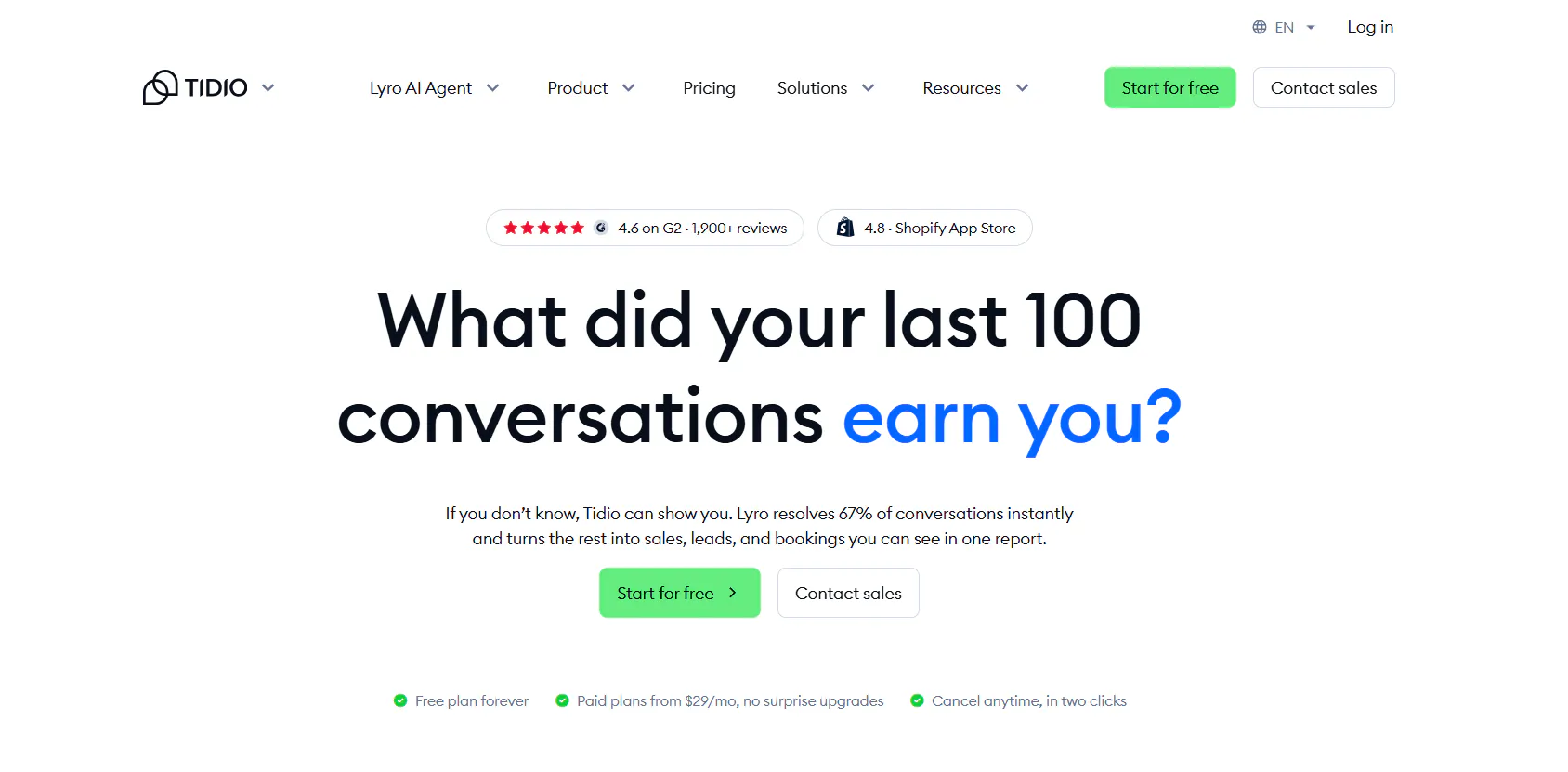
Tidio combines AI support with traditional customer service tools. Lyro AI Agent handles AI conversations, while Live Chat, Ticketing, Flows, analytics, visitor management, and automation support the broader workflow.
This makes Tidio relevant for teams that want AI and human support capabilities within the same customer support platform.
Key features
Tidio combines conversational AI with live support and customer service automation.
- Lyro AI Agent: Answers customer questions, handles repetitive requests, understands conversational context, asks clarifying questions, and performs supported actions.
- Human handoff: Lyro can transfer conversations to human agents and create tickets when configured.
- Multichannel support: Lyro works across live chat, WhatsApp, Instagram, and Messenger.
- AI-powered support content: Lyro can use website content, FAQs, links, PDFs, manual entries, and Zendesk articles to answer customers.
- Flows: The no-code builder supports FAQ automation, lead capture, cart recovery, cross-sells, discounts, appointment booking, quote requests, post-purchase workflows, surveys, and missed-conversation handling.
- Help Desk and ticketing: Tidio provides ticket routing, priorities, filters, Smart Views, ownership, history, automation, departments, and SLAs.
- Shopify support: Tidio supports product catalog information, cart previews, order history, product recommendations, order cancellation, address changes, refunds, and coupon codes.
- AI and support analytics: Teams can monitor AI performance, missed questions, and customer conversations, with real-time conversation monitoring available.
Pricing
Tidio has a free trial, paid plans, and a standalone Lyro option.
- Starter: $29/month for 100 billable conversations, plus 50 one-off Lyro conversations, 100 Flow visitors, live chat, ticketing, and basic analytics.
- Growth: starts at $59/month for 250+ billable conversations, adding advanced analytics, user permissions, automatic assignment, automatic replies, and macros.
- Plus: starts at $300/month + usage with custom conversation limits, premium support, a Success Manager, departments, multiproject, ticketing automation, OpenAPI, and custom limits.
- Premium: custom pricing with 3,000+ Lyro conversations, a 50% Lyro resolution-rate guarantee, pay-per-resolution billing, AI insights, Advanced Copilot, custom analytics, and managed Lyro.
Heads up
Tidio's pricing page displays its paid prices under an annual-billing view. Its free and trial options also have usage limits, so the plan price alone does not represent unlimited AI support.
Read Next: Best Tidio Alternatives for Customer Support in 2026
3. Chatbase: AI agents with helpdesk, actions, and voice
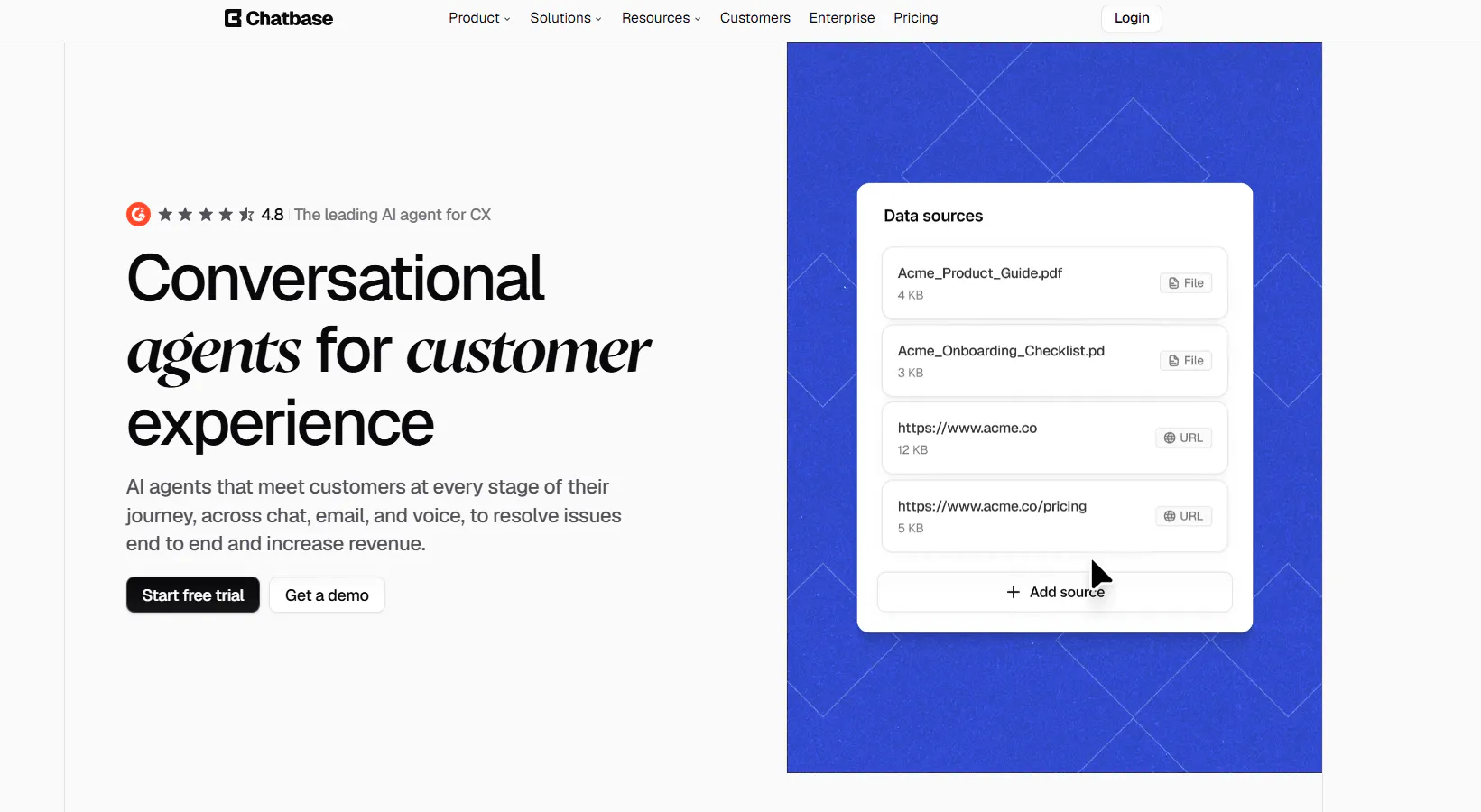
Chatbase provides an AI Agent Builder for creating, testing, deploying, and optimizing AI agents. It combines agent capabilities with a Helpdesk, human escalation, AI Actions, multiple deployment channels, and voice.
It is therefore broader than a traditional website chatbot, particularly for teams that need AI to interact with support systems and external tools.
Key features
Chatbase combines AI agent development with customer support workflows.
- AI Agent Builder: Build and configure AI agents with instructions, guardrails, and other agent settings.
- AI Actions: Agents can connect to external systems and APIs to retrieve information or perform supported actions.
- Human escalation: Conversations can be escalated to human teams through integrations such as Zendesk, Salesforce, Intercom, Zoho Desk, Freshdesk, and Help Scout.
- Helpdesk: Chatbase can respond directly to Zendesk tickets, create tickets for escalation, add conversation summaries, and generate draft responses.
- Personalization: Agents can use customer-specific information to provide responses based on the customer's context.
- Multichannel deployment: Agents can be deployed through website chat, email, voice, WhatsApp, Slack, Messenger, Instagram, Meta Apps, and API/custom applications.
- Testing and Playground: Teams can test customer scenarios, responses, instructions, edge cases, and model settings before deployment.
- Analytics and optimization: Chatbase tracks conversations, agent activity, performance, customer interactions, topics, sentiment, trends, and customer issues.
Pricing
Chatbase has five plans.
- Free: $0/month with 50 message credits, 1 member, and limited model access. Agents are deleted after 14 days of inactivity.
- Hobby: $40/month with 700 message credits, 2 members, advanced models, integrations, basic analytics, and attachments. Includes a 7-day trial.
- Standard: $150/month with 4,000 message credits, 3 members, Helpdesk, Voice, Telephony, outbound campaigns, API access, personalization, auto-resync, and advanced integrations. Includes a 7-day trial.
- Pro: $500/month with 15,000 message credits, 5 members, advanced analytics, source suggestions, and tickets as a source. Includes a 7-day trial.
- Enterprise: Custom pricing with higher limits, flexible billing, custom roles, SSO, white-labeling, audit logs, priority support, a success manager, SLAs, and HIPAA eligibility.
Heads up
Chatbase uses message credits, and additional usage can affect the total monthly cost. Some capabilities, including Helpdesk and Voice, become available on higher plans.
Read Next: Chatbase Alternatives: 7 AI Customer Support Tools Worth Comparing in 2026
4. Zendesk: a full customer service platform
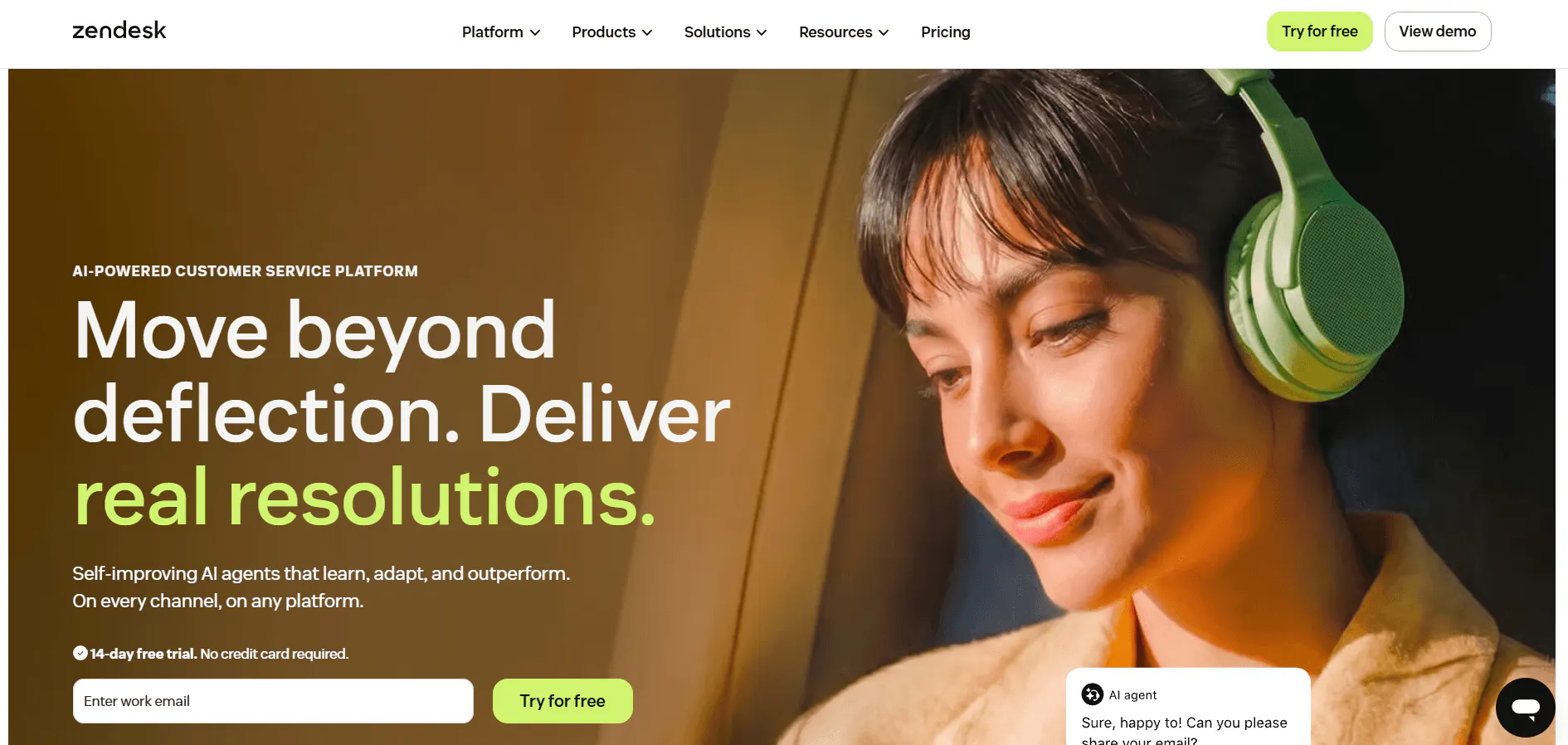
Zendesk is a broader customer service platform rather than a standalone AI chatbot. It combines ticketing, messaging, email, voice, SMS, live chat, routing, automation, analytics, AI Agents, and Copilot.
For teams that need AI within an established customer support operation, Zendesk provides the surrounding support infrastructure as well as the AI layer.
Key features
Zendesk covers both customer-facing conversations and internal support workflows.
- AI Agents: Autonomous customer-service agents can handle conversations, retrieve relevant information, follow configured procedures, take actions, and escalate when needed.
- Ticketing: Centralize customer requests and manage them through service workflows.
- Agent Workspace: Give human agents a unified workspace for handling customer conversations and support requests.
- Omnichannel messaging: Support customers across web, mobile, and social messaging channels.
- Voice support: Handle phone-based customer service with call management, transcripts, and AI assistance.
- Routing and intelligent triage: Route customer requests and use intelligent triage to organize incoming support work.
- Automation: Automate customer-service processes and workflows across the support operation.
- Copilot: Assist human agents with AI-powered support workflows, including features such as suggested responses and ticket assistance.
- Analytics and reporting: Monitor service performance through dashboards and reports, with additional capabilities for quality assurance and conversation evaluation.
Pricing
Zendesk has standalone Support and Suite plans.
- Support Team: $19/agent/month when paid yearly. Includes email and ticketing, routing, analytics dashboards, customer context, automations, and triggers.
- Suite Team: $55/agent/month when paid yearly. Adds AI Agents, Action Builder, omnichannel routing, messaging, live chat, and telephony.
- Suite Professional: $115/agent/month when paid yearly. Adds Admin Copilot, App Builder, Writing Tools, Quick Reports, skills-based routing, and IVR.
- Suite Enterprise + Copilot: Custom pricing with Intelligent Triage, Auto Assist, generative AI for Voice, approval workflows, sandbox, and custom agent roles.
Heads up
Copilot is a paid add-on for eligible plans, while AI-agent usage is billed through automated resolutions. That means the base subscription does not necessarily represent the full cost of AI-powered support.
5. Fin AI: AI resolution inside your existing helpdesk
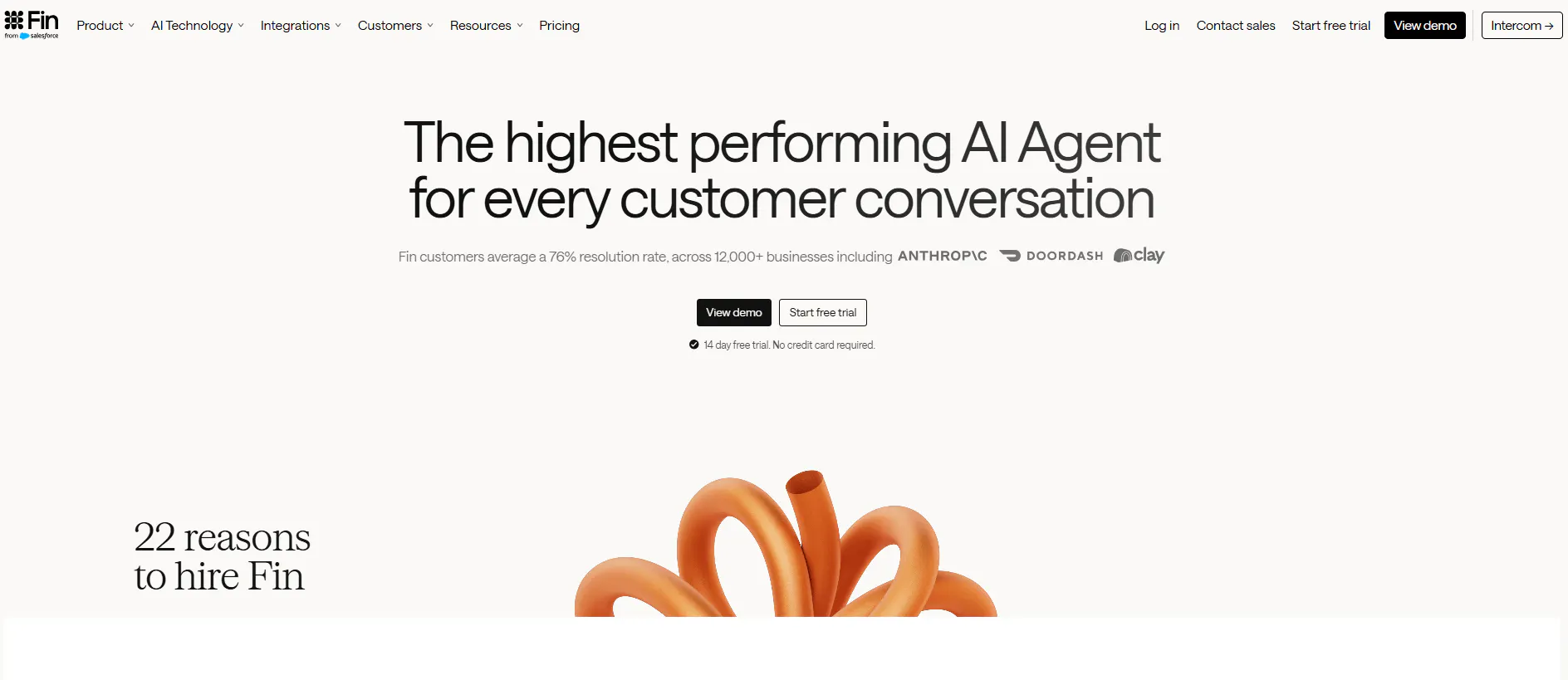
Fin is an AI customer-service agent designed to work with Intercom or an existing helpdesk. It combines AI responses with Procedures, Data Connectors, APIs, MCP, testing, analytics, and human escalation.
It also has dedicated capabilities for ecommerce, voice, and other customer service workflows.
Key features
Fin focuses on resolving customer requests using company content and connected business systems.
- Customer-service AI Agent: Fin handles both simple questions and multi-step support requests across customer conversations.
- Customer-specific answers: Fin can use connected business data to provide responses based on the customer's situation.
- Procedures: Handle multi-step processes using business rules, natural-language instructions, connected systems, and real-time information.
- AI actions and workflows: Fin can retrieve information, perform actions, complete tasks end to end, and hand work to humans or other workflows.
- Fin Vision: Understand screenshots, photos, documents, receipts, error messages, product defects, and other visual information.
- Human handoff: Fin can transfer conversations to human teams when the required information or confidence is not available.
- Multichannel support: Fin supports chat, email, voice, WhatsApp, SMS, Messenger, Instagram, Facebook Messenger, Slack, and API deployments.
- Automated testing: Teams can use simulations, regression tests, previews, and audience testing before deploying changes.
- AI analytics: Fin provides CX Score, AI Topics, Trends, AI Recommendations, Monitors, and custom AI Scorecards for analyzing support performance.
Pricing
Fin uses outcome-based pricing, with additional products and usage models.
- Fin with your current helpdesk: $0.99/outcome, with a minimum of 50 outcomes per month. Includes Fin AI Agent across tickets, email, live chat, WhatsApp, SMS, and more, plus external actions and direct agent handoff.
- Fin with Intercom: from $0.99/outcome + $29/helpdesk seat/month, with Fin's AI Agent features plus Intercom's Inbox, Ticketing, email, live chat, phone, SMS, workflows, reporting, Help Center, and outbound tools.
- Pro: from $99/month, including Operator, CX Score, AI Topics, Trends, AI Recommendations, Monitors, custom AI Scorecards, and Incident Detection.
- Copilot: $35/user/month, with AI assistance for agents, training and onboarding, content-based answers, AI translations, and faster resolution.
Heads up
Fin's main pricing model is based on outcomes rather than simply the number of seats or agents. Estimate expected resolution volume before comparing the monthly cost with subscription-based alternatives.
6. Gorgias: ecommerce customer support
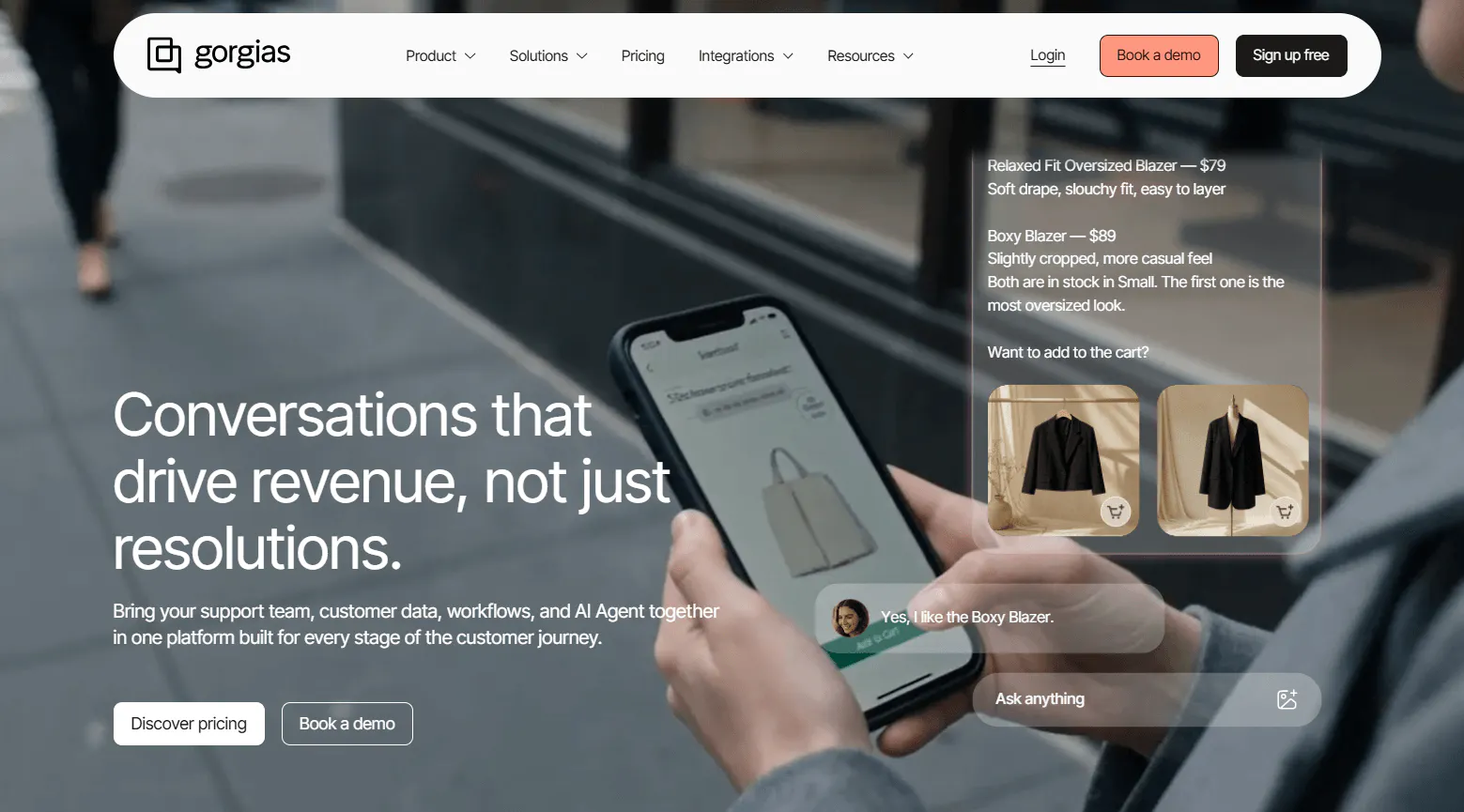
Gorgias is built specifically around ecommerce customer experience. Its two core products are Helpdesk and AI Agent, with AI handling both post-purchase support and pre-purchase shopping assistance.
Its AI can work with ecommerce information involving products, orders, shipping, returns, refunds, subscriptions, and customer history.
Key features
Gorgias combines customer support conversations with ecommerce data and actions.
- Support Agent: Handles order tracking, cancellations, returns, refunds, missing items, order edits, subscription changes, FAQs, and other repetitive support requests.
- Ecommerce actions: The AI Agent can perform supported actions such as updating orders, cancelling orders, processing refunds, changing shipping information, and managing subscriptions.
- Shopping Assistant: Handles pre-purchase questions, product recommendations, upsells, cross-sells, and product discovery.
- Customer context: The Customer Sidebar can show orders, customer history, reviews, subscriptions, and third-party information alongside a ticket.
- Human handoff: AI can transfer conversations to human agents with the existing conversation context and an AI handover summary.
- Omnichannel Helpdesk: Centralize email, live chat, Facebook, Instagram, TikTok, WhatsApp, SMS, and Voice conversations.
- Routing and automation: Use routing, prioritization, rules, assignment, views, macros, and conditions based on factors such as channel, topic, sentiment, agent capacity, and customer information.
- Help Center: Build customer-facing articles, categories, search, contact forms, custom domains, embedded help content, and analytics.
Pricing
Gorgias uses ticket-volume-based Helpdesk pricing and charges separately for AI-resolved interactions.
- Starter: $40/month with AI Agent for 50 tickets and 30 automated interactions. Includes Helpdesk and AI Agent, with overages of $0.40 per ticket and $1.50 per automated interaction.
- Basic: $90/month with AI Agent for 300 tickets and 30 automated interactions. Includes Helpdesk and AI Agent, with the same $0.40 per-ticket and $1.50 per automated-interaction overages.
- Pro: $550/month with AI Agent for 2,000 tickets and 190 automated interactions. Includes Helpdesk and AI Agent, with $0.36 per additional ticket and $1.50 per additional automated interaction.
- Advanced: $1,430/month with AI Agent for 5,000 tickets and 530 automated interactions. Includes Helpdesk and AI Agent, with $0.36 per additional ticket and $1.50 per additional automated interaction.
- Custom: Contact sales for teams handling more than 5,000 conversations per month, with SSO, audit logs, custom agreements, dedicated support, deeper integrations, custom automations, and proactive content-gap detection.
Heads up
Gorgias's AI-inclusive totals are not unlimited AI usage. Each plan includes a defined number of AI interactions, and additional automated interactions are charged separately.
7. Crisp: omnichannel support with an AI shared inbox
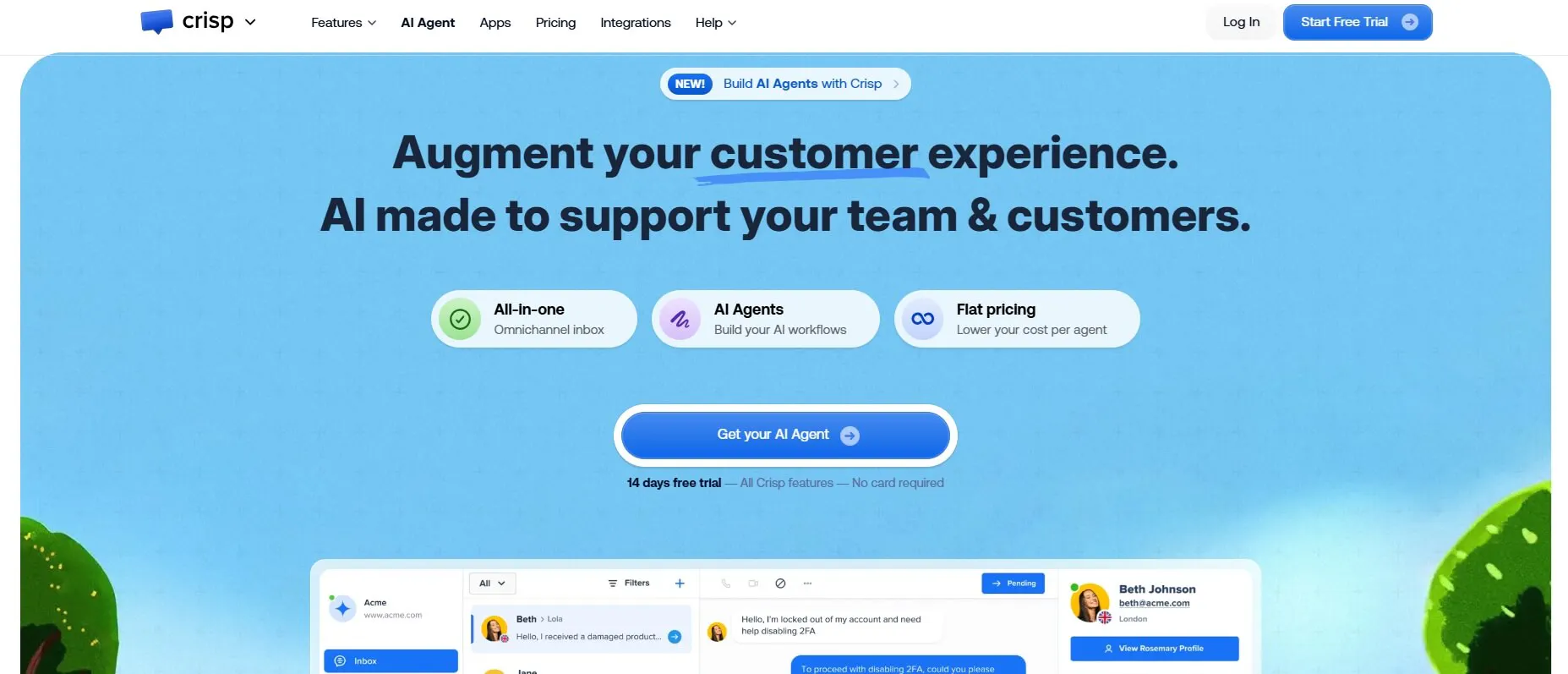
Crisp combines an omnichannel Shared Inbox with Hugo AI Agent, AI workflows, customer data, campaigns, automation, and analytics.
It is designed around a shared support workspace where AI and human agents can work together.
Key features
Crisp combines customer conversations, automation, customer data, and AI in one support environment.
- Hugo AI Agent: Hugo answers questions, follows instructions, executes workflows, triggers actions, uses external tools, and escalates conversations.
- Shared Inbox: Bring customer conversations into a shared workspace for human support teams.
- Omnichannel support: Crisp supports web chat, WhatsApp, Messenger, Instagram, email, SMS, Telegram, X/Twitter, Viber, LINE, and Phone depending on the plan.
- Workflow automation: Build no-code workflows using events, actions, conditions, and AI-agent blocks.
- AI routing and escalation: Route conversations to humans, trigger workflows, or determine when Hugo should handle a conversation.
- Human handoff workflows: Before handing a conversation to a human, workflows can collect information, check customer data, check availability, run automations, send webhooks, and perform other actions.
- AI Copilot and support AI: Crisp includes an internal AI Copilot, AI-generated answers, conversation summaries, auto-tagging, intent detection, topic detection, multilingual AI, and voice-to-text.
- MCP and external tools: MCP connects Hugo with external services, APIs, and databases.
- Support analytics: Crisp provides analytics around conversations, satisfaction, operator performance, SLAs, response and resolution times, workload, and AI performance.
Pricing
Crisp charges per workspace rather than per conversation.
- Free: $0/month forever, with 2 seats, shared inbox, website chat, mobile apps, Chat SDKs, contact forms, ecommerce integrations, and no included AI credits.
- Mini: $45/month per workspace with 4 seats and $5 in AI credits, plus shared email inboxes, shortcuts, chat triggers, private notes, custom email domains, unlimited data retention, and internal search.
- Essentials: $95/month per workspace with 10 seats and $25 in AI credits, plus customer data management, an omnichannel inbox, workflow automation, an AI chatbot, analytics, and routing and assignment.
- Plus: $295/month per workspace with 20+ seats and $75 in AI credits, plus the AI-First Support Suite, unlimited task automations, ticketing, 100+ integrations, white labeling, enhanced rate limits, and advanced analytics.
Heads up
Crisp's Free plan has no AI credits. AI usage and automated conversation allowances vary by plan.
8. SleekFlow: messaging-first customer support
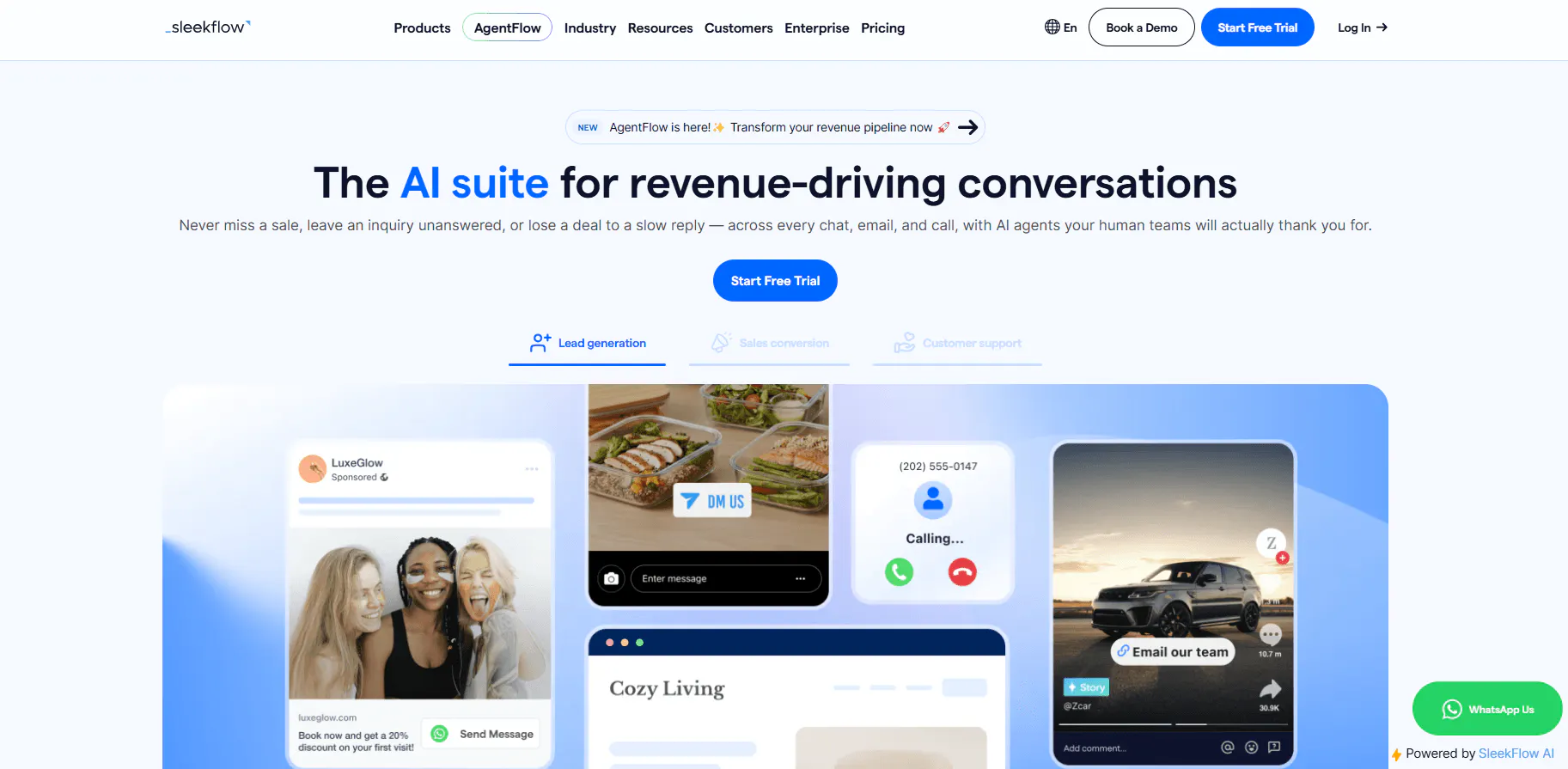
SleekFlow is built around customer conversations across messaging, email, social channels, SMS, and VoIP. It combines AI Agents with an Omnichannel Inbox, ticketing, CRM, automation, ecommerce workflows, and analytics.
Its support model is particularly focused on businesses that communicate with customers through messaging channels.
Key features
SleekFlow combines customer communication with CRM and business workflows.
- Omnichannel Inbox: Bring WhatsApp, email, Instagram, SMS, TikTok, VoIP, and other supported channels into one workspace.
- AI Agents: Deploy AI Agents alongside human agents across customer-facing workflows.
- Ticketing: Convert chat threads into tickets that can be categorized, assigned, and prioritized.
- CRM: Store contact properties, labels, lists, segments, and custom business objects such as orders, subscriptions, appointments, and deals.
- WhatsApp support: Use WhatsApp Business API, broadcasts, shared inboxes, catalogs, payment links, and WhatsApp Flows.
- Automation Flow Builder: Build automated customer workflows and connect conversations with business processes.
- Ecommerce workflows: Use product catalogs, payment links, order information, payment status, and refunds within conversations.
- Analytics: Track conversation and agent performance, campaign results, conversion funnels, lead sources, and sales generated through chat.
Pricing
SleekFlow has three documented pricing levels.
- Pro: $139/month. Includes 500 monthly active contacts to start, 10 users, AI Agents, Omnichannel Inbox, Broadcast Campaigns, Automation Flow Builder, Shopify, Google Sheets, API integration, basic analytics, onboarding, email support, and AI chat support.
- Premium: $349/month. Includes 1,000 monthly active contacts, custom AI Agent integrations, HubSpot, Zoho, webhooks, advanced analytics, WhatsApp Flow, ticketing, role-based access, and onboarding.
- Enterprise: Custom pricing. Includes custom contact and user limits, AI forward-deployed services, Salesforce, PII masking, multi-workspace support, conversation export, enterprise SLA, and a Customer Success Manager.
Heads up
The supplied pricing information does not document a free plan or free trial. It also does not specify additional AI usage or WhatsApp fees, so those costs should not be assumed from the plan prices alone.
Read Next: 10 Best SleekFlow Alternatives To Upgrade Your Customer Support
9. SiteGPT: website-trained AI support
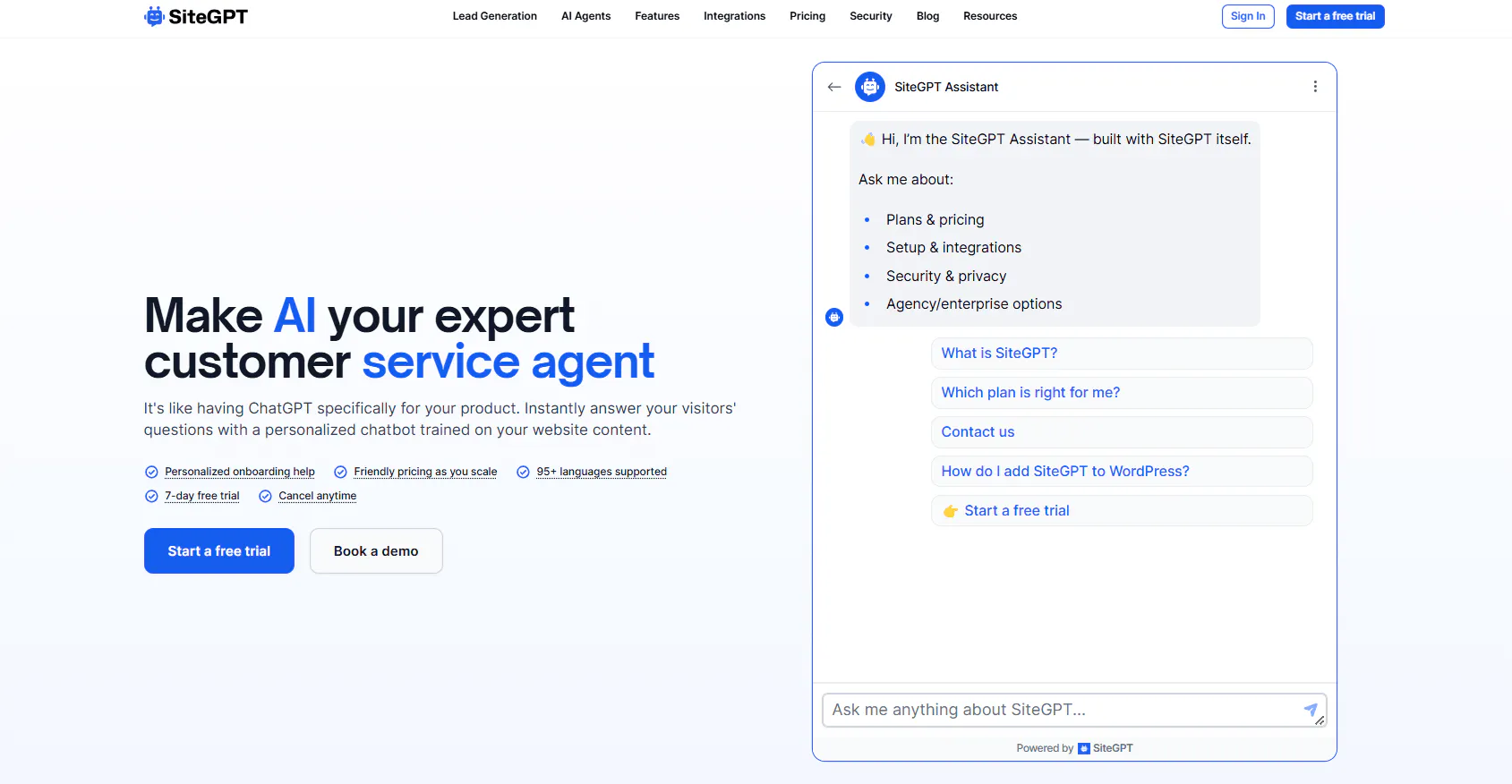
SiteGPT focuses on AI chatbots trained on company content. It can use websites, files, help centers, cloud storage, GitHub, Notion, Google Drive, Dropbox, OneDrive, Box, Zendesk, Freshdesk, Intercom, Confluence, GitBook, and other supported sources.
Its support workflow also includes human escalation, lead generation, appointment booking, analytics, API access, webhooks, and Zendesk AI Agent capabilities on higher plans.
Key features
SiteGPT is primarily centered around turning existing company content into a customer-facing AI support experience.
- AI customer-support chatbot: Answer visitor questions and provide customer support through an AI chatbot.
- Website and document training: Train the chatbot using websites, individual pages, sitemaps, help centers, CSV, TXT, PDF, DOCX, PPTX, MD, and other supported files.
- External content sources: Connect sources such as Google Drive, Dropbox, OneDrive, Box, Notion, GitHub, and YouTube.
- Q&A training: Add specific questions and answers to improve how the chatbot handles customer queries.
- Human escalation: Escalate conversations to human teams through supported support integrations.
- Zendesk AI Agent: SiteGPT can operate as an AI agent inside Zendesk Messaging, answer first, and pass conversation history to a human when escalation is needed.
- Functions and automation: Use Functions to extend chatbot capabilities and connect it with supported workflows.
- Analytics and conversation insights: Review chat history, identify unanswered questions, analyze conversations, and find areas where the chatbot needs improvement.
Pricing
SiteGPT has four public plans.
- Starter: $59/month. Includes 1 chatbot, 4,000 GPT-4.1-mini messages or 400 GPT-4.1 messages, 1,000 pages, 10 files, 1 team member, manual refresh, and basic analytics.
- Growth: $129/month. Includes 2 chatbots, 10,000 GPT-4.1-mini messages or 1,000 GPT-4.1 messages, 10,000 pages, 100 files, 4 members, advanced analytics, content gaps, Q&A fixes, CSV, integrations, API, rate limiting, iOS, and monthly refresh.
- Scale: $429/month. Includes 3 chatbots, 40,000 GPT-4.1-mini messages or 4,000 GPT-4.1 messages, 50,000 pages, 500 files, 10 members, AI insights, weekly refresh, daily scan, webhooks, and Zendesk AI Agent.
- Enterprise: Custom pricing. Includes custom limits, daily refresh, custom integrations, priority support, HIPAA eligibility, and BAA.
- Free trial: Self-serve plans include a 7-day free trial, with a credit card required.
Heads up
SiteGPT's message quota depends on the model. GPT-4.1 and GPT-4.1-mini consume quota differently, so the headline message allowance does not represent the same number of customer conversations for every model mix.
Read Next: 9 SiteGPT Alternatives for AI-Powered Customer Support in 2026
10. Voiceflow: custom AI agent development and testing
Voiceflow is designed for teams that want control over how AI agents are built, tested, deployed, and monitored.
Its platform combines Agent Builder, Playbooks, Workflows, company content, Functions, API blocks, MCP, custom code, automated testing, evaluations, observability, and production environments.
Key features
Voiceflow focuses on agent development and management rather than simply providing a ready-made customer support chatbot.
- Agent Builder: Build AI agents for customer support and other customer-facing use cases.
- Playbooks and Workflows: Design structured agent behavior and workflows within the visual development environment.
- Web chat: Deploy agents on websites for customer support, product education, sales, lead generation, and other use cases.
- Voice AI: Build phone-based AI agents that can answer calls, retrieve live information, call APIs, perform actions, book appointments, qualify leads, route calls, and transfer customers to humans.
- Custom interfaces: Use the Dialog API to build custom interfaces around Voiceflow agents for websites, applications, products, and internal tools.
- Developer tools: Extend agents with REST APIs, API blocks, Functions, custom code, JSON, webhooks, MCP, and custom integrations.
- Testing: Test conversation flows, agent responses, information retrieval, tool calls, workflows, edge cases, and different user scenarios.
- Evaluations: Use LLM-powered evaluations to test responses against defined criteria, compare agent behavior, identify issues, and review production interactions.
- Observability: Monitor conversation logs, resource consumption, AI results, performance data, evaluation results, usage metrics, and production behavior.
Pricing
Voiceflow's current public pricing does not show a fixed Business monthly price.
- Agencies & Partners: Free trial with no credit card required. Usage-based billing, multi-client workspace management, white-labeling, client handoff tools, and access to major model providers.
- Businesses: Custom pricing, with self-serve or fully managed implementation, voice and chat deployment, real-time observability and performance analytics, team roles and permissions, and control over agent configuration.
Heads up
Do not compare Voiceflow using older self-serve pricing tiers. The current pricing information uses a different structure, so historical monthly prices should not be treated as current.
Which eesel AI Alternative Fits Your Customer Support Setup?
There is no single support setup that every AI customer service platform is designed for. The useful question is what you need the AI to do, where your customers contact you, and how much of the support operation you want the platform to handle.
Your support setup | Compare these tools | Why they fit |
|---|---|---|
You want AI Agents and AI Chatbots in the same platform | Chatling | Gives you AI Agents for open-ended support and multi-step tasks, plus AI Chatbots for structured, flow-based conversations. |
You want AI support across your website and messaging channels | Chatling, Tidio, Chatbase, Crisp, SleekFlow | These platforms support customer conversations across combinations of web chat and messaging channels, with AI handling customer questions and support workflows. |
You need AI to take actions, not just answer questions | Chatling, Chatbase, Fin AI, Gorgias, Crisp | These tools can connect AI conversations to actions, workflows, business systems, or ecommerce operations. |
You want human agents working alongside AI | Chatling, Tidio, Chatbase, Fin AI, Gorgias, Crisp, SleekFlow | These platforms support human handoff or AI-human collaboration, so AI can handle appropriate conversations while people take over when needed. |
Your support operation is heavily focused on ecommerce | Gorgias, eesel AI, SleekFlow | They can work with ecommerce data and workflows such as products, orders, shipping, returns, refunds, subscriptions, or customer conversations around purchases. |
You need voice or phone-based AI support | Fin AI, Chatbase, Voiceflow, Zendesk, Gorgias | Their documented capabilities include voice or phone support, ranging from AI voice agents to broader voice-based customer-service workflows. |
You want to test and refine AI before putting it into production | Chatling, Fin AI, Chatbase, Voiceflow | They provide documented testing, simulation, evaluation, or preview capabilities that let teams check agent behavior before or during deployment. |
Your team wants detailed control over AI behavior | Chatling, Chatbase, Fin AI, Voiceflow | These platforms provide controls such as instructions, guardrails, procedures, workflows, actions, or agent configuration. |
Once you've narrowed down your eesel AI alternatives, test each platform against the conversations your support team actually handles.
Take 10 to 20 real customer conversations and include routine questions, customer-specific requests, requests that require an action, unclear questions, and conversations that should be handed to a human.
Then compare:
- Response quality
- Accuracy of company information
- Ability to complete actions
- Human handoff
- Conversation context
- Supported channels
- Analytics
- Monthly cost at your expected support volume
Chatling brings together AI Agents, AI Chatbots, AI Actions, Live Chat, Human Handoff, analytics, and Web, WhatsApp, Instagram, Messenger, and Telegram support. Chatling also has a Free plan, with paid plans starting at $25/month. Start using Chatling for free to automate customer support while keeping your human agents in the loop.
Frequently Asked Questions
What is the best eesel AI alternative?
Chatling is a strong eesel AI alternative for customer support, especially for businesses that want AI Agents, AI Chatbots, human handoff, and AI-powered actions in one platform. Other options include Tidio for AI-powered live chat and support automation, Zendesk for a broader customer service platform, Chatbase for AI agents and helpdesk workflows, and Fin AI for AI-powered customer support within existing helpdesk environments.
Is there a free alternative to eesel AI?
Yes. Chatling, Tidio, Chatbase, and Crisp all offer free plans. Their free tiers differ in areas such as AI credits, conversations, seats, and usage limits.
How much does eesel AI cost?
eesel AI charges $0.40 per ticket or helpdesk conversation handled. Usage is free until it reaches $50, after which regular usage is billed at the standard rate. Its Enterprise offering adds a $1,000/month platform fee on top of usage.
Does eesel AI have a free plan?
eesel AI uses usage-based pricing rather than conventional monthly plans. It is free until usage reaches $50, after which usage is charged at $0.40 per ticket or helpdesk conversation handled.
Which eesel AI alternatives support human handoff?
Chatling, Tidio, Chatbase, Fin AI, Gorgias, Crisp, and SiteGPT all document human handoff or escalation capabilities. The exact workflow differs between platforms.
What is the difference between eesel AI and Chatling?
eesel AI is built around AI agents working inside existing tools and workflows. Chatling combines AI Agents and AI Chatbots with AI Actions, Live Chat, Human Handoff, analytics, and customer conversations across Web, WhatsApp, Instagram, Messenger, and Telegram.
What is the difference between eesel AI and Gorgias?
eesel AI is designed around AI agents that work across existing business systems, while Gorgias is specifically centered on ecommerce customer experience. Gorgias combines Helpdesk and AI Agent capabilities with ecommerce workflows covering products, orders, shipping, returns, refunds, subscriptions, and shopping assistance.
What is the difference between an AI agent and an AI chatbot?
An AI Agent can dynamically interpret a customer request and determine how to respond or which configured action to use. A flow-based AI Chatbot follows a structured conversation path built from messages, questions, buttons, forms, conditions, AI responses, and actions. Chatling supports both approaches.
What is the difference between eesel AI and Chatling?
eesel AI is built around AI agents working inside existing tools and workflows. Chatling combines AI Agents and AI Chatbots with AI Actions, Live Chat, Human Handoff, analytics, and customer conversations across Web, WhatsApp, Instagram, Messenger, and Telegram.
What is the difference between eesel AI and Zendesk?
eesel AI is an AI agent platform designed to operate within existing business tools. Zendesk is a broader customer service platform covering ticketing, messaging, email, voice, SMS, Live Chat, routing, automation, reporting, and AI.