

Help Scout is a good tool for small teams that answer customers by email. The shared inbox is easy to learn, and your replies reach customers as regular emails, so they never feel like they are talking to a ticketing system. Many teams still move on, usually because they want better reports, more flexible workflows, or lower seat costs.
The best Help Scout alternative depends on which of those you need. Chatling fits teams that want an AI agent or chatbot to answer customers, finish tasks like bookings and order lookups, and hand off to a human agent with full context. Fin suits high-volume teams that want a per-resolution AI agent that can also complete multi-step tasks.
Crisp gives you email, chat, and messaging apps in one inbox at a flat monthly price. Tidio puts live chat, ticketing, and an AI agent in one product, with a free plan to start. SiteSpeakAI gives small teams a website AI agent at flat plan prices, and Kore.ai serves enterprises that need voice and contact center AI.
Best Help Scout Alternatives at a Glance
Tool | Best Fit | Key Strengths | Starting Price |
|---|---|---|---|
Chatling | Teams that want AI agents and chatbots to resolve customer requests on the website and messaging apps | Finishes tasks through API calls and bookings, hands off with an AI summary, runs one agent across five channels | Free plan; paid plans from $25/month |
Fin | Teams that want a per-resolution AI agent that completes multi-step tasks, on Intercom or their current helpdesk | Charges only for resolutions, tests answers with simulations before launch, works on Intercom or your current helpdesk | $0.99 per outcome (50 outcomes/month minimum on your own helpdesk) |
Crisp | Small and mid-sized teams that want email, chat and messaging apps in one inbox | Seats included in a flat workspace price, phone and messaging channels in one inbox, an AI agent that admits when it lacks an answer | Free plan; paid plans from $45/month per workspace |
Tidio | Small teams and online stores that want chat, ticketing, and AI together | Live chat, tickets, and the Lyro AI agent in one inbox, Shopify actions | Free plan; paid plans from $29/month |
SiteSpeakAI | Small teams that want a website AI agent at flat prices | Trains on 10+ source types, reads and writes data through APIs, MCP servers and databases, live chat takeover | Free plan; paid plans from $29/month |
Kore.ai | Enterprises with voice and contact center needs | Voice AI agents, real-time help for human agents, quality scoring on every conversation | Custom quote |
Why Teams Look for a Help Scout Alternative
Help Scout does email well. The complaints in verified G2 reviews come from teams that need more than email, and they fall into five groups.
Reporting stays basic for teams that track service levels
Help Scout's built-in reports are basic. Once you track SLA breaches, resolution times, or CSAT details, many teams export the data to Tableau or Google Sheets and build their own dashboards. Teams that report service levels to leadership hit this limit first.

native reporting and operational analytics are a bit too basic.
The reporting is limited for what our needs as a growing company are. Our company has had to consider other alternatives because of this issue.
Customization stops short of complex workflows
Help Scout keeps its interface simple, and that limits what you can change. Multi-step workflows are hard to build, and the help docs and Beacon widget offer few ways to match your brand. Teams with detailed processes or strict brand guidelines often outgrow these options.
Customization for complex workflows can feel restrictive, and integrations or automations may require additional tools or workarounds.
Customization options for the help docs are fairly limited
Costs climb with every added seat
Help Scout charges per user, so each new teammate adds to the monthly bill.
The Standard plan costs $25/user per month billed annually ($30 billed monthly), so a 5-person team pays $125 a month. Standard tops out at 25 users, so a 30-person team moves to Plus at $45/user, or $1,350 a month. AI Answers then adds $0.75 for each conversation it resolves. That is easy to absorb with three agents and painful with thirty, especially if you hire extra agents for busy seasons.
We just carefully watch the number of seats we need month to month
Automation mistakes and outages disrupt customer conversations
Switching a workflow between automatic and manual can send replies to emails that are already closed, and the replies can go out to customers in bulk. Outages add a second risk if your team needs the inbox open all day.
I've triggered 2000 email responses for already closed email just because of 1 toggle switch, which I did not notice until some other person reported.
They also seem to have regular outages, which is a pain. When there's an outage, we often can't contact our users, and it's detrimental to their trust in our business.
So, who is most likely to outgrow Help Scout? Teams that keep adding agents, report on service levels, need complex workflows, or run automations where one mistake reaches thousands of customers. Still, it suits small teams that answer customers through email or SMS and want a simple inbox.
The 6 Best Help Scout Alternatives
Each profile covers what the tool does, its main features, monthly pricing, and one thing to check before you switch.
1. Chatling: No-Code AI Agents That Resolve Requests and Hand Off With Context
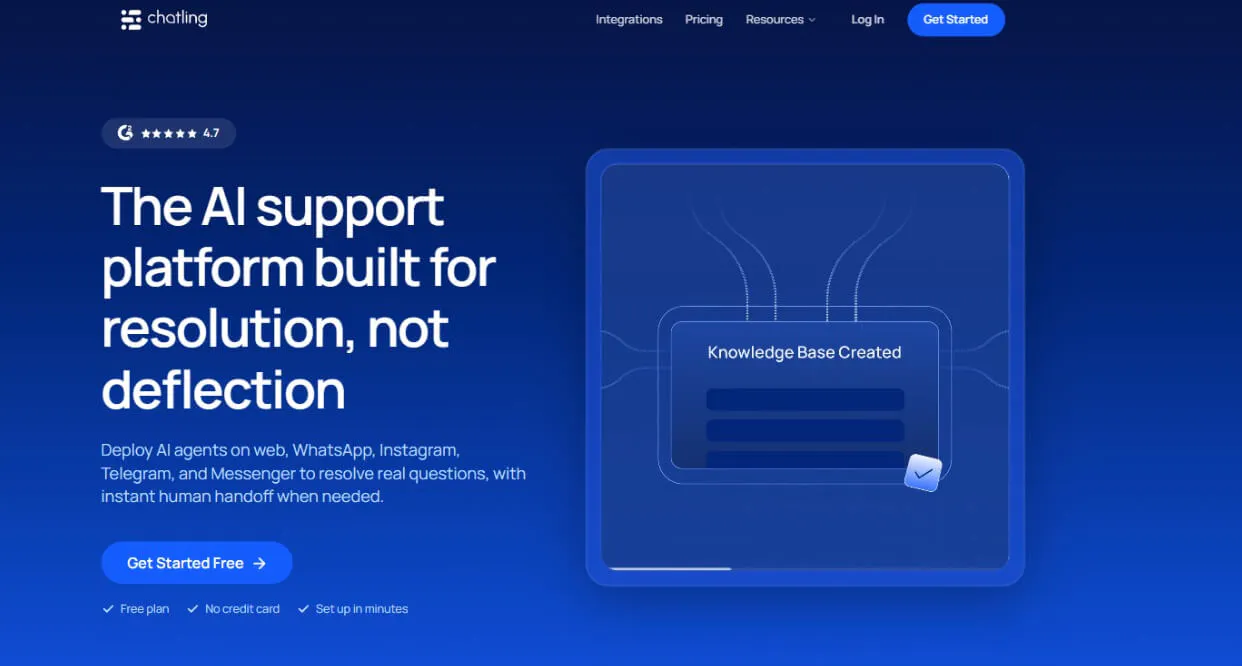
Chatling is a no-code platform for AI agents and chatbots that handle customer conversations from start to finish. Chatling answers from your own content on your website, WhatsApp, Instagram, Messenger, and Telegram, and finishes the task too, such as checking an order, updating an address, or booking a call through your systems.
When a conversation needs a person, the agent passes it to your team with an AI summary of what the customer asked and what the agent already answered. Every handoff lands in one unified inbox, and nobody has to ask the customer to explain again.
A non-technical operator can build and change AI agents and AI chatbots in Chatling without writing code or waiting on a developer.
Key features
- AI Actions: The agent connects to your APIs, books meetings through Cal, Calendaly, Google Calendar, and other platforms, collects leads, sends emails, and integrations with various other platforms like Zendesk, HubSpot, and more. Each action has plain-language rules for when it should and should not run, such as keeping a refund action from running when a customer only asks about the refund policy.
- Human handoff: Your team sees an AI summary, the reason for the handoff, the priority, and the customer's sentiment before replying. You choose which topics always go to a person.
- Routing: Rules send handed-off conversations to the right team or agent by channel, language, priority, or sentiment. On paid plans, round robin then spreads those conversations evenly across the eligible agents.
- Copilot: Copilot drafts replies from your knowledge base and shows its sources, which lets agents check a draft before sending it.
- Knowledge sources and auto-syncing: Train the agent on your website, files, FAQs, and import from Zendesk, Zoho, Notion, and other sources. Auto-sync keeps those sources current, so the agent answers from your latest content.
- Workflows and integrations: Workflows start on conversation, contact, or action events and branch on conditions. HubSpot, Zendesk, Google Sheets, Email, and other integrations connect directly, and Zapier covers further apps.
Pricing
- Free: 200 AI credits, 1 AI agent, 1 seat, 500,000 knowledge base characters, and 2 actions per agent
- Starter ($25/mo): 1,750 AI credits, 2 AI agents, 2 seats, 10 million knowledge base characters, and 4 actions per agent
- Growth ($75/mo): 6,000 AI credits, 5 AI agents, 5 seats, 30 million knowledge base characters, 7 actions per agent, and round-robin routing
- Scale ($295/mo): 35,000 AI credits, 7 AI agents, 10 seats, 100 million knowledge base characters, 12 actions per agent, and round-robin routing
Heads up
Round-robin routing is available on higher plans, such as Growth and Scale.
2. Fin: An AI Agent Priced Per Resolved Conversation, on Intercom or Your Current Helpdesk
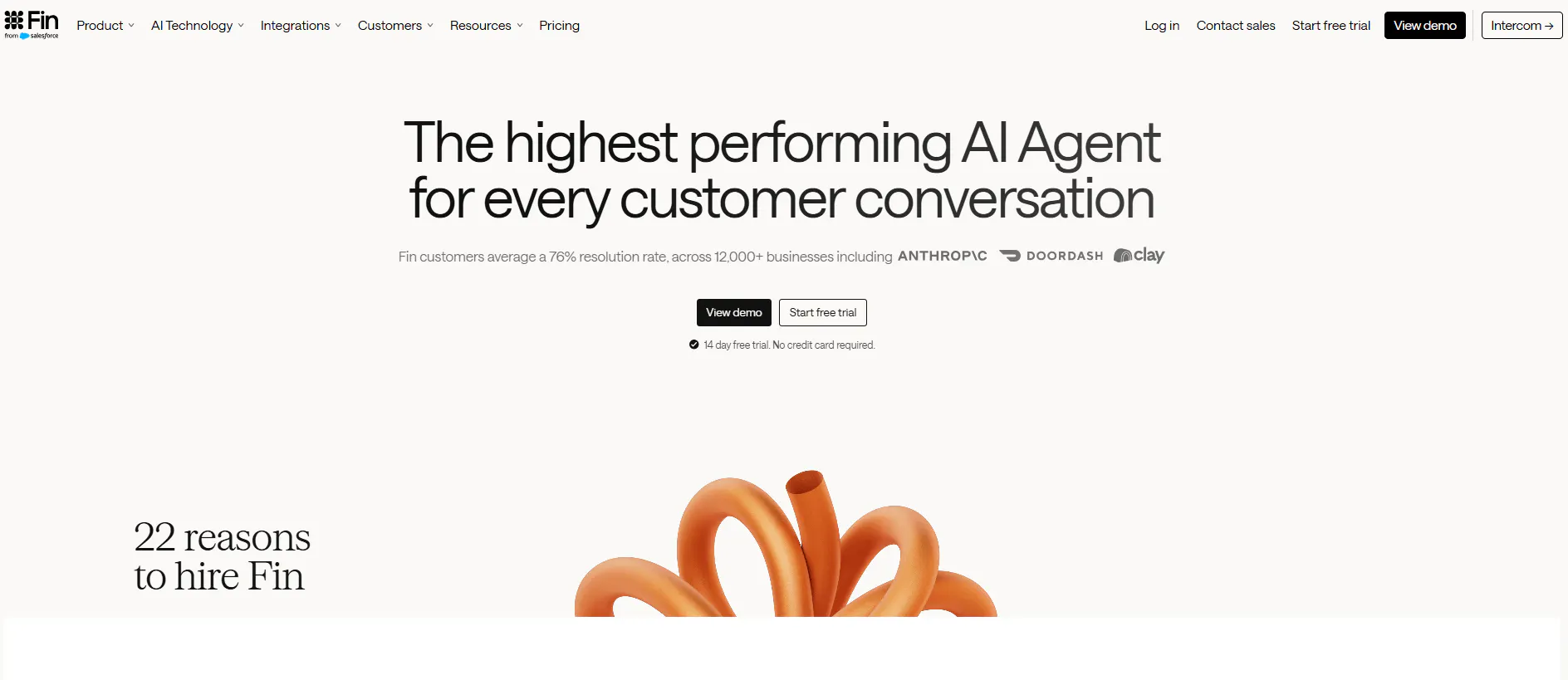
Fin is Intercom's AI agent. Like Help Scout's AI Answers, it's billed per resolution, but it does more: it follows multi-step procedures, updates outside systems mid-conversation, and answers on email, chat, and messaging channels.
You teach it your policies and help content, then run simulations to see how it answers before any customer does.
You don't have to change helpdesks to use it. Fin runs inside Intercom or on top of the one you already use, including Salesforce, HubSpot, Freshworks, Front, Zoho, and Gorgias.
Key features
- Procedures and data connectors: Procedures lay out the steps of a task, and data connectors let Fin update outside systems mid-conversation. A procedure can end with a handoff to a person or a workflow.
- Testing before launch: Simulations, regression tests, previews, and audience tests show how Fin answers before customers see it.
- Channel coverage: Fin runs on chat, email, Slack, WhatsApp, SMS, Instagram, Facebook Messenger, and an API. Voice is available to select customers.
- Analysis tools: CX Score, AI Topics, trends, monitors, and custom AI scorecards show where Fin resolves conversations and where it falls short.
- The Intercom helpdesk: An inbox, ticketing, workflows, reporting, a public help center, and phone sit in the same product as Fin. A Copilot add-on helps human agents draft replies.
Pricing
Fin charges per outcome, and the helpdesk adds a monthly seat fee when you use Intercom.
- Fin on your current helpdesk: $0.99 per outcome with a minimum of 50 outcomes per month. No seat, setup, or integration fees.
- Fin with the Intercom helpdesk: $0.99 per outcome plus a monthly seat fee. Essential is $39 per seat, Advanced is $99 per seat and includes 20 free Lite seats, and Expert is $139 per seat and includes 50 free Lite seats.
- Pro add-on: From $99/month for the advanced analysis tools and Operator.
- Copilot add-on: $35 per agent per month.
Heads up
If a customer writes in a language that differs from your help content, Fin cannot answer unless real-time translation is enabled. Compare the languages your customers use with the languages your articles are written in before you launch.
3. Crisp: A Flat-Priced Omnichannel Inbox With an AI Agent
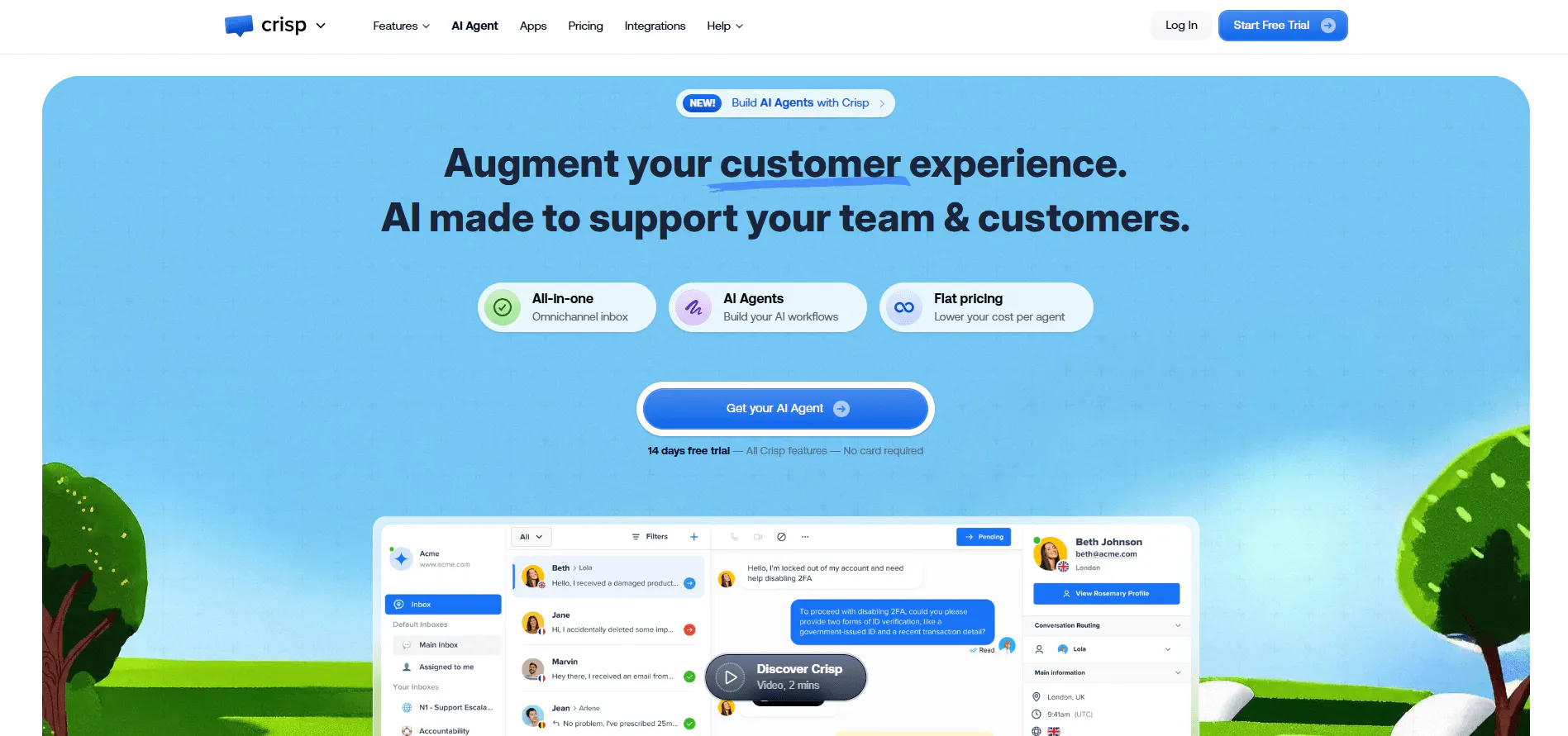
Crisp is a shared inbox for email, WhatsApp, Instagram, SMS, and phone calls. It charges per workspace with agent seats included, which makes it the closest alternative on this list for teams leaving Help Scout over per-user pricing.
Its AI agent answers from your help center, website, and past conversations. When it is not confident in an answer, it says so, and your team takes over.
Key features
- Omnichannel inbox: Email, WhatsApp Business, Instagram DMs, Messenger, SMS, Telegram, Line, Viber, X, and the chat widget land in one inbox. Phone calls arrive through Crisp's phone channel and integrations such as Aircall and Ringover.
- Routing and collaboration: Conversations route by round robin, origin, intent, or custom rules. Private notes, collision alerts, follow-up reminders, and canned messages keep two teammates from answering the same customer.
- AI agent with a confidence setting: The agent trains on answer snippets, knowledge base articles, a website crawl, conversation history, and uploaded files such as PDFs and CSVs. A confidence threshold makes it say when it cannot find an answer, so your team follows up.
- AI for human agents: An internal copilot drafts replies, summarizes conversations, translates into more than 50 languages, and classifies conversations.
- Analytics and customer profiles: Prebuilt analytics cover conversations, satisfaction, and knowledge base performance, and customer profiles show attributes, segments, and timelines.
Pricing
Crisp prices per workspace each month. Included AI credits are listed in dollars, with an estimate of automated conversations.
- Free: $0. 2 seats, 100 customer profiles, a chat widget, and a shared inbox. No AI credits.
- Mini: $45/month per workspace. 4 seats, 5,000 customer profiles, a shared email inbox, and $5 of AI credits (around 90 automated conversations).
- Essentials: $95/month per workspace. 10 seats, 50,000 customer profiles, an omnichannel inbox, workflow builder, knowledge base, routing rules, and $25 of AI credits (around 450 automated conversations).
- Plus: $295/month per workspace. 20+ seats at $10 per additional agent, 200,000 customer profiles, ticketing, white labelling, advanced analytics, and $75 of AI credits (around 1,350 automated conversations).
- Enterprise: Custom pricing with dedicated onboarding and a personalized SLA.
Heads up
Crisp's crawler does not run JavaScript, so content that loads dynamically is not imported, and it does not track changes to your web pages. Refresh your sources whenever your site or help articles change.
4. Tidio: Live Chat, Ticketing, and the Lyro AI Agent in One Product
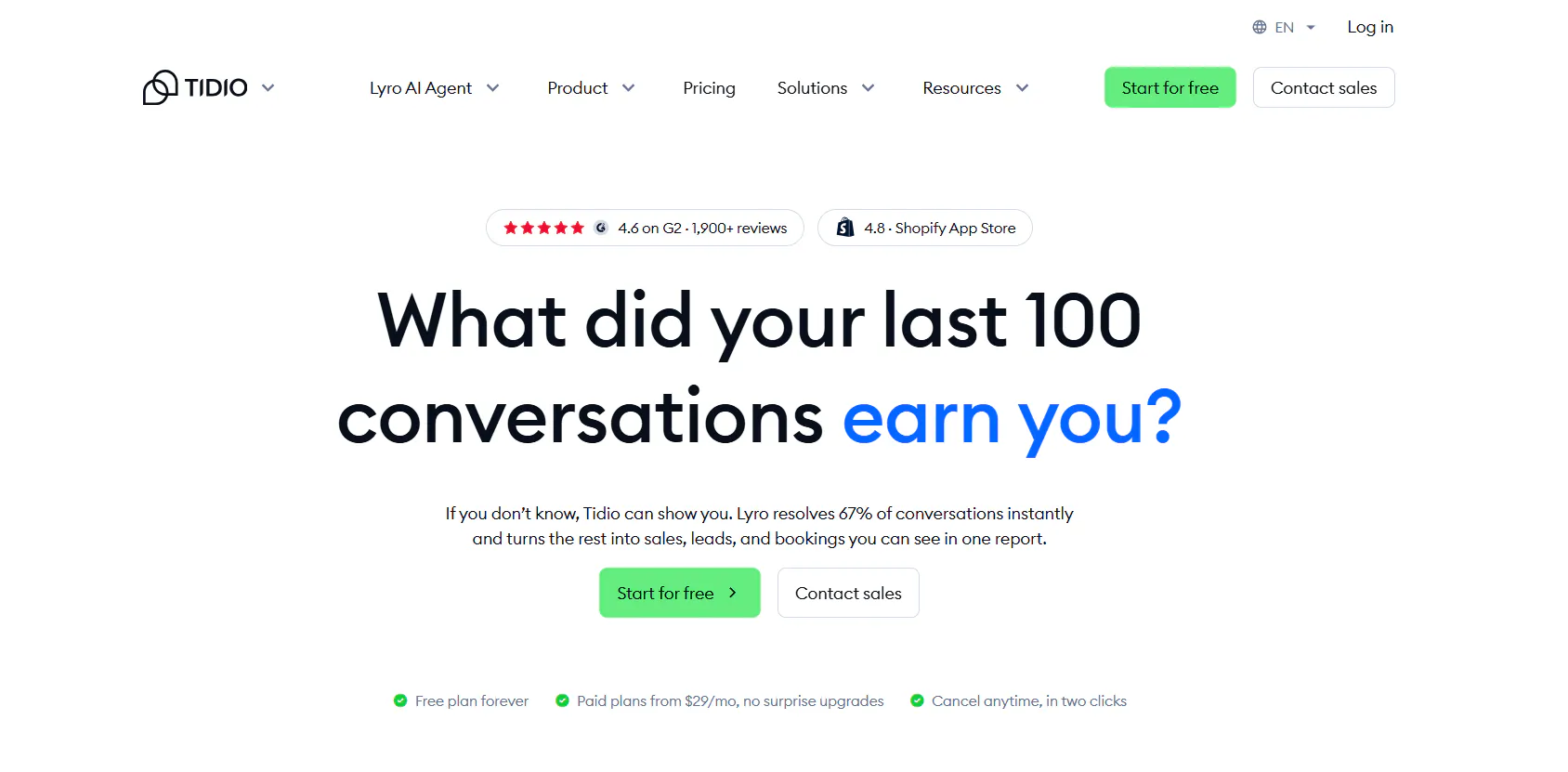
Tidio combines live chat, a ticketing inbox, and the Lyro AI agent in one product. Messages from your website, email, Messenger, Instagram, and WhatsApp land in the same inbox, so a small team or online store handles chat and order questions in one place.
Lyro answers from your support content, takes actions in Shopify, and hands the chat to a human agent when it runs out of answers. Flows start chats at set points in the customer journey.
Lyro also runs on its own, attached to another helpdesk such as Zendesk or Salesforce. That lets you try the AI without moving your inbox.
Key features
- Lyro AI agent with actions: Lyro learns from FAQs, a website scrape, and imported Zendesk articles. Actions let it take steps in connected systems, including native Shopify actions, and it hands off to a human agent.
- Ticketing and email: Email, live chat, and social messages become tickets that you assign to operators, with notes and tags. Tidio sorts conversations by customer intent so urgent requests stand out.
- Flows: A visual builder with sales and FAQ templates triggers chats at set moments in the customer journey.
- Channels: Live chat, email, Messenger, Instagram, and WhatsApp feed the same inbox.
- Agent assistance and analytics: An AI reply assistant and Copilot help agents write replies, and analytics track conversation performance.
Pricing
Tidio prices human conversations, Lyro conversations, and Flows visitors as separate monthly quotas, and a plan bundles them.
- Free: $0/month. 50 billable conversations, 100 Flows visitors, and a one-time allowance of 50 Lyro conversations.
- Starter: $29/month. 100 billable conversations, live chat, ticketing, and basic analytics.
- Growth: From $59/month. From 250 billable conversations, plus advanced analytics, user permissions, automatic chat assignment, and macros.
- Plus: From $300/month plus monthly usage. Custom conversation limits, custom seats, departments, multiproject support, OpenAPI, and a dedicated success manager.
- Premium: Contact sales. Pay-per-resolution billing, a guaranteed 50% Lyro resolution rate, and custom analytics.
- Lyro AI Agent add-on: From $39/month for 50 Lyro conversations a month.
Heads up
On email, Lyro only responds to the first message that starts a thread. Teams that run most of their support by email should test how much of that volume Lyro can take.
Read Next: Best Tidio Alternatives for Customer Support in 2026
5. SiteSpeakAI: A Website AI Agent With Flat Plan Prices and Live Data Connections
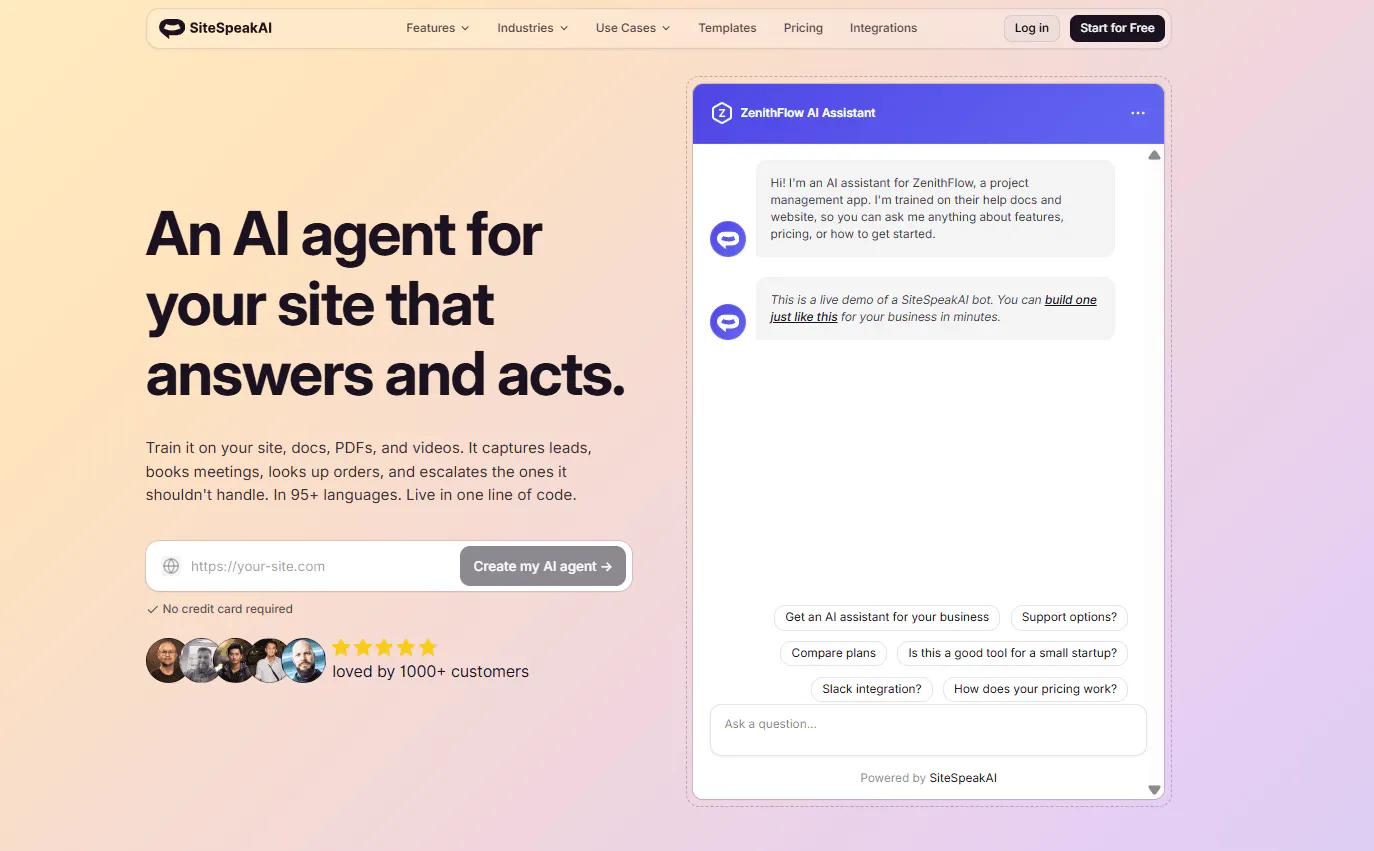
SiteSpeakAI is an AI agent for your website, trained on the content you already have. It learns from websites, PDFs, Word documents, Notion pages, Google Docs, YouTube videos, audio files, and spreadsheets.
The agent can also act on live data. It connects to your APIs and databases to look up an order or create a support ticket, and a teammate can take over any chat live.
Beyond the website, it runs on Slack, Discord, and Telegram on every plan, and on WhatsApp and Google Chat from the Pro plan.
Key features
- Live data and write access: The agent reads and writes data through REST APIs, MCP servers, and SQLite or MySQL databases, so it can look up an order or create a support ticket. Ready-made tools cover Shopify, Cal.com, Calendly, and HubSpot.
- Inbox with live chat: Teammates open any conversation and reply live, and the AI pauses until they end the session. The team gets notified by email, Slack, or webhook when a customer asks for a person or the AI cannot answer.
- Automatic retraining and corrections: Sources retrain daily, weekly, or monthly, and corrections added from the inbox teach the agent the right answer.
- Model choice: You can choose GPT, Claude, or Gemini models, with bring-your-own-key options.
Pricing
Plans cost a flat monthly price for the whole team. Each AI reply uses one message credit, and credits reset monthly.
- Free: $0/month. 30 message credits, 1 AI agent, 10 training sources, and a live chat widget.
- Starter: $29/month. 1,000 message credits, 1 AI agent, 200 training sources, lead capture, branding removal, and 1 action per agent.
- Pro: $79/month. 3,000 message credits, 5 AI agents, 2,500 training sources, all AI models, WhatsApp, Google Chat, HubSpot, API and MCP server access, and 5 actions per agent.
- Growth: $249/month. 10,000 message credits, 15 AI agents, 8,000 training sources, 15 actions per agent, a custom domain, and daily auto-sync.
- Business: $499/month. 20,000 message credits, unlimited AI agents, 20,000 training sources, dedicated onboarding, and priority support.
- Extra credits: $25 per 1,000 message credits. Every paid plan includes a 7-day free trial.
Heads up
SiteSpeakAI answers on the website widget, Slack, Discord, Telegram, WhatsApp, and Google Chat. It has no email, Messenger or Instagram channel, so teams that take support through email or Meta's messaging apps need another tool alongside it.
Read Next: 7 SiteSpeakAI Alternatives for AI Agents, Support, and Automation
6. Kore.ai: An Enterprise Platform for AI Agents, Voice and Contact Center Operations
Kore.ai is an enterprise platform for service organizations that run contact centers, with voice as a core channel. It sits at the other end of this list from the small-team tools.
Its AI for Service products cover AI agents for self-service, real-time help for human agents, quality scoring, outbound campaigns, and voice agents. Ready-made applications cover banking, healthcare, and retail.
A five-person team that wanted better reports from Help Scout does not need any of this. A bank running hundreds of agents across phone and chat might.
Key features
- Voice and chat AI agents: AI agents hold multi-turn conversations, keep context, and take actions across voice and digital channels.
- Agent assistance: Human agents get real-time suggestions, guided playbooks, and automatic summaries of each interaction.
- Quality scoring: Quality AI scores every voice and chat conversation between agents and customers.
- Integrations and transfers: Actions connect to Zendesk, Freshdesk, HubSpot, Salesforce, ServiceNow, Shopify, Stripe, and Twilio, and agent transfer connects to Genesys, NiceInContact, Salesforce, ServiceNow, and Intercom.
Pricing
Kore.ai does not publish monthly plan prices. It offers three plan levels (Essential, Advanced, and Enterprise) and bills each product on its own unit.
- Automation AI and Search AI: Billed per 15-minute billing session of customer conversation. A 31-minute conversation counts as 3 sessions.
- Contact Center AI and Agent AI: Billed per agent seat, named or concurrent.
- Enterprise plan: Custom pricing set by contract with Kore.ai.
- Add-ons: Billed separately, such as Voice Gateway with speech recognition and text-to-speech, and Advanced RAG.
Heads up
Only English has all eight Agent AI features. Spanish, French, German, and Dutch get most of them, and Playbooks are English-only, so check feature coverage for every language your customers use.
Read Next: 6 Kore.ai Alternatives for AI Customer Support Worth Switching To in 2026
Which Help Scout Alternative Should You Pick?
Match your biggest problem with Help Scout to the tools below to identify which tool fits your needs best.
Your support setup | Ideal tools | Why they fit |
|---|---|---|
You want AI to finish tasks as well as answer questions | Chatling, SiteSpeakAI, Fin, Tidio | Each connects AI conversations to actions in business systems, such as API calls, bookings, order lookups, or ticket creation. |
You want AI support across your website and messaging channels | Chatling, Crisp, Tidio, SiteSpeakAI | These platforms handle web chat plus combinations of WhatsApp, Instagram, Messenger, and Telegram, with AI answering customer questions. |
You want an AI agent on top of the helpdesk you already use | Fin, Tidio | Fin works with helpdesks such as Salesforce, HubSpot, Freshworks, and Front, and Lyro attaches to Zendesk, Salesforce, and other helpdesks. |
You want AI costs tied to resolved conversations | Fin | Fin charges $0.99 per outcome, so the AI bill follows results. Help Scout's AI Answers also bills per resolution ($0.75) but only answers questions, while Fin can complete tasks. |
You want email, chat and messaging apps in one shared inbox at a flat price | Crisp, Tidio | Crisp includes seats in a flat workspace price. Tidio includes up to 10 seats, but its price rises with conversation volume, so check which tier your monthly volume falls into. |
You want human agents working alongside AI | Chatling, Fin, Crisp, Tidio, SiteSpeakAI, Kore.ai | All six hand conversations to people, and Chatling, Fin, and Crisp add AI drafting for human agents. |
Your reporting needs go beyond basic dashboards | Crisp, Tidio, Fin, Kore.ai | Crisp offers custom dashboards, Tidio offers advanced and custom analytics, Fin's Pro add-on adds analysis tools, and Kore.ai's Quality AI scores voice and chat conversations. |
You need phone or voice support | Crisp, Fin, Kore.ai | Crisp includes a phone channel, the Intercom helpdesk includes phone, Fin Voice is available to select customers, and Kore.ai offers voice AI agents. |
You run an enterprise contact center | Kore.ai | It combines AI agents, agent assistance, quality scoring, and outbound campaigns for large service teams. |
There isn't one Help Scout alternative that makes sense for everyone. Three checks narrow the list.
Price each tool against your own volume. Fin charges per resolved conversation, Chatling and SiteSpeakAI charge per AI reply through credits, Crisp prices per workspace with AI credits in dollars, and Tidio meters human conversations, Lyro conversations, and Flows visitors separately. Take last month's conversation count and run it through each model before you compare starting prices.
Look at where your customers write. If most support still arrives by email, Crisp and Tidio bring it into the inbox, and Fin works through Intercom or your current helpdesk. If customers mostly chat on your website and messaging apps, Chatling and SiteSpeakAI fit better.
Test with real questions. Pull 20 from last month's inbox and run them through each tool's free plan, Fin's 14-day trial, or a Kore.ai demo. You will see which tool answers from your content correctly.
Chatling fits best when your customers reach you on the website or messaging apps, and you want AI to answer, take actions, and hand off with full context. The free plan lets you build an agent on your own content and test it before you pay, and paid plans start at $25 a month.
Compare More Tools:
- 10 Best SleekFlow Alternatives To Upgrade Your Customer Support
- 8 Best Fernand Alternatives Compared for Growing SaaS Teams
- Chatbase Alternatives: 7 AI Customer Support Tools Worth Comparing in 2026
Frequently Asked Questions
What is the best alternative to Help Scout?
The best alternative depends on what pushed you to switch. Chatling suits teams that want an AI agent or chatbot to resolve requests and take actions on the website and messaging channels. Crisp suits teams that want a flat-priced inbox across email, chat, and messaging apps, Fin suits teams that want AI pricing tied to resolved conversations, and Kore.ai suits enterprises that need voice and contact center AI.
What is the cheapest Help Scout alternative?
Chatling, Crisp, Tidio, and SiteSpeakAI each offer a free plan. Among paid plans, Chatling starts at $25 per month, Tidio and SiteSpeakAI start at $29 per month, and Crisp starts at $45 per month per workspace. Fin charges $0.99 per outcome with a 50-outcome monthly minimum on your own helpdesk, and Kore.ai prices by quote.
Which Help Scout alternative has better reporting?
Help Scout's built-in reporting is basic for SLA and resolution-time tracking. Crisp offers custom dashboards and advanced analytics, Tidio offers advanced and custom analytics, and Fin adds CX Score, AI Topics, and monitors. Chatling includes analytics, satisfaction surveys at the end of conversations, and an AI-assigned priority and sentiment on every handed-off conversation. Kore.ai's Quality AI scores voice and chat conversations.
Is there a free Help Scout alternative?
Yes. Chatling's Free plan includes 200 AI credits, 1 AI agent, and 1 seat. Crisp's free plan includes 2 seats and a shared inbox. Tidio's free plan includes 50 billable conversations per month, and SiteSpeakAI's free plan includes 30 message credits per month.
Which Help Scout alternative has the best AI capabilities?
Help Scout's built-in reporting is basic for SLA and resolution-time tracking. Crisp offers custom dashboards and advanced analytics, Tidio offers advanced and custom analytics, and Fin adds CX Score, AI Topics, and monitors. Chatling includes analytics, satisfaction surveys at the end of conversations, and an AI-assigned priority and sentiment on every handed-off conversation. Kore.ai's Quality AI scores voice and chat conversations.
Which Help Scout alternative supports WhatsApp and Instagram?
Chatling, Crisp, Tidio, and Fin all support WhatsApp and Instagram. Chatling's AI agent answers on both, along with your website, Messenger, and Telegram. Crisp and Tidio bring those channels into a shared inbox, and Fin answers on them through Intercom or your current helpdesk.
Why do people switch from Help Scout?
Teams leave Help Scout over limited reporting, limited customization for complex workflows, per-user costs that rise as the team grows, AI that answers questions but can't complete tasks, no native phone channel, and automation mistakes or outages. Small teams with email-led support and simple needs often stay.