
The best Fernand alternatives in 2026 are Chatling, Tidio, Crisp, SleekFlow, Help Scout, Fin, eesel AI and Kore.ai. Chatling suits SaaS teams that want AI agents to resolve conversations and complete tasks on the website, WhatsApp, Instagram, Messenger Telegram, and other channels.
Teams that need a mature shared inbox for a growing support staff should look at Help Scout. Companies running regulated, high-volume support will find Kore.ai closer to their needs.
We compared each tool on messaging channels, AI actions, reporting, team scale and pricing.
TL;DR: Best Fernand Alternatives at a Glance
Tool | Why consider it | Key strengths | Starting price |
|---|---|---|---|
Chatling | Choose Chatling when you want AI agents to handle customer conversations and complete tasks on your website, WhatsApp, Instagram, Messenger, and Telegram. | AI Agents and flow-based AI Chatbots, no-code AI Actions (lead forms, bookings, API calls, HubSpot, Zendesk), 5 channels including WhatsApp, Messenger and Telegram, website crawling with auto-sync, Playground testing, AI analytics | Free plan; paid plans from $25/month |
Tidio | Choose Tidio when your chat widget needs to handle support and lead capture at the same time. | Lyro AI Agent in 45+ languages, 40+ Flow templates, WhatsApp, Instagram and Messenger, operator analytics | Free plan; paid plans from $24.17/month |
Crisp | Choose Crisp when you want an omnichannel inbox with EU-hosted data and one flat price per workspace. | Hugo AI Agent, channels from WhatsApp to SMS and phone, MCP actions, no-code workflows, custom dashboards | Free plan; paid plans from $45/month per workspace |
SleekFlow | Choose SleekFlow when your customers prefer messaging apps and your team sells as much as it supports. | AgentFlow AI agents, 12 messaging channels, broadcasts, chat CRM, in-chat payment links | From $139/month |
Help Scout | Choose Help Scout when your support team is growing past 10 people and needs structure. | Plans up to unlimited users, SLAs, built-in reports, customer portal, SSO and HIPAA on Pro | Free plan for up to 5 users; paid plans from $25/user/month |
Fin | Choose Fin when you want AI to run multi-step account and billing procedures end to end. | Procedures, connectors for Stripe, Linear, Jira and Statuspage, simulations, 45+ languages | $0.99 per outcome, $49/month minimum |
eesel AI | Choose eesel AI when you plan to move to a larger helpdesk and want AI working inside it. | Works inside Zendesk, Freshdesk, Help Scout and others, simulations on past tickets, 80+ languages | Free until $50 of usage; then $0.40 per ticket |
Kore.ai | Choose Kore.ai when you run enterprise support with strict governance and voice at scale. | Artemis agent platform, engine-level policy enforcement, full session tracing, pre-built industry apps | Custom pricing (demo required) |
Why Do SaaS Teams Consider Fernand Alternatives?
Fernand is a customer support tool built for SaaS bootstrappers. It gives you a shared inbox, live chat, a knowledge base, and an AI agent that you can train on your own content. The free plan covers the basics, while the paid plan costs $29 per active human per month.
Fernand also offers an API on every plan, including the free plan. Teams with developers can connect a coding agent like Claude Code or tools like Zapier and n8n to reply to conversations, update help articles, and create Linear issues without opening the inbox.
Fernand works best for teams of 10 or fewer. As a team or its customer base grows, however, a few limitations can become more noticeable.
- No WhatsApp, Instagram, or phone support: Fernand supports email, live chat, Slack, and contact forms. Messages customers send through WhatsApp, Instagram, Messenger, SMS, or phone do not reach the Fernand inbox.
- If your customers prefer messaging apps, you need a tool that can bring those conversations into the same place as your chat and email support.
- AI actions require custom code: Fernand’s AI can answer questions, draft replies, and hand conversations over to your team. However, if you want it to book a demo or update your CRM, you need to build that logic yourself using scripts, n8n, or a coding agent.
- This gives developers full control over how each task works. However, teams without a developer dedicated to support may find this difficult because every new task requires building and maintaining another script or workflow. For these teams, configurable no-code AI actions can be a simpler option.
- Limited reporting: Fernand shows how close you are to reaching inbox zero, but it does not report on response times, customer satisfaction, or AI performance.
- Without these metrics, it can be harder to identify which questions the AI gets wrong or which help articles you should create next.
- Free plan limits: The free plan lets you send 100 messages per month and adds “Sent via Fernand” to your emails. After that, the paid plan costs $29 per active human per month. For example, a five-person team would pay $145 per month if all five teammates actively reply to customers.
- Designed for small teams: Fernand is built for teams of 10 or fewer. As a team grows beyond that size, it may need features such as response-time targets (SLAs), single sign-on, and automatic ticket distribution to keep support organized. These features are outside Fernand’s current feature set.
Tip: Before comparing tools, write down the one or two limitations that made you start looking for an alternative. Then shortlist only the tools that solve those specific problems. For example, a team that only needs WhatsApp support may not need a full enterprise helpdesk.
The 8 Best Fernand Alternatives for SaaS Teams in 2026
If Fernand’s limits are getting in the way of your support workflow, these eight alternatives offer different ways to handle AI support, messaging, automation, reporting, and growing teams. We compared each tool based on its key features, supported channels, pricing, and best use cases.
1. Chatling: Best Overall Fernand Alternative for AI-Powered Support and Lead Generation
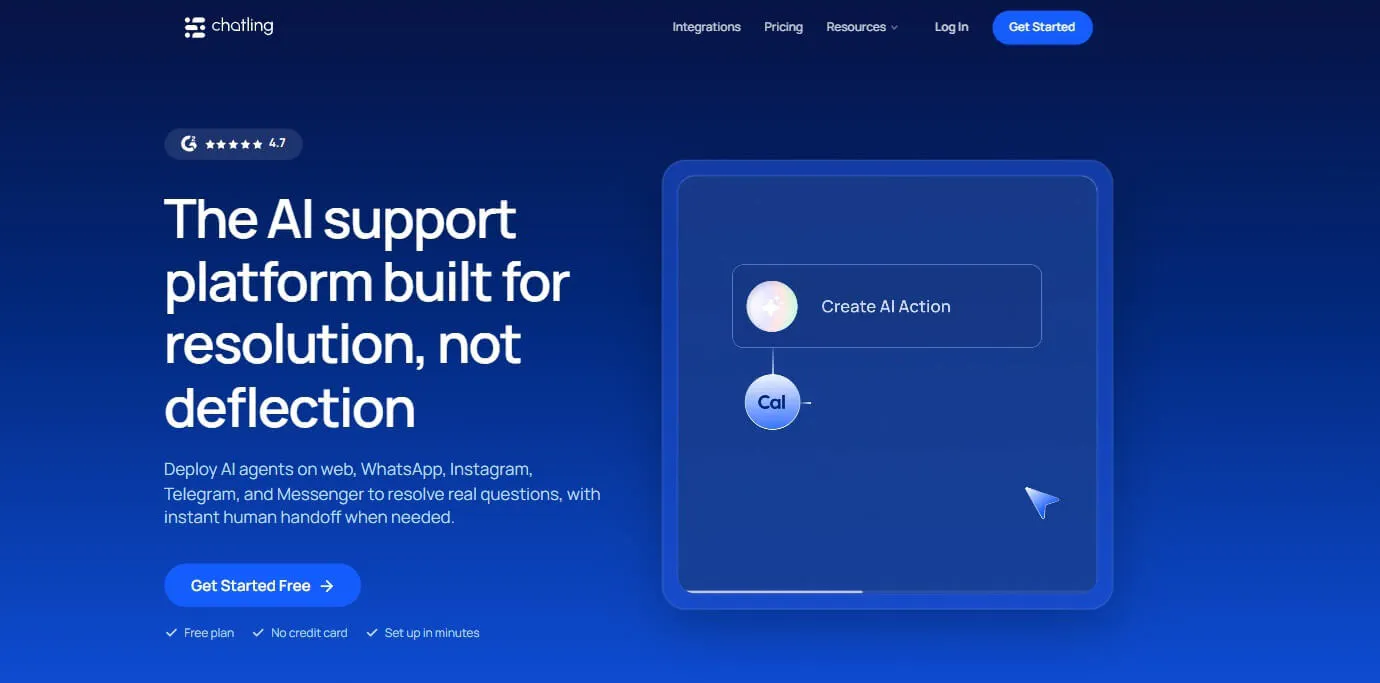
Chatling is a conversational AI platform for customer support, lead generation, and sales. You can train it on your website, documents, and FAQs, then choose how it interacts with customers: AI Agents that handle open-ended requests or AI Chatbots that follow the flows you design.
Both use the same knowledge base, live chat inbox, and analytics. A team can start with a lead qualification flow and add a support agent later without switching tools.
Chatling fits SaaS teams that want AI to resolve conversations and complete tasks across their website, WhatsApp, Instagram, Messenger, and Telegram, with a human stepping in when needed.
Key features
Chatling brings knowledge, actions, and human support together in one workflow.
- Five channels, one setup: Deploy the same AI across your website, WhatsApp, Instagram, Messenger, and Telegram. Website integration works with WordPress, Shopify, Webflow, Wix, Squarespace, Bubble, PrestaShop, and Google Tag Manager.
- AI Actions: Agents can display lead forms and buttons, make API calls through HTTP requests, book meetings through a Cal.com widget, send emails, read and update Google Sheets, and create HubSpot or Zendesk records.
- Visual Chatbot Builder: Build flows using messages, buttons, forms, conditions, AI responses, intents, and triggers such as returning visitors or visits to specific pages.
- Knowledge Base with auto-sync: Chatling can crawl up to 1,000 website pages and read sitemaps, PDFs, DOCX and TXT files, as well as Zendesk and Zoho content. Auto-sync refreshes your sources at set intervals.
- Playground: Compare up to five Agent configurations side by side across AI models, instructions, actions, and temperature settings.
- Human handoff: AI can hand off conversations to human agents based on rules, intents, customer requests, or manual takeover. Agents receive the full conversation history, an AI summary, priority, and sentiment.
- Routing and inbox tools: Route conversations by channel, language, priority, or sentiment. Teams can also use internal notes, canned responses, Copilot drafts, and round-robin assignment.
- AI Analytics: Track resolution, deflection, CSAT, leads, common questions, and knowledge gaps.
Why Chatling over Fernand
Chatling puts business logic directly into the product. You can configure a booking, CRM update, or API call as an AI Action, and the agent can decide when to use it. With Fernand, the same type of work requires your own scripts or coding agents.
Chatling also reaches customers on WhatsApp, Instagram, Messenger, and Telegram. Its analytics can show which questions the AI fails to resolve. For teams without a developer dedicated to support, this can remove the need to build and maintain custom scripts for each workflow.
Tip: Take your 20 most frequent customer questions and run them through the Playground using two or three configurations. For support agents, keep the temperature between 0.0 and 0.3 if you want more consistent responses.
Pricing
- Free: 200 AI credits, 1 AI agent, 1 seat, 500,000 knowledge base characters, 2 actions per agent, and workflows available
- Starter ($25/mo): 1,750 AI credits, 2 AI agents, 2 seats, 10 million knowledge base characters, weekly knowledge base auto-sync, 4 actions per agent, and workflows available
- Growth ($75/mo): 6,000 AI credits, 5 AI agents, 5 seats, 30 million knowledge base characters, hourly knowledge base auto-sync, 7 actions per agent, round-robin routing, and workflows available
- Scale ($295/mo): 35,000 AI credits, 7 AI agents, 10 seats, 100 million knowledge base characters, hourly knowledge base auto-sync, 12 actions per agent, round-robin routing, and workflows available
Heads up
Chatling measures AI usage in credits, and each AI model uses credits at a different rate. Test a few models in the Playground to find one that answers well within your plan, and add credits at $10 per 1,000 if your volume grows.

I love that the Chatling chatbot formulates beautiful answers. It gives the impression that in 75% of the cases a real person is responding. Additionally, the initial installation was very easy, even without experience it went well. Due to the formulation of answers, we receive fewer emails from visitors because they get the answer directly.
2. Tidio: Best for Combining AI Support With Lead Capture
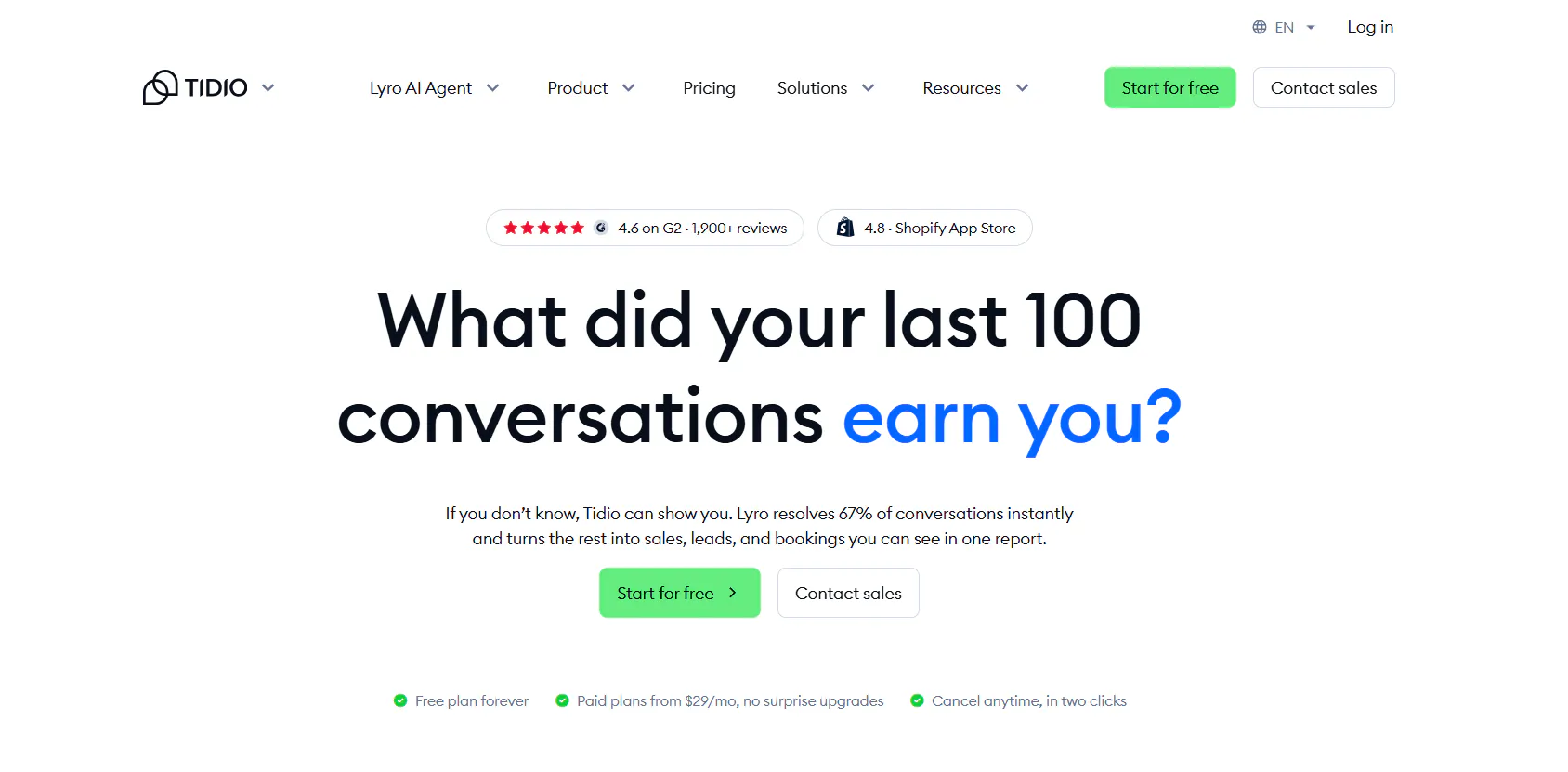
Tidio is an AI customer service platform that combines four products: the Lyro AI Agent, help desk, live chat, and Flows, a no-code builder for rule-based automation.
Lyro answers questions using your support content in 45+ languages. Flows handle tasks such as lead capture, bookings, and quote requests.
Tidio suits businesses whose chat widget needs to handle both support and sales.
Key features
- Lyro AI Agent: Answers questions using your support content, asks clarifying questions, creates tickets, and hands conversations off to humans based on rules you set for online and offline hours.
- Lyro Smart Actions: Handles tasks such as lead qualification and updates in connected systems, with up to 10 actions on paid quotas.
- Flows: A no-code builder with 40+ templates for lead capture, demo booking, quote requests, and FAQ automation.
- Help desk: Provides ticket routing, priorities, Smart Views, and workflows across email, live chat, Instagram, Messenger, and WhatsApp.
- Analytics: Tracks first response time, time to close, operator and channel performance, leads collected, and satisfaction rate.
Pricing
Tidio offers five plans plus a standalone Lyro AI Agent. The prices below reflect Tidio's annual billing view.
- Free ($0/month): 50 billable conversations and 100 Flow visitors.
- Starter ($24.17/month): 100 billable conversations, 50 one-off Lyro conversations, live chat, ticketing, and basic analytics.
- Growth (from $49.17/month): From 250 billable conversations, advanced analytics, permissions, automatic assignment, and macros.
- Plus (from $300/month plus usage): Departments, custom branding, OpenAPI, custom seats, and a dedicated success manager.
- Premium (custom): From 3,000 Lyro conversations, a guaranteed 50% Lyro resolution rate, SSO, and managed Lyro.
- Lyro AI Agent (from $32.50/month): From 50 Lyro conversations. The first 50 Lyro conversations are free for the life of the account.
Heads up
Tidio bills human conversations, Lyro AI conversations, and Flow visitors as three separate quotas. Estimate each one before choosing a plan, since a busy chatbot can increase your bill even when your team handles relatively few conversations itself.
Read Next: Best Tidio Alternatives for Customer Support in 2026
3. Crisp: Best for an Omnichannel Inbox With Flat Workspace Pricing
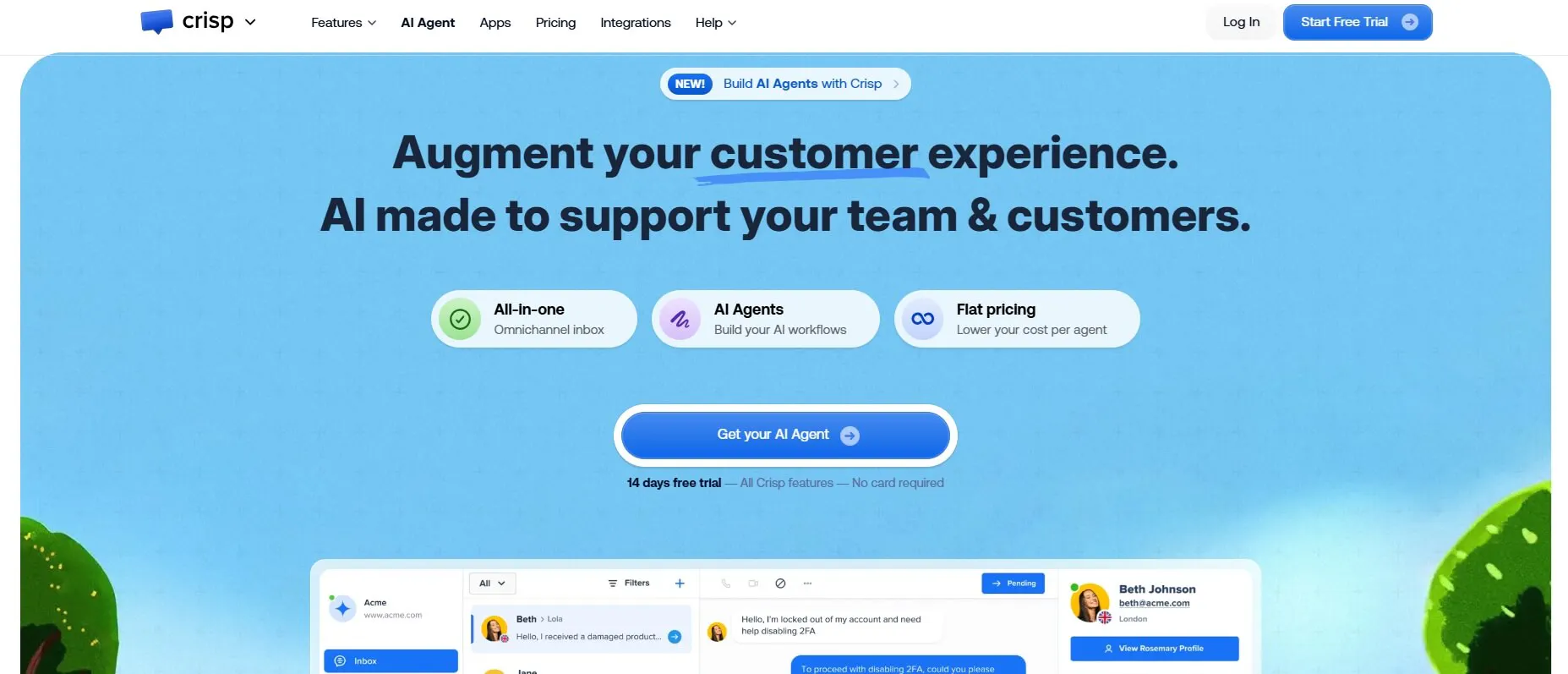
Crisp is an AI customer support platform built around an omnichannel shared inbox. Its Hugo AI Agent answers across chat, email, and messaging apps, while a built-in CRM, knowledge base, and campaign tools sit within the same workspace.
Crisp charges one flat price per workspace, so adding a teammate within your plan's seat limit does not change the bill. Data is hosted in the EU.
Crisp suits small teams that want multiple channels and predictable costs.
Key features
- Hugo AI Agent: Answers questions using your knowledge, follows instructions, runs workflows, and escalates conversations across web chat, WhatsApp, Messenger, Instagram, and email.
- MCP actions: Hugo can connect to external tools to check subscriptions, check order status, log feedback, or issue refunds.
- Omnichannel inbox: Supports website chat, email, WhatsApp Business, Instagram, Messenger, SMS, Telegram, X, Viber, Line, and phone, depending on the plan.
- Workflow builder: Run no-code workflows before Hugo responds, during an escalation, from triggers, or through the API.
- Analytics: Tracks first response time, resolution time, CSAT, SLAs, topics, and AI performance, with exports and custom dashboards.
Pricing
Standard plans include unlimited conversations. Prices exclude VAT.
- Free ($0/month per workspace): 2 seats, chat widget, shared inbox, and mobile apps. No AI credits.
- Mini ($45/month): 4 seats, shared email inbox, and $5 in AI credits, covering about 90 automated conversations.
- Essentials ($95/month): 10 seats, $25 in AI credits, covering about 450 automated conversations, plus an omnichannel inbox, workflow builder, knowledge base, and analytics.
- Plus ($295/month): 20+ seats, $75 in AI credits, covering about 1,350 automated conversations, plus ticketing, 100+ integrations, and white labeling. Extra agents cost $10 per month.
- Enterprise (custom): Dedicated onboarding and a personalized SLA.
Heads up
Hugo learns only from the sources you add and does not train on your past conversations. Before switching, turn your best past replies into knowledge base articles or Q&A snippets so Hugo starts with answers your team already trusts.
Read Next: We Tested the Top Crisp Alternatives for Teams Looking for Chatbot Solutions
4. SleekFlow: Best for Support and Sales on Messaging Apps
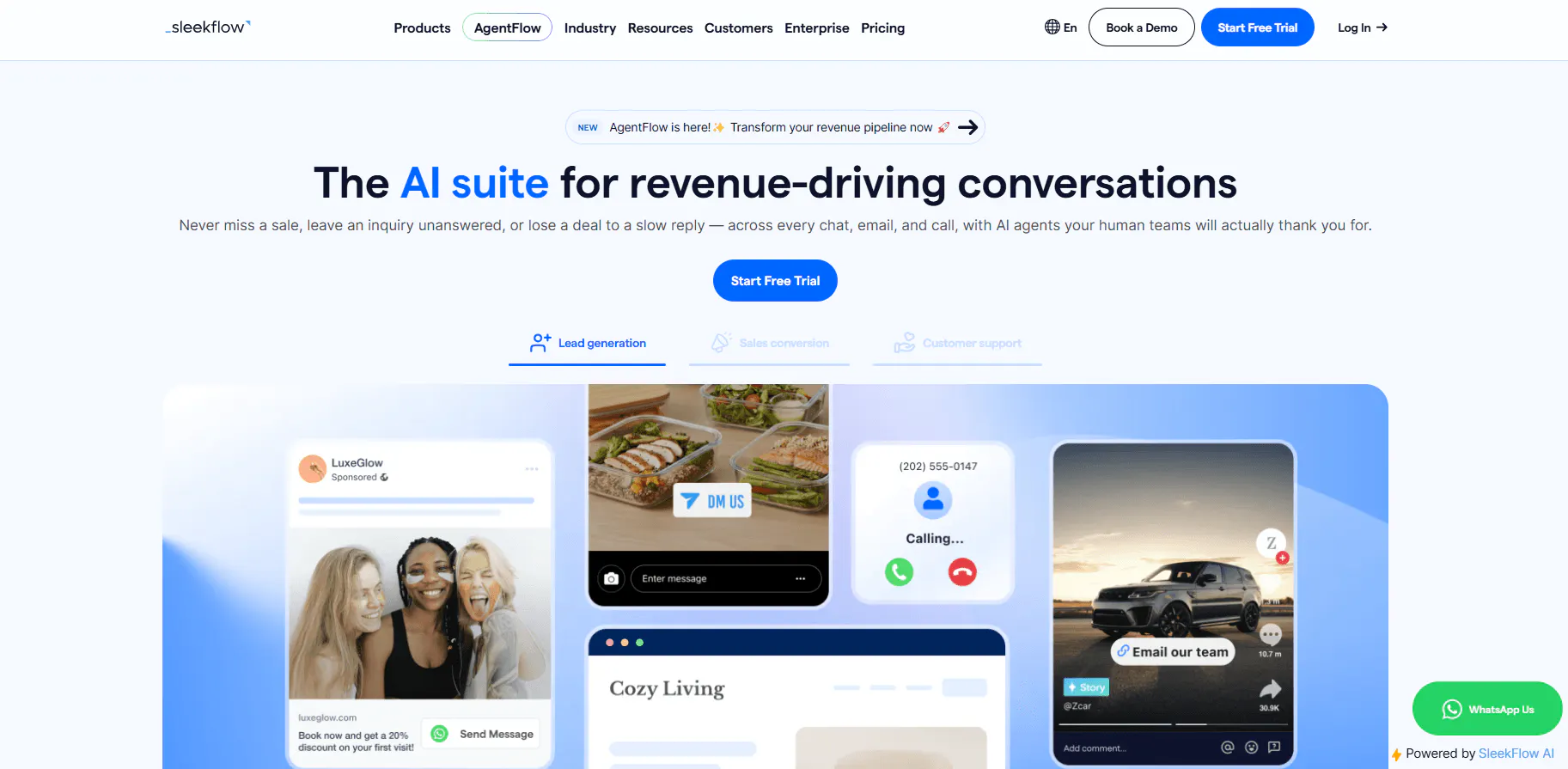
SleekFlow is a customer engagement platform for businesses that communicate with customers through messaging apps. It brings WhatsApp, Instagram, Messenger, LINE, WeChat, SMS, email, and VoIP calls into one inbox.
On top of the inbox, SleekFlow adds AgentFlow AI agents, a chat-based CRM, broadcast campaigns, and in-chat payment links. Support, sales, and marketing teams can work from the same conversation history.
SleekFlow fits teams whose customers prefer messaging apps and who sell through chat as much as they provide support.
Key features
- AgentFlow AI agents: Agents follow your SOPs, capture leads, share pricing estimates, handle booking conflicts, update CRM stages, and hand conversations off based on sentiment, topic, or task completion.
- Agent teams: Give each agent its own role, audience, and business hours, such as one agent for support and another for upsells.
- 12 messaging channels: WhatsApp Business API, Instagram DM, Messenger, TikTok, SMS, Gmail, Outlook, VoIP calls, WeChat, Telegram, Viber, and LINE.
- Data Analyst Agent: Tracks hot topics, sentiment, response speed, and answer quality across WhatsApp, email, and calls.
- Chat commerce: Share product catalogs, generate Stripe or Shopify payment links, and track payment status within the chat.
Pricing
SleekFlow prices its plans based on monthly active contacts.
- Pro ($139/month): 500 monthly active contacts, 10 user accounts, AI agents, an omnichannel inbox, broadcasts, an automation flow builder, Shopify, Google Sheets, and API integration.
- Premium ($349/month): 1,000 monthly active contacts, 10 user accounts, AI agents with custom integrations, HubSpot and Zoho, webhooks, advanced analytics, ticketing, and role-based access control.
- Enterprise (custom): Custom contacts and seats, Salesforce, PII data masking, multi-workspace support, and enterprise SLAs.
Heads up
Ticketing, webhooks, and the HubSpot integration start on the Premium plan at $349 per month. Support-heavy teams that rely on ticketing should factor the Premium plan into their budget from the start.
Read Next: 10 Best SleekFlow Alternatives To Upgrade Your Customer Support
5. Help Scout: Best for Growing Support Teams That Need Structure
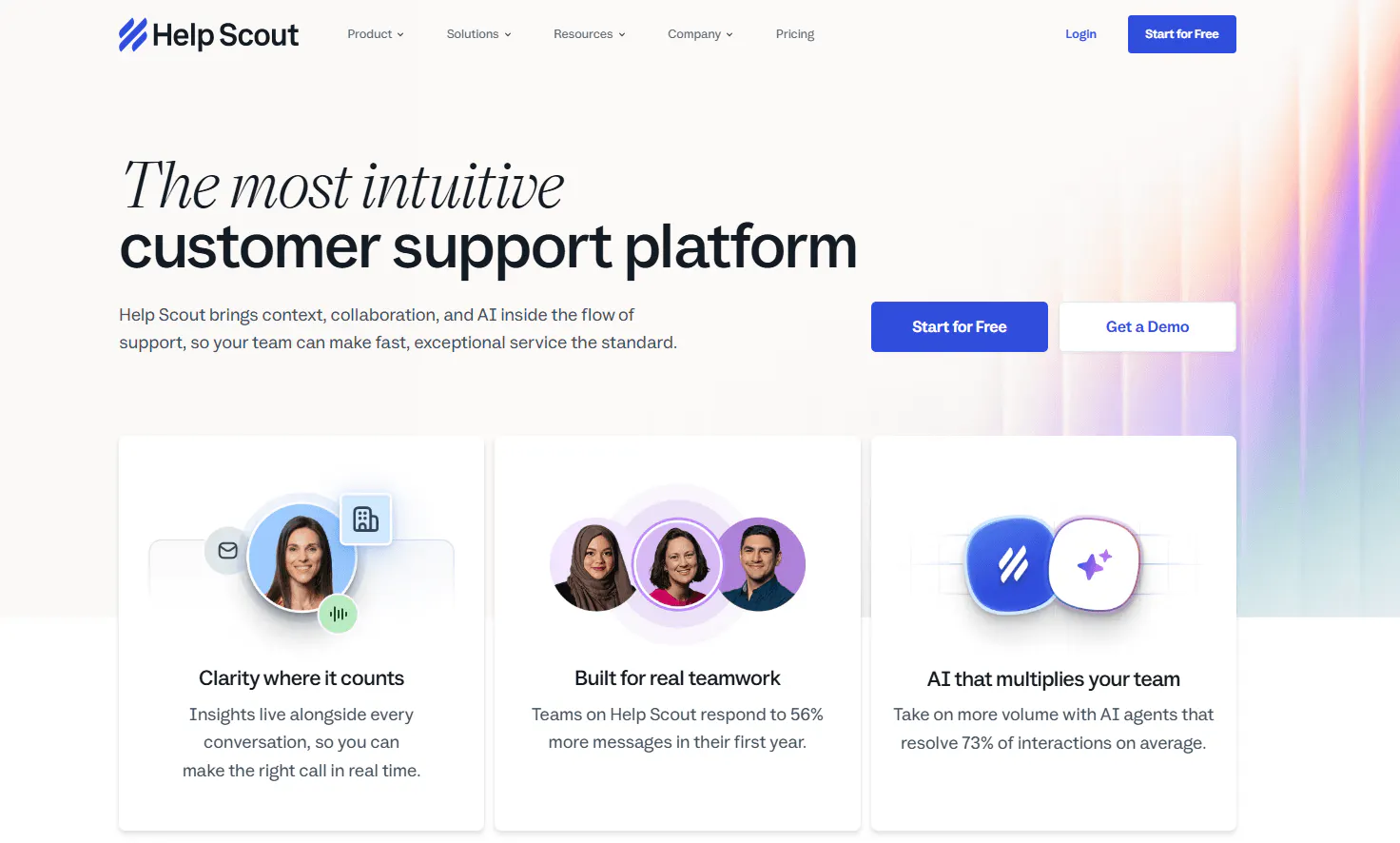
Help Scout is a customer support platform built around a shared inbox that works much like email. It also includes Docs for help articles, Beacon for in-app help and live chat, and AI tools for both customers and agents.
Plans range from a free tier for five users to unlimited users, with reports, SLAs, and workflows available as you move up the plans.
Help Scout suits SaaS support teams that are growing past 10 people and need more structure.
Key strengths
- Flexible team sizes: Plans range from a free tier for five users to unlimited users on Pro.
- Reporting: Reports cover volume, busiest times, response and resolution performance, and trending topics.
- Support workflows: SLAs, workflows, collision detection, and custom inbox views help teams manage support more consistently.
- AI tools: AI Answers for customers, plus AI Drafts, AI Summarize, and AI Assist for agents on Plus and Pro.
- Advanced features: A customer portal, SSO/SAML, and HIPAA-related support are available on higher plans.
Pricing
Help Scout charges per user, with 16% off annual billing.
- Free ($0): Up to 5 users, 1 inbox, 1 Docs site with up to 10 articles, and Beacon.
- Standard ($25/user/month, or $21 with annual billing): Up to 25 users, email, live chat, Docs, workflows, reports, and integrations.
- Plus ($45/user/month, or $37.80 with annual billing): Up to 50 users, advanced workflows, custom fields, AI Drafts, AI Summarize, and AI Assist.
- Pro ($75/user/month, or $63 with annual billing): Unlimited users with a 10-user minimum, SSO/SAML, and HIPAA-related support.
- AI Answers: $0.75 per resolution after a three-month trial.
Heads up
AI Answers costs $0.75 per resolution on top of your seat price. Set a monthly spending limit during the first few months, and Help Scout will pause AI Answers when you reach that limit.
6. Fin AI: Best for AI That Runs Multi-Step Procedures
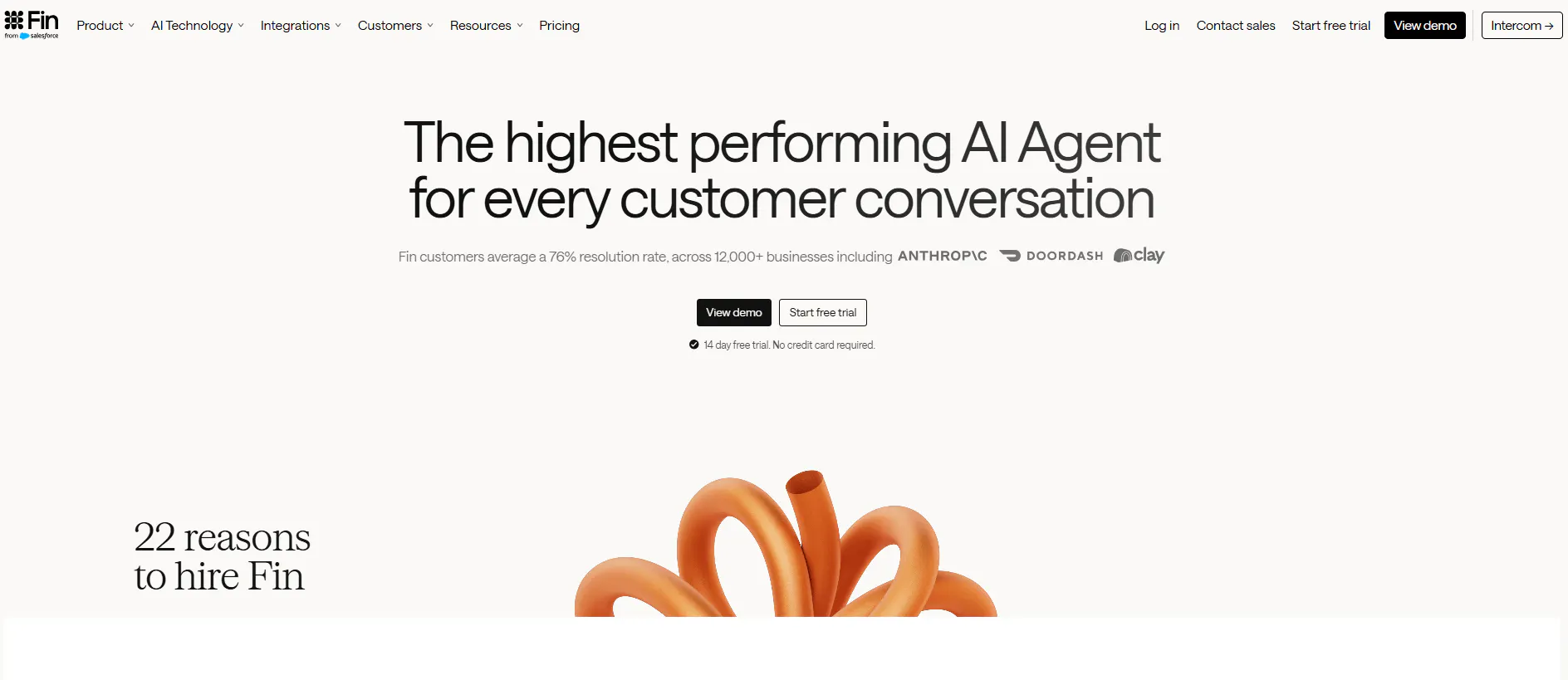
Fin is an AI agent for customer service, sales, and customer operations. It answers questions, pulls live data from connected tools, and follows step-by-step Procedures to complete tasks such as refunds or subscription changes.
Fin runs on top of Intercom or an existing helpdesk and charges per outcome, with no seat fees.
Fin suits teams that want AI to resolve complex account and billing requests from start to finish.
Key strengths
- Procedures: Handle multi-step tasks such as account updates, identity checks, and technical troubleshooting.
- Connectors: Pre-built connectors are available for Stripe, Linear, Jira, Statuspage, Salesforce, HubSpot, and Shopify, along with MCP and API connectors.
- Multiple channels: Deploy Fin across chat, email, voice, WhatsApp, SMS, Messenger, Instagram, and Slack in 45+ languages.
- Testing tools: Use simulations, regression tests, and audience testing before and after launch.
Pricing
- Fin with an existing helpdesk: $0.99 per outcome, with a 50-outcome monthly minimum ($49). No seat or platform fees.
- Fin + Intercom: $0.99 per outcome plus $29 per Intercom seat per month.
- Qualification outcome: $9.99 when Fin qualifies a sales lead.
- Fin Pro add-on: From $99/month for up to 1,000 conversations.
- Free trial: 14 days, with no credit card required.
Heads up
Fin needs a helpdesk underneath it, and Fernand is not one of its pre-built helpdesk integrations. Plan to pair Fin with Intercom or another supported helpdesk, and include the additional seat cost in your budget.
7. eesel AI: Best for AI-Powered Support Inside Your Existing Helpdesk
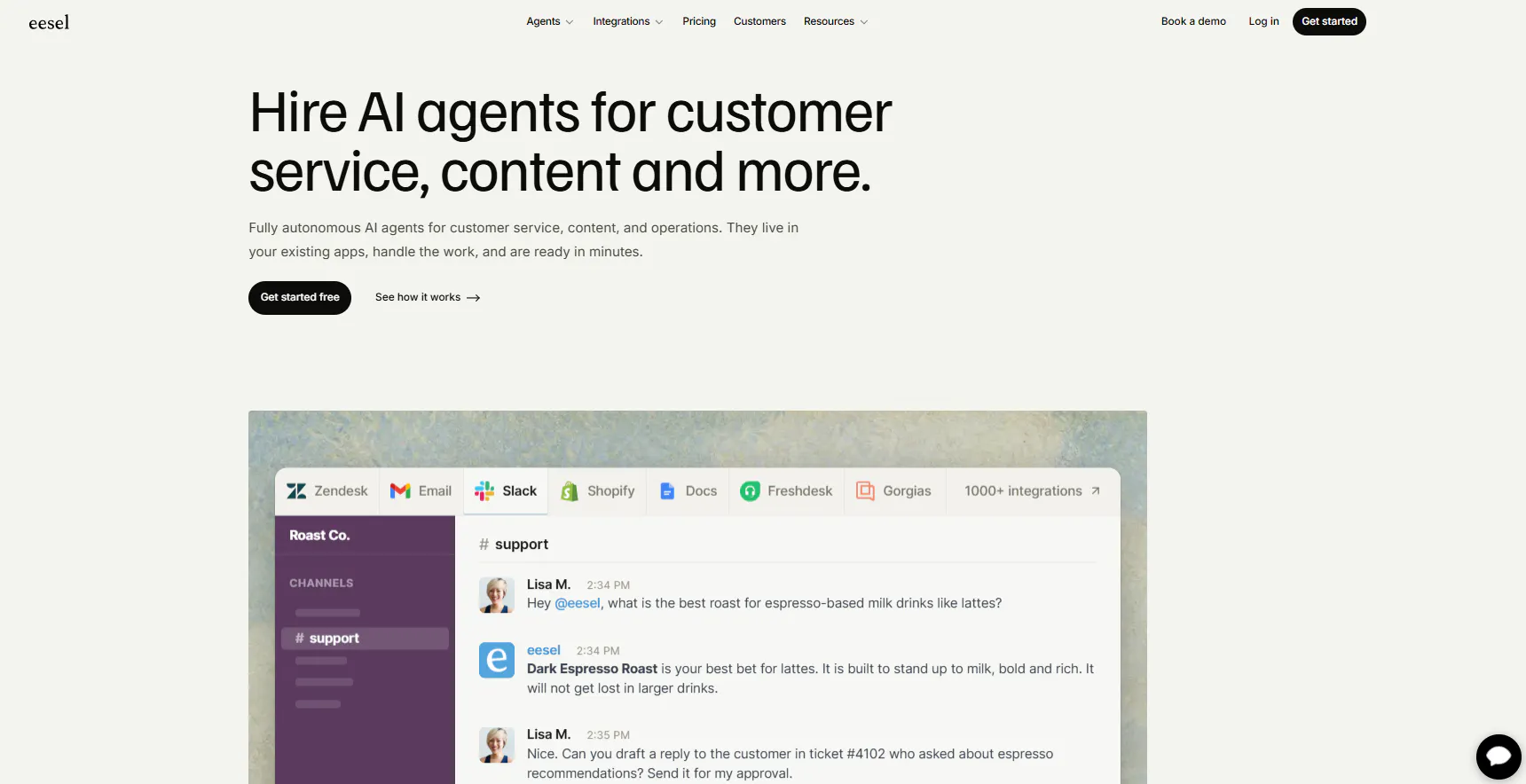
eesel AI is an AI agent platform that works inside the tools your team already uses. Its Helpdesk agent learns from past tickets and help docs, then drafts replies, resolves tickets, and escalates conversations inside Zendesk, Freshdesk, Help Scout, Intercom, and other helpdesks.
It also reads Notion, Confluence, Linear, and GitHub, so product context can carry into support answers.
eesel AI fits teams moving to a larger helpdesk that want AI working there from day one.
Key strengths
- Ticket simulations: Replay past tickets, score the agent's accuracy, and generate a knowledge gap report.
- KB Auto-updater: Draft help articles based on recurring unanswered questions.
- Multilingual support: Supports 80+ languages.
- Multiple channels: Deploy to a chat bubble, email, WhatsApp, Instagram DMs, Messenger, SMS, Slack, and Microsoft Teams.
- Draft-only mode: Keep a human in the loop by requiring approval before the agent takes action on its own.
Pricing
- Usage: $0.40 per ticket or helpdesk conversation handled. 250 tickets per month costs $100.
- Free usage: Free until you reach $50 in usage, with no credit card required.
- Annual commitment: Up to 25% off when you prepay for a year of usage.
- Enterprise ($1,000/month plus usage): Includes a dedicated solutions engineer, SSO, HIPAA, and a BAA.
Heads up
eesel AI does not include its own helpdesk. You need to pair it with a supported tool such as Help Scout or Freshdesk.
Read Next: 10 eesel AI Alternatives: Compare Features, Pricing & Support Capabilities
8. Kore.ai: Best for Enterprise Support With Strict Governance
Kore.ai is an enterprise AI platform for building, running, and governing AI agents across customer and employee experiences. Its Artemis platform enforces policies outside the language model and traces every agent session, allowing teams to audit what the AI did and why.
Banks, insurers, healthcare providers, and telecom operators use Kore.ai for high-volume voice and digital support.
Kore.ai suits large organizations running regulated, high-volume support.
Key strengths
- Agent Studio and ARCH: Agent Studio supports visual and code-based building, while ARCH, an AI architect, turns plain-language intent into agents, workflows, and policies.
- Policy enforcement and tracing: Engine-level policy enforcement and tracing across 100% of agent sessions.
- Voice and digital agents: Multilingual AI agents with memory that carries across channels.
- Industry applications: Pre-built applications for healthcare, banking, and retail with 100+ use cases.
- Compliance coverage: Includes HIPAA, SOC 2, GDPR, ISO 27001, and PCI DSS, with coverage varying by industry.
Pricing
Kore.ai does not publish plan prices. You can request a demo to get a quote.
Heads up
Kore.ai does not publish its prices, so you need a demo and a sales conversation to get a quote. This can make the buying process longer than with self-serve tools.
Read Next: 6 Kore.ai Alternatives for AI Customer Support Worth Switching To in 2026
Which Fernand Alternative Suits Your Business Best?
Start with the reason you are leaving Fernand, then shortlist two or three tools from the table that fit your needs. Test each one with your own customer questions before you commit.
Your support setup | Compare these tools | Why they fit |
|---|---|---|
You want AI Agents and AI Chatbots in the same platform | Chatling | AI Agents handle open-ended support and multi-step tasks, and AI Chatbots run structured, flow-based conversations. |
Your customers message you on WhatsApp, Instagram or Messenger | Chatling, Tidio, Crisp, SleekFlow, Fin | Each deploys AI to messaging apps as well as web chat. |
You want AI to complete tasks without custom code | Chatling, Fin, SleekFlow, Crisp | They connect AI conversations to bookings, CRMs, APIs and business systems through built-in actions or connectors. |
Your support and sales run through the same widget | Chatling, Tidio, SleekFlow | They combine support with lead capture, qualification and booking. |
Your team is growing past 10 agents | Help Scout, Crisp, Kore.ai | They add SLAs, routing, reporting and room for larger teams. |
You support customers in many languages | eesel AI, Tidio, Fin, Kore.ai | They support 45 to 80+ languages or multilingual conversations with language switching. |
You want to test AI before customers see it | Chatling, Fin, eesel AI | Chatling compares up to five configurations side by side. Fin and eesel run simulations on test or past conversations. |
You offer phone support | Fin, Crisp, SleekFlow, Kore.ai | They support voice or VoIP calls on eligible plans. |
You want EU-hosted data, as with Fernand | Crisp | Crisp hosts data in the EU and offers a Data Processing Agreement. |
The right alternative depends on what you need from your support setup. Help Scout is a fit for growing teams that need SLAs, reporting, and more seats. SleekFlow is built around messaging-based support and sales, while Kore.ai is designed for regulated, enterprise-scale support.
Chatling is worth considering if you want AI Agents and AI Chatbots in the same platform. It can handle customer conversations, capture leads, and complete tasks across your website, WhatsApp, Instagram, Messenger, and Telegram. Its AI Actions let you connect conversations to workflows such as bookings, API calls, emails, Google Sheets, HubSpot, and Zendesk without building each workflow yourself.
Start with Chatling for free to put your support on autopilot.
Frequently Asked Questions
What is the best alternative to Fernand?
Chatling is the best Fernand alternative for SaaS teams that want AI agents to answer questions and complete tasks on the website, WhatsApp, Instagram, Messenger and Telegram. Help Scout suits growing support teams, and Crisp suits teams that want many channels at a flat workspace price.
Is Chatling better than Fernand?
Chatling fits better if you need no-code AI actions, support on WhatsApp, Instagram, Messenger and Telegram, or AI analytics. Fernand fits better if your support runs through email and Slack and you prefer to build automations yourself through its API.
Does Fernand have a free plan?
Yes. Fernand’s free plan includes email, live chat, the knowledge base, unlimited seats and AI training on up to 50 MB of content. It caps sending at 100 messages per month and adds “Sent via Fernand” to emails.
How much does Fernand cost?
Fernand’s paid plan costs $29 per active human per month. It removes the message cap and branding and adds Slack Connect. Teammates who only collaborate without replying to customers do not count as paid seats.
Which Fernand alternatives have a free plan?
Chatling, Tidio, Crisp and Help Scout all offer free plans. eesel AI is free until you reach $50 of usage.
Which Fernand alternative supports WhatsApp?
Chatling, Tidio, Crisp, SleekFlow, Fin and eesel AI all support WhatsApp. Chatling deploys both AI Agents and flow-based AI Chatbots to WhatsApp.
Which Fernand alternative works best for larger support teams?
Help Scout works best for growing SaaS support teams, with plans up to unlimited users and SSO on Pro. Kore.ai suits enterprises that need governed AI across voice and digital channels.