
Businesses considering a different AI customer support platform to Kore.ai to suit their needs can look at Chatling, Voiceflow, Crisp, Fernand, eesel AI, and SleekFlow.
Kore.ai is a broad platform for building AI agents, workflows, tools, integrations, and enterprise automation. The difference comes down to how much control you need over AI behavior, how your support team works with the AI, which channels you need, and how deeply the platform needs to connect with your existing systems.
Some alternatives focus on customer support specifically, while others provide broader tools for building and managing AI agents.
Kore.ai Alternatives Compared
Platform | Best for | Key strengths | Why consider it | Pricing |
|---|---|---|---|---|
Chatling | Dynamic AI customer support across websites and messaging channels | AI Agents, AI Chatbots, AI Actions, Easy Setup, Integrated workflows, Human handoff | Combines autonomous AI support with structured chatbot flows and human support | Free; paid plans from $25/mo |
eesel AI | Teams adding AI to an existing support stack | Helpdesk AI, historical-ticket simulations, knowledge sources, ticket automation | Works within existing support tools instead of requiring a separate support environment | $0.40 per ticket/conversation |
SleekFlow | Omnichannel customer conversations | AI Agents, WhatsApp, CRM, automation, ticketing | Connects AI support with messaging, sales, ecommerce, and customer data | From $139/mo |
Crisp | Shared inbox-based customer support | AI Agent, shared inbox, workflows, routing, Knowledge Base | Brings AI and human support into one customer communication workspace | Free; paid plans from $45/mo/workspace |
Fernand | Small SaaS support teams | AI agent, shared inbox, Knowledge Base, automation | Combines support operations with product and development context | $29/active user/mo |
Voiceflow | Custom AI agent development | Agent Builder, Workflows, Playbooks, testing, evaluations | Gives teams extensive control over agent behavior and production management | Business pricing via demo |
Where Kore.ai Falls Short According to Reddit
The biggest concerns that come up in Reddit discussions about Kore.ai center on the amount of work involved in building and adapting real-world workflows. Users discussing the platform have raised questions about complexity, ease of implementation, and the effort required to turn the platform into a working customer support system.
- Setup can feel complex. Kore.ai has a broad configuration surface, and one user described working with the platform for chatbot development as complex. A separate comparison of enterprise agent platforms also highlighted faster deployment and less complexity as differences worth considering. (Reddit)
- Support workflows can take more work to build. A team evaluating Kore.ai for end-to-end customer support ultimately preferred another platform because it felt easier to build real workflows around. That points to the amount of work required to turn an agent into a functioning support workflow with automation and integrations. (Reddit)
- Off-script conversations can be harder to manage. One evaluation found Kore.ai highly flexible, but also noted that behavior could become unpredictable when the underlying conversation logic was not clean. For support teams handling customers who change topics, interrupt flows, or take unexpected paths, conversation design becomes an important part of the implementation. (Reddit)
These discussions point toward a useful evaluation question: how much work will your team need to put into building, testing, maintaining, and pricing the support experience you actually want?
What to Look for in a Kore.ai Alternative
If complexity is one of the reasons you're evaluating another platform, you need to look at how the platform handles the actual work your support team needs to perform.
How Much of the Support Workflow Can the AI Handle?
Start with your highest-volume support requests and map the steps involved. For example, an order question may require the AI to identify the customer, retrieve order information, explain the status, and create a ticket if something went wrong. A platform that only answers the question handles one part of that workflow.
Look for AI that can retrieve information, collect missing details, trigger actions, update records, and escalate when the workflow requires human involvement.
How Do You Control Agent Behavior?
AI support needs clear boundaries. Check how you define the AI's role, tone, instructions, business rules, restricted topics, escalation conditions, and permitted actions. Also, check whether you can test those settings before exposing them to customers.
This is particularly important when the AI can take actions in external systems. You need to know exactly when an action can run and what information it can use.
What Happens When the AI Reaches Its Limit?
A support platform should have a clear path from AI to human to ensure complete resolution for the customer. Check whether the handoff preserves conversation history, customer information, the reason for escalation, and useful AI-generated context. Then look at how your team receives and manages those conversations.
The quality of the handoff affects the entire support experience. A customer who has already explained a problem should not have to start from the beginning after escalation.
How Will You Test and Improve the AI?
Testing should continue after deployment. Look for tools that let you run realistic customer scenarios, identify weak answers, find knowledge gaps, review conversations, and measure outcomes. Some platforms also let teams compare different configurations before publishing changes.
This gives you a practical way to improve the AI based on the conversations it actually handles.
Does the Platform Fit Your Existing Support Stack?
List every system the AI needs to work with before you choose a platform.
That might include your helpdesk, CRM, ecommerce platform, messaging channels, scheduling software, internal knowledge sources, or custom APIs. Then verify that the platform supports the specific integration or action you need.
6 Kore.ai Alternatives That are Better for Your Customers and Your Team
Kore.ai is built for teams that need extensive control over AI agents, workflows, integrations, and enterprise support operations.
If your requirements are more specific, you may want a platform that fits your existing support setup, channels, team structure, or level of technical control more closely.
1. Chatling: Best for AI-Powered Customer Support with Agents, Workflows, and Multichannel support
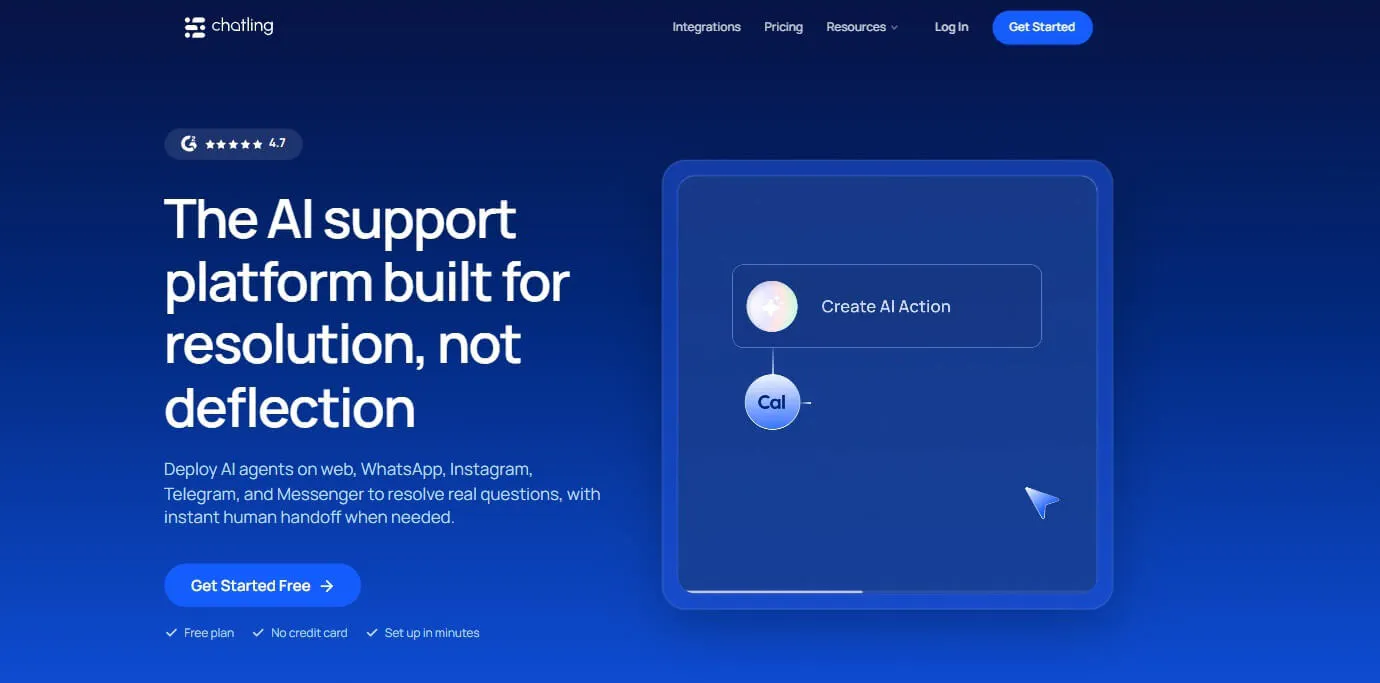
Chatling combines AI Agents, AI Chatbots, Knowledge Base, AI Actions, Live Chat, Workflows, Human Handoff, analytics, and customer-facing channels in one platform. AI Agents handle open-ended questions and multi-step tasks, while AI Chatbots use structured flows for predictable customer journeys.
That distinction makes Chatling relevant to teams evaluating Kore.ai for customer support workflows. You can use an AI Agent when the conversation needs dynamic reasoning, or use the AI Chatbot for website when you want to control the path customers follow.
Chatling also seamlessly transitions from AI to human support. Live Chat, handoff, conversation management, routing, AI summaries, assignments, and internal notes give support teams a way to take over conversations when the AI needs help.
Key Features
Chatling's support capabilities cover the full path from customer question to resolution:
- AI Agents: Handle open-ended questions, troubleshoot issues, retrieve information, create tickets, update records, send emails, book appointments, and work with external APIs.
- AI Chatbots: Build structured conversations with a visual Builder, variables, conditions, intents, AI responses, buttons, forms, and action blocks.
- Knowledge Base: Connect websites, sitemaps, URL lists, PDFs, DOCX, TXT, FAQs, Zendesk, and Zoho. Teams can manually resync sources or use automatic syncing.
- AI Actions: Let Agents collect information, make HTTP requests, send emails, work with Google Sheets, HubSpot, Zendesk, and Cal.com, and complete configured tasks.
- Human support: Live Chat provides conversation management, assignment, routing, priority, AI summaries, canned responses, internal notes, and human handoff.
- Testing and analytics: The Playground lets teams compare up to five Agent configurations. Analytics track resolution, deflection, satisfaction, common questions, knowledge gaps, and AI performance.
- Omnichannel support: Deploy AI Agents and AI Chatbots across your website, Messenger, Telegram, WhatsApp, with Instagram support for AI Agents.
Pricing
- Free: 200 AI credits, 1 AI agent, 1 seat, 500,000 knowledge base characters, and 2 actions per agent
- Starter ($25/mo): 1,750 AI credits, 2 AI agents, 2 seats, 10 million knowledge base characters, and 4 actions per agent
- Growth ($75/mo): 6,000 AI credits, 5 AI agents, 5 seats, 30 million knowledge base characters, 7 actions per agent, satisfaction surveys, and round-robin routing
- Scale ($295/mo): 35,000 AI credits, 7 AI agents, 10 seats, 100 million knowledge base characters, 12 actions per agent, satisfaction surveys, and round-robin routing
Heads Up
Chatling gives teams substantial control over knowledge, instructions, actions, testing, and handoff. Teams should test real customer scenarios in the Playground before deployment and use analytics to identify gaps after launch.
2. eesel AI: Best for AI Inside Your Existing Support Stack
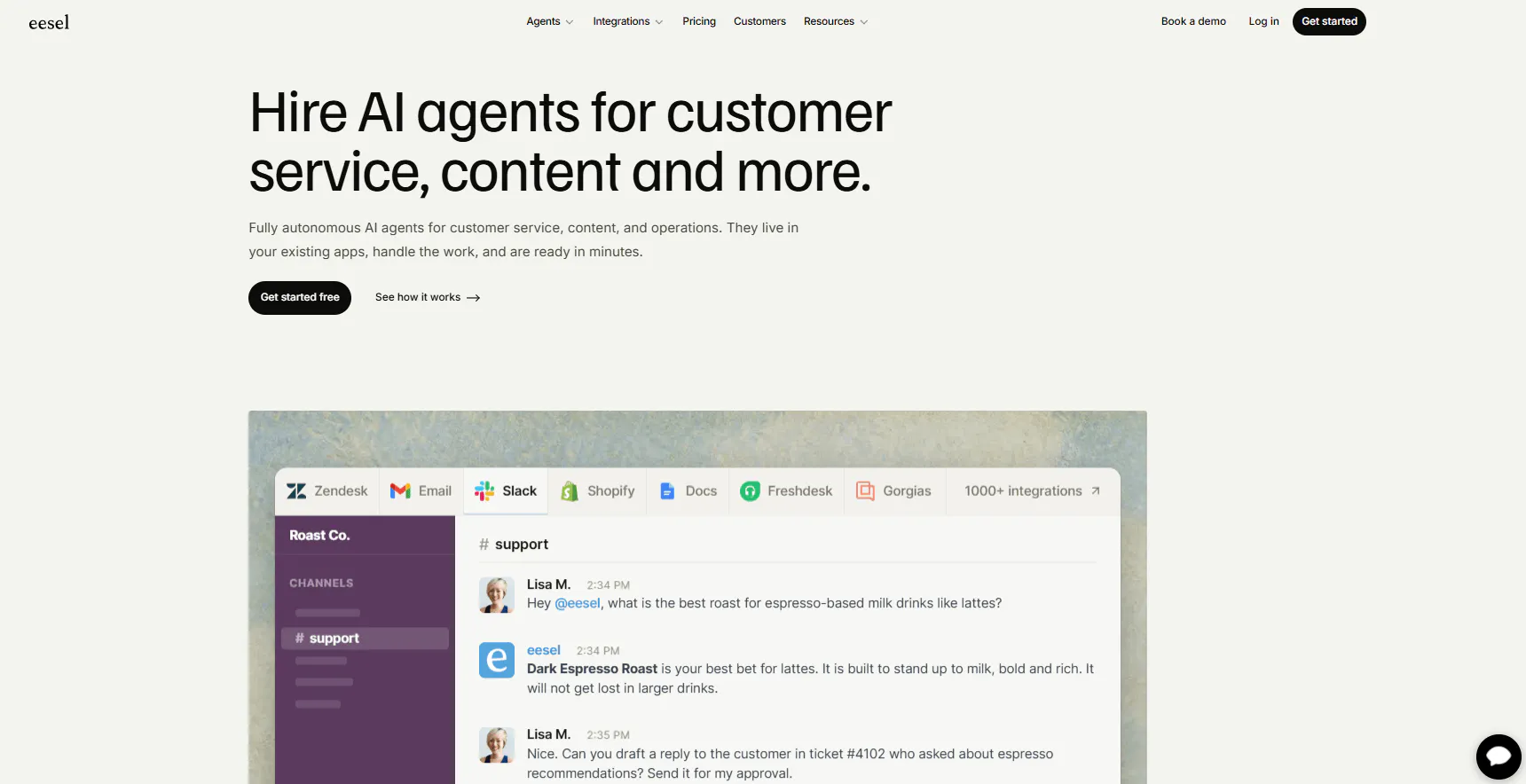
eesel AI takes a different route. Its customer service agent works inside a dedicated helpdesk and business tools such as Zendesk, Freshdesk, Intercom, Front, Gorgias, Help Scout, Salesforce, and Jira Service Management.
The platform can learn from past support tickets, help documentation, policies, company documents, website content, product information, and customer data. Teams can also configure when the AI should act, when it should escalate, and when it should create drafts for human review.
Key Features
eesel AI focuses its feature set around support teams that already work inside helpdesks and want AI to operate within those existing workflows.
- Helpdesk AI Agent: Draft replies, resolve tickets, triage requests, escalate conversations, and handle repetitive support requests inside connected helpdesk systems.
- Historical-ticket simulations: Test the AI against previous support tickets and identify areas where its knowledge or behavior needs improvement.
- Knowledge gap detection: Analyze weak areas, add missing information, and rerun simulations after updating the knowledge base.
- Support analytics: Review ticket themes, sentiment, triage, agent performance, and areas where the AI needs additional review.
- 80+ languages: The platform documents support for more than 80 languages.
Pricing
eesel AI uses usage-based pricing:
- Standard usage ($0.40/ticket or helpdesk conversation): eesel charges for each handled ticket or helpdesk conversation. Usage remains free until it reaches $50.
- Annual commitment: Teams that pay annually can receive up to 25% off the usage rate under the documented annual commitment terms.
- Enterprise ($1,000/mo + usage): Adds a dedicated solutions engineer, account manager, higher Knowledge Base limits, SSO, HIPAA, BAA, and signed cloud service agreements.
Heads Up
eesel AI works closely with existing helpdesks and uses sources such as historical tickets, documentation, policies, and company information. Teams with fragmented processes or information spread across tools should map those sources before deployment so the AI has the context it needs.
Read Next: 10 eesel AI Alternatives: Compare Features, Pricing & Support Capabilities
3. SleekFlow: Best for Omnichannel Customer Conversations
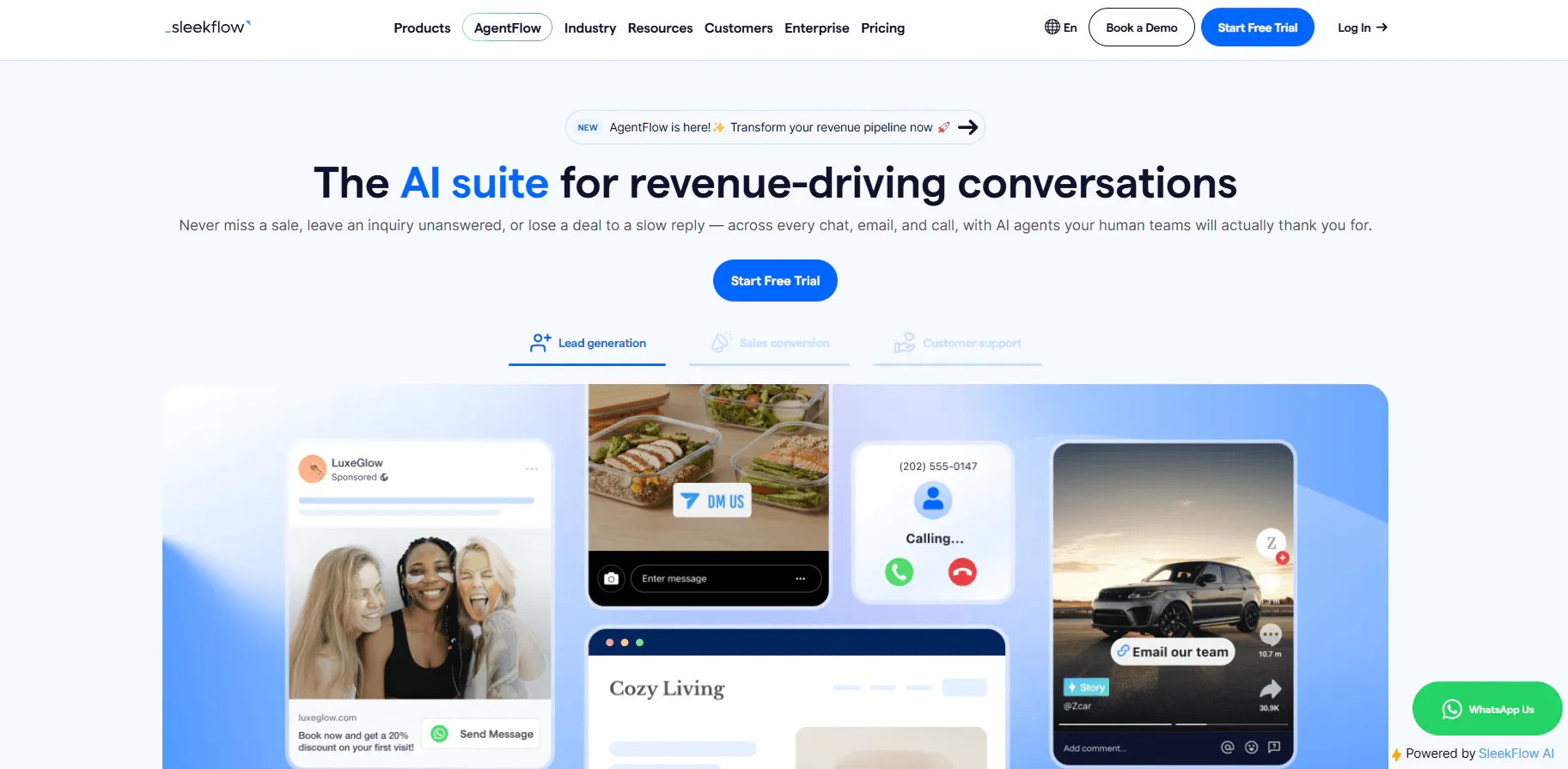
SleekFlow brings AI Agents into a broader customer engagement platform. The product combines AI Agents, an Omnichannel Inbox, CRM, ticketing, automation, analytics, broadcasts, ecommerce features, and messaging channels.
Its AgentFlow system can use SOPs, websites, internal documents, customer information, and visitor behavior. Agents can follow multi-step processes that include lead capture, pricing, booking conflicts, returns, discounts, lead routing, and CRM updates.
Key Features
SleekFlow's capabilities connect AI support with the wider customer engagement workflow, including messaging, CRM data, ecommerce, and automation.
- AI Agents: Build agents around defined roles, audiences, business hours, knowledge, and workflows.
- Omnichannel Inbox: Bring customer conversations from supported messaging channels into one workspace.
- WhatsApp: Support WhatsApp Business API, WhatsApp Flow, catalogs, payment links, and shared customer conversations.
- CRM: Store customer properties and custom objects such as orders, subscriptions, memberships, appointments, deals, and purchase history.
- Automation: Build flows for customer engagement, lead routing, notifications, and other business processes.
- Integrations: Connect platforms such as Shopify, HubSpot, Salesforce, Google Sheets, and VTEX.
Pricing
SleekFlow's pricing plans include:
- Pro ($139/mo): 500 monthly active contacts to start, 10 users, AI Agents, Omnichannel Inbox, broadcasts, Automation Flow Builder, Shopify, Google Sheets, API access, basic analytics, onboarding, email support, and 24/7 AI chat support.
- Premium ($349/mo): 1,000 monthly active contacts, AI Agents with custom integrations, HubSpot, Zoho, webhooks, advanced analytics, WhatsApp Flow, ticketing, RBAC, and dedicated onboarding.
- Enterprise (Custom): Custom active contacts and users, Salesforce, PII masking, multi-workspace support, conversation export, enterprise SLAs, and a dedicated Customer Success Manager.
Heads Up
SleekFlow combines AI support with messaging, CRM, ecommerce, automation, and customer engagement. That makes the platform particularly relevant when support conversations connect closely with sales or commerce workflows.
Read Next: 10 Best SleekFlow Alternatives To Upgrade Your Customer Support
4. Crisp: Best for AI support with a shared inbox
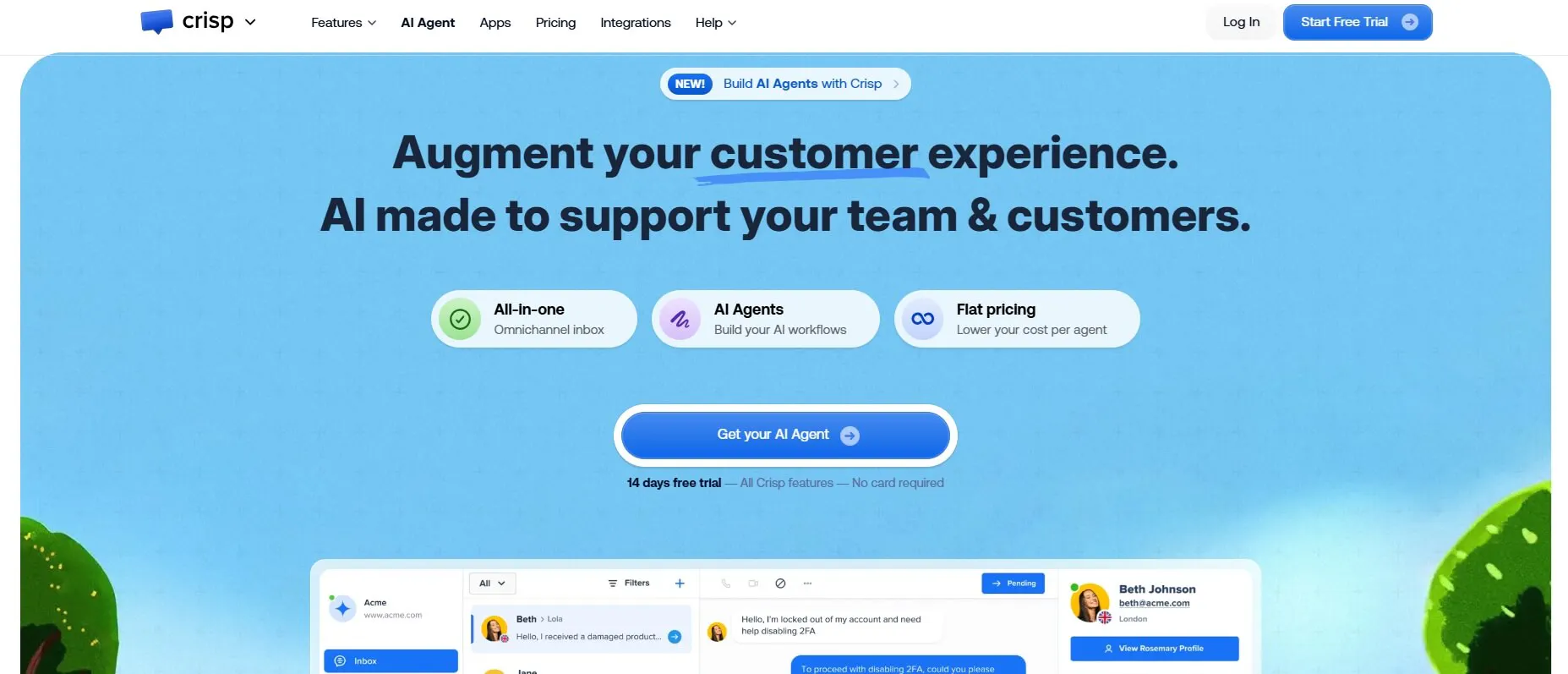
Crisp combines an omnichannel shared inbox with AI support, customer data, Knowledge Base tools, workflow automation, routing, analytics, and integrations. Its AI Agent, Hugo, can answer questions, use connected knowledge, execute workflows, trigger actions, use external tools, and escalate conversations to humans.
The product also gives human agents a workspace for managing conversations. That makes Crisp relevant when the support model needs both automated conversations and a shared environment for human agents.
Key Features
Crisp brings its AI capabilities into a shared support workspace, so the feature set spans automated conversations, human support, routing, and customer data.
- Hugo AI Agent: Answers customer questions, follows instructions, uses provided knowledge, executes workflows, and escalates conversations.
- Shared Inbox: Manage customer conversations across supported channels with team routing and conversation management.
- No-code workflows: Create automated processes that run before AI handling, during conversations, during escalation, or through triggers.
- Knowledge Base: Train Hugo with website pages, Knowledge Base articles, PDFs, TXT, CSV, MD/MDX files, and Q&A snippets.
- Routing and escalation: Route conversations to teams or human agents and run actions before escalation.
- Channels: Support includes web chat, email, WhatsApp, Instagram, Messenger, SMS, Telegram, X/Twitter, Viber, Line, and phone, with availability depending on the plan.
Pricing
Crisp uses workspace-based pricing:
- Free ($0/mo): Website Chat Widget, Shared Inbox, 2 seats, mobile apps, Chat SDKs, contact forms, ecommerce integrations, push notifications, unlimited conversations, and no AI credits.
- Mini ($45/mo/workspace): 4 seats, Shared Email Inbox, approximately 90 automated conversations, $5 AI credits, shortcuts, chat triggers, private notes, custom email domain, unlimited data retention, and internal search.
- Essentials ($95/mo/workspace): 10 seats, 50,000 customer profiles, approximately 450 automated conversations, $25 AI credits, Omnichannel Inbox, workflow automation, AI Chatbot, Knowledge Base, analytics, routing, and assignment.
- Plus ($295/mo/workspace): 20+ seats, approximately 1,350 automated conversations, $75 AI credits, AI-First Support Suite, unlimited task automations, ticketing, 100+ integrations, white labeling, enhanced rate limits, and advanced analytics.
- Enterprise (Custom): Dedicated onboarding, personalized SLA, enhanced rate limits, custom features, and team training.
Heads Up
Crisp bills by workspace rather than by individual domain. Its free plan does not include AI credits, and AI usage follows fair-use rules. Some integrations and additional capabilities can also carry separate charges.
5. Fernand: Best for Small SaaS Support Teams
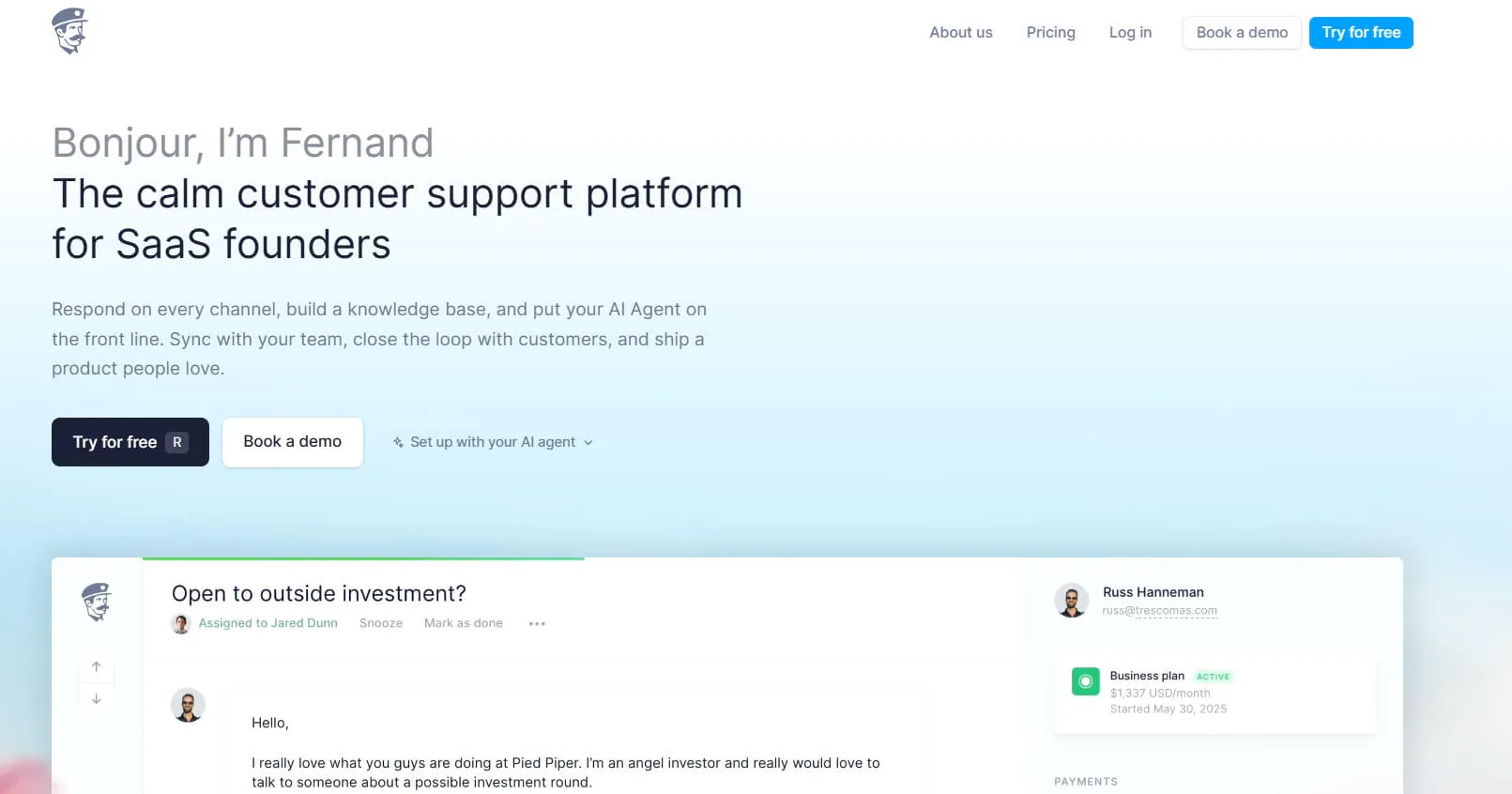
Fernand focuses on small SaaS businesses, particularly teams with 10 or fewer people. Its support platform combines a shared inbox, live chat, AI agent, Knowledge Base, automation, customer context, integrations, and API access.
The platform connects customer support with product development context through integrations such as Linear and GitHub. That gives SaaS teams a way to connect customer conversations with the product issues behind them.
Key Features
Fernand's features focus on the day-to-day support needs of small SaaS teams, with AI, human support, knowledge, and automation working around the same inbox.
- AI support agent: Answer customers, draft replies, summarize conversations, use product knowledge, and work with connected-tool context.
- Shared inbox: Manage email, live chat, Slack, direct messages, contact forms, and custom support experiences through the API.
- Knowledge Base: Train the AI with documentation, previous replies, Q&As, and files.
- Automation: Create rules for routing, tagging, assigning, closing conversations, automated replies, AI drafts, and webhooks.
- Product context: Connect Linear and GitHub, so support teams can work with relevant development information.
Pricing
Fernand uses active users as its primary pricing unit:
- Standard ($29/active user/mo): Shared inbox, live chat with AI agent, Knowledge Base, migration support, unlimited conversations, unlimited replies, and access to every feature.
- AI agent: Included in the standard plan, with unlimited conversations, agent actions, and API calls. Fernand does not charge separately per AI resolution.
- 14-day trial: The trial does not require a credit card, and the account does not automatically become a paid subscription when the trial ends.
Heads Up
Fernand specifically targets small SaaS teams. Teams with larger enterprise support structures should check whether their product scope matches the complexity of their support operation before migrating.
6. Voiceflow: Best for custom AI agent development
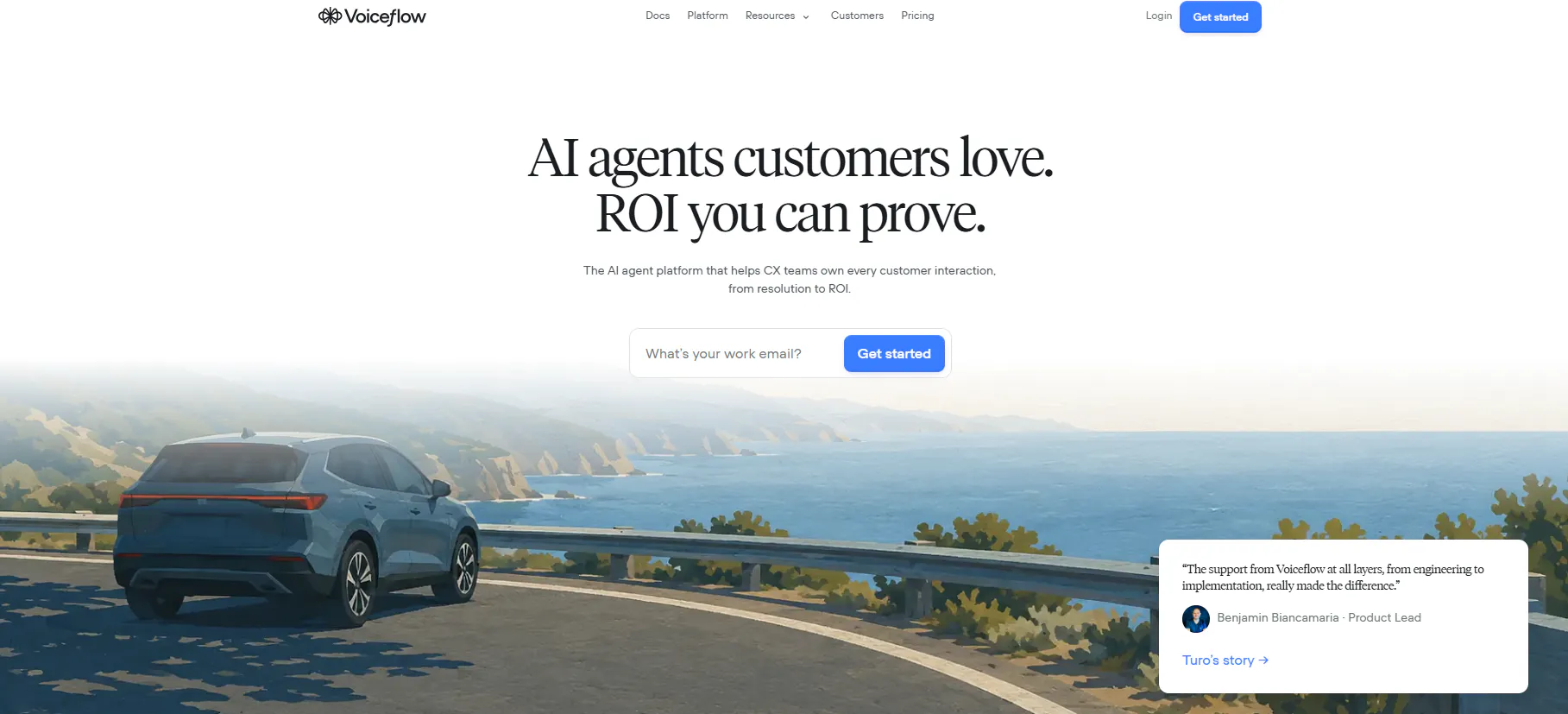
Voiceflow provides a developer environment for building, testing, deploying, and managing AI agents. Its Agent Builder brings together models, business logic, knowledge base content, workflows, tools, APIs, custom code, instructions, and guardrails.
The platform gives teams separate tools for flexible agent behavior and predictable processes. Playbooks handle complex or open-ended tasks, while Workflows provide structured sequences for processes that need defined steps.
Key Features
Voiceflow focuses heavily on the development and management of AI agents, giving teams tools for building behavior, testing scenarios, evaluating results, and monitoring production agents.
- Agent Builder: Combine models, instructions, knowledge, workflows, tools, APIs, custom code, and guardrails in an agent.
- Playbooks: Use natural-language instructions for complex or open-ended tasks that need flexible agent behavior.
- Workflows: Build deterministic processes where the sequence and logic need tighter control.
- Testing: Test conversations, responses, Knowledge Base retrieval, tool calls, workflows, edge cases, and user scenarios before deployment.
- Evaluations: Create LLM-powered evaluations to measure agent behavior, identify problems, review production interactions, and compare versions.
- Observability: Review production interactions, resource consumption, AI results, output messages, evaluations, and usage metrics.
- Production environments: Manage development, staging, and production environments with versioned builds and controlled deployment.
Pricing
Voiceflow's current public pricing does not show a fixed Business monthly price.
- Agencies & Partners: Free trial with no credit card required. Usage-based billing, multi-client workspace management, white-labeling, client handoff tools, and access to major model providers.
- Businesses: Custom pricing, with self-serve or fully managed implementation, voice and chat deployment, real-time observability and performance analytics, team roles and permissions, and control over agent configuration.
Heads Up
Voiceflow's breadth makes it a platform for teams that want to build and manage AI agents in detail. Teams looking for a narrowly focused customer support product should compare the development and management capabilities against the level of control they actually need.
Which Kore.ai Alternative Is the Right AI Support Platform for Your Business?
The right Kore.ai alternative depends on how your support operation works and what you need AI to handle. Use the table below to narrow down the platforms that match your channels, workflows, team structure, and level of control.
Your Support Setup | Suitable Tools | Why They Fit |
|---|---|---|
You need both AI Agents and structured AI Chatbots | Chatling | Combines open-ended AI Agents with structured, flow-based AI Chatbots for different customer journeys. |
Your support team already works in a helpdesk or business tool | eesel AI | Works inside tools such as Zendesk, Freshdesk, Intercom, HubSpot, and Salesforce, using existing support content and customer context. |
You need customer support across messaging, CRM, and ecommerce | SleekFlow | Connects messaging channels with CRM, ecommerce, automation, and AI agents for broader customer engagement. |
You want AI and human agents in one support workspace | Crisp | Combines AI support with a shared inbox, routing, workflows, and human handoff. |
You run a small SaaS team and need support automation | Fernand | Combines an AI agent, shared inbox, customer context, knowledge sources, and support automation for small SaaS teams. |
You need deep control over agent behavior and testing | Voiceflow | Provides agent building, workflows, knowledge, APIs, testing, evaluations, and observability for teams that need more development control. |
You need AI to take actions across your support workflow | Chatling, eesel AI, SleekFlow, Voiceflow | Supports action-based workflows such as updating records, handling tickets, connecting to business systems, and calling APIs. |
Your support operation needs AI with human escalation | Chatling, Crisp, SleekFlow, Fernand | Supports AI-to-human handoff through shared support, routing, or escalation workflows. |
Read Next:
- Best Tidio Alternatives for Customer Support in 2026
- Chatbase Alternatives: 7 AI Customer Support Tools Worth Comparing in 2026
Frequently Asked Questions
What are the main alternatives to Kore.ai?
The six alternatives are Chatling, eesel AI, SleekFlow, Crisp, Fernand, and Voiceflow.
They cover different needs, including AI Agents and Chatbots, helpdesk support, omnichannel engagement, shared inboxes, SaaS support, AI lead generation chatbot capabilities, and custom agent development.
What is the cheapest Kore.ai alternative?
Pricing varies by platform and usage model. Chatling starts at $25/month, Fernand at $29 per active user/month, eesel AI at $0.40 per ticket or helpdesk conversation, and SleekFlow at $139/month.
Which Kore.ai alternatives support human handoff?
Chatling supports human handoff with conversation context, while Crisp, SleekFlow, Fernand, eesel AI, and Voiceflow provide their own escalation, routing, review, or human-transfer options.
Which Kore.ai alternatives support WhatsApp?
Chatling, SleekFlow, and Crisp support WhatsApp. Chatling supports AI Agents and AI Chatbots on WhatsApp, while SleekFlow supports WhatsApp Business API and WhatsApp workflows. Crisp includes WhatsApp among its supported channels.
Which Kore.ai alternative works with an existing helpdesk?
eesel AI is designed specifically to work within existing support systems, including Zendesk, Freshdesk, Intercom, Front, Gorgias, Help Scout, Salesforce, and Jira Service Management. Chatling also connects with Zendesk and Zoho for knowledge and support workflows.
Which Kore.ai alternative is suitable for a small SaaS team?
Fernand specifically targets SaaS teams of 10 or fewer and combines an AI agent, shared inbox, Knowledge Base, and support automation. Chatling and Crisp also offer free plans that can suit smaller teams starting with AI support.
What should I evaluate before switching from Kore.ai?
Test each platform against your actual support workflows. Check the information the AI needs, systems it must access, actions it must take, and when it should hand conversations to a human.