










WhatsApp AI chatbot for your business
Connect Chatling to WhatsApp Business and let AI handle chats your team shouldn't. Answer questions, capture leads, recommend options, and book appointments.
No credit card required
Value
Turn WhatsApp conversations into real outcomes
Answer questions
Answer common customer questions using information from your connected knowledge base and integrated systems.
Capture leads
Collect the details your team needs, mid-conversation, and save them straight to your contacts.
Book appointments
Show live availability and let customers book without leaving the chat.
Handoff when needed
Set the rules for when a conversation should reach a person, and your team picks it up with full context.
Smart routing
One WhatsApp chatbot, a lot more than FAQs
Instead of forcing every customer through the same script, give your AI the knowledge and actions it needs to respond to what the customer actually asks. WhatsApp automation that adapts, rather than a decision tree customers have to navigate.
How it works
You decide what your AI knows and how it responds
WhatsApp automation only works if you trust what it says. WhatsApp is a personal channel, so what your AI says matters more here than almost anywhere else.
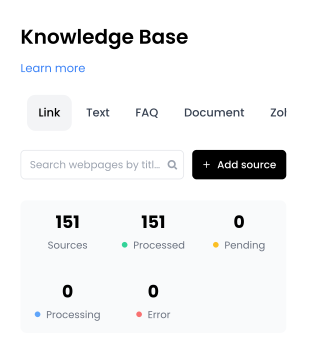
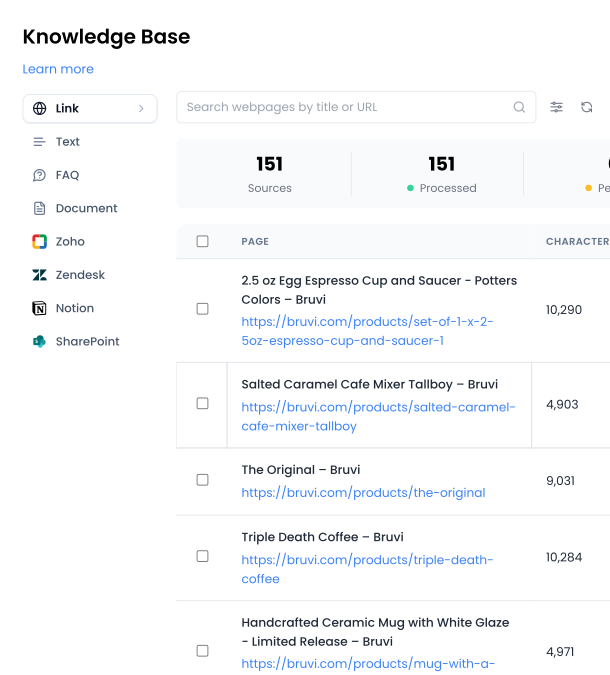
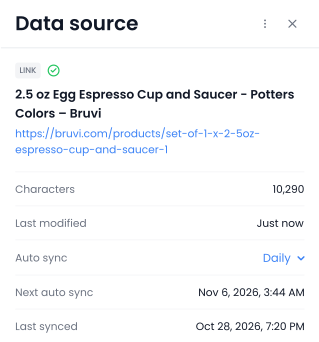
Your website, documents, help center, and FAQs. Chatling learns from all of it.
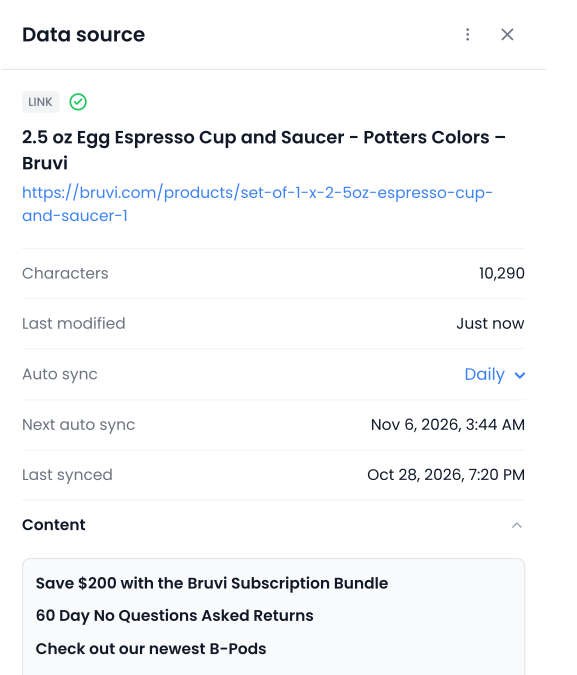
Re-sync automatically as your content changes, so answers don’t go stale.
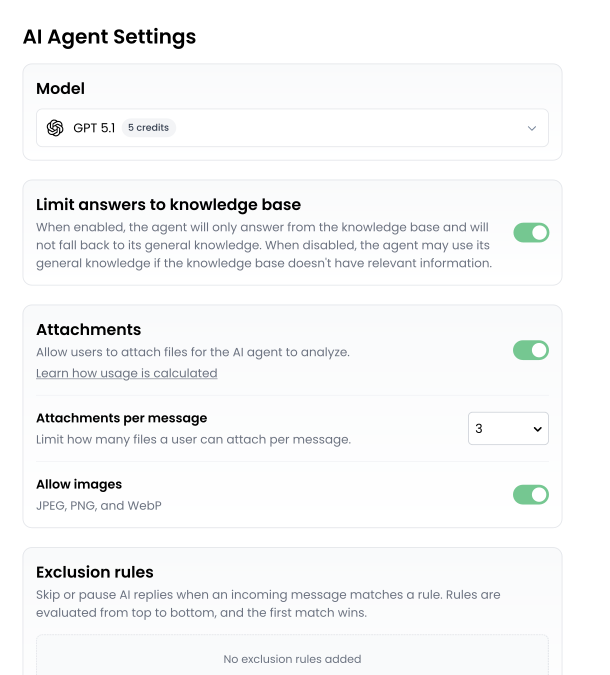
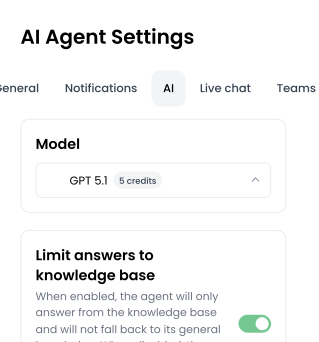
Define its role, tone, language, and what it should never do.
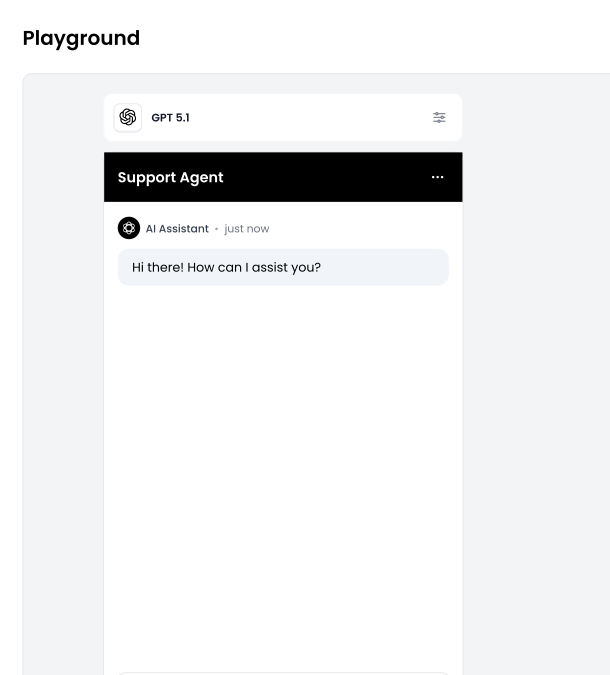
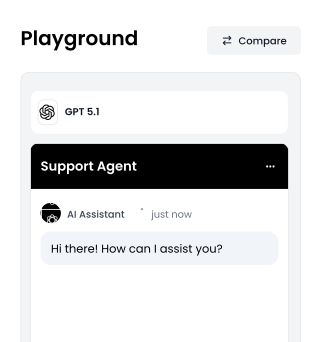
Throw your trickiest questions at it in the Playground and adjust the AI configuration until you're happy.
Human handoff
Step into any conversation, any time
Chatling is more than an AI layer on WhatsApp. Your team can message customers directly from the inbox, take over AI conversations, start new ones, set handoff rules, or join anytime.
Take over any conversation
Watch conversations live and step in mid-chat. The AI steps back as soon as you do.
Hand off automatically
Set the topics and conditions that should reach a person, and the conversation routes itself with an AI summary attached.
Message from one inbox
WhatsApp conversations sit alongside every other channel, so your team isn't switching to their phones to reply.
FAQs
Your questions, answered
How do I actually connect a WhatsApp chatbot to WhatsApp?
In Chatling, create an AI Agent or AI Chatbot, then select WhatsApp and follow the setup flow to connect your WhatsApp Business account. You'll authenticate through Facebook, choose or create your business and WhatsApp Business account, and complete phone verification. The setup steps differ slightly between AI Agents and AI Chatbots.
Can I use Chatling as a chatbot for WhatsApp?
Yes. Chatling supports both AI Agents and AI Chatbots on WhatsApp. AI Agents determine what to do based on the customer's intent, your instructions, available knowledge, conversation context, and configured actions. AI Chatbots follow flows you create in the visual Builder.
What's the difference between a WhatsApp AI chatbot and an AI Agent?
An AI Chatbot follows a predefined flow built in Chatling's Builder. An AI Agent can dynamically determine the next steps and use configured actions during a conversation. Both can operate through WhatsApp.
Can a WhatsApp chatbot answer questions about my business?
Yes. Chatling can use websites, documents, FAQs, and other supported knowledge sources to provide answers based on your business information.
Can a WhatsApp chatbot capture leads?
Yes. Chatling collects the details you specify during the conversation and saves them as a contact, so your team gets qualified leads without a form.
Can a WhatsApp chatbot book appointments?
Yes. Chatling's booking integrations with Cal, Google Calendar, Calendly, and other platforms allows it to show customers available times and let them book an appointment directly within the conversation.
Can a WhatsApp chatbot recommend products, plans, or services?
Yes. An AI Agent can use your connected business knowledge and instructions to answer questions and guide the conversation based on what the customer is looking for. AI Actions can also be configured when the conversation needs to do more than provide an answer.
Can a WhatsApp chatbot hand a conversation to a person?
Yes. Chatling supports human handoff for WhatsApp conversations. Your team can take over when a conversation needs human attention, with conversation context and an AI-generated summary available to help them continue.
Do I need a WhatsApp Business API account?
Yes. WhatsApp requires a Business API account for any automated messaging. Chatling's setup flow creates one for you during connection, you don't need to apply separately.
Does WhatsApp charge for messages?
Meta charges per delivered message, separately from your Chatling plan. Rates vary by country and message category. Some messages are free under Meta's pricing rules. Chatling doesn't add a markup.
Can I use my existing WhatsApp Business number?
Yes. Chatling supports WhatsApp Coexistence, so you can connect the number you already use and keep using the WhatsApp Business app alongside it. No migration, no new number, no losing access to your existing chats.
What is WhatsApp Coexistence?
Coexistence lets a single WhatsApp Business number work with the WhatsApp Business app and an automation platform at the same time. With most platforms you have to choose one or the other. With Chatling, your AI handles incoming messages while your team can still use the app on their phones as normal.
Can my team still reply manually?
Yes. Your team can take over any conversation from the Chatling inbox at any point or via the WhatsApp app.