
Chatbase alternatives include Chatling, Fernand, Botsonic, Crisp, SiteSpeakAI, eesel AI, and Voiceflow. They cover AI agents, AI chatbots, knowledge bases, live chat, human handoff, integrations, and workflow automation, with different pricing models and levels of control.
The main differences come down to AI capabilities, knowledge sources, integrations, human support, automation, and pricing. The right option depends on the type of customer support you want to automate, the systems your AI needs to connect with, and how much control you need over its behavior.
TL;DR: Best Chatbase alternatives
Tool | Best for | Key strength | Starting price | Choose it when |
Chatling | AI-powered customer conversations | AI Agents, AI Chatbots, Knowledge Base, AI Actions, human handoff | Free plan + $25/mo | You need one platform for open-ended AI support, structured chatbot flows, automation, live chat, analytics, and integrations |
Fernand | SaaS customer support | AI agent, shared inbox, knowledge base, automation, customer context | $29/active user/mo | You want a focused support workspace where AI, customer context, team replies, and support automation work together |
Botsonic | Agentic AI and task automation | AI Agents, Agentic Actions, workflows, lead capture, multichannel support | From $19/mo | You need your AI to do things such as update customer records, check orders, schedule appointments, or trigger workflows |
Crisp | Omnichannel customer service | Shared Inbox, Hugo AI Agent, AI Chatbot, CRM, workflows, Knowledge Base | Free plan + $45/mo | Your support operation spans several channels and you want AI, human agents, customer data, and workflows in the same workspace |
SiteSpeakAI | Knowledge-driven AI agents | 10+ source types, auto-sync, AI Agents, API access, BYOK | Free plan + $29/mo | Your support content lives across websites, documents, Google Drive, Notion, and other sources that need regular syncing |
eesel AI | AI-powered helpdesk automation | Zendesk, Freshdesk, Intercom, Gorgias, HubSpot, AI ticket handling | Free usage up to $50 + $0.40/ticket | You already run support through a helpdesk and want AI to draft, resolve, triage, and escalate tickets within that workflow |
Voiceflow | Complex AI agent building | Agent Builder, Playbooks, Workflows, APIs, MCP, testing, evaluations | Custom pricing | You are building sophisticated agents that need extensive testing, evaluations, integrations, voice, or custom interfaces |
What Redditors say about Chatbase
Chatbase has changed considerably since its early chatbot-focused product. The current platform covers AI Agents, AI Actions, Helpdesk, human escalation, voice, WhatsApp, analytics, testing, and integrations.
The Reddit discussions around Chatbase raise a more interesting question than whether the product has enough features: how well does it hold up once you use it heavily and put it into a real support workflow? A few concerns come up repeatedly.
- Credit-based pricing: Usage costs come up repeatedly, especially as teams move beyond smaller volumes. Discussions have raised concerns about advanced models consuming credits quickly and about getting predictable costs as usage grows. (Reddit: Chatbase credit system)
- Knowledge accuracy and updates: Website fetching, knowledge updates, and answer accuracy come up in discussions about Chatbase. Reports include source material disappearing, URLs failing to fetch, and answers drifting from the information provided. (Reddit: Chatbase fetching and support issues)
- Integrations and workflow control: The search for alternatives also extends to how Chatbase fits into existing workflows. Google Sheets connections, automatic knowledge updates, and greater control over what happens after an AI response are recurring requirements in alternative discussions. (Reddit: Chatbase alternatives)
- Usability and setup: Reddit discussions also raise questions around the experience of building and managing these tools, particularly when comparing Chatbase with platforms that offer more customization or different approaches to agent building. (Reddit: Chatbase alternative with good UX)
What to look for in a Chatbase alternative
The easiest way to choose an AI support platform is to start with your actual conversations. Pull 20 or 30 recent support questions and sort them into a few groups: questions the AI should answer from documentation, requests that need customer or account data, tasks that require an external action, and conversations that should reach a person. This exercise quickly shows which capabilities actually matter.
AI Capabilities
The first thing to settle is how much autonomy you want the AI to have. Some support questions only need a reliable answer from your documentation. Others require the system to gather information, make a decision, call an API, update a record, or move the conversation through several steps.
That distinction is crucial when you compare AI chatbots with AI agents. If most of your workload consists of FAQs and predictable qualification flows, a visual chatbot builder may give your team enough control. If customers regularly ask questions that take several steps to resolve, look for an agent that can reason through the request and use actions.
Knowledge Sources
Your AI can only work with the information and systems you give it, so spend time here during the evaluation. List every place your support knowledge currently lives, including your website, help center, PDFs, internal documentation, CRM, ticket history, and product database.
Then check how each platform handles those sources. Can you sync them automatically? Can you exclude irrelevant pages? Can you update one specific answer without retraining everything? Can the AI retrieve current customer data when the documentation does not contain what it needs?
Chatling, for example, supports websites, sitemaps, URL lists, PDFs, DOCX, TXT, FAQs, Zendesk, and Zoho, and its Knowledge Base supports manual re-syncing and automatic syncing according to plan.
Channels
Your customers may not stay on your website. If WhatsApp handles a large share of support, moving customers to a web widget every time they need help creates unnecessary friction.
Make a list of the channels you actually use, then check what each platform supports at the plan you would buy. Also, check whether AI Agents, AI Chatbots, human handoff, and analytics work across those channels or only on selected ones.
Integrations and Actions
Look beyond the list of integrations and check what the AI can actually do with them. Can it pull an order from your ecommerce platform, update a customer record in your CRM, book an appointment, or create a support ticket?
Use your own support workflows to test this. Pick a few common requests and follow each one through from the customer's first message to the final action. Pay attention to what data the AI can access, which actions it can take, and how it handles the conversation when a human needs to step in.
Human Handoff
You also need to understand what happens when the AI reaches the edge of what it can handle. Look at the trigger for escalation, where the conversation lands, and how much context the human agent gets.
A useful test is to deliberately give the AI a question it should not resolve. See whether it recognizes the situation, follows the escalation rule, and passes enough information to the support agent to continue the conversation without making the customer start again.
Pricing
Look at how each platform charges for the way you plan to use it. Some tie cost to AI credits or messages, some charge per active user, and eesel AI charges according to ticket volume. Your expected usage can therefore change which plans make sense for your team.
For a busy support team, a low starting price with a tight message or credit allowance can push you into a higher tier quickly. A smaller SaaS team may care more about per-user pricing, while teams already working in a helpdesk need to account for the cost of processing tickets through AI. Check the limits against your expected volume before comparing the monthly prices.
7 Best Chatbase Alternatives on the Market Right Now
Chatling, Fernand, Botsonic, Crisp, SiteSpeakAI, eesel AI, and Voiceflow offer different ways to build and run AI-powered customer support. Their differences show up in agent capabilities, knowledge sources, integrations, human handoff, workflow control, and pricing.
The right fit depends on the kind of support you want to automate and how deeply you need the AI to connect with your existing systems.
1. Chatling: Best for AI customer support
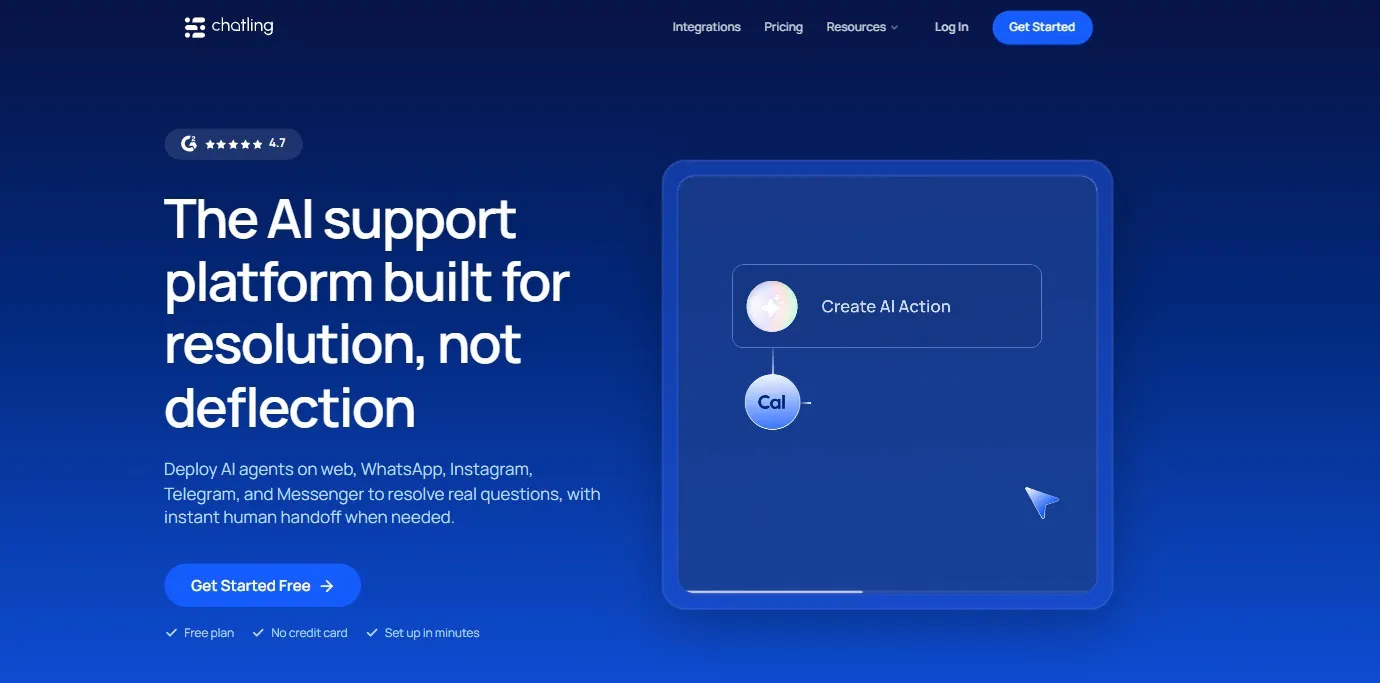
Chatling brings together AI Agents, AI Chatbots, the AI Chatbot Builder, Knowledge Base, AI Actions, analytics, Playground, Live Chat, Human Handoff, contacts, channels, integrations, and API access.
The two conversation formats handle different jobs. AI Agents dynamically interpret requests and decide how to respond and which configured actions to use. AI Chatbots follow flows created in the visual Builder, where teams can define messages, questions, buttons, forms, conditions, AI responses, actions, and triggers.
That gives teams a practical way to choose the level of control they need for each customer journey. An open-ended support question can go to an AI Agent, while a defined qualification flow or FAQ journey can follow a chatbot flow.
Key Features
Chatling's product covers the conversation itself, the information behind it, the actions it can take, and the human workflow that follows.
- AI Agents: Handle open-ended questions, multi-step tasks, dynamic support, and API-driven workflows.
- AI Chatbots: Build structured conversations with messages, buttons, forms, variables, conditions, AI responses, actions, and triggers.
- Knowledge Base: Connect websites, sitemaps, URL lists, PDFs, DOCX, TXT, FAQs, Zendesk, and Zoho.
- AI Actions: Use lead forms, buttons, HTTP requests, email, Google Sheets, HubSpot, Zendesk, and Cal.com to collect information, retrieve data, update records, create tickets, send emails, and complete configured tasks.
- Live Chat and Human Handoff: Bring human agents into conversations when AI needs help.
- Playground: Test models, instructions, actions, temperature, and up to five AI Agent configurations side by side.
- AI Analytics: Track conversations, leads, resolution and deflection, satisfaction, common questions, Knowledge Base gaps, and AI performance.
- Channels: Deploy AI Agents and AI Chatbots on your website and WhatsApp, with Instagram support for AI Agents.
Why Choose Chatling?
Chatling works well for teams that need different levels of control across their customer conversations. You can use an AI Agent for questions where the customer could take several possible paths, and use the visual Builder when you want to define exactly what the customer sees and what information the flow collects.
The testing and analytics workflow also gives teams a way to keep improving the setup after launch. Chatling's documented process connects knowledge sources, agent configuration, Playground testing, deployment, conversation monitoring, resolution and satisfaction data, Knowledge Base updates, and another round of testing.
Pricing
- Free: 200 AI credits, 1 AI agent, and 1 seat
- Starter ($25/mo): 1,750 AI credits, 2 AI agents, 2 seats, and weekly knowledge base auto-sync
- Growth ($75/mo): 6,000 AI credits, 5 AI agents, 5 seats, hourly knowledge base auto-sync, satisfaction surveys, and round-robin routing
- Scale ($295/mo): 35,000 AI credits, 7 AI agents, 10 seats, hourly knowledge base auto-sync, satisfaction surveys, and round-robin routing
Heads up
AI usage consumes credits, and the number of credits used depends on the AI model and operation. Teams with high-volume or model-heavy conversations should estimate their monthly usage before choosing a plan.
2. Fernand: Best for small SaaS support teams
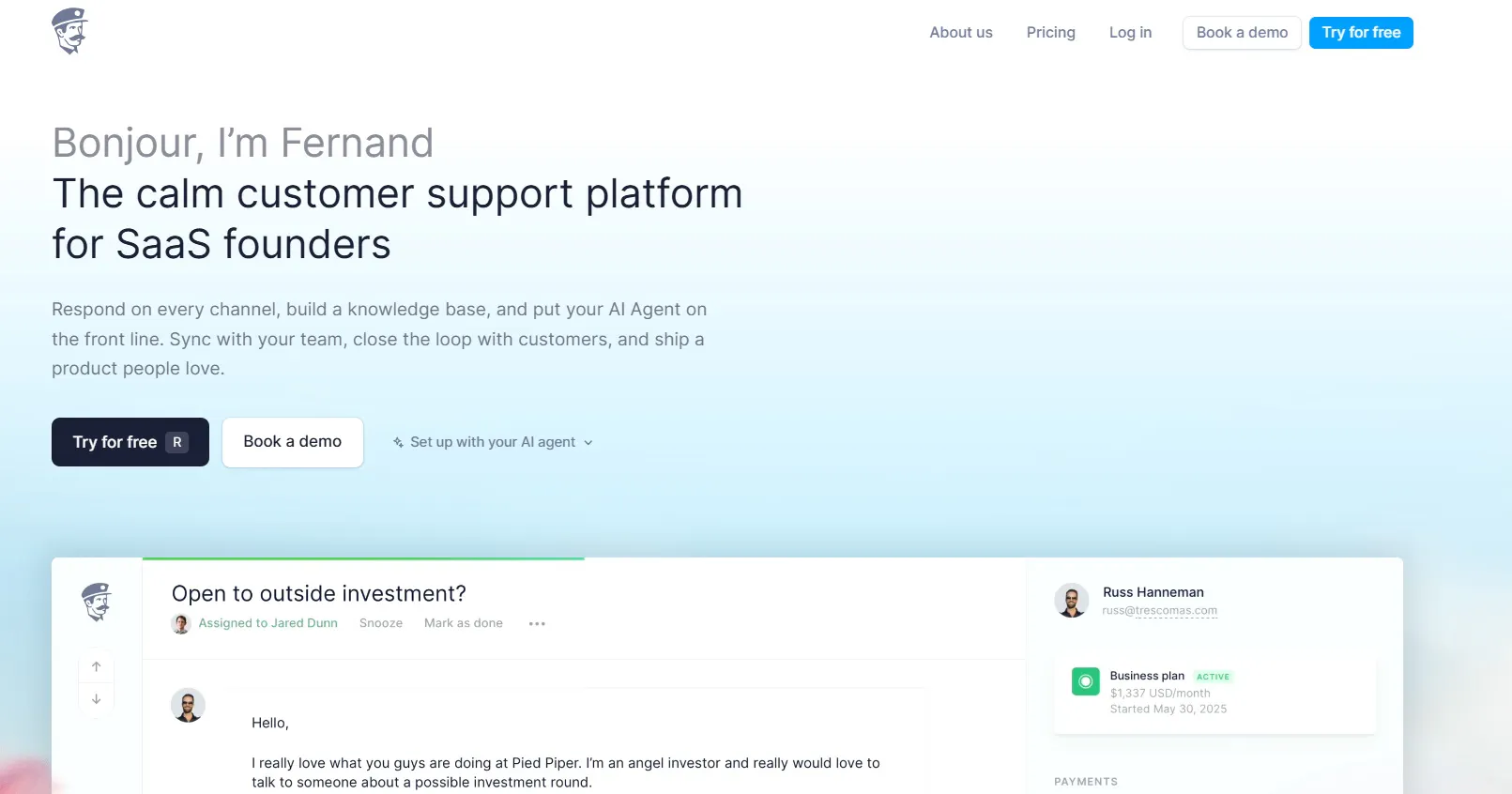
Fernand focuses on SaaS customer support and targets teams of 10 or fewer. The product combines a shared inbox, live chat, AI agent, Knowledge Base, automation, customer data, team collaboration, integrations, and API access.
The AI uses product knowledge and connected customer context to answer questions, draft replies, summarize conversations, and escalate issues to the support team. The same training data can also support smart replies, automated drafts, summaries, the chat widget agent, and Knowledge Base article generation.
Key Features
Fernand keeps its AI close to the rest of the support workflow.
- AI agent: Answers customers, drafts replies, creates summaries, uses product knowledge, and escalates conversations.
- Shared inbox: Handles email, live chat, Slack, direct messages, and contact forms.
- Knowledge Base: Provides searchable customer documentation with unlimited articles and collections.
- Automation: Route, assign, tag, auto-reply, close conversations, and trigger webhooks.
- Customer context: Connect Stripe and external data to bring account and subscription information into support conversations.
- Product collaboration: Connect Linear and GitHub.
- API and automation: Connect other systems through the API, n8n, Zapier, Make, and HTTP endpoints.
Why Choose Fernand?
Fernand keeps the support workflow focused on SaaS teams. The inbox, AI, Knowledge Base, customer context, and automation all sit around the same support operation.
That focus can work well for a small support team that wants customer conversations, product context, and AI assistance in one place without building a larger support stack.
Pricing
Fernand charges $29 per active user per month.
The plan includes the shared inbox, live chat with AI agent, Knowledge Base, free migration, unlimited features, unlimited conversations, and unlimited replies. Fernand also includes unlimited AI-agent conversations, actions, and API calls in its offering.
There is a 14-day trial with no credit card required.
Heads up
Fernand specifically targets teams of 10 or fewer. Larger organizations should look closely at whether that target audience matches their support structure.
Read Next: 8 Best Fernand Alternatives Compared for Growing SaaS Teams
3. Botsonic: Best for AI agents with actions
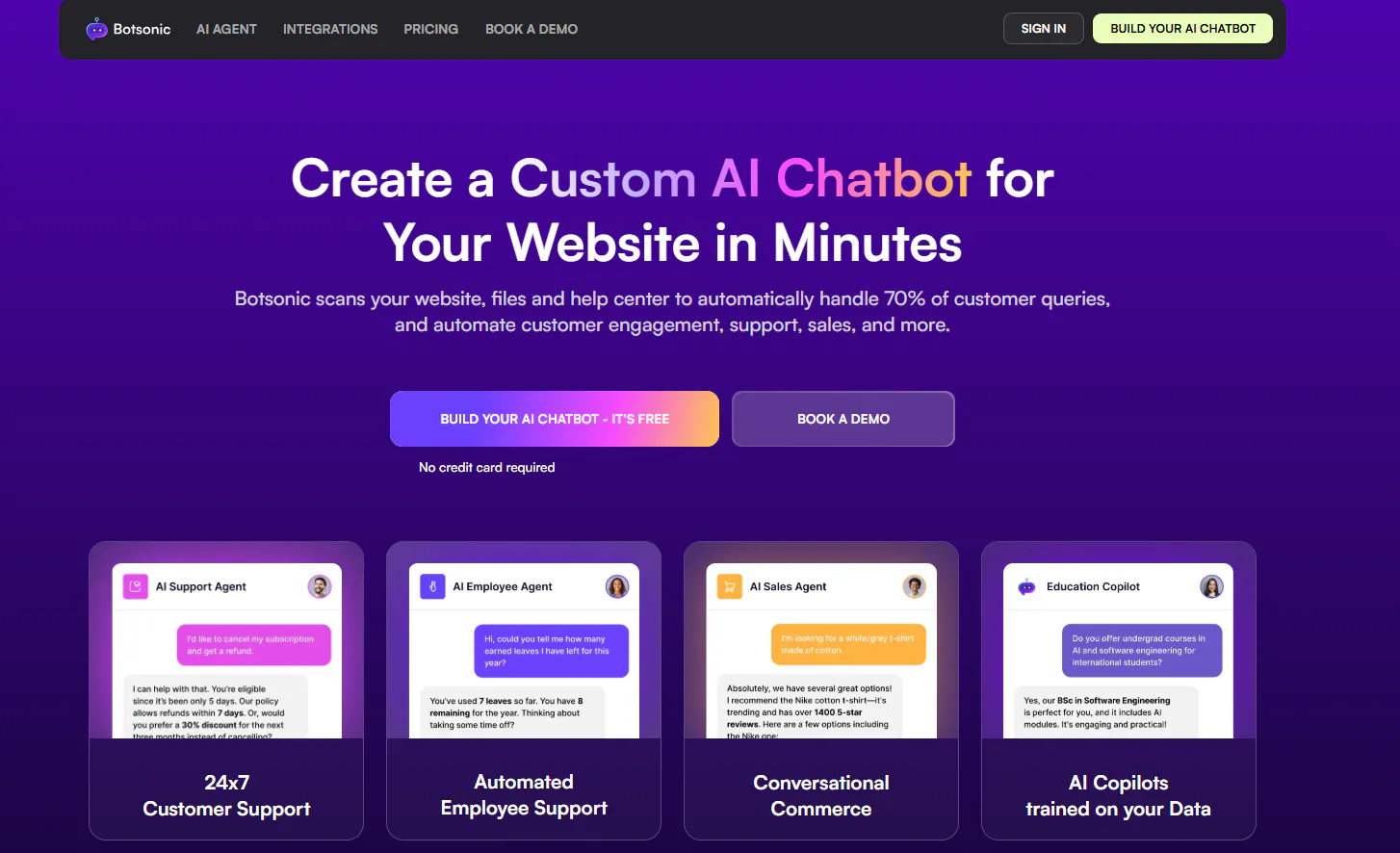
Botsonic combines AI Chatbots, AI Agents, AI Copilots, knowledge training, Agentic Actions, workflows, lead capture, human handoff, messaging integrations, CRM connections, and analytics.
Its AI Agents can reason through requests, use company knowledge, query databases, connect to APIs and CRMs, and execute configured tasks. That includes actions such as checking orders, updating customer information, processing returns, scheduling appointments, and updating CRM records.
Key Features
The important part of Botsonic is how closely its AI connects to actions.
- AI Agents: Handle more involved requests and work with connected systems.
- AI Chatbots: Train on websites, help centers, PDFs, Word documents, spreadsheets, Google Drive, Confluence, Notion, and sitemaps.
- Agentic Actions: Check orders, update customer information, process returns, schedule appointments, query databases, and update CRM records.
- AI workflows: Build multi-step agent workflows on higher plans.
- Lead capture: Collect visitor information through conversational forms.
- Appointment scheduling: Connect Calendly for booking workflows.
- Human handoff: Create Zendesk and Freshdesk tickets and route complex requests to support teams.
- Channels: Support websites, WhatsApp, Messenger, Telegram, Slack, and Google Chat depending on the plan.
Why Choose Botsonic?
Botsonic fits teams that expect the AI to do something after it finds an answer. A support conversation can involve retrieving information, checking a system, collecting customer details, or performing a configured action.
Its analytics also give teams a way to see unanswered questions and identify gaps in the knowledge used by the agent.
Pricing
Botsonic has three monthly self-service plans and an Enterprise plan.
- Starter: $19/month. Includes 1,000 messages/month, 1 chatbot, 10 million uploaded characters, 3 Agentic Actions, lead capture, WhatsApp, Messenger, Telegram, Zapier, WordPress, Google Tag Manager, and Google Drive.
- Professional: $49/month. Includes 3,000 messages/month, 2 chatbots, 50 million characters, 5 Agentic Actions, GPT-4o, Slack, Google Chat, Calendly, Notion, email transcripts, and callback functionality.
- Advanced: $299/month. Includes 12,000 messages/month, 2 chatbots, 100 million characters, 5 AI-agent workflows, 10 Agentic Actions, automatic syncing, training, and API access.
- Enterprise: Custom pricing with custom message volume, chatbots, characters, workflows, enterprise integrations, analytics, SSO/SAML, training, and priority support.
Paid self-service plans include a 7-day trial.
Heads up
Message limits and Agentic Action limits increase with each plan. Advanced AI Agents also carry a one-time $500 onboarding fee, so include that cost in your comparison if you need the advanced agent offering.
4. Crisp: Best for omnichannel support
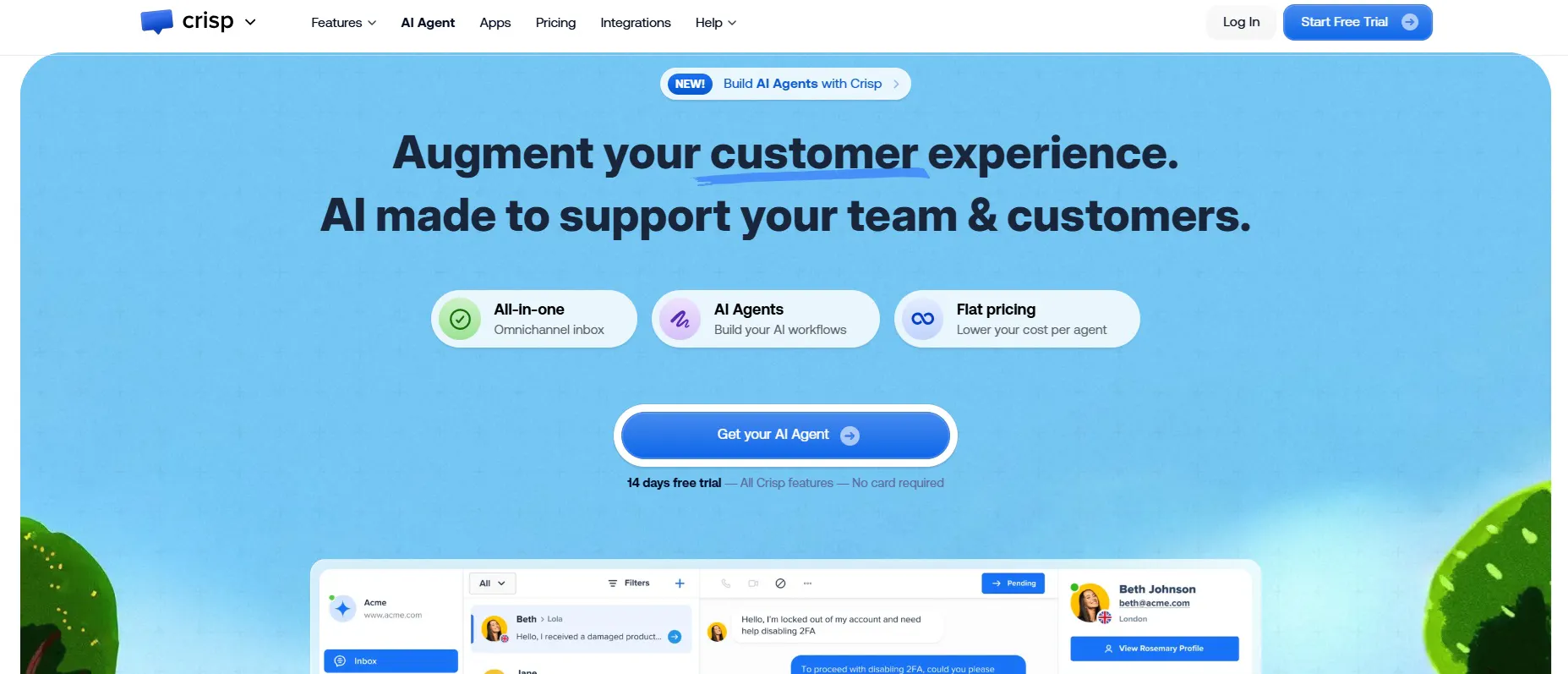
Crisp puts customer conversations into a Shared Inbox and adds Hugo AI Agent, AI Chatbot, Knowledge Base, CRM, workflows, analytics, and integrations around it.
Customers can reach support through website chat, email, WhatsApp, Instagram, Messenger, SMS, Telegram, and other supported channels. Hugo can use company knowledge, follow instructions, access connected tools, run workflows, and escalate conversations.
Key Features
Crisp's strength comes from how closely its AI and human support features connect.
- Hugo AI Agent: Answers questions, uses company knowledge, runs workflows, performs actions, and escalates conversations.
- Shared Inbox: Centralizes supported customer channels.
- CRM: Stores customer profiles, activity, custom attributes, segments, and conversation history.
- Knowledge Base: Provides customer-facing help content and AI training information.
- Workflow automation: Build workflows with events, actions, conditions, and AI blocks.
- Routing: Assign conversations using rules such as round robin, origin, and intent.
- Integrations: Connect CRM, ecommerce, messaging, automation, and other systems.
Why Choose Crisp?
Crisp fits teams that want AI and human support to share the same customer context. The support team can work from the same environment as the AI, with customer information, conversation history, notes, routing, and workflow automation available around the conversation.
That makes Crisp worth considering if your main problem extends beyond answering customer questions and includes managing the support operation around those conversations.
Pricing
Crisp charges per workspace.
- Free: $0/month. Includes 2 seats, website chat, Shared Inbox, mobile apps, Chat SDKs, contact forms, ecommerce integrations, push notifications, and unlimited conversations.
- Mini: $45/month/workspace. Includes 4 seats, shared email inbox, around 90 automated conversations, $5 in AI credits, chat triggers, private notes, custom email domain, unlimited data retention, and internal search.
- Essentials: $95/month/workspace. Includes 10 seats, customer data management, around 450 automated conversations, $25 in AI credits, Omnichannel Inbox, workflow automation, AI Chatbot, Knowledge Base, analytics, and routing.
- Plus: $295/month/workspace. Includes 20+ seats, around 1,350 automated conversations, $75 in AI credits, ticketing, 100+ integrations, white labeling, enhanced rate limits, and advanced analytics.
- Enterprise: Custom pricing with dedicated onboarding, personalized SLA, enhanced rate limits, custom features, and team training.
Crisp also offers a 14-day trial with all features.
Heads up
Crisp's standard plans include unlimited conversations, but AI usage follows fair-use rules and each paid plan includes a defined AI credit allowance and automated-conversation allowance. Additional contacts, integrations, and agents can also add to the cost.
5. SiteSpeakAI: Best for large knowledge sources
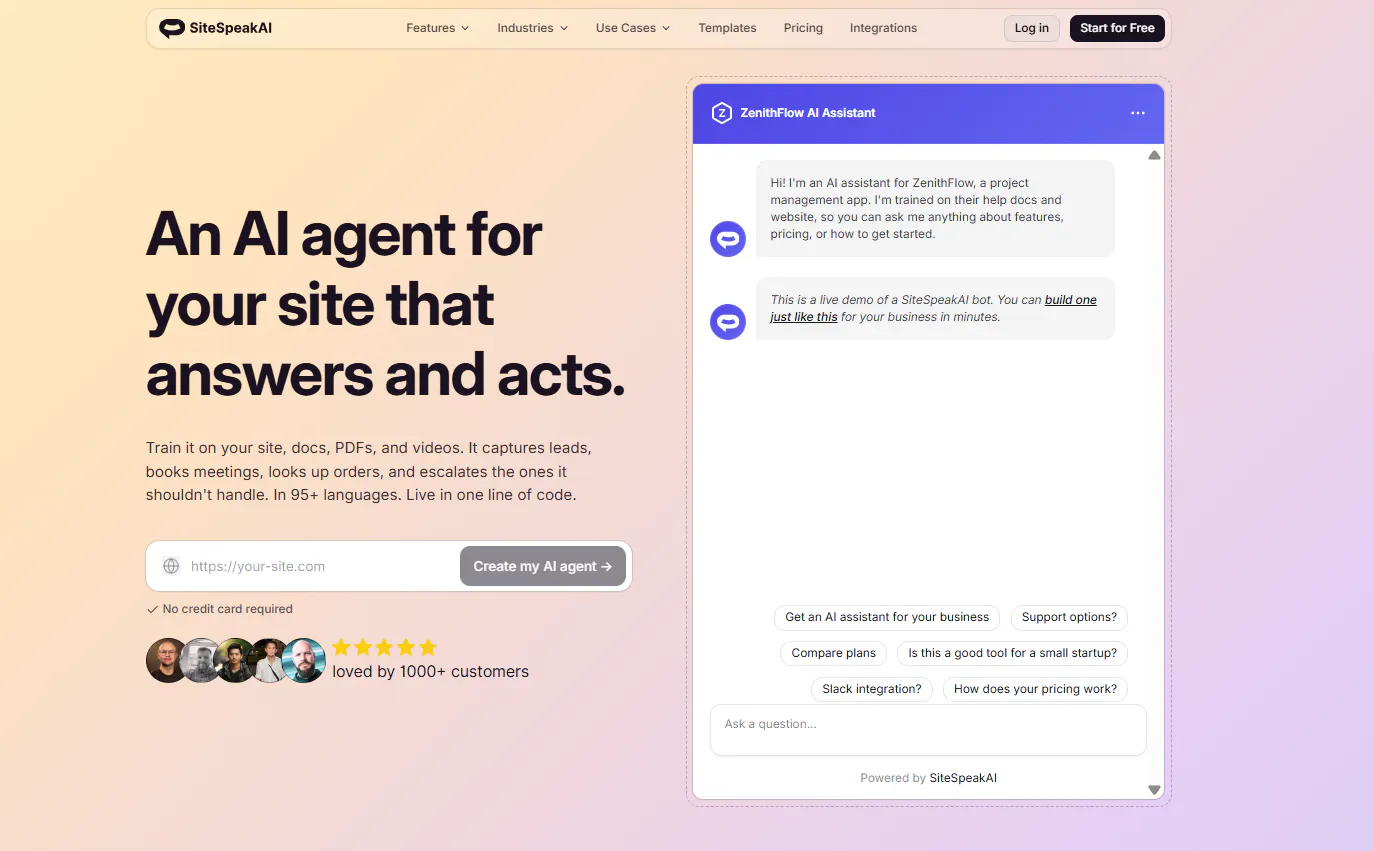
SiteSpeakAI puts considerable emphasis on the information behind the AI. It supports websites, PDFs, Word documents, Google Drive, Notion, YouTube, spreadsheets, Confluence, SharePoint, OneDrive, Discord, and other sources.
The platform can also connect agents to live data through REST APIs, databases, and MCP. Automatic retraining lets teams choose daily, weekly, or monthly synchronization schedules.
Key Features
SiteSpeakAI gives teams a wide range of options for feeding information into their agents.
- Training sources: Websites, documents, PDFs, Google Drive, Notion, YouTube, spreadsheets, sitemaps, Confluence, SharePoint, OneDrive, and more.
- Automatic retraining: Daily, weekly, or monthly source updates.
- Live data: Connect REST APIs, databases, MCP, and external services.
- Actions: Use custom API Actions, SQLite, BookStack Search, and web search.
- Lead capture: Send captured leads to HubSpot, Salesforce, Zapier, and other systems.
- Analytics: Review conversations, satisfaction, common questions, response times, knowledge gaps, and performance.
- Multilingual AI: Support 95+ languages.
- BYOK: Bring your own model-provider API keys on Pro and higher.
Pricing
SiteSpeakAI has five public plans.
- Free: $0/month. Includes 30 message credits/month, 1 AI Agent, 10 training sources, basic AI models, and a live chat widget.
- Starter: $29/month. Includes 1,000 message credits, 1 AI Agent, 200 training sources, lead capture, and branding removal.
- Pro: $79/month. Includes 3,000 credits, 5 AI Agents, 2,500 training sources, all AI models, BYOK, WhatsApp, HubSpot, API access, and MCP Server access.
- Growth: $249/month. Includes 10,000 credits, 15 AI Agents, 8,000 training sources, 15 actions per agent, custom domain, and daily source synchronization.
- Business: $499/month. Includes 20,000 credits, unlimited AI Agents, 20,000 training sources, 15 actions per agent, dedicated onboarding, and priority support.
Extra message credits cost $25 per 1,000.
Heads up
Each AI reply counts as a message credit. The Free plan includes 30 credits, so expected reply volume should form part of your plan calculation.
Read Next: 7 SiteSpeakAI Alternatives for AI Agents, Support, and Automation
6. eesel AI: Best for AI inside existing helpdesks
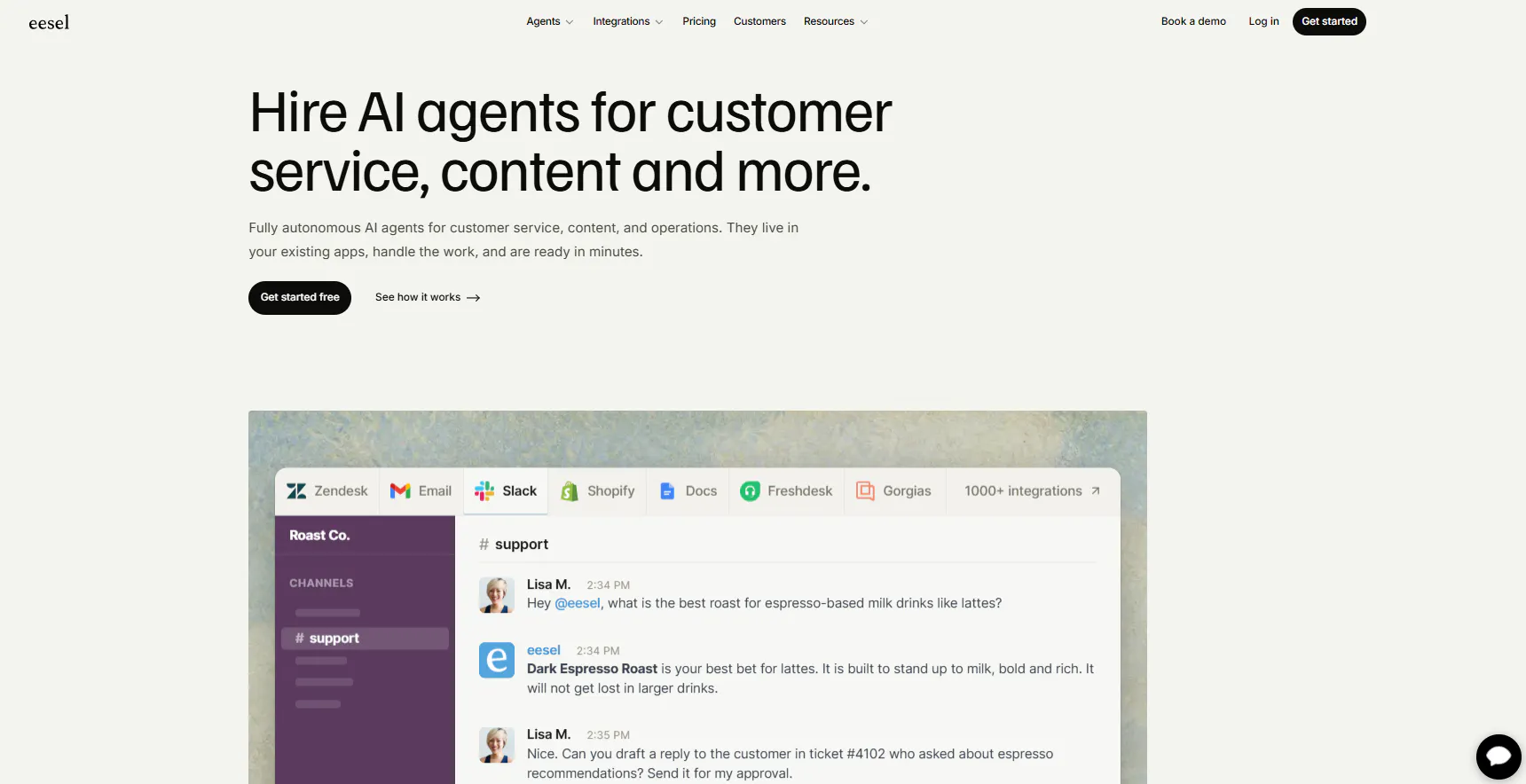
eesel AI connects AI to support systems teams already use. Its integrations include Zendesk, Freshdesk, Intercom, HubSpot, Gorgias, Help Scout, Front, Salesforce, and Jira Service Management.
The AI can use tickets, help documentation, policies, guides, and company information to draft, resolve, escalate, and triage support requests.
Key Features
The main question with eesel AI is whether you want to keep your current helpdesk workflow.
- Helpdesk integrations: Zendesk, Freshdesk, Intercom, HubSpot, Gorgias, Help Scout, Front, Salesforce, and Jira Service Management.
- Knowledge sources: Websites, Google Drive, Google Docs, Notion, Confluence, SharePoint, and PDFs.
- AI ticket handling: Draft, resolve, escalate, and triage support requests.
- Customer context: Use existing tickets, product information, policies, guides, and company documentation.
- Internal AI: Use AI teammates through Slack and Microsoft Teams.
- Testing: Simulate support scenarios before deployment.
Why Choose eesel AI?
eesel AI fits teams that already have a support workflow they like. You can keep conversations in your existing helpdesk and add AI handling around the tickets, documentation, and customer information your team already uses.
That makes it especially relevant when replacing the whole support platform would create more work than solving the AI part of the problem.
Pricing
eesel AI uses usage-based pricing rather than a standard per-seat subscription.
- Free usage: Up to $50 in usage.
- Standard: $0.40 per ticket or helpdesk conversation.
- Enterprise: $1,000/month platform fee plus usage.
For example, 250 tickets at $0.40 each would cost $100 for that month's usage.
Heads up
The monthly cost follows ticket volume. Teams with large or highly variable support volumes should model their expected ticket count before comparing eesel AI with subscription-based platforms.
Read Next: 10 eesel AI Alternatives: Compare Features, Pricing & Support Capabilities
7. Voiceflow: Best for advanced AI agent development
Voiceflow focuses on building, testing, deploying, and managing AI agents. Its platform combines Agent Builder, Playbooks, Workflow Builder, Knowledge Base, Functions, API blocks, MCP, testing, evaluations, analytics, observability, and production environments.
Playbooks handle flexible AI reasoning, while Workflows give teams a defined way to structure processes that need specific steps.
Key Features
Voiceflow covers the development and production side of an AI agent.
- Agent Builder: Combine models, knowledge, workflows, tools, APIs, custom code, and guardrails.
- Playbooks: Let agents reason through complex goals and select tools.
- Workflow Builder: Build deterministic processes with logic, APIs, custom code, and actions.
- Knowledge Base: Give agents access to product, support, internal, and business information.
- Tools and APIs: Connect REST APIs, Functions, webhooks, MCP, and custom code.
- Channels: Deploy through web, mobile apps, WhatsApp, SMS, voice, APIs, and custom interfaces.
- Testing and evaluations: Test responses, knowledge retrieval, tool calls, workflows, and edge cases.
- Observability: Review conversation logs, performance, evaluations, and production activity.
- Integrations: Connect Zendesk, Salesforce, HubSpot, Shopify, Airtable, Google Sheets, Gmail, Twilio, and hundreds of other integrations.
Why Choose Voiceflow?
Voiceflow suits teams that need a development workflow around their AI agents. You can build the agent, test its responses and tool calls, run evaluations, move it through development and staging, and monitor its production behavior.
The combination of Playbooks, Workflows, APIs, Functions, MCP, and custom code also gives development teams several ways to extend an agent beyond standard question answering.
Pricing
Voiceflow's current public business pricing does not provide a fixed monthly price. Businesses need to book a demo for pricing.
The documented billing structure includes plan subscriptions, credits, editor seats, and applicable add-ons. Additional editor seats cost $50/month, while viewers are free and unlimited.
Heads up
You need a quote to calculate Voiceflow's business pricing. Ask for the expected cost based on your usage, number of editors, deployment requirements, and implementation needs.
The Best Chatbase Alternative for Your Business
The useful choice depends on what you actually want to change about your current setup.
If you need... | Consider... |
AI Agents and structured AI Chatbots | Chatling |
A focused support platform for a small SaaS team | Fernand |
AI agents that can perform business actions | Botsonic |
AI and human support across multiple channels | Crisp |
AI inside an existing helpdesk | eesel AI |
A large number of knowledge sources and automatic syncing | SiteSpeakAI |
AI support with live chat and human handoff | Chatling |
A development environment for advanced AI agents | Voiceflow |
Start with your actual support queue. Pull out the conversations you want AI to handle, identify which ones require customer data or external actions, and mark the cases that need human intervention.
Then run those same scenarios through the platforms you're considering. Pay attention to the answer quality, how the AI handles missing information, how easily you can correct it, what happens during handoff, and what the monthly cost looks like at your expected volume.
Chatling brings together AI Agents, AI Chatbots, live chat, and human handoff in one platform. Automate customer support, answer questions using your knowledge base, collect leads, and move conversations to your team when needed. Try Chatling for free and start automating your customer support today.
Compare More Tools:
- 6 Freshworks Alternatives for Teams Hitting Automation Limits
- 7 Best Kustomer Alternatives in 2026 (+ Why People Are Switching)
- 6 Kore.ai Alternatives for AI Customer Support Worth Switching To
Frequently Asked Questions
What is the best alternative to Chatbase?
The answer depends on the workflow you need. Chatling combines AI Agents, AI Chatbots, Knowledge Base, AI Actions, analytics, Live Chat, Human Handoff, and integrations. Fernand focuses on SaaS support, Crisp combines AI with an omnichannel support workspace, and eesel AI connects AI to existing helpdesks.
What is the cheapest Chatbase alternative?
Several alternatives have free plans, including Chatling, Crisp, and SiteSpeakAI. Their free allowances differ considerably, so compare the AI credits, message limits, seats, agents, and Knowledge Base capacity rather than comparing the $0 price alone.
Is Chatling cheaper than Chatbase?
The pricing structures use different billing periods and usage metrics, so you need to compare equivalent plans.
Chatling's Starter plan costs $25/month with monthly billing. Chatbase lists Hobby at $32/month when billed annually, Standard at $120/month when billed annually, and Pro at $400/month when billed annually.
Chatling's Free plan includes 200 AI credits, while Chatbase's Free plan includes 50 message credits.
Which Chatbase alternative supports both AI Chatbots and AI Agents?
Chatling supports both. AI Agents handle open-ended questions and multi-step tasks, while AI Chatbots use the visual Builder for structured conversations with forms, conditions, actions, and defined journeys.
Botsonic also offers both AI Chatbots and AI Agents, with Agentic Actions and workflows for tasks that involve external systems.
Which Chatbase alternatives support human handoff?
Chatling, Fernand, Botsonic, Crisp, SiteSpeakAI, and Voiceflow support human handoff or escalation. Chatling, for example, can transfer conversations to human agents when needed, while Fernand and Crisp also support human-assisted conversations.
Which Chatbase alternative works with an existing helpdesk?
eesel AI focuses heavily on this use case. It connects with Zendesk, Freshdesk, Intercom, Gorgias, Help Scout, Front, Salesforce, HubSpot, and Jira Service Management.
Chatling also connects with Zendesk and Zoho, and its actions can create support tickets and customer records.
Which Chatbase alternative is best for building custom AI agents?
Voiceflow offers extensive controls for building and testing custom AI agents, including Agent Builder, Playbooks, Workflows, Functions, APIs, MCP, and evaluations. Chatling also supports custom AI agents with configurable models, instructions, actions, and a Playground for testing different configurations.
Which Chatbase alternative has flexible knowledge sources?
SiteSpeakAI supports websites, PDFs, Word documents, Google Drive, Notion, YouTube, spreadsheets, Confluence, SharePoint, OneDrive, Discord, and other connected sources. It also supports automatic retraining on daily, weekly, or monthly schedules.
Chatling supports websites, sitemaps, URL lists, PDFs, DOCX, TXT, FAQs, Zendesk, and Zoho, with automatic syncing based on the plan.
Which Chatbase alternatives support integrations and AI actions?
Chatling, Botsonic, Crisp, SiteSpeakAI, eesel AI, and Voiceflow support integrations or actions that connect AI conversations to other tools and workflows. The available capabilities vary, from updating customer records and triggering workflows to connecting existing helpdesks and business systems.