
Freshworks is one of the more interesting support platforms we've tried. Freshdesk brings ticketing, email, chat, knowledge bases, automation, reporting, routing, and AI together, while Freshchat adds messaging and live chat.
The catch is not the product. It's the experience of trying to get more out of it.
Across the reviews, a few limitations come up repeatedly: integrations and rule setup can be difficult, automation and advanced workflows don't always stretch far enough, customization gets harder as requirements become more specific, and some users report performance issues at higher ticket volumes.
Those comments don't tell us that Freshworks doesn't work. Quite the opposite. They show where teams start looking around when their requirements become more specific.
That's where the alternatives get interesting. Chatling approaches support from the AI side rather than starting with a traditional helpdesk, while Zendesk leans heavily into routing and support operations. Gorgias, on the other hand, is built around ecommerce, and Crisp and eesel AI take different approaches to automation and AI.
Best Freshworks alternatives at a glance
Alternative | Best for | How it differs from Freshworks | Pricing |
|---|---|---|---|
Chatling | AI-first customer support | Supports AI agents that answer questions, take actions, and hand conversations to humans | Free plan + paid from $25/mo |
Zendesk | Larger support operations | More focused on structured ticketing, routing, SLAs, and support operations | From $19/agent/mo |
Gorgias | Ecommerce support | Built around ecommerce orders, returns, refunds, product questions, and customer data | From $10/mo |
Help Scout | Simpler support teams | Keeps the support workspace centered around inboxes, customer profiles, Docs, and human support | Free plan + paid from $30/user/mo |
Crisp | Omnichannel messaging | Combines shared inboxes, AI agents, workflows, and customer messaging in one workspace | Free plan + paid from $45/workspace/mo |
eesel AI | Adding AI to an existing support stack | Works inside the helpdesks and tools you already use instead of replacing them | Free plan + paid from $299/mo |
What Freshworks already does well
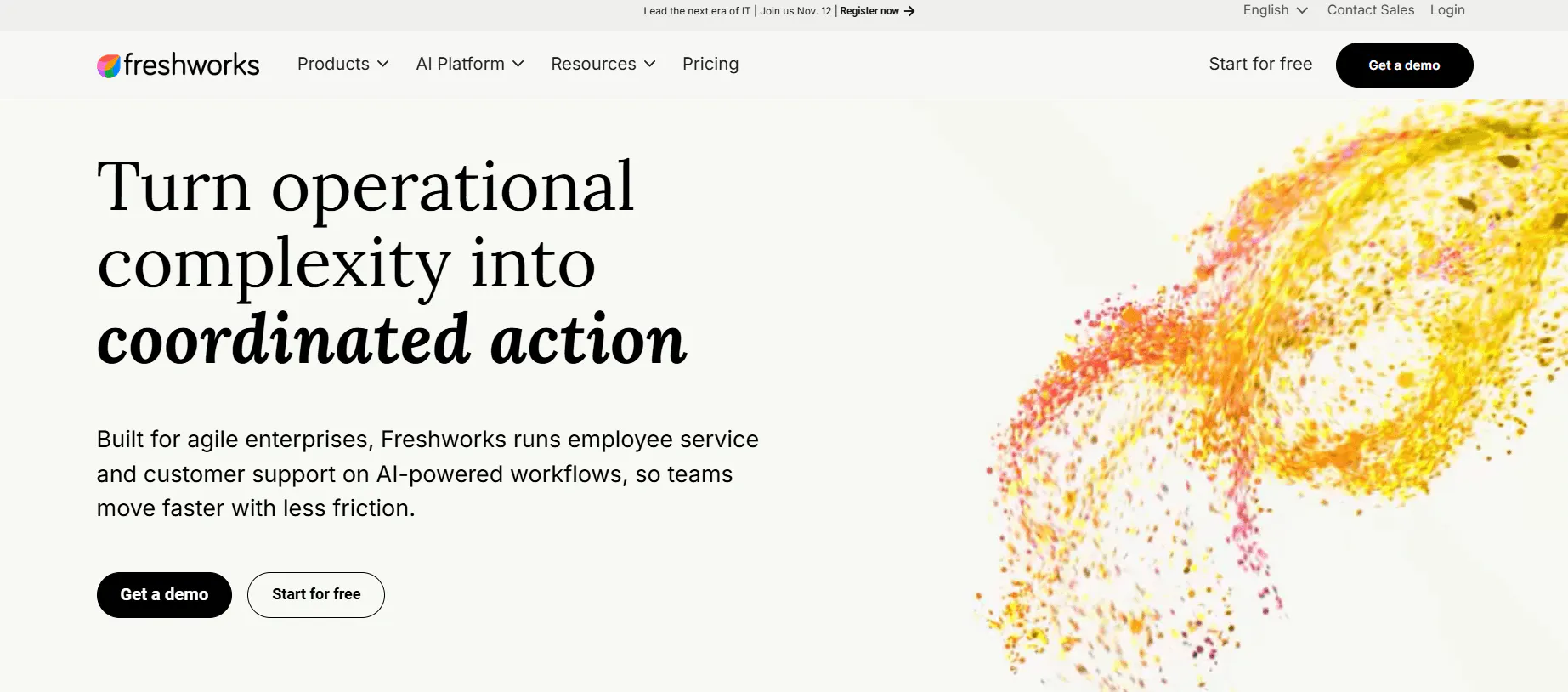
Freshworks is a broad customer-service platform, but most support teams will encounter it through Freshdesk, its helpdesk for ticketing, customer conversations, knowledge management, automation, and reporting. Freshchat handles live chat and messaging, while Freshdesk Omni brings more channels, routing, voice, and AI into the same support operation.
This can sound like a lot to take in, and as per G2 reviews, it is for many new users.
Freshdesk keeps the familiar parts of customer support in one place: tickets come in, agents pick them up, customer context stays attached to the conversation, and automation takes care of repetitive steps. Freshchat does the same for live conversations and messaging.
The result is a platform that can cover a surprisingly large support operation without making the basic workflow difficult to understand.
Freshdesk is straightforward where it matters most
The strongest thing about Freshdesk is not any individual feature. It's how little friction there is between opening the product and actually managing support.
You have a shared ticket queue, ticket views and filters, assignment and priority rules, internal notes, collaboration, SLAs, canned responses, and customer history. A new agent doesn't need to understand the entire Freshworks ecosystem before they can start working through tickets

What I like best about Freshdesk is how simple and organized it makes customer support. All customer conversations, emails, chat messages, and tickets come into one place, so nothing gets lost
And the same pattern shows up in more reviews.
The interface is clean and intuitive — ticket views, filters, and agent workflows are easy to pick up without much training.
That's important for a support platform because the value isn't just having somewhere to store tickets. The team needs to be able to open the queue, understand what needs attention, and start working without a long training period.
It brings more of the support operation into one workspace
Freshdesk works well on its own, but Freshworks becomes more useful when support happens across several channels.
Freshdesk can bring email, chat, social, and phone support into the wider support workflow. Freshchat handles live conversations and messaging, with customer history, user properties, and previous conversations available to agents. Freshdesk Omni extends that further with omnichannel support, routing, AI, and other customer-service capabilities.
That means agents don't have to treat every channel as a separate support operation.
Freshchat brings multiple channels—website chat, in-app messaging, social inboxes (like WhatsApp/Facebook Messenger), and email—into one place. That means no jumping between tools to respond to customers
This is where the breadth of Freshworks is actually useful. A team doesn't have to choose between a ticketing system and a messaging system and then figure out how to connect the two later. Freshdesk and Freshchat are designed to sit within the same customer-service ecosystem.
Where Freshworks falls short according to G2 reviews
The interesting thing about Freshworks is that the complaints don't really contradict the strengths above.
The basic product can be easy to learn and become complicated later. The automation can be useful and feel limited when workflows become more advanced. The ecosystem can bring channels together and make it harder to understand which product or setting controls what.
The simple automation has a ceiling
Freshdesk's automation is useful for routine support work, but there is a difference between automating a few repetitive tasks and building a complex support operation around rules.
That distinction comes through clearly in the feedback.
While it’s great for everyday ease of use, its automation and workflow features are a bit basic compared to enterprise-grade platforms.
The problem can also go the other way. As more rules are added, they can become harder to understand and maintain.
Sometimes automatic rules can become complex to manage as the number of workflows grows. If not well organized, it can be hard to understand why a ticket behaved a certain way
So there are two limitations to consider here. Freshdesk's automation may not go deep enough for highly complex workflows, while a growing collection of rules can become difficult to manage.
Freddy AI still has something to prove
Freshworks has built a substantial AI layer around its customer-service products. Freddy can assist agents, generate responses and summaries, search knowledge, analyze support data, and power AI Agents that handle customer requests.
But the AI doesn't receive the same level of praise as Freshdesk's core ticketing experience
The Freddy ai features and connections are very limited and I think it doesn't improve the product experience
Freshchat’s feedback is similar.
Chat bot is not great (freddy) does not really understand and setting up freddy can take time.
That matters if AI is the main reason you're shopping for a Freshworks alternative. A team looking primarily for ticketing with some AI assistance has a different requirement from a team looking for an AI agent to take over substantial parts of customer support.
The ecosystem is useful until there are too many pieces to keep track of
This is probably the most interesting Freshworks trade-off.
At first, having Freshdesk for tickets, Freshchat for messaging, Freshcaller for voice, Freshsales for CRM, and integrations connecting everything sounds convenient. You can keep adding pieces as the support operation grows instead of replacing the whole system.
Then you actually have to manage all those pieces.
It seems like their software is built with all kinds of companies in mind. This could be a good thing, but also a bad thing as it feels bloated and sometimes difficult to use as the add-ons and integrations require extra subscriptions and tech knowledge to integrate.
Freshchat has an even more concrete example of what this can feel like.
Buggy, quirks with parts of the agent interface jumping off screen, chats not appearing when an end user has replied, chat widget from within Freshdesk not loading correctly, and confusing amount of similar chatbot elements within Freshchat (Settings > Bots, Chatbots, Topics that trigger a bot flow, Freshdesk's chatbot)
Freshworks can feel straightforward as a helpdesk and much less straightforward as an entire customer-service stack.
Performance is another thing to test at scale
Freshdesk is designed to handle a large support operation, but some of the feedback suggests that a busy queue can expose performance issues that aren't obvious when you're first evaluating the interface.
It is laggy sometimes. When the ticket count is high and workload is heavy this causes very much frustration.
Another review describes the same problem more broadly, mentioning “Occasional ticket duplication and performance slowdowns during high volumes.”
There are also reports of tickets taking longer than normal to arrive and occasional emails from customers not appearing in Freshdesk.
Advanced reporting and customization are where the product starts asking more of you
Freshdesk's reporting covers the basics, but teams wanting more control over dashboards and deeper analysis may run into restrictions.
The reporting and analytics section could be more flexible, especially when creating custom dashboards.
Advanced reporting and customization can also require higher-tier plans, which makes this less of a pure product limitation and more of a product-plus-pricing consideration.
Workflow customization has a similar tradeoff. Freshdesk gives teams plenty of control, but more complicated automation and customization can take additional configuration and technical knowledge.
Some areas can feel a bit rigid or overly complex, especially when trying to customize workflows or automate more advanced processes.
That is a useful distinction for buyers. Freshdesk has enough reporting and customization for many support teams, but teams building detailed operational dashboards or complicated workflows should look closely at exactly what is included in the plan they need.
Advanced features can push the price up quickly
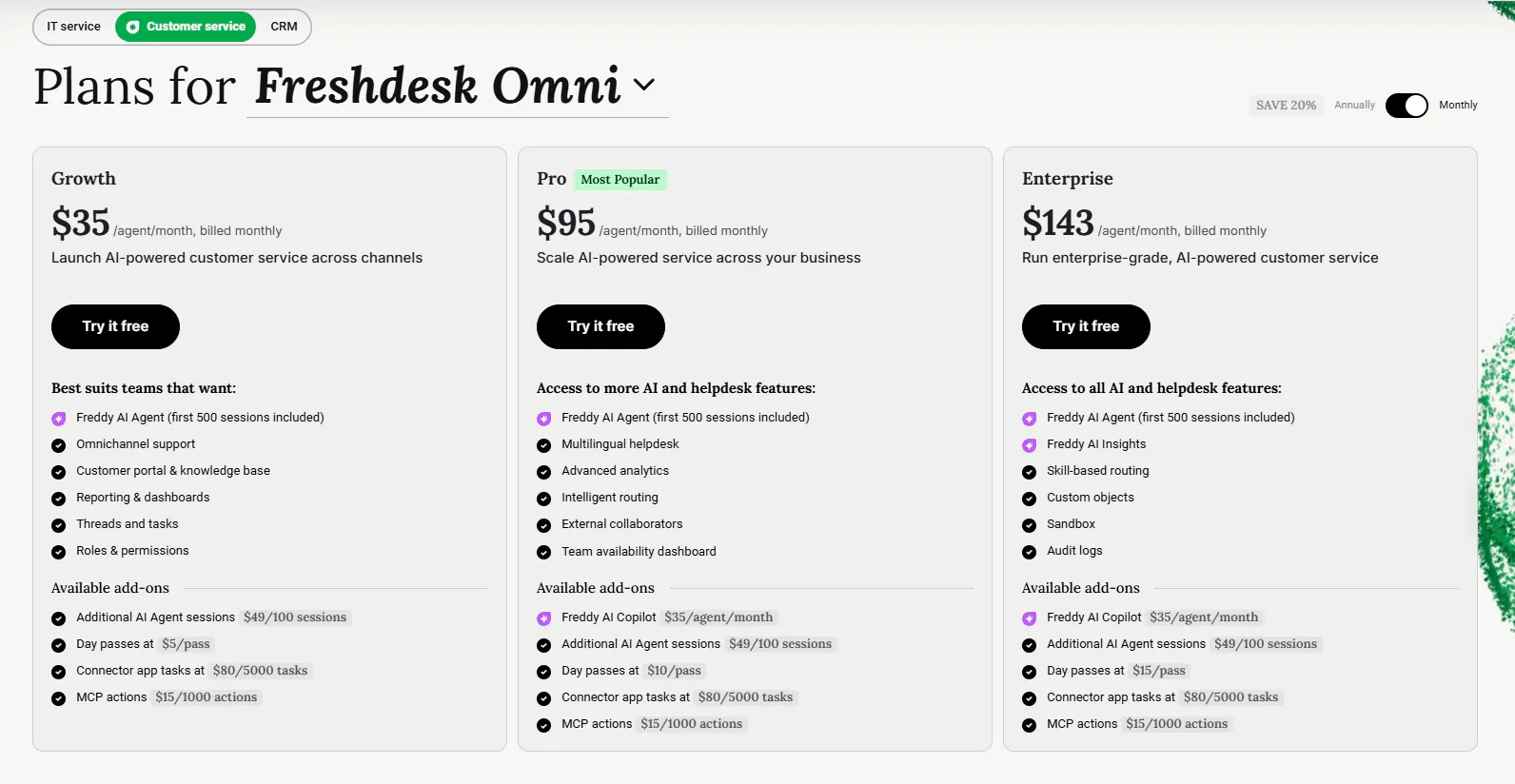
Freshdesk's basic support functionality is relatively easy to understand. The pricing becomes harder to assess once you start adding agents, higher-tier capabilities, advanced automation, analytics, and integrations.
Pricing increases quickly when adding advanced features or more agents. Some users report slow or inconsistent customer support experiences
The same issue appears when looking specifically at automation and analytics:
What I dislike about Freshdesk is that some features feel a bit limited unless you’re on the higher pricing tiers. For example, a few automation options and advanced analytics are locked behind premium plans, which can be frustrating for smaller teams
There are also higher-tier requirements around some integrations and customization options.
That does not make Freshdesk a poor fit on price alone. It means the advertised starting price tells you less once your support operation needs the features that sit further up the stack.
For a team that needs ticketing, basic automation, and a shared support workspace, Freshdesk can remain relatively straightforward. For a team that needs advanced workflows, deeper reporting, more AI automation, and a broader Freshworks setup, the total cost and complexity need a closer look.
6 Freshworks alternatives for AI support and customer service
Freshworks can cover a lot of ground, but you don't necessarily need another platform that does even more. The better alternative depends on what is missing from your current setup. Chatling puts an AI Agent at the centre of the workflow, Zendesk goes further into routing and support operations, and Gorgias builds its support experience around ecommerce.
1. Chatling: AI support that can actually take action
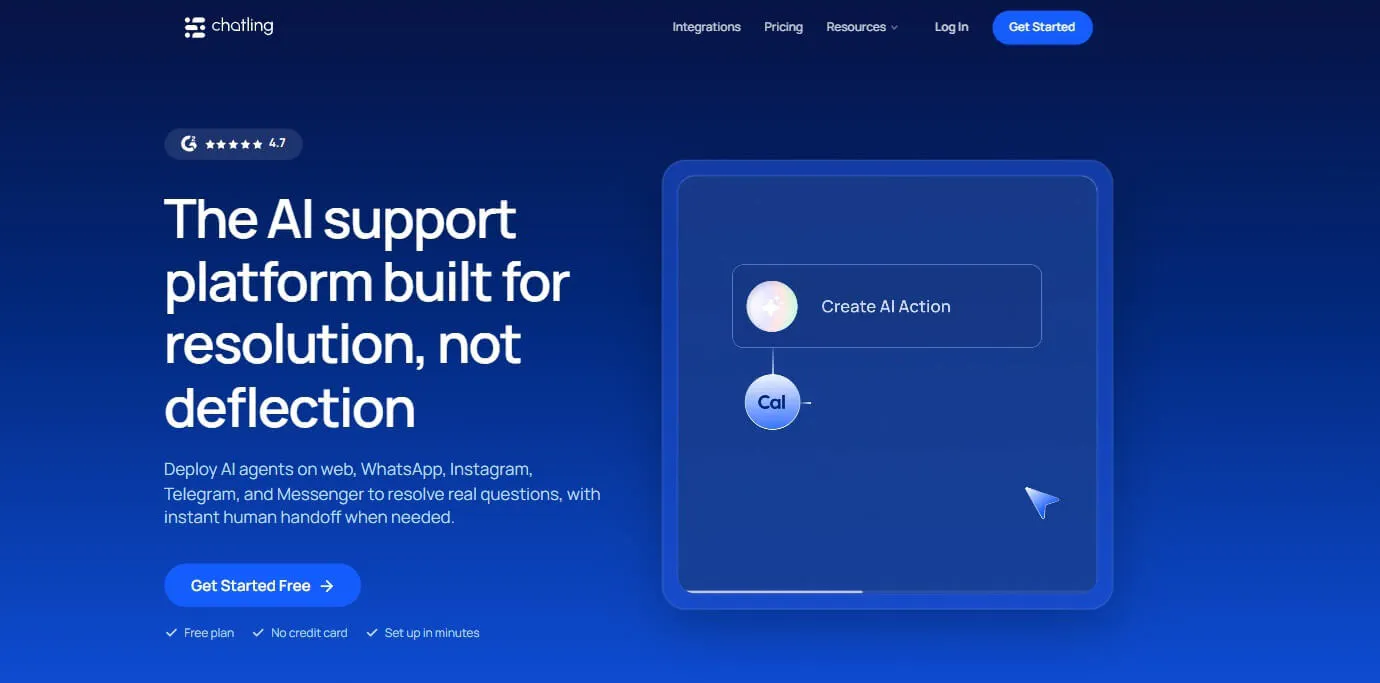
Freshdesk is good at keeping support requests organized. Chatling becomes interesting when the AI needs to do something with the request instead of simply answering it.
Its AI Agents can answer questions, troubleshoot issues, retrieve information, collect customer details, create support tickets, update records, send emails, book appointments, capture leads, call APIs, and hand conversations to humans.
That makes Actions one of the more important parts of the product.
Key features
Chatling's feature set goes beyond answering support questions. The useful distinction is what the Agent can do with the information it collects, how you can control those actions, and how human support fits into the same workflow.
Actions connect the conversation to the next step
Chatling's Actions let an AI Agent carry out tasks during a conversation. It can send an email, create a Zendesk or HubSpot ticket, update a HubSpot contact, add information to Google Sheets, book an appointment through Cal.com, or send data to another service through an HTTP request.
So the Agent isn't limited to telling someone what to do next. If a customer needs an appointment, it can book one. If an issue needs to reach support, it can create the ticket. If a lead needs to be added to the CRM, it can create the contact there. The action happens as part of the conversation.
You can also use Custom Forms, buttons, conditions, variables, and AI responses to build a more controlled flow around those actions. That works well when you want the Agent to handle the conversation itself but still need certain steps to happen in a specific order.
You can use different knowledge sources
Chatling can learn from websites, sitemaps, URL lists, PDFs, DOCX and TXT files, FAQs, Zendesk, and Zoho. Paid plans can also keep supported knowledge sources synced automatically.
That means the Agent can work from the information you already maintain instead of requiring you to rebuild your support content in a separate system. If your answers live across product documentation, FAQs, a helpdesk, and other business material, those sources can all feed the same Agent.
You can test conversations before going live
The Playground lets you test conversations before putting the Agent in front of customers. Chatling also provides model comparison, configuration comparison, and scenario testing.
That becomes particularly useful when a support workflow is doing something beyond answering questions. You can check whether the Agent collects the right information, follows the right instructions, and produces the response you expect before turning it loose on real conversations.
Human support stays in the same system
Chatling includes Live Chat, Human Handoff, an Agent Inbox, AI summaries, canned responses, internal notes, priority, assignment, routing, and round-robin routing.
The Agent Inbox then gives your team a place to work those conversations. Assignment, routing, and round-robin routing help distribute them between agents, while internal notes and canned responses support the work once a person takes over.
Analytics show more than conversation volume
Chatling's analytics include lead tracking, resolution and deflection, satisfaction, conversation trends, knowledge gaps, and performance monitoring.
Those numbers can tell you where the Agent is handling support successfully and where it keeps running into problems. Knowledge gaps, for example, can point to information that needs to be added or corrected rather than leaving you to guess why certain questions aren't being resolved.
Pricing
Chatling uses AI credits alongside limits for Agents, seats, knowledge-base size, and Actions.
- Free: 200 AI credits, 1 AI agent, 1 seat, and 500,000 knowledge base characters
- Starter ($25/mo): 1,750 AI credits, 2 AI agents, 2 seats, and 10 million knowledge base characters
- Growth ($75/mo): 6,000 AI credits, 5 AI agents, 5 seats, and 30 million knowledge base characters
- Scale ($295/mo): 35,000 AI credits, 7 AI agents, 10 seats, and 100 million knowledge base characters
Chatling's plans range from Free to $295/month, but the plan price alone doesn't tell you what you'll spend. AI responses consume credits based on the model you use, so the same number of customer conversations can have very different costs.
For example, Gemini 2.5 Flash uses 0.5 credits per response. If your Agent handles 1,500 AI responses a month, that's:
1,500 × 0.5 = 750 credits
That fits comfortably inside Starter's 1,750 credits for $25/month. Switch that same workload to a model that uses 25 credits per response, such as Claude Opus 5 or GPT-5.6 Sol, and the calculation changes completely:
1,500 × 25 = 37,500 credits
Growth gives you 6,000 credits for $75/month and Scale gives you 35,000 for $295/month, so you'd still need 2,500 additional credits even on Scale. At $10 per 1,000 credits, that's another $30, bringing the monthly cost to about $325.
That doesn't mean you should automatically use the cheapest model. It means model choice is part of your support budget. For routine questions where a lower-cost model can handle the job, using it keeps your credits available for conversations that need a more capable model. Chatling gives you 37 AI models on Starter, so there's room to make that choice rather than having one model determine the cost of every response.
2. Zendesk: More control over how support gets routed
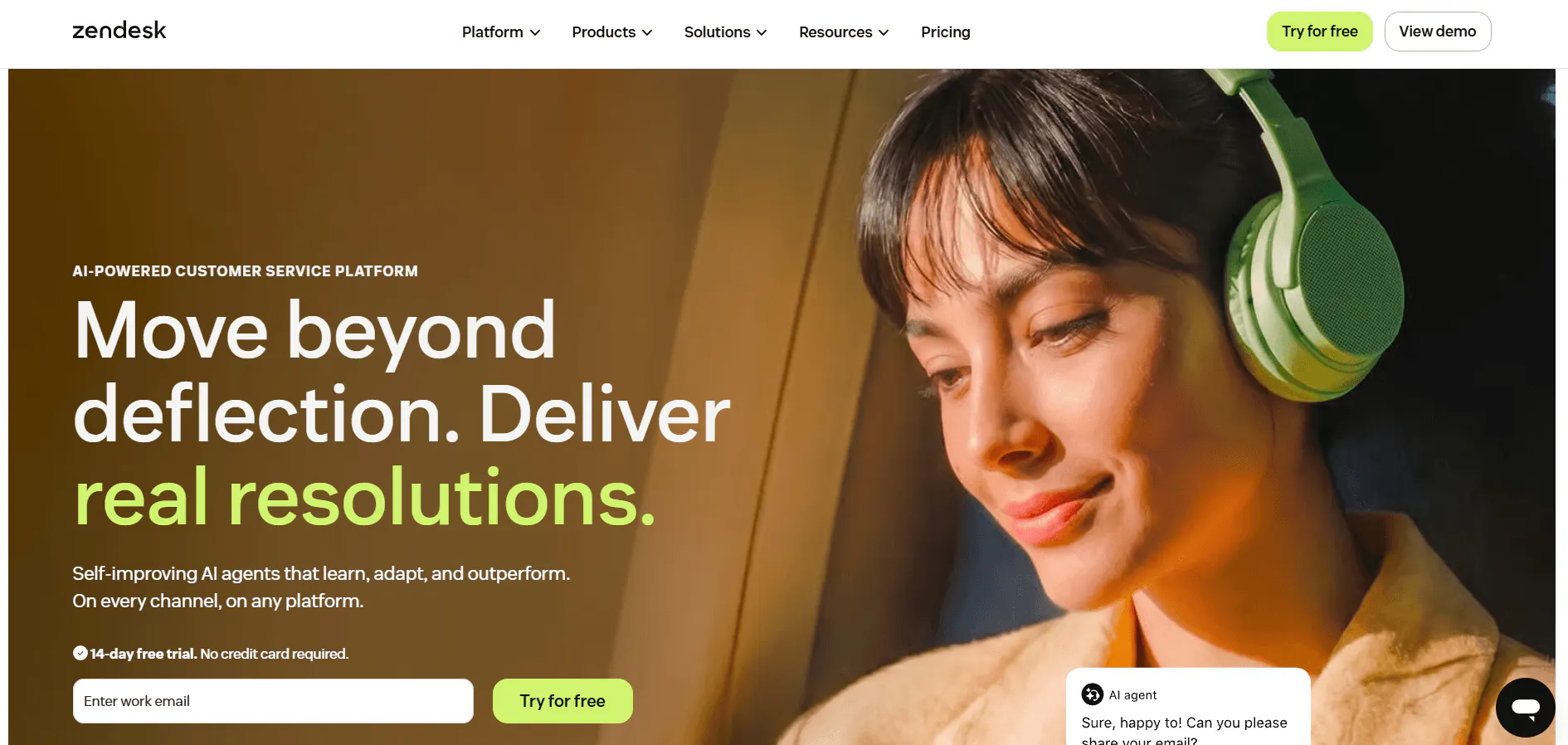
Freshdesk already gives you ticketing and automation. Zendesk is worth looking at when the way requests move through the support operation becomes more important.
The platform combines ticketing, email, messaging, live chat, voice, SMS, social messaging, knowledge management, automation, SLAs, customer profiles, reporting, AI, and integrations inside its Agent Workspace.
Key features
It can feel like Zendesk has a lot going on, but most of it comes back to managing support at scale. You get ticketing, routing, automation, SLAs, customer information, and AI in the same workspace, with plenty of control over how requests move through the team.
Agent Workspace keeps the customer history with the ticket
Zendesk puts the customer's previous interactions, account information, ticket history, internal activity, and routing details around the current request. Agents can also use macros, internal notes, side conversations, predefined replies, and AI assistance without leaving the ticket.
If a customer comes back with a problem they've already discussed with support, the next agent can see that history instead of starting from the latest message alone. That is especially useful when several agents or channels have been involved in the same issue.
Routing can account for the kind of request
Zendesk can route tickets using agent availability and workload. Its more advanced routing can also consider priority, skills, language, and information attached to the ticket or customer.
A billing issue can therefore be sent according to the team's billing skills, while a high-priority request can follow a different route from a routine question. The routing rules determine who gets the work instead of leaving every assignment to a shared queue.
AI can take action inside a support workflow
Zendesk AI Agents can answer customer questions, follow configured processes, perform supported actions, and escalate to a human. Actions can connect the agent to external systems through APIs and integrations, so it can retrieve or update information when those connections are configured.
Copilot works on the agent side. It can suggest replies, find similar tickets, summarize tickets and calls, help with writing, and surface recommendations while an agent is working.
That puts two different kinds of AI in the same support setup: one can handle customer requests, and the other can help a human work through the requests that reach them.
SLAs and rules decide what happens after a ticket arrives
SLAs set the response and resolution targets for tickets. Automations and business rules can then trigger actions based on those rules, while macros and predefined responses give agents shortcuts for common work. Internal notes and side conversations keep internal discussion attached to the ticket without putting it in the customer reply.
For a team with different queues, priorities, or service targets, those rules can handle routine decisions automatically instead of relying on every agent to remember what should happen next.
Pricing
Plan | Price/agent/mo | What you get |
|---|---|---|
Support Team | $19 (Billed yearly) | Email, ticketing, routing, automations |
Suite Team | $55 (Billed yearly) | AI Agents, Knowledge Base, Action Builder, messaging, live chat, telephony |
Suite Professional | $115 (Billed yearly) | Copilot features, skills-based routing, IVR, advanced AI and reporting |
Suite Enterprise + Copilot | Custom | Intelligent Triage, Auto Assist, Voice AI, approval workflows, sandbox |
Copilot is $50/agent/month, while Workforce Engagement is $50/agent/month and Contact Center is $83/agent/month, all billed yearly.
The important pricing distinction is between Support and Suite. Support Team gives you the core ticketing setup at $19, while Suite Team is where Zendesk becomes a broader omnichannel support platform with AI Agents and knowledge built in.
If you want Copilot across a 10-person team, that's another $500/month on top of the Suite plan. Zendesk also prices AI Agent usage through automated resolutions, so AI costs depend on how much work the Agent actually resolves, not simply how many messages it handles.
Read Next: Zendesk Pricing 2026: Plans, Costs, AI Add-Ons, and a Simpler Alternative
3. Gorgias: Support built around ecommerce data
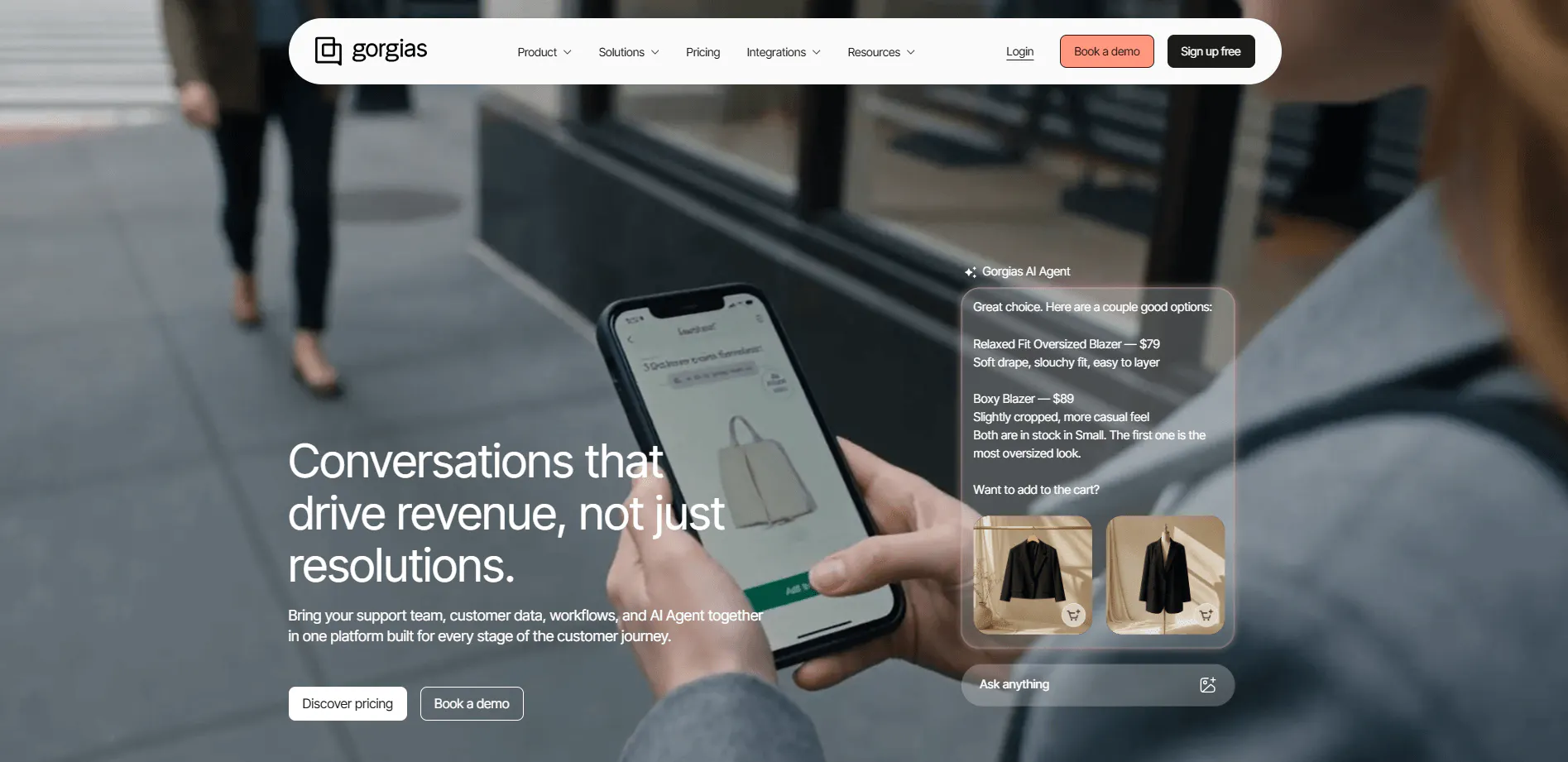
A lot of ecommerce support questions are really requests to do something with an order.
"Where is my order?"
"Can I change the address?"
"Can you refund this?"
"Can I cancel it?"
"Which product should I buy?"
Gorgias builds those situations directly into the support experience.
Key features
The useful part of Gorgias is how closely the support conversation is tied to the store itself. The AI and human agents can work with orders, products, customer history, and ecommerce apps without treating that information as separate from the conversation.
The Support Agent can change orders, not just explain the process
Gorgias' Support Agent can handle order tracking, cancellations, returns, refunds, missing items, order edits, subscriptions, and FAQs. Its supported actions include updating orders, cancelling orders, processing refunds, changing shipping information, and managing subscriptions.
That means a request such as a cancellation or refund can be handled by the Agent when the relevant action is supported, rather than simply producing instructions for the customer or passing the conversation to an agent.
Shopping Assistant uses store data to help customers buy
The Shopping Assistant handles product questions, recommendations, upselling, cross-selling, dynamic discounts, and proactive engagement. It can use browsing activity, cart contents, purchase history, buying intent, and product and customer data when making those interactions.
Product recommendations can also appear as product cards, so the conversation can lead directly to the products being discussed.
The AI can learn from your product catalog and policies
Gorgias can use Shopify catalog data, website content, Help Center content, custom product information, brand policies, support guidance, and product rules.
You can also control which products can be promoted or excluded from recommendations. This matters when product availability, brand rules, or specific selling policies need to shape what the AI tells shoppers.
The Customer Sidebar puts ecommerce data next to the conversation
The Customer Sidebar can show orders, customer history, reviews, subscriptions, and third-party information alongside the conversation. Supported actions include creating orders and issuing refunds, and Gorgias can pull information from more than 65 ecommerce applications.
An agent handling a customer issue can therefore see the order and customer information while working on the conversation instead of opening another system to find it.
The Customer Timeline keeps previous interactions with the customer
Gorgias' Customer Timeline combines orders, events, previous interactions, cross-channel conversations, and other customer activity.
That gives an agent the context around the current conversation, including what the customer has previously done or discussed, without having to piece it together from separate records.
Plan | Helpdesk | Included Tickets/mo | AI Agent | Total with AI Agent |
|---|---|---|---|---|
Starter | 10/mo | 50 | +30/mo | 40/mo |
Basic | 60/mo | 300 | +30/mo | 90/mo |
Pro | 360/mo | 2,000 | +190/mo | 550/mo |
Advanced | 900/mo | 5,000 | +530/mo | 1,430/mo |
Enterprise | Custom | Custom | Custom | Custom |
The Helpdesk price covers Gorgias's core support platform, while the AI Agent is an additional monthly charge. So, for example, the Starter plan costs $10/month for Helpdesk alone, or $40/month when AI Agent is added. The same structure applies to the higher tiers, with the AI Agent price increasing as the included ticket and AI interaction limits increase.
Each plan also includes a set number of automated interactions: 30 on Starter and Basic, 190 on Pro, and 530 on Advanced.
Read Next:
- A 2026 Playbook to Master eCommerce Customer Service
- Chatbot Integration for E-Commerce: What You Need to Know
- How an AI Chatbot for E-Commerce Can Enhance Your Customer Experience
4. Help Scout: A more focused support workspace
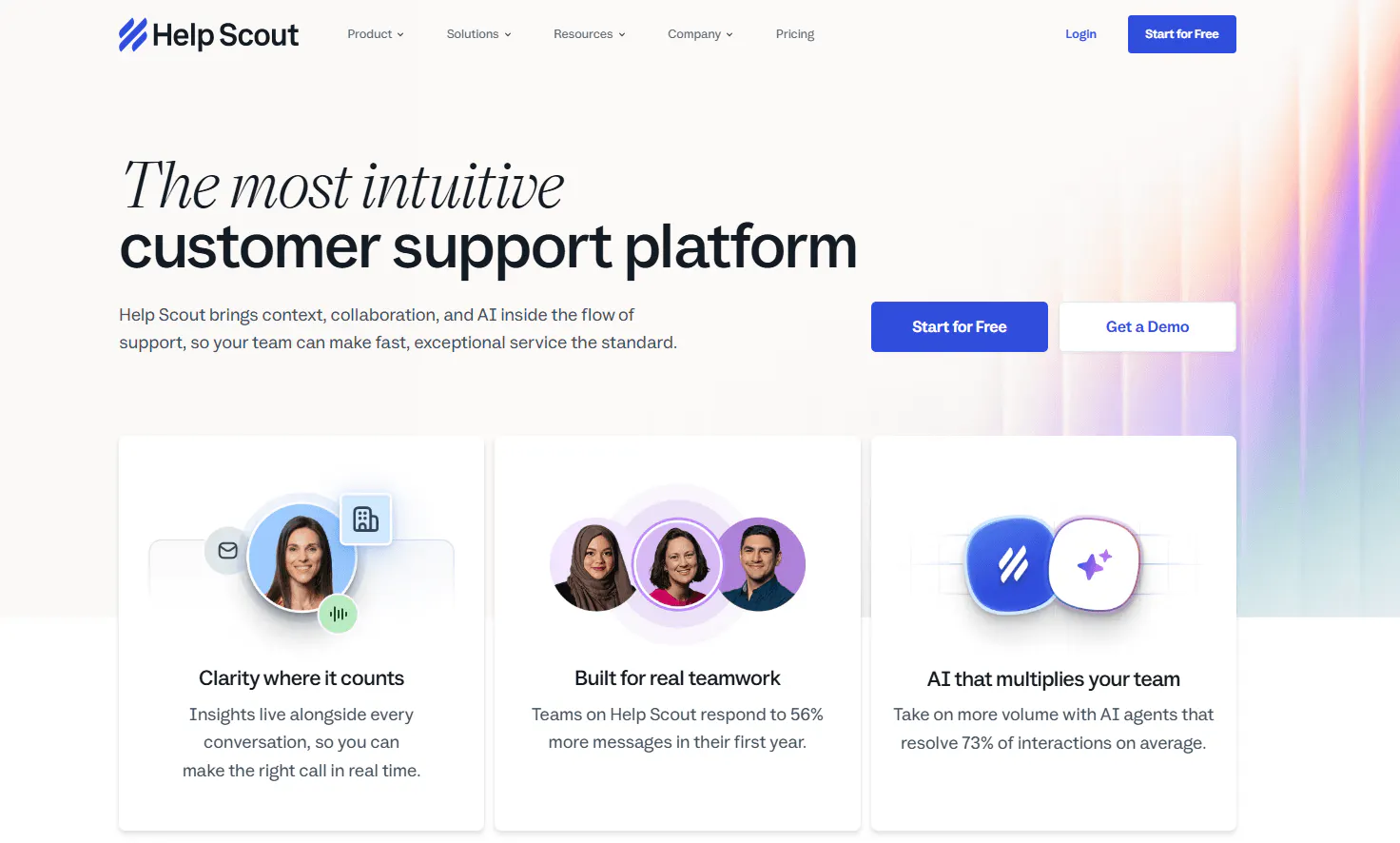
If Freshworks feels like more platform than your team actually needs, Help Scout takes a more focused approach around conversations, customer context, knowledge, and workflows.
The core product includes Inbox, customer profiles, Docs, Beacon, Messages, workflows, reporting, AI tools, integrations, and mobile support.
Key features
Help Scout keeps the support workspace relatively focused. The interesting part is how much of the day-to-day work can happen inside the Inbox, while customer context, self-service, and AI sit around it.
Inbox gives agents one place to work through conversations
Help Scout's Inbox handles assignments, tags, search, custom fields, customer profiles, collision detection, teams, views, reminders, snoozing, scheduled replies, and saved replies.
The Inbox Views are particularly useful when a team has different queues to manage. You can build views around conversation conditions so agents can see the requests that need their attention instead of working through one large inbox.
Workflows take care of the repetitive work around a conversation
Help Scout workflows can reply, notify users, generate AI drafts, forward conversations, add notes, change status, assign users or teams, add or remove tags, move or delete conversations, and update custom fields.
That gives teams a way to automate what happens to a conversation after it arrives. For example, a workflow can assign a conversation, update its status, add the relevant tag, and generate a draft without requiring an agent to handle each step manually.
Customer profiles put useful context beside the conversation
Help Scout profiles store customer details such as name, email, phone, company, custom properties, and customer history. Paid plans support up to 50 Contact Properties and 50 Company Properties.
On Plus and Pro, those properties can also be used in workflow conditions, Saved Replies, and Inbox Views. So the information isn't just sitting on the profile. It can be used to decide how conversations are handled.
Beacon brings self-service into the support experience
Beacon is Help Scout's customer-facing support widget. It can surface knowledge-base content, AI Answers, live chat, and contact options from the same place.
A customer can therefore look for an answer and still have a way to contact the support team when self-service doesn't cover the issue.
Pricing
Plan | Price/user/mo | Users | AI |
|---|---|---|---|
Free | $0 | Up to 5 | — |
Standard | $25 | Up to 25 | — |
Plus | $45 | Up to 50 | AI features |
Pro | $75 | Unlimited* | AI features |
*Pro has a 10-user minimum.
Help Scout's pricing is per user rather than per ticket, so the calculation is straightforward if you know how many people need access. The Free plan can cover a small team, while larger teams move through the paid tiers as they add users.
AI Answers is a separate usage cost: after the three-month trial, it's $0.75 per AI resolution. That means you need to account for both the number of support users and the number of conversations you expect AI Answers to resolve. Additional Inboxes cost $12/month on monthly billing.
For example, 10 users on Plus would be $450/month before AI Answers usage. If AI Answers resolved 200 conversations that month, that would add $150, putting the total at $600/month. That is a much more useful number to compare against another support platform than the $45 headline price alone.
5. Crisp: A shared inbox with AI and workflows around it
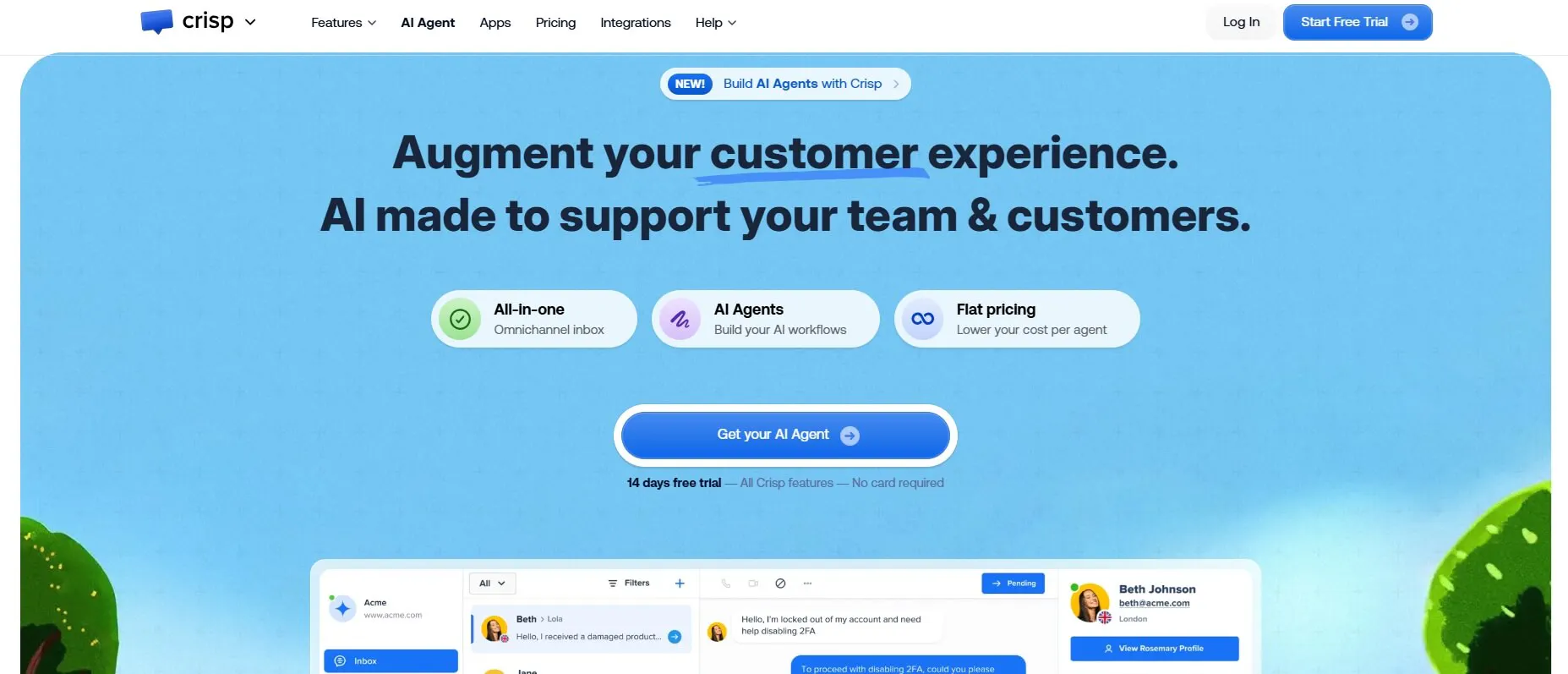
Crisp makes more sense when customer conversations are spread across messaging channels and the shared inbox is the part you want to improve.
Its support workspace covers website chat, email, WhatsApp Business, Instagram, Messenger, SMS, Telegram, X/Twitter, Viber, Line, and phone, depending on the plan.
Key features
Crisp is particularly interesting if you want to decide what happens around the AI instead of leaving the whole support process inside the Agent.
Hugo can handle the conversation
Crisp's Hugo AI Agent can answer questions using company knowledge and website content. You can also give it instructions, workflows, external tools, and escalation rules.
Crisp explicitly says Hugo does not train on the entire historical inbox or other customers' conversations. It works from the resources you provide and the context of the current conversation.
Workflows can control what happens around Hugo
Crisp's no-code workflow builder can run before Hugo handles a conversation, when a specific situation occurs, during an escalation, from an automatic trigger, from a manual agent action, through the REST API, or through the Chatbox SDK.
Workflows combine events, actions, conditions, and AI-agent blocks. You can therefore build steps around the AI rather than putting the entire process into one set of instructions.
Escalation can do some work before a human takes over
Hugo can escalate when it cannot answer a question, when the customer asks for a human, or when the conversation needs human intervention.
The escalation workflow can collect information, check customer data, check support availability, run automations, send webhooks, send messages, and add segments before the conversation reaches an agent.
That means the handoff can arrive with information already collected and the relevant workflow already completed.
MCP lets Hugo work with external systems
Crisp's MCP capabilities can connect Hugo with external services, APIs, and databases.
Depending on the tools you connect, Hugo can retrieve customer information, check order status, check subscriptions and preferences, log feedback, issue refunds, and suggest products. This is where the AI can move from retrieving information to actually working with information in another system.
Pricing
Crisp charges by workspace rather than by conversation or agent, and standard plans include unlimited conversations.
Plan | Price/workspace/mo | Seats | AI credits | Approx. automated conversations |
|---|---|---|---|---|
Free | $0 | 2 | $0 | — |
Mini | $45 | 4 | $5 | ~90 |
Essentials | $95 | 10 | $25 | ~450 |
Plus | $295 | 20+ | $75 | ~1,350 |
Enterprise | Custom | Custom | Custom | Custom |
The useful thing about Crisp's model is that adding agents doesn't increase the base price on a per-user basis. A 10-person team can use Essentials for $95/month, while the same workspace would need to move to Plus when it needs the larger seat allowance and additional capabilities.
The AI credits are the other number to watch. The included credits translate to roughly 90 automated conversations on Mini, 450 on Essentials, and 1,350 on Plus. So the right plan depends on both the size of the support team and how much AI automation you expect to run.
6. eesel AI: Keep Freshdesk and add AI to it
Not every Freshdesk problem requires moving away from Freshdesk.
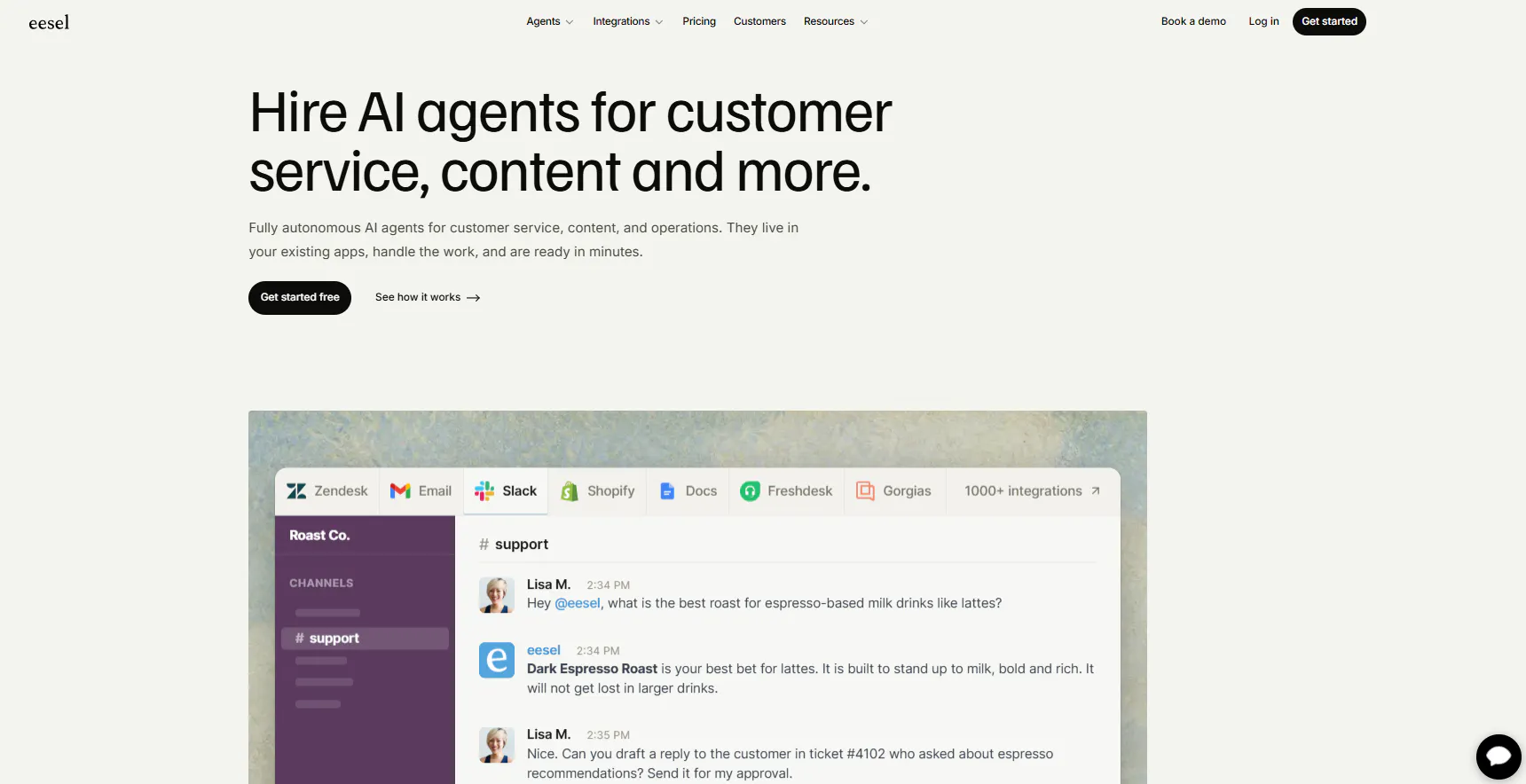
If the helpdesk, ticket history, integrations, and agent workflow already work for your team, eesel AI lets you put the AI layer on top of that existing setup.
It works with Freshdesk, Zendesk, Intercom, Front, Gorgias, Help Scout, Salesforce, and Jira Service Management, among other business tools.
Key features
eesel AI is useful when the information needed to answer a support request already exists somewhere across the business. The product can pull that information together, then let teams decide how much control the AI has over the response.
It can learn from the support information you already have
eesel AI can use past tickets, help documentation, policies, company documents, website content, product catalogues, CRM data, and other connected sources.
That means the Agent can work with information that may never have made it into a public help centre. For teams with years of support conversations and internal documentation, that gives the AI a much broader source of context to work from.
Historical ticket simulations show how it handles real support requests
eesel AI lets teams test the Agent against previous support conversations, rather than relying only on hypothetical questions.
That shows where it gives the right answer, where it struggles, and where the underlying knowledge needs work. If you already have a large ticket archive, testing against those conversations gives you a better idea of how the Agent will behave with the requests your team actually receives.
You can start with drafts before letting it respond on its own
eesel AI supports AI-generated drafts and human approval before moving to more autonomous handling.
That lets a team check the Agent's responses in real support conversations first. Once the results are reliable enough, the same setup can be used with less human involvement.
You control when the Agent steps in
You can define when the Agent responds, what tone it uses, which rules it follows, what process it should use, whether it can send messages, whether it should only draft, and when it should escalate.
This matters when some requests can be handled automatically but others need a human, even when the AI technically knows the answer.
Pricing
eesel AI charges by credits rather than seats. One ticket or chat uses one credit regardless of how long the conversation is.
Monthly credits | Price/mo |
|---|---|
100 | Free |
500 | $299 |
1,000 | $499 |
1,500 | $699 |
2,500 | $999 |
3,500 | $1,349 |
5,000 | $1,899 |
More than 5,000 | Custom |
eesel AI's pricing is based on credits rather than seats. One ticket or chat uses one credit, regardless of how long the conversation is, so a team handling 1,000 support conversations in a month would need the 1,000-credit plan at $499/month. The effective cost per credit drops as you move up the plans, from about $0.60 at 500 credits to about $0.38 at 5,000.
That makes the tier you choose important. A team handling around 1,000 conversations pays $499/month, while moving up to 1,500 costs another $200 for 500 additional credits. The plans include unlimited agents and seats, so adding more people doesn't change the subscription. Your support volume does.
Read Next: 10 eesel AI Alternatives: Compare Features, Pricing & Support Capabilities
Which Freshworks alternative should you choose?
The right choice depends on what you want to change. If Freshworks is mostly working but one part of your support process isn't, there's no reason to replace everything just to solve that one problem.
You want AI to handle more of the support work: Chatling
Chatling is the fit if you want AI to move a support request forward instead of stopping at an answer. Its Agents can collect information, create tickets, update records, send emails, book appointments, and connect to external systems.
You can also bring in your existing support content, test the Agent before launch, and hand conversations to a human with the relevant context intact. If your main reason for looking at Freshworks alternatives is getting more support work handled automatically, this is where Chatling stands out.
You want to keep your existing support setup: eesel AI or Help Scout
eesel AI makes sense when you already have useful support information and want to add AI around it. It can learn from past tickets and other business content, test itself against historical conversations, and start with drafts before moving toward autonomous handling.
Help Scout takes a simpler approach to the support workspace itself. Its Inbox, customer profiles, workflows, Docs, and Beacon cover the core support process without the wider operational setup of a platform like Zendesk.
Choose eesel AI if adding AI to your existing tools is the main goal. Choose Help Scout if simplifying the support workspace is what you want to change.
You need deeper support operations: Zendesk
Zendesk is the option to look at when routing, SLAs, workload management, and ticket operations are the bigger concern.
Its routing can account for availability, workload, priority, skills, and language. If Freshworks feels limiting because your support operation has become more complex, Zendesk gives you more control over how that work is managed.
You run ecommerce support: Gorgias
Gorgias makes the most sense when customer conversations are closely tied to orders and products.
Its AI can work with order information and handle supported requests such as refunds, cancellations, and order changes, while its Shopping Assistant handles product questions before purchase. That focus is difficult to replicate with a general-purpose support platform.
You need AI connected to workflows: Crisp
Crisp is built for teams that want AI conversations tied to the work happening around them.
Its workflows can trigger actions and collect information before a human takes over, while Hugo can connect to external systems through MCP. That makes it useful when the support process involves more than answering the customer.
So, which Freshworks alternative fits your setup?
If the main gap is AI automation, Chatling is the option to look at. If you want to add AI to the tools you already use, eesel AI takes that approach. Zendesk is the closer fit for complex support operations, Gorgias for ecommerce, Help Scout for a simpler workspace, and Crisp for workflow-driven AI support.
For teams that want AI to actually handle customer conversations and the work that follows them, Chatling gives you a more direct way to put that into practice. Its AI Agents can answer questions, take actions, work with your existing support information, and hand conversations to your team when human help is needed. You can test the setup before it goes live and start with the parts of support you want to automate first.
Find Alternatives to More Tools:
- 10 Best SleekFlow Alternatives To Upgrade Your Customer Support
- 8 Best Fernand Alternatives Compared for Growing SaaS Teams
- Chatbase Alternatives: 7 AI Customer Support Tools Worth Comparing in 2026
- Best Tidio Alternatives for Customer Support in 2026
Frequently Asked Questions
What are the best Freshworks alternatives?
The best alternative depends on what you need from a support platform. Chatling is focused on AI support and actions, Zendesk on support operations, Gorgias on ecommerce, Help Scout on a focused support workspace, Crisp on AI workflows, and eesel AI on adding AI to an existing support stack.
What is the best alternative to Freshdesk?
Freshdesk alternatives include Chatling, Zendesk, Gorgias, Help Scout, Crisp, and eesel AI. The right option depends on whether you're looking for AI automation, deeper ticket management, ecommerce support, a simpler workspace, or an AI layer that works with your existing tools.
What are the disadvantages of Freshdesk?
Recent user reviews commonly point to limitations with advanced AI and automation, difficulty with some integrations and workflows, reporting and customization gaps, and performance issues at higher ticket volumes.
Is Freshdesk good for AI support?
Freshdesk includes Freddy AI for customer support, but reviews show that some users find its AI capabilities and connections limited. Others specifically call for more advanced automation and AI-driven workflows.
What is the difference between Freshworks and Freshdesk?
Freshworks is the company and broader software ecosystem. Freshdesk is its customer support and helpdesk product. Freshworks also offers products such as Freshchat and Freshservice, which serve different parts of customer communication and service management.
Which Freshworks alternative is best for AI support?
That depends on how you want AI to work. Chatling is built around AI Agents that can answer customers and take actions, while eesel AI can add AI to an existing support stack. Crisp also combines AI with workflows and external system connections.
What is the best Freshdesk alternative for ecommerce?
Gorgias is specifically designed around ecommerce support. Its AI can work with order information and handle supported requests such as refunds, cancellations, and order changes, while its Shopping Assistant handles product questions before purchase.
Is Freshdesk better than Zendesk?
Freshdesk and Zendesk take similar core approaches to ticket-based customer support, but they differ in areas such as routing, AI, automation, pricing, and the depth of their support operations. The better fit depends on which of those matters most for your team.