
Kustomer has a lot going on. It brings customer conversations, orders, preferences, and other data into one place, then builds AI, workflows, routing, reporting, and automation around it.
That can work well if you want your AI support to be closely connected to the rest of your customer service operation. The trade-off is that there can be more to set up and manage compared with a more focused AI support tool.
Recent G2 reviews highlight both sides of that experience. Users like having a unified customer history, while many mention the work involved in building and maintaining the knowledge base, mapping customer data during setup, getting the right level of reporting, and navigating a busy interface.
That doesn't make Kustomer a bad choice. It does make the alternatives worth looking at, especially if you want a different way of putting AI into your support operation.
Chatling, SiteSpeakAI, Kore.ai, Chatbase, Gorgias, Help Scout, and Ada all take a different route. Here's what each one does, what you'll pay, and where it fits compared with Kustomer.
The Best Kustomer Alternatives at a Glance
Tool | Starting price (monthly billing) | Choose it when... |
|---|---|---|
Chatling | $25/month | You want an AI agent or AI chatbot across your channels that sets up quickly and easily, and takes actions as required, whether that’s lead qualification, booking appointments, human handoff, and much more. |
SiteSpeakAI | $29/month | You want a straightforward website AI agent with a clear plan-to-plan upgrade path built around message credits. |
Kore.ai | Custom, quote-based | You need to orchestrate many bots and channels on one enterprise platform and have a team to manage a custom build. |
Chatbase | $40/month | You want a choice of AI models and a message-credit plan that scales in defined, published steps. |
Gorgias | $10/month for the base Helpdesk plan (or $40/month with AI Agent) | Your support already centers on Shopify or another ecommerce platform and you want the AI to bill only for interactions it resolves, at $1.00 per resolution. |
Help Scout | $30/user/month | You want a shared-inbox helpdesk first, with AI answers priced per resolution on top of it. |
Ada | Custom, quote-based | You need enterprise-scale automated resolution and are comfortable with a usage-based quote instead of published plans. |
What Kustomer's Users Say
Kustomer is a broad, enterprise-level platform that offers various AI support capabilities. We reviewed several G2 reviews from Kustomer users to understand its strengths and limitations, identifying where users feel the need for a platform better suited to their customer support needs.
What Kustomer does well
Kustomer's strength is unifying customer data and conversation history in one workspace, so agents aren't piecing together context from separate tools.
A single timeline holds the full customer history
Kustomer keeps every customer interaction in one place: conversations, orders, and prior contact history, all in a single chronological timeline. Agents open a ticket and see the full relationship right away. They do not have to piece it together from separate tools, and they are not going in blind when a customer has reached out before.

The timeline view is generally one of the best features for our support team. I like being able to see the customer's full interaction history in a chronological view, and it means our agents do not have to go in blind on repeat contacts.
Macros adapt to the customer instead of repeating the same text
Kustomer's macros are dynamic, not static text blocks. They pull in customer or ticket-specific details instead of sending the same canned reply to everyone. CSAT tracking sits in the same workflow, so performance data lives next to the actual support work instead of a separate report agents have to go check.
I like the way we can integrate Macros with the emails that are dynamic, also, we can track our CSAT score and performance. The use of Co-Pilot is an add-on.
CX teams can edit AI prompts without a developer
CX managers write and update Co-Pilot's prompts themselves. No coding background is needed to change how the AI responds. Kustomer's native integration with Amazon Connect brings phone support into the same place: calls are answered inside Kustomer, not in a separate calling tool.
I like that CX managers can update and own the prompts for the co-pilot without needing coding skills, which other products may require. Additionally, the integration with Amazon Connect allows calls to be answered directly in Kustomer
Where Kustomer falls short
The limitations show up in the layers underneath that AI configuration: the knowledge base the AI reads from, and the CRM structure the customer data has to be mapped into.
Building the knowledge base takes real ongoing effort
Adding support articles and FAQs to Kustomer is not quick. For a team with a large content library, that turns into an ongoing maintenance job, not a one-time setup step. It is a heavier lift than the rest of the platform's polish would suggest.
The support articles or FAQ's are difficult to add so there should be an easy streamline process for that.
Knowledge base search doesn't reliably surface answers
Kustomer's internal search does not consistently return the article an agent is looking for. That is a real gap on a platform built around a fast, unified agent view. A knowledge base agents cannot search through defeats the point of having one, and it pushes them back toward memory or side channels for answers.
It's clunky to build out, difficult to maintain, and agents can never find the information they need - the search feature just does not work. This is a huge gap and one of the features that could drive us to look at alternatives if it doesn't see meaningful improvement.
Reporting is slow, and the numbers aren't always trustworthy
Kustomer's analytics take a while to generate, and customization in the reporting suite is limited. There are also cases where the underlying data does not line up with what teams expect. That is a harder problem than a missing feature: it affects whether the numbers can be trusted for decisions at all.
Analytics is the other major sticking point. Besides being slow to generate data, the reporting suite is not robust enough for a team that needs to make data-driven decisions with confidence. The customization options are limited, but more critically, we have encountered data accuracy issues that make it hard to trust the information we are looking at.
Native metrics don't go deep enough for day-to-day decisions
Kustomer's built-in metrics do not hold up when a team needs to validate performance at a granular level. To run support day to day, teams pull data through the API and build their own metrics on top of Kustomer instead of relying on what ships natively.
Metrics are not the most helpful and being able to validate data at a granular level. In order to run the business on a day-to-day basis, we have to rely on API access to data and then build metrics ourselves.
The interface feels crowded, and pricing sits on the higher end
Kustomer packs a lot of functionality into one window. For agents working in it all day, that density can make the experience feel busy instead of streamlined. Pricing also runs higher than comparable support platforms, which matters most when a team is weighing cost against a feature set it may only use part of.
I dislike the user interface and the user experience they have; it's very clumsy and a lot of things in one window... I think the prices are also bit high for the service provided, while the competitors are providing in a bit cheaper rates.
7 Best Kustomer Alternatives Worth Exploring
The seven tools below cover the ground Kustomer's reviewers point to most: a lighter setup, published pricing, a different channel mix, or scale Kustomer isn't built for.
1. Chatling: A No-Code AI Agent With Actions, Multiple Channels, and Human Handoff
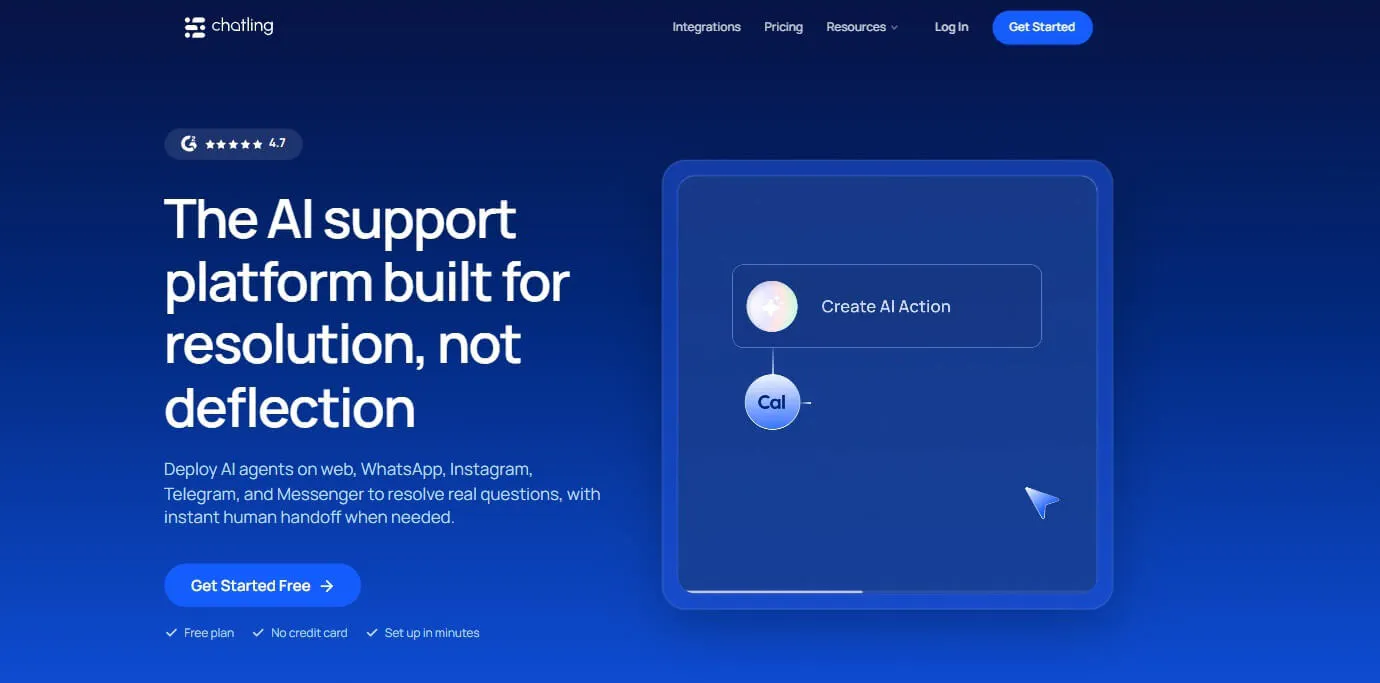
Chatling is a no-code platform for building AI Agents and AI Chatbots. The AI Agent is trained on a business's own content, such as its website, policies, knowledge base, and documents, and answers customer questions from that content rather than from a fixed script.
What separates an Agent from a simpler chatbot is how it decides what to do next. Instead of following a flow that was mapped out in advance, an Agent reads the intent behind a customer's message and plans its own next step in the moment, including which action to take. That's what lets it handle a request with more than one part to it, such as looking something up and then booking a follow-up, without every branch of that conversation having been built ahead of time.
The same Agent can also run across more than one channel at once. Web, WhatsApp, and Instagram can all connect to a single Agent, so a team maintains one set of instructions and one knowledge base instead of rebuilding the same logic separately for every channel a customer happens to use.
Chatling also treats the AI side of a conversation and the human side as connected rather than separate. When the Agent can finish a request itself, it does. When it can't, the conversation moves to a person, and the tools built for that handoff, along with the AI support that continues on the human side, are what the rest of this profile covers.
Key Features
Chatling's feature set is broad, but the parts below are what actually separate it from a CRM-centered platform like Kustomer.
AI Actions
AI actions allow an Agent to create a support ticket, update a CRM record, send an email, collect a lead, or book an appointment as part of the conversation. Each action can be scoped with its own instructions for when it should run and when the Agent should avoid it, so a refund action doesn't fire on a customer who only asked about the refund policy.
HTTP Requests
When there's no native integration for a system, HTTP Requests send GET, POST, PUT, PATCH, and DELETE calls to any API, and the request can be tested with sample values before it goes live. That gives technical teams a way to connect the Agent to systems Chatling doesn't already cover.
Human handoff
A conversation can be handed to a person when the customer asks for one or a configured rule is triggered. The handoff carries the conversation history, an AI summary, priority, and sentiment, so the human agent picks up where the AI stopped instead of the customer repeating themselves.
Copilot
Copilot is a private AI assistant built into the agent's conversation view, invisible to the customer. It can draft a reply using the knowledge base, summarize a long thread, or read customer sentiment and intent, and an agent can adjust a drafted reply's tone or length before sending it. That means the human side of a handoff isn't left without AI support once the customer stops talking to the Agent.
AI Agents and AI Chatbots
Chatling separates open-ended conversations, handled by AI Agents that decide how to respond and which actions to use, from more structured experiences built in the visual Chatbot Builder with buttons, forms, and conditions. That split matters when part of a support flow needs AI flexibility and another part needs a predictable, fixed path.
Pricing
- Free: 200 AI credits, 1 AI agent, 1 seat, workflows available, and 1 workflow
- Starter ($25/mo): 1,750 AI credits, 2 AI agents, 2 seats, workflows available, and 5 workflows
- Growth ($75/mo): 6,000 AI credits, 5 AI agents, 5 seats, workflows available, and 15 workflows
- Scale ($295/mo): 35,000 AI credits, 7 AI agents, 10 seats, workflows available, and unlimited workflows
Why Chatling over Kustomer
Kustomer's CRM is built around custom objects and attributes that a team defines and maps out before the platform can use that data. Chatling's Agent works from a connected Knowledge Base and configured Actions instead, so there's no customer-record model to design before the AI can answer anything or take action.
Heads up
AI credit usage varies significantly by model. Gemini 2.5 Flash uses 0.5 credit per reply, while GPT-6 Astra uses 25 credits and Claude Opus 5.5 uses 10, so the same reply volume can consume very different amounts of your monthly allowance.
What I like best about Chatling is how incredibly easy and intuitive it is to build and train an AI customer service chatbot without any coding. The drag-and-drop interface and clear workflow allow even non-technical users to create powerful bots quickly. Within just a week, we were able to launch a fully functional CS chatbot that significantly reduced call volume and improved customer satisfaction.
2. SiteSpeakAI: A Website AI Agent With Its Own Team Inbox and Lead Capture
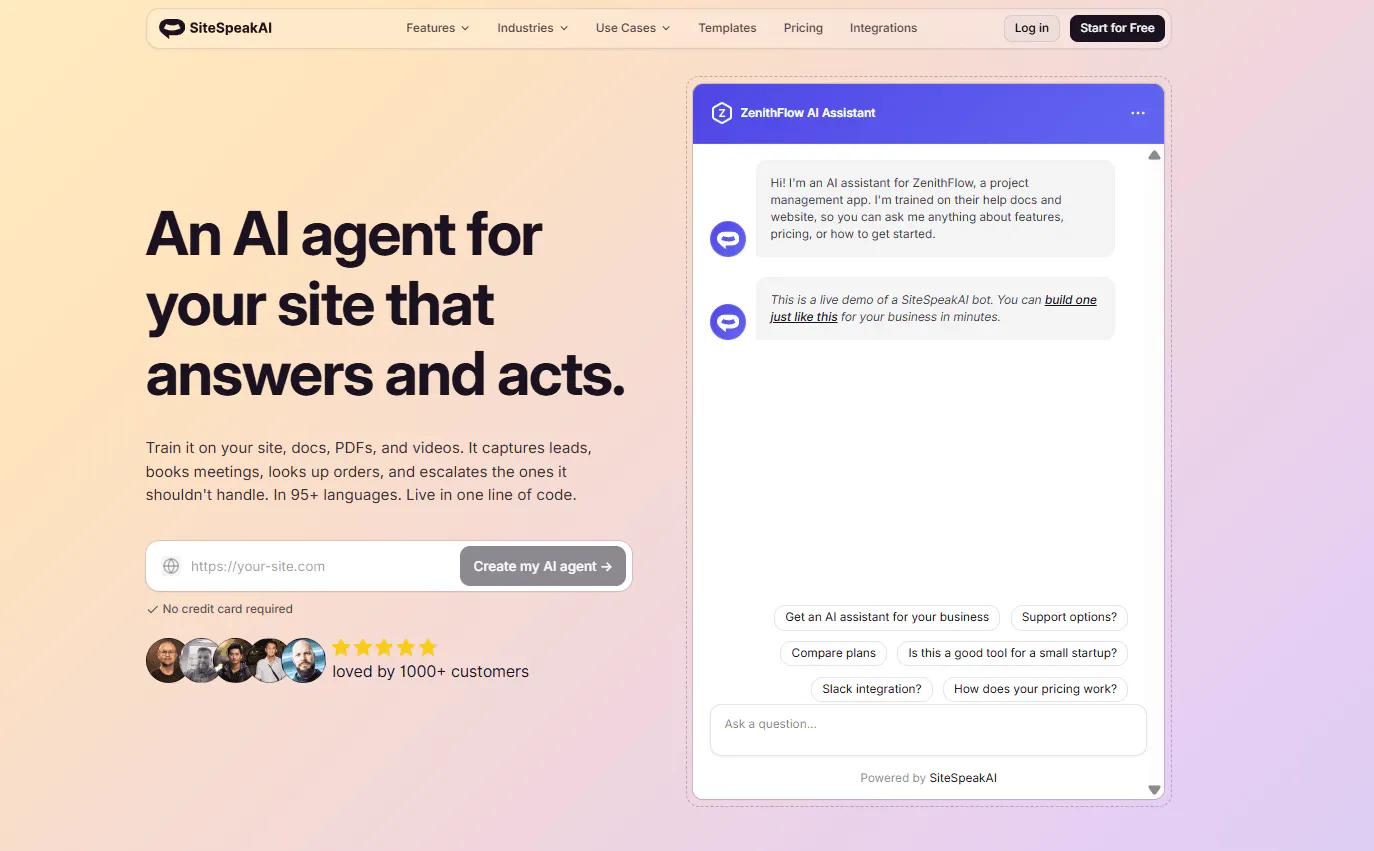
SiteSpeakAI trains an AI Agent on a company's website, documentation, PDFs, videos, and knowledge bases, then deploys it to work from that content directly rather than from a script written in advance.
What sets it apart is how aware the Agent is of its surroundings while it's working. It can read the specific page a visitor is currently on and shape its response around that context, instead of giving the same generic answer no matter where the conversation started. It can also reach outside its trained content when a question calls for it, querying a connected database or API for something like an order status or account detail that changes too often to sit in a static knowledge base.
That combination, content trained ahead of time plus live lookups when needed, is what lets the Agent handle a wider range of questions than a bot that only knows what it was fed during setup.
Key Features
SiteSpeakAI combines page-aware responses, live data access, a shared team inbox, lead qualification, and support across several messaging channels.
Page Context Awareness
The Agent reads the page a visitor is currently viewing and uses that context when responding, including page-specific welcome messages and suggested questions. A visitor on a pricing page and one on a support article get answers shaped by where they actually are, not a single generic greeting.
API and database connectivity
Agents connect to REST APIs, a SQLite database, or backend systems through MCP to retrieve information like product catalogs, orders, or customer accounts, and to perform actions rather than only answering from static training content. Lookups happen in real time rather than from a cached copy that can go stale, and API keys are encrypted with the business controlling what the AI can access.
Inbox and Live Chat
A unified inbox lets a team monitor AI conversations in real time and take over without the customer restarting. Multiple team members can be added to the inbox, and conversations can be assigned among them.
Lead Capture with qualification
Beyond collecting contact details, the AI can ask qualification questions and score or prioritize leads before routing them to their destination, so a sales team isn't sorting through unqualified leads by hand.
Channel coverage
SiteSpeakAI connects to website, Slack, Telegram, Discord, WhatsApp, and Google Chat, so a team already working across several messaging channels doesn't need a separate bot for each one.
Pricing
Plan | Price | AI Agents | Message Credits/mo | Training Sources |
|---|---|---|---|---|
Free | $0 | 1 | 30 | 10 |
Starter | $29/mo | 1 | 1,000 | 200 |
Pro | $79/mo | 5 | 3,000 | 2,500 |
Growth | $249/mo | 15 | 10,000 | 8,000 |
Business | $499/mo | Unlimited | 20,000 | 20,000 |
Each AI reply consumes a message credit. At around 1,500 replies a month, Pro's 3,000 credits leave plenty of room. At 4,000 replies, Pro's allowance is exceeded, and a $25 top-up for 1,000 credits brings the total to $104/month, close to what Growth costs outright with a much larger allowance already included.
Heads up
SiteSpeakAI trains on static sources by default, including websites, PDFs, documents, and connected knowledge bases. Pulling live data (order status, CRM records, inventory) requires setting up custom API actions or database queries separately. That's not a configuration issue for technical teams, but businesses without developer resources who need the chatbot to respond with real-time information will need to factor in that setup work.
Read Next: 9 SiteSpeakAI Alternatives for AI Agents, Support, and Automation
3. Kore.ai: Best for enterprise AI agents with formal governance and continuous optimization
Kore.ai is an enterprise AI platform for building, deploying, governing, scaling, and optimizing AI agents. It's designed for complex, high-volume, regulated workflows where predictable behavior, governance, and observability matter as much as the AI's answers.
That focus shows up in how agents get built and maintained. Kore.ai treats agent definition and improvement as formal, ongoing processes, not a one-time setup.
Key Features
Kore.ai combines agent building, governance, workflow orchestration, continuous optimization, and industry-specific AI solutions for enterprises with complex support and automation needs.
ARCH
ARCH is the platform's built-in AI solution architect. It turns a plain-language description of intent into a working agent system, including the agents, workflows, tools, policies, and handoffs, then continues helping analyze and optimize that system once it's deployed.
Agent Blueprint Language (ABL)
ABL is a typed, schema-driven language for defining agent behavior, tools, guardrails, orchestration, and handoff logic in a structured, compilable way, rather than relying only on natural-language instructions. That gives enterprises a formal way to govern exactly how an agent is allowed to operate.
Auto Loop
Auto Loop continuously improves agents against business outcomes using real-world conversations and performance data as feedback, reducing the manual engineering work needed to keep an agent tuned after launch.
Agent Studio
Agent Studio is a unified workspace for building agents, workflows, and tools, supporting both visual authoring and code-based authoring in the same environment.
Industry-specific solutions
Kore.ai provides AI solutions built for regulated industries including banking, healthcare, insurance, and telecommunications, where compliance and predictable behavior carry more weight than in general ecommerce or SaaS support.
Pricing
Kore.ai doesn't publish plan prices. Pricing is custom-based, and you can request a demo to understand how your customer support needs can shape a Kore.ai plan.
Several third-party sources report self-serve plans starting around $50–$60/month for Essential and $150–$180/month for Advanced, typically with annual billing, while other sources mention a free plan and a pay-as-you-go Standard plan. Pasted markdown
For enterprise deployments, pricing is custom and requires a quote. Some industry sources report enterprise deals starting around $300,000/year, but this isn't a price published by Kore.ai itself.
Heads up
Kore.ai uses Agent Blueprint Language (ABL), a typed, schema-driven language for defining how agents should behave. That gives enterprises precise control over agent logic, but it also means the platform isn't purely point-and-click to configure. Teams without technical resources on staff will need implementation support to get the most out of it.
Read Next: 6 Kore.ai Alternatives for AI Customer Support Worth Switching To in 2026
4. Chatbase: Best for AI support with guardrails, personalization, and a built-in Helpdesk
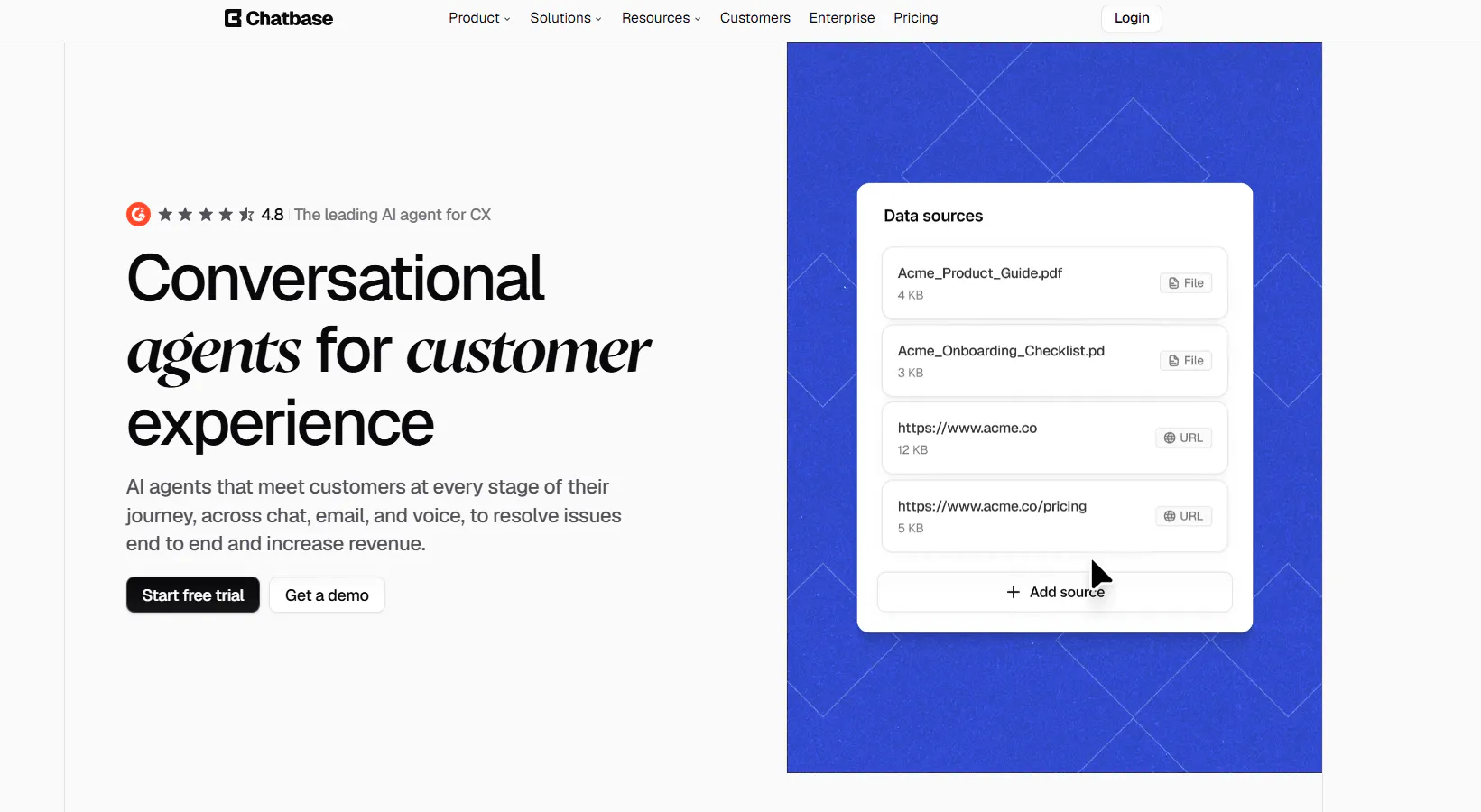
Chatbase is an AI agent platform for customer support and customer experience. Its agents answer questions, resolve requests, qualify leads, take actions through connected systems, and escalate to human support, across chat, email, voice, WhatsApp, Slack, and other channels.
The Agent Builder gives you controls for instructions, guardrails, models, actions, knowledge, and escalation rules, so you define how an agent behaves instead of leaving it to work that out alone.
Key Features
Chatbase combines personalization, guardrails, testing, a built-in Helpdesk, human escalation, and support across multiple channels, giving teams more control over how the AI handles customer conversations.
Personalization
Agents can use connected customer-specific information to shape a response, so two customers asking the same question can get answers reflecting their own account or history instead of an identical generic reply.
Guardrails and Instructions
Guardrails restrict an Agent from performing certain actions or discussing certain subjects, defined alongside its role and knowledge sources. That's a governance layer a team sets once rather than something every reply has to be checked against manually.
Testing and Playground
Agents can be tested against real scenarios before deployment, so behavior gets checked before customers see it rather than being discovered in production.
Native Helpdesk
Chatbase includes its own Helpdesk supporting widget, email, WhatsApp, and API tickets, so the Agent can sit in front of a support workflow instead of existing as an isolated website widget.
Human escalation
Conversations can be escalated to external systems including Zendesk, Salesforce, Intercom, Zoho Desk, Freshdesk, HubSpot, and Help Scout. That matters for a company that already has a human support stack and doesn't want the AI to replace it.
Pricing
Plan | Price | Message Credits/mo | Members |
|---|---|---|---|
Free | $0 | 50 | 1 |
Hobby | $40/month | 700 | 2 |
Standard | $150/month | 4,000 | 3 |
Pro | $500/month | 15,000 | 5 |
Enterprise | Custom | Custom | Custom |
Heads up
Chatbase caps the size of your training content by plan: 10 MB on Hobby, 20 MB on Standard, and 40 MB on Pro. A large documentation library can reach those limits.
Read Next: Chatbase Alternatives: 7 AI Customer Support Tools Worth Comparing in 2026
5. Gorgias: Best for ecommerce support with AI that acts directly on orders
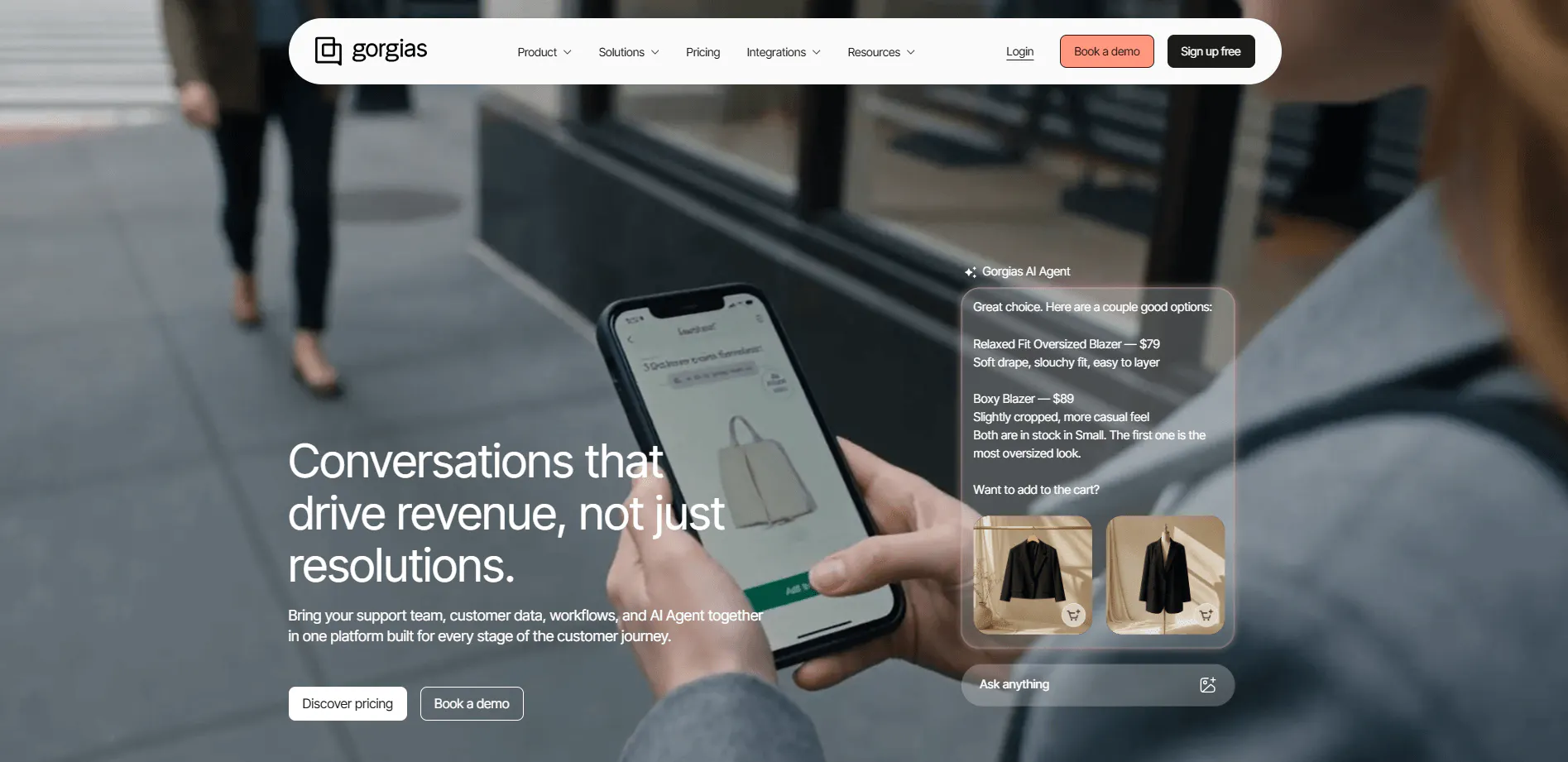
Gorgias is built specifically for ecommerce, combining AI Agent and Helpdesk functionality with customer conversations, ecommerce data, and revenue-driving interactions. The platform states it powers customer conversations for 40% of Shopify stores.
The distinction that matters most against a general CRM platform is that Gorgias connects directly to ecommerce systems, so the AI isn't limited to answering questions about an order. It can act on one.
Key Features
Gorgias combines ecommerce data, AI, and Helpdesk tools in one platform, so the AI can handle customer questions, take actions on orders, and support shoppers before and after a purchase.
Shopping Assistant
Shopping Assistant handles pre-purchase interactions like product discovery and recommendations, a layer most general-purpose support AI doesn't cover, since it's built around shopping behavior rather than ticket resolution.
AI Agent order actions
The AI Agent can perform supported actions in connected ecommerce systems, including updating orders and cancelling orders, rather than only retrieving information from a record and stating it back to the customer.
Gaia
Gaia is Gorgias' AI teammate for managing and improving the Gorgias workspace itself. It can search, tag, and organize tickets, analyze rules and macros, identify setup problems, and draft or improve automations. Gaia doesn't send customer replies or create tickets, and changes can require approval, but it's a genuinely different kind of AI feature: one aimed at the support operation, not the customer conversation.
Voice and SMS
Voice adds call queues with flexible routing, call flows and IVR menus, call recording and transcription, and voice tickets that carry ecommerce context alongside chat and Helpdesk. Phone support stays tied to the same order and customer data the AI Agent already works from, rather than running through a disconnected phone system.
Pricing
Plan | Helpdesk | Included Tickets/mo | AI Agent | Total with AI Agent |
|---|---|---|---|---|
Starter | $10/mo | 50 | +$30/mo | $40/mo |
Basic | $60/mo | 300 | +$30/mo | $90/mo |
Pro | $360/mo | 2,000 | +$190/mo | $550/mo |
Advanced | $900/mo | 5,000 | +$530/mo | $1,430/mo |
Enterprise | Custom | Custom | Custom | Custom |
The Helpdesk price covers Gorgias's core support platform, while the AI Agent is an additional monthly charge. So, for example, the Starter plan costs $10/month for Helpdesk alone, or $40/month when AI Agent is added. The same structure applies to the higher tiers, with the AI Agent price increasing as the included ticket and AI interaction limits increase.
Each plan also includes a set number of automated interactions: 30 on Starter and Basic, 190 on Pro, and 530 on Advanced.
Heads up
Gorgias is built specifically for ecommerce. If your support operation sits outside that space, or you don't run a connected platform such as Shopify, you get less from features built around shopping and order management.
6. Help Scout: Best for Adding AI to A Shared-Inbox Helpdesk You Already run
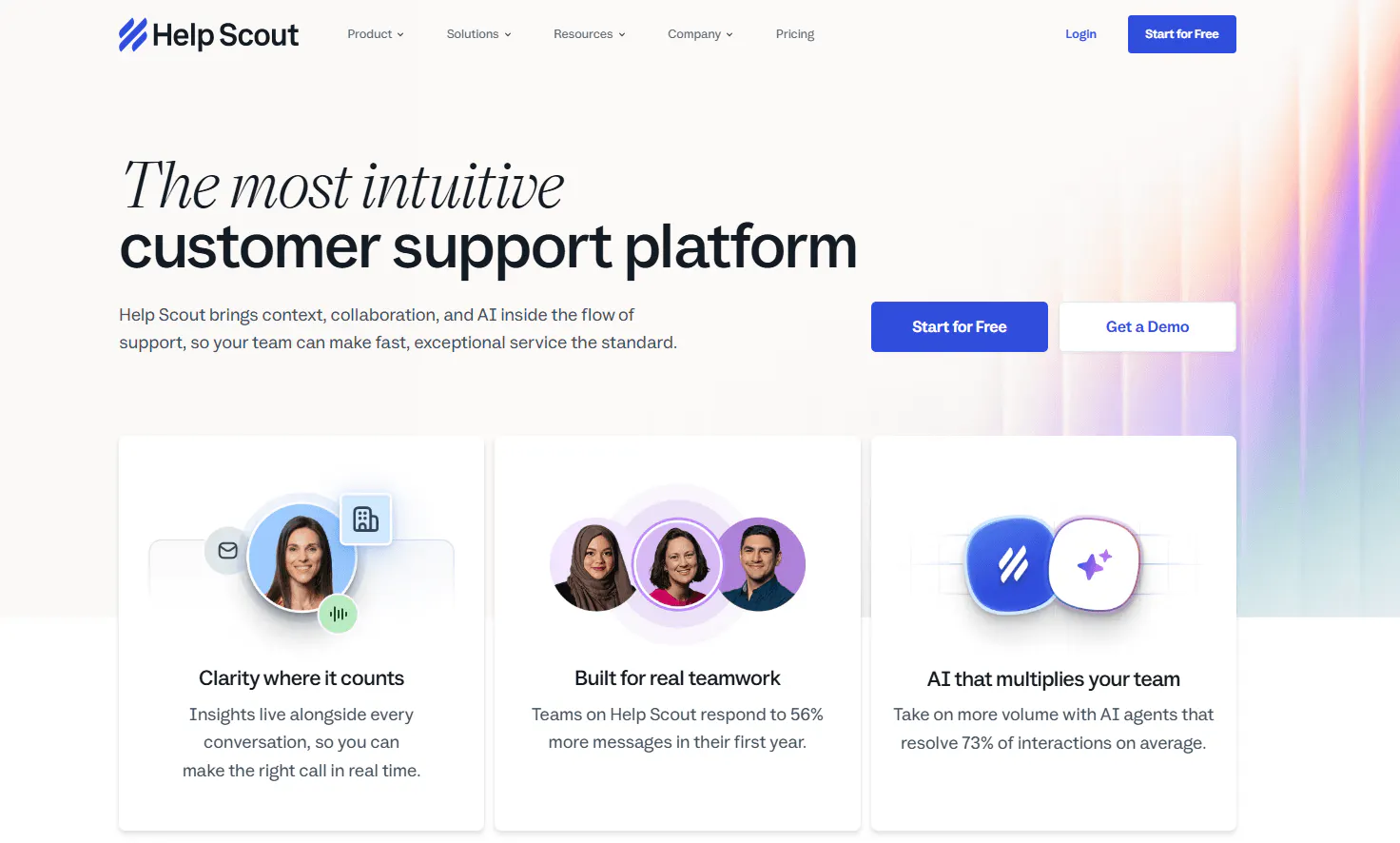
Help Scout is a shared-inbox helpdesk, with AI customer support integrated through Beacon, its embeddable support widget, rather than an AI Agent built around a CRM data model.
That layering is the main thing to understand about Help Scout: the Inbox, collision detection, saved replies, and workflows exist independently of the AI, and AI Answers, Drafts, Summarize, and Assist sit on top of that foundation rather than replacing it.
Key Features
Help Scout combines AI-powered answers and agent assistance with a shared inbox, self-service Docs, and collaboration tools, so teams can add AI to an existing support workflow without replacing the helpdesk underneath it.
AI Answers
AI Answers operates through Beacon and uses an organization's Docs content to answer customer questions directly, without a human agent, and routes to a person through Beacon if it can't help.
AI Drafts, Summarize, and Assist
These work on the agent-facing side: generating draft replies and summaries inside the Inbox so a human agent starts from a draft instead of a blank reply.
Beacon
Beacon combines self-service Docs content, AI Answers, live chat, contact forms, and proactive Messages in one embeddable widget. Its JavaScript API can search Docs, suggest articles, and pass customer or company information into Help Scout, and Secure Mode can authenticate users and pull up their previous conversations.
Inbox collaboration
Collision detection, saved replies, workflows, assignments, and scheduled replies let multiple agents work the same queue without duplicating replies or losing track of who owns a conversation.
Pricing
Plan | Price/user/mo | Workflows | AI |
|---|---|---|---|
Standard | $30 | Basic | AI Inbox assistant |
Plus | $54 | Advanced | Unlimited AI Drafts |
Pro | $90 | Unlimited | AI + advanced support features |
AI Answers is billed separately at $0.75 per resolution after the free trial period. A 10-person team on Standard would pay $250/month for seats before any AI Answers usage, with AI cost added on top based on how many resolutions happen that month.
Heads up
Help Scout's AI works differently depending on the channel. AI Answers can resolve website visitor questions autonomously through the Beacon widget. In the inbox, though, email, chat threads, and other support conversations, the AI drafts replies for agents to review and send rather than resolving tickets on its own. Teams looking for fully autonomous AI resolution across email and inbox channels will find that Help Scout's AI is built to assist agents there, not replace the human step.
7. Ada: Best for Large-Scale Autonomous Resolution With Structured, Testable Playbooks
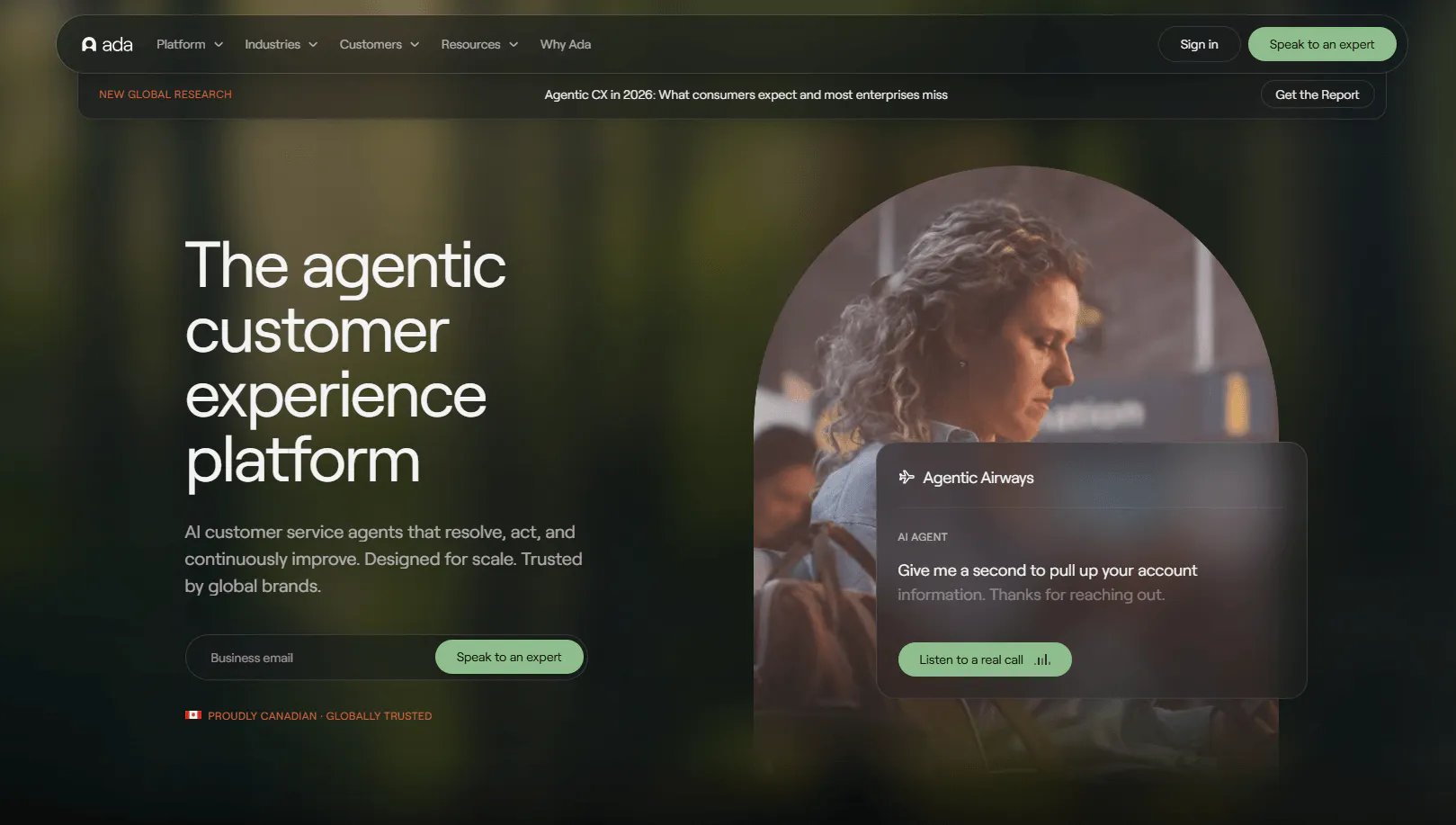
Ada is an agentic customer experience platform built for enterprise customer service. It's designed for companies with high customer-service volumes, including regulated industries such as financial services, health insurance, and property and casualty insurance, as well as travel, SaaS, ecommerce, and gaming.
The platform has four parts: a Reasoning Engine that powers the agent, a Conversation Hub that deploys it across voice, email, web chat, Messenger, WhatsApp, SMS, Instagram, and in-app messaging, a Performance Center for building, testing, and improving the agent, and a Developer Toolkit for connecting it to the company's existing systems.
Ada's Reasoning Engine is a unified intelligence layer that works across email, voice, and messaging, so the same underlying behavior applies whichever channel a customer uses, rather than each channel running separate logic.
Key Features
Ada combines structured Playbooks, AI coaching, testing tools, and custom integrations to help enterprise teams build and manage AI agents at scale.
Playbooks
Playbooks are structured, step-based workflows that guide the AI agent through complex, multi-step processes, and can use real-time data and APIs to perform actions in external systems. They can be generated from a natural-language description or imported from an existing flow, and managed through Ada's MCP integration with tools like ChatGPT.
Coaching
Coaching gives customer-experience teams a feedback loop for improving AI-agent behavior. Teams review past interactions and give feedback on tone, context, or decisions, and the resulting improvements apply to future interactions, without needing a developer to make the change.
Simulations
Ada's Performance Center includes Simulations for testing AI-agent changes, including Playbooks and behavior changes, before they go live. That gives a controlled way to validate a change instead of discovering problems after customers are already affected.
Developer Toolkit
The Developer Toolkit connects Ada to an organization's existing technology stack through APIs and SDKs, for teams that want to build custom integrations beyond what's available out of the box.
Pricing
Ada doesn't offer fixed plan prices. Pricing is primarily conversation-based, with a resolution-based model available for certain enterprise requirements.
However, third-party sources report that entry-level contracts start around $30,000 per year, with a median buyer cost of about $70,000 per year. Larger enterprise deployments can reach $100,000–$300,000+ annually, depending on the scale and requirements.
Heads up
Playbooks, Ada's structured workflow system, aren't supported on Ada Voice, and the AI agent can't initiate a knowledge search while a Playbook is running. Coaching also doesn't apply while a Playbook is executing. If a use case depends on voice or on the agent pulling in knowledge mid-workflow, check how that specific Playbook is built rather than assuming full coverage.
Which Kustomer Alternative Should You Choose?
Tool | Best for | Watch out for |
|---|---|---|
Chatling | Teams that want an AI agent trained on their own content, with actions, multi-channel support, and human handoff, without a CRM data model to build first | AI credit usage varies by model, so higher-cost models can use the monthly allowance faster |
SiteSpeakAI | Teams that want a website AI agent with live-data lookup capability and a clear credit-based upgrade path | Live data queries require custom API setup; the out-of-the-box product runs on static trained content |
Kore.ai | Enterprises that need formal governance, multi-bot orchestration, and continuous AI optimization across regulated workflows | ABL defines agent behavior through a typed schema language, not a point-and-click interface |
Chatbase | Teams that want a choice of AI models, built-in guardrails, and a native Helpdesk without bolting on a separate ticketing tool | Plans cap training content at 10 MB, 20 MB, or 40 MB; large documentation libraries can hit those limits |
Gorgias | Ecommerce teams on Shopify or similar who want the AI to act directly on orders, not just answer questions about them | Built around ecommerce; outside that context, the platform's core strengths don't apply |
Help Scout | Teams that already run a shared-inbox helpdesk and want AI answers for website visitors and AI drafting for agents | AI resolves tickets autonomously through Beacon only; inbox channels still require a human to review and send |
Ada | Enterprises that need high-volume autonomous resolution across voice, email, and digital, with structured, testable workflows | Playbooks aren't supported on Ada Voice, and the agent can't search knowledge mid-Playbook |
The most useful thing to figure out before picking one of these tools is what you want the AI to do when a customer sends a message.
If you want an AI agent to resolve customer questions on its own, Chatling, Chatbase, and Ada are all built around that. Chatling and Chatbase are self-serve with published pricing, so a smaller team can get started without a sales process. Ada is enterprise-first and quote-based, and makes more sense when you're operating at high volume across regulated industries.
Help Scout works well for teams that want AI to speed up their agents. The AI drafts replies, agents review and send them, so a person stays in the loop on every inbox conversation. That's a genuinely different operating model from autonomous resolution, and it's worth knowing which one you're actually looking for before you commit.
If ecommerce is at the center of your support operation, Gorgias connects to Shopify and similar platforms in ways the others don't. The AI can act directly on orders, not just answer questions about them. Outside of ecommerce, that advantage mostly doesn't apply.
Kore.ai is for enterprises that need to define agent behavior formally, govern it precisely, and keep optimizing it as the business grows. The control it offers is real, and so is the team investment required to use it well.
For most teams moving away from Kustomer because of setup friction and the knowledge-base issues reviewers describe, Chatling is the closest replacement. The AI goes live from your existing content, handles actions, and routes to humans when needed, with no CRM layer to design before any of that works.
Chatling’s free plan includes one AI Agent and 500,000 Knowledge Base characters. You can add your existing content and test the Agent against real customer questions in the Playground before deploying it to a live channel, then adjust its setup to improve the responses.
Try Chatling for free and see how it automates your customer support.
Frequently Asked Questions
What is the best Kustomer alternative for a small support team?
Chatling. It starts at $25/month, has a free plan you can test before committing, and the AI goes live from your existing content without a CRM structure to build first. That combination makes it the lowest-friction starting point in this list for a smaller team.
Which Kustomer alternative is best for ecommerce?
Gorgias. It's built specifically around Shopify and similar ecommerce platforms, and the AI can take actions on orders directly, such as updating or cancelling them, rather than only answering questions about them. That level of ecommerce integration isn't available in the other Kustomer alternatives on this list.
Which Kustomer alternative handles the most customer support channels?
Ada covers the widest range: voice, email, web chat, WhatsApp, Messenger, SMS, Instagram, and in-app messaging, all running from the same underlying agent. Chatling supports web, WhatsApp, and Instagram. Gorgias adds voice and SMS alongside its digital channels. SiteSpeakAI, Chatbase, and Help Scout are primarily focused on web and messaging channels.
Which Kustomer alternatives work without a developer?
Chatling, SiteSpeakAI, and Chatbase are all no-code and self-serve. You train the agent on your content, configure its behavior through a dashboard, and deploy without writing code. Kore.ai and Ada both offer visual authoring tools, but are enterprise platforms that typically involve an implementation process.
Which Kustomer alternative is best for enterprise-scale deployments?
Kore.ai and Ada are both built for enterprise. Kore.ai is the stronger fit if formal governance, multi-bot orchestration, and regulatory compliance are the priority. Ada is the better fit if the focus is high-volume autonomous resolution across voice, email, and digital channels with structured, testable workflows.
Which Kustomer alternatives support human handoff when the AI can't resolve a conversation?
Most of them do. Chatling passes the full conversation, an AI summary, priority, and sentiment to the human agent so the customer doesn't have to repeat themselves. Chatbase escalates to external platforms, including Zendesk, Intercom, and Freshdesk. Help Scout's handoff happens through the same shared inbox the team already works in. Ada and Kore.ai both support configurable handoff logic as part of their agent workflows.
Which Kustomer alternative is the easiest to get started with?
Chatling and SiteSpeakAI are the quickest to get off the ground. Both let you connect your website, documents, or knowledge base as training sources and have the agent running from that content without building flows from scratch. Chatling also has a free plan and a Playground for testing the agent against real questions before it goes live.