
A small business that needs to answer website questions has a different buying list from an enterprise support team managing tickets, permissions, and AI usage across departments.
Some businesses need a chatbot that can answer questions, capture leads, and hand conversations to a person. Others need AI to take action, connect with internal systems, or work alongside an existing helpdesk. As the team grows, seat limits, reporting, routing, and access controls become just as important as the chatbot itself.
Pricing adds another layer to the decision. Chatling uses AI credits, Fernand charges per active user, Botpress includes monthly conversation allowances, and Fin AI can charge per outcome. These billing models measure different things, so the lowest starting price doesn't necessarily mean the lowest cost for your team.
Quick summary: Which AI chatbot should you choose?
AI chatbot | Best business size | Best for | Starting price |
|---|---|---|---|
Chatling | Businesses of all sizes | AI chatbots, AI agents, workflow automation, human handoff | Free plan; paid plans from $25/month |
Tidio | Small to growing businesses | Live chat, ticketing, AI support | $29/month |
Fernand | Small businesses, especially SaaS teams | Shared inbox, AI support, unlimited conversations and actions | $29/active user/month |
SiteSpeakAI | Small businesses to enterprises | Knowledge-based chatbots, multiple agents, large training-source allowances | Free plan; paid plans from $29/month |
Botsonic | Small to growing businesses | Configurable chatbots with defined message and action limits | $19/month |
Crisp | Growing teams and mid-sized businesses | Omnichannel inbox, workflows, ticketing, analytics | Free plan; paid plans from $45/month per workspace |
Zendesk | Mid-sized businesses to enterprises | AI-powered support with ticketing, routing, reporting, multiple channels | $19/agent/month, billed annually |
Fin AI | Growing teams to enterprises | Automating customer support within an existing helpdesk | $0.99 per outcome; minimum 50 outcomes/month |
Voiceflow | Growing teams to enterprises | Custom conversational experiences, workflows, tools, APIs | Custom pricing |
Botpress | Small teams to enterprises | Custom AI agents, team controls, enterprise support provisions | Free plan; paid plans from $189/month |
How we compared the tools
A chatbot that answers questions from your website has a different job from an AI agent that can collect information, call an API, or update a record. A support platform with ticketing and routing also has a different cost structure from a tool priced by AI credits.
We compared the 10 tools against four practical considerations.
- What you can automate: Can the product answer questions, capture leads, trigger actions, route conversations, or support human agents? We considered the capabilities documented for each tool rather than assuming all AI chatbots can perform the same tasks.
- How the team works: Does the product include a shared inbox, ticketing, permissions, analytics, or collaboration features? These become more important when several people handle customer conversations.
- How the pricing works: We considered the subscription price, included usage, paid seats, and charges for extra credits, messages, conversations, or outcomes. These billing units aren't interchangeable, so the lowest starting price isn't automatically the cheapest option for a particular workload.
- What buyers need to confirm: We identified important gaps in the supplied documentation, including paid-plan prices or enterprise provisions that weren't established. Where the source material didn't confirm a price or capability, we haven't invented one.
Read Next: What Is an AI Chatbot? How It Works, Types & Examples
Best AI chatbots for small businesses
Small businesses usually need to automate repetitive work without taking on the cost or complexity of a full customer service platform. The strongest options make it easier to answer common questions, capture leads, and bring a human into the conversation when necessary.
1. Chatling: Best for AI support and workflow automation
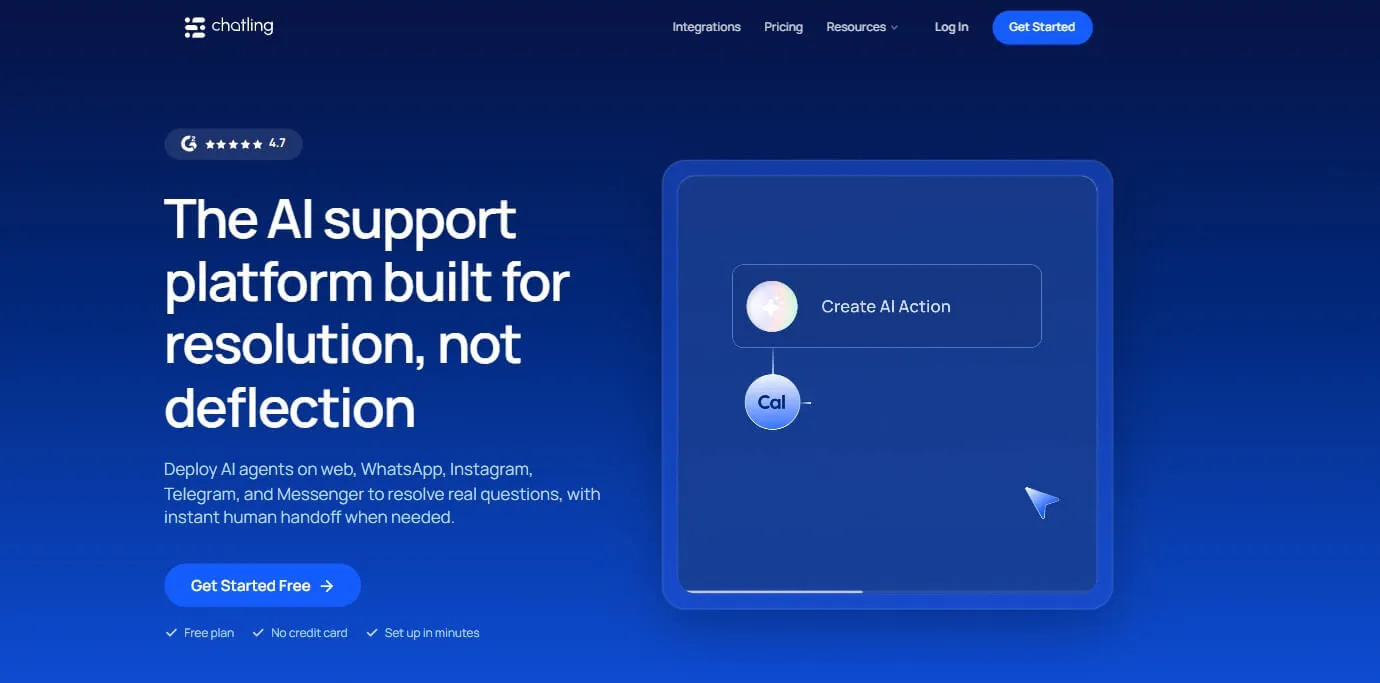
Chatling combines AI chatbots, AI agents, a knowledge base, live chat, and human handoff. It can answer questions using your business content and connect conversations to actions such as lead capture, sending emails, and working with supported CRM or helpdesk integrations.
The distinction between answering a question and completing a task matters here. A chatbot might explain how a customer can contact your sales team. An agent can collect the relevant information and trigger a supported lead-capture workflow.
Chatling supports website chat as well as WhatsApp, Instagram, Messenger, and Telegram. You can create separate agents for different jobs, such as answering product questions, qualifying leads, or helping customers find information.
What it does well
- Answers questions using your business content. Build a knowledge base from websites, sitemaps, URL lists, PDFs, DOCX and TXT files, text, FAQs, and supported helpdesk sources. The website crawler supports up to 1,000 pages.
- Connects conversations to actions. AI actions support lead forms, HTTP requests, sending emails, Google Sheets, Cal.com, HubSpot, and Zendesk. Depending on the integration, an agent can collect information, retrieve data, or create and update records.
- Combines automation with human support. Live chat and human handoff give customers a way to reach your team when a question needs personal attention.
- Supports multiple channels. Businesses can use agents across supported website and messaging channels rather than relying on a single chat widget.
- Makes agents easier to test and manage. The Playground helps you test behavior, while analytics gives you a way to review performance. Role-based project access can help teams manage who can work with specific agents.
- Free: 200 AI credits, 1 AI agent, 1 seat, 500,000 knowledge base characters, and 2 actions per agent
- Starter ($25/mo): 1,750 AI credits, 2 AI agents, 2 seats, 10 million knowledge base characters, and 4 actions per agent
- Growth ($75/mo): 6,000 AI credits, 5 AI agents, 5 seats, 30 million knowledge base characters, and 7 actions per agent
- Scale ($295/mo): 35,000 AI credits, 7 AI agents, 10 seats, 100 million knowledge base characters, and 12 actions per agent
Best fit
Chatling is a strong fit for small businesses that want to move beyond a basic FAQ bot into lead capture and workflow automation. It's particularly useful when you want an agent to do something with a customer request, not simply return an answer.
Our take: Start with Starter if you need a couple of agents and team seats. Move to Growth when you need more capacity, daily knowledge-base syncing, or team routing features. Choose based on the workflows you need and the credits, seats, agents, and actions they require.
2. Tidio: Best for website chat and AI-assisted customer support
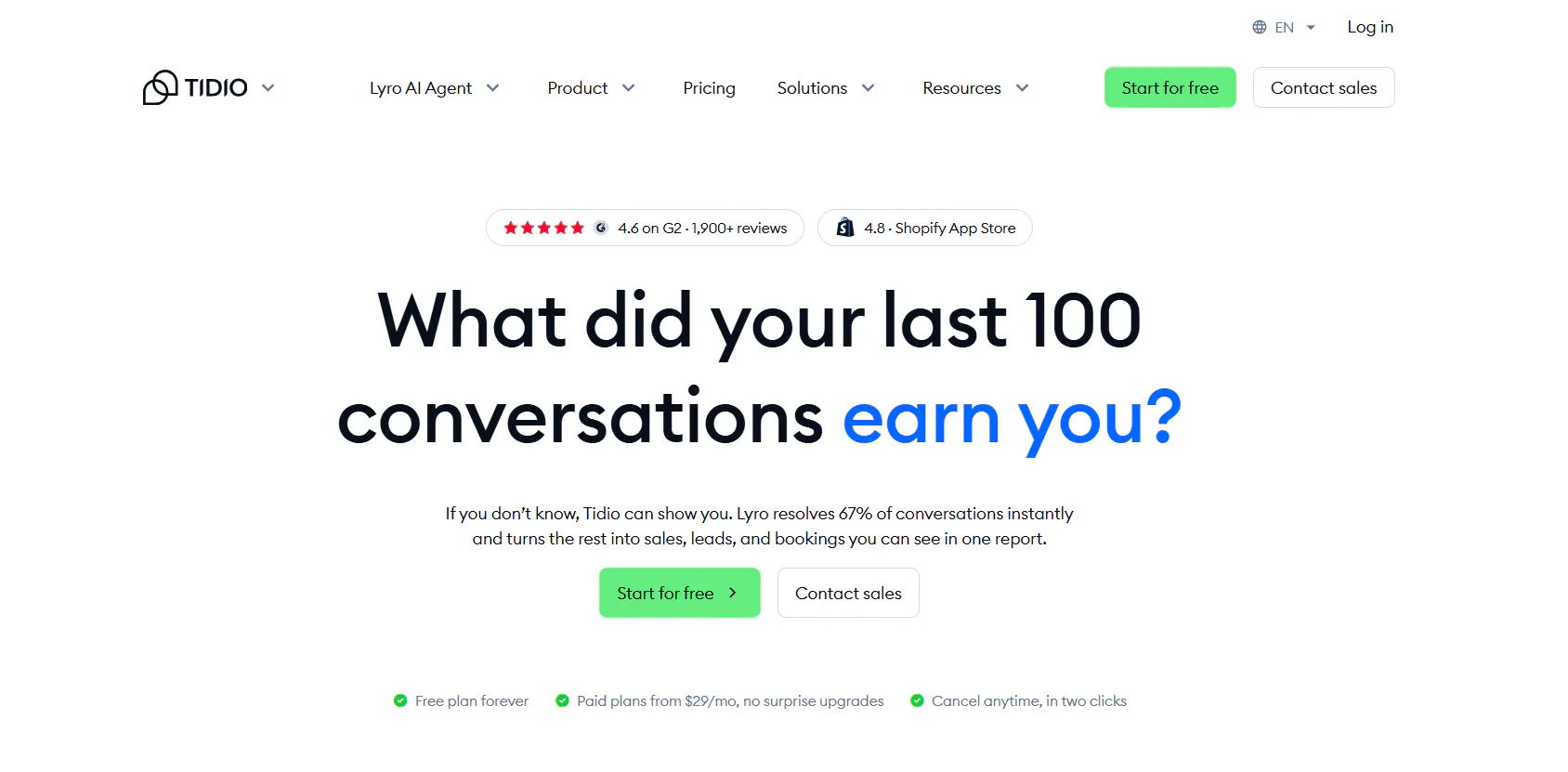
Tidio combines live chat, ticketing, and AI support. It's designed for businesses that want to answer website visitors, handle recurring customer questions, and give people a way to reach a human agent.
Its Lyro AI Agent can answer customer questions, while live chat supports conversations that need personal attention. Higher plans add features such as advanced analytics, permissions, automatic assignment, and macros.
What it does well
- Brings live chat and AI support together. Customers can get automated answers or reach a person when needed.
- Supports common support workflows. Ticketing, assignment, and macros help teams manage requests as their workload grows.
- Offers a standalone AI option. Businesses can consider Lyro separately if they mainly want an AI support agent rather than the full Tidio setup.
- Provides a relatively accessible entry point. Small teams can test the platform before committing to a larger support setup.
Pricing
- Starter: $29/month for 100 billable conversations, plus 50 one-off Lyro conversations, 100 Flow visitors, live chat, ticketing, and basic analytics.
- Growth: starts at $59/month for 250+ billable conversations, adding advanced analytics, user permissions, automatic assignment, automatic replies, and macros.
- Plus: starts at $300/month + usage with custom conversation limits, premium support, a Success Manager, departments, multiproject, ticketing automation, OpenAPI, and custom limits.
- Premium: custom pricing with 3,000+ Lyro conversations, a 50% Lyro resolution-rate guarantee, pay-per-resolution billing, AI insights, Advanced Copilot, custom analytics, and managed Lyro.
Best fit
Tidio suits small ecommerce and service businesses that want website chat and AI-assisted support without adopting a larger customer service platform.
Our take: If you mainly need to answer recurring questions and provide live chat, Tidio is worth shortlisting. Estimate human conversations and AI conversations separately, so your budget reflects how customers will actually use it.
Read Next: Best Tidio Alternatives for Customer Support in 2026
3. Fernand: Best for small SaaS support teams
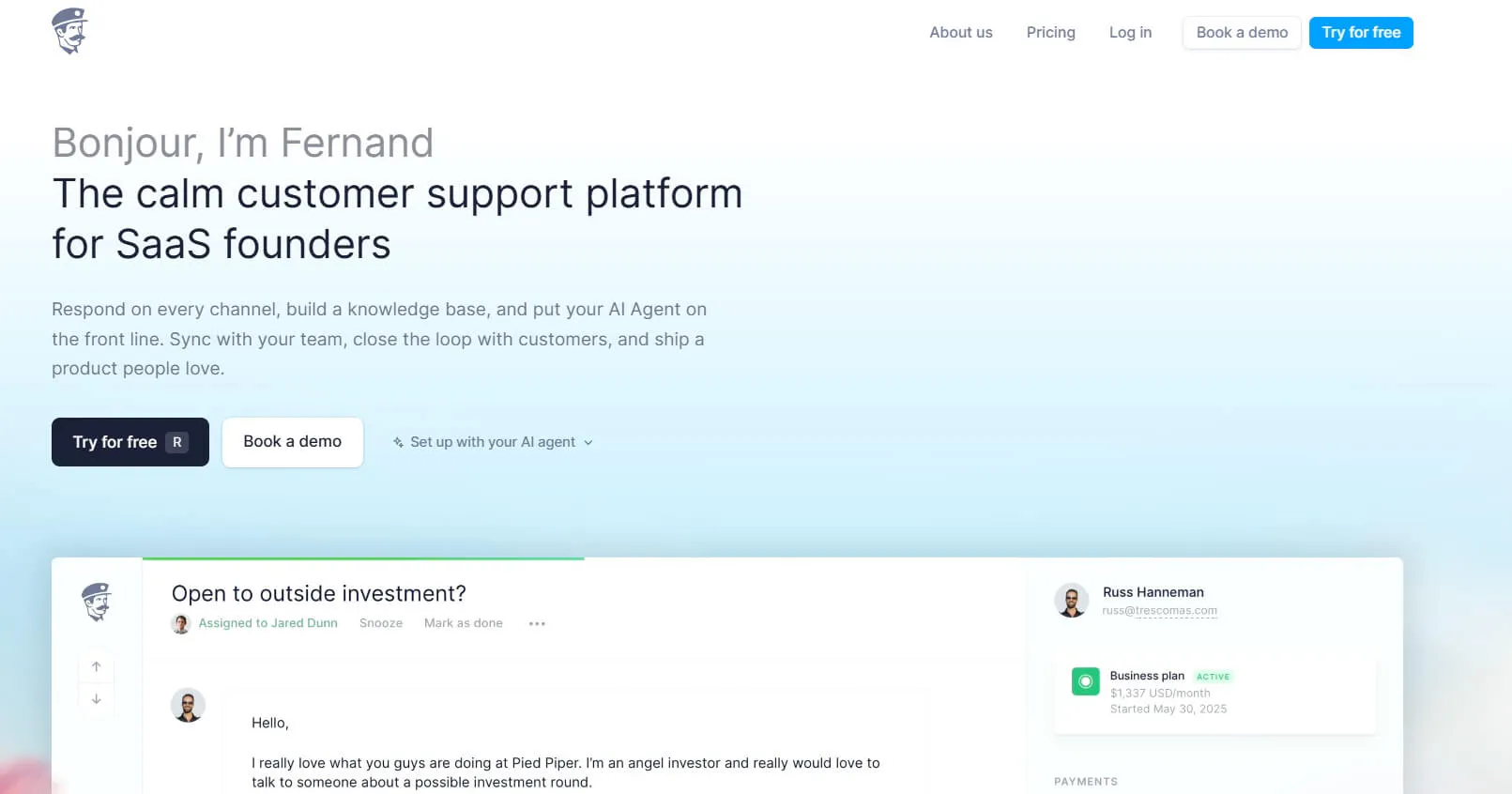
Fernand is built for small SaaS teams that want AI support, a shared inbox, and product context in one place. It includes a knowledge base, live chat, an AI agent, and connections to tools such as Linear and GitHub.
That product context is useful when customer questions relate to bugs, feature requests, or development work. Instead of treating every inquiry as an isolated support conversation, the team can connect support work with its product workflow.
What it does well
- Connects support with product work. Integrations with Linear and GitHub are relevant to SaaS teams dealing with technical questions and product issues.
- Keeps the support workflow together. The shared inbox, live chat, AI agent, and knowledge base cover the core support experience.
- Uses straightforward seat-based pricing. The cost is tied to active users rather than a separate conversation allowance.
- Includes actions and API calls. Unlimited conversations, replies, actions, and API calls are included in the subscription.
Pricing
- Standard: $29 per active user/month: Includes the shared inbox, live chat with AI agent, company information, migration, unlimited conversations, unlimited replies, and all available features.
- AI agent: Included in the $29 active-user price with no separate AI resolution charge.
- 14-day free trial: No credit card is required, and the account does not automatically charge when the trial ends.
Best fit
Fernand is best suited to small SaaS teams that want AI support connected to product development context and don't want conversation-based charges.
Our take: If your support team works closely with engineering, Fernand's product focus is worth considering. If you're running a large support department or need a broader omnichannel service platform, compare it with tools designed for that operating model.
Read Next: 8 Best Fernand Alternatives Compared for Growing SaaS Teams
4. SiteSpeakAI: Best for custom chatbots trained on business content
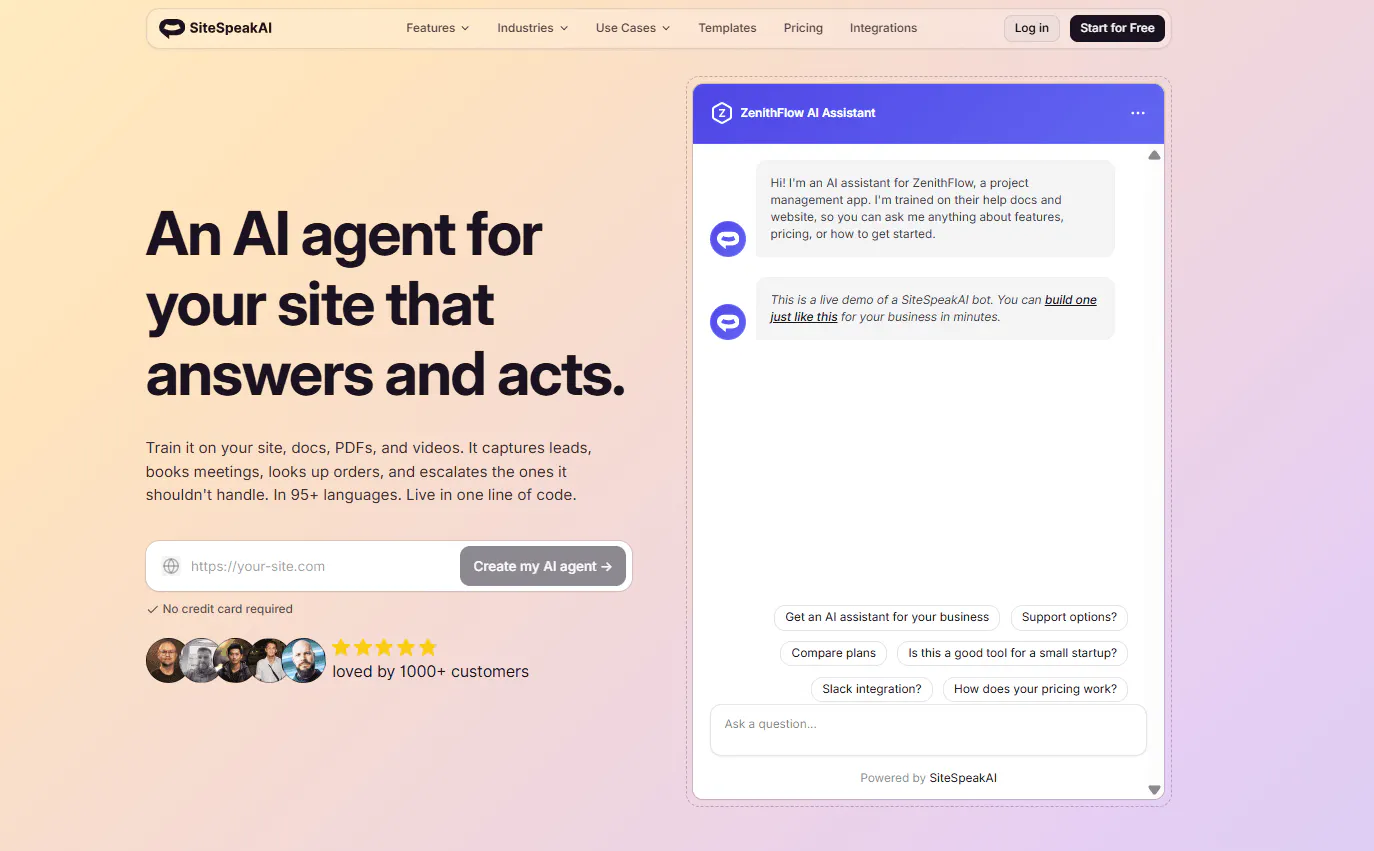
SiteSpeakAI helps businesses create AI chatbots using their own content. Its plans scale by message credits, agent count, and the number of sources you can use.
It's worth considering if your priority is a custom chatbot built around company information, rather than a full customer service suite. Higher plans provide more room for additional agents and sources, along with integrations and automation capabilities.
What it does well
- Supports larger knowledge collections as you grow. Source allowances increase across the plans, from 10 on Free to 20,000 on Business.
- Offers several integration options. Pro includes WhatsApp, HubSpot, API access, and an MCP server.
- Adds automation on higher plans. Growth includes 15 actions per agent, daily source syncing, and a custom domain.
- Provides onboarding at the top tier. Business includes dedicated onboarding and priority support.
Pricing
- Free: $0/month — Includes 30 message credits per month, 1 AI Agent, 10 training sources, basic AI models, and a live chat widget.
- Starter: $29/month — Includes everything in Free, plus 1,000 message credits per month, 1 AI Agent, 200 training sources, lead capture, and removal of the “Powered By” branding.
- Pro: $79/month — Includes everything in Starter, plus 3,000 message credits per month, 5 AI Agents, 2,500 training sources, all AI models and BYOK, WhatsApp, Google Chat, HubSpot, API access, and MCP Server access.
- Growth: $249/month — Includes everything in Pro, plus 10,000 message credits per month, 15 AI Agents, 8,000 training sources, 15 actions per agent, a custom domain, and daily automatic source syncing.
- Business: $499/month — Includes everything in Growth, plus 20,000 message credits per month, unlimited AI Agents, 20,000 training sources, 15 actions per agent, dedicated onboarding, and priority support.
Best fit
SiteSpeakAI is a reasonable option for businesses that want to create a chatbot around their own content and expect to expand their source collection or agent count over time.
Our take: Compare SiteSpeakAI on the size of the knowledge base and the amount of automation you need. Confirm the paid subscription price before making a final cost comparison.
Read Next: 9 SiteSpeakAI Alternatives for AI Agents, Support, and Automation
5. Botsonic: Best for businesses testing AI chat and agentic actions
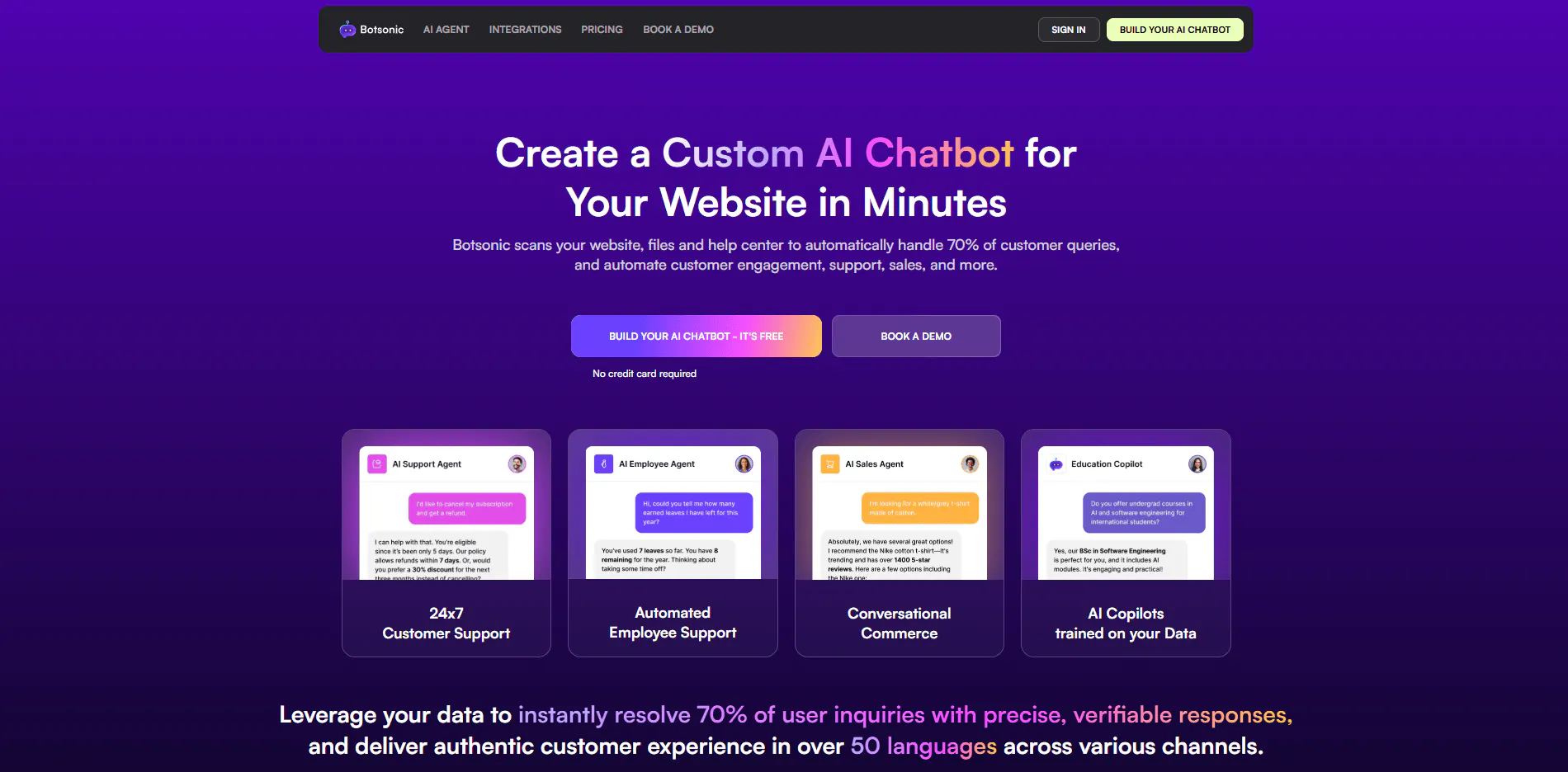
Botsonic offers AI chatbots with defined message allowances, knowledge-base capacity, and a limited number of agentic actions. It can suit businesses that want to test AI support or lead capture before committing to a more involved setup.
What it does well
- Has a relatively low entry price. Starter gives smaller businesses a way to test AI chat without starting at a high monthly subscription.
- Includes agentic actions. Plans provide a defined number of actions, with higher allowances on more expensive plans.
- Adds workflows and API access at the Advanced level. These features can be useful when a business wants to connect its chatbot to other systems.
- Offers a trial. You can test the platform before choosing a paid plan.
Pricing
- Starter: $19/month. Includes 1,000 messages, 1 bot, 10 million characters, 3 actions, lead capture, and supported integrations including WhatsApp, Messenger, Telegram, Zapier, WordPress, and Google Drive.
- Professional: $49/month. Includes 3,000 messages, 2 bots, 50 million characters, 5 actions, GPT-4o, Slack, Google Chat, Calendly, and Notion.
- Advanced: $299/month. Includes 12,000 messages, 2 bots, 100 million characters, 10 actions, agent workflows, automatic syncing, API access, and 5 workflows.
- Enterprise: Custom pricing.
Best fit
Botsonic suits small and growing businesses that want to test AI chat, lead capture, and a limited set of automated actions.
Our take: The $19 entry point makes it accessible for an initial trial. If you need Advanced AI Agents or specific handoff integrations, calculate the subscription, onboarding, and integration costs together before choosing it.
Read Next: Here’s Our List of 8 Best Chatbots for Small Businesses
Best AI chatbots for mid-sized businesses
Mid-sized businesses often have enough support volume to need a proper process, but may not need the procurement complexity of a large enterprise deployment. Shared inboxes, ticketing, routing, integrations, reporting, and measurable AI resolution become more important as teams grow.
6. Crisp: Best for an omnichannel support inbox and workflows
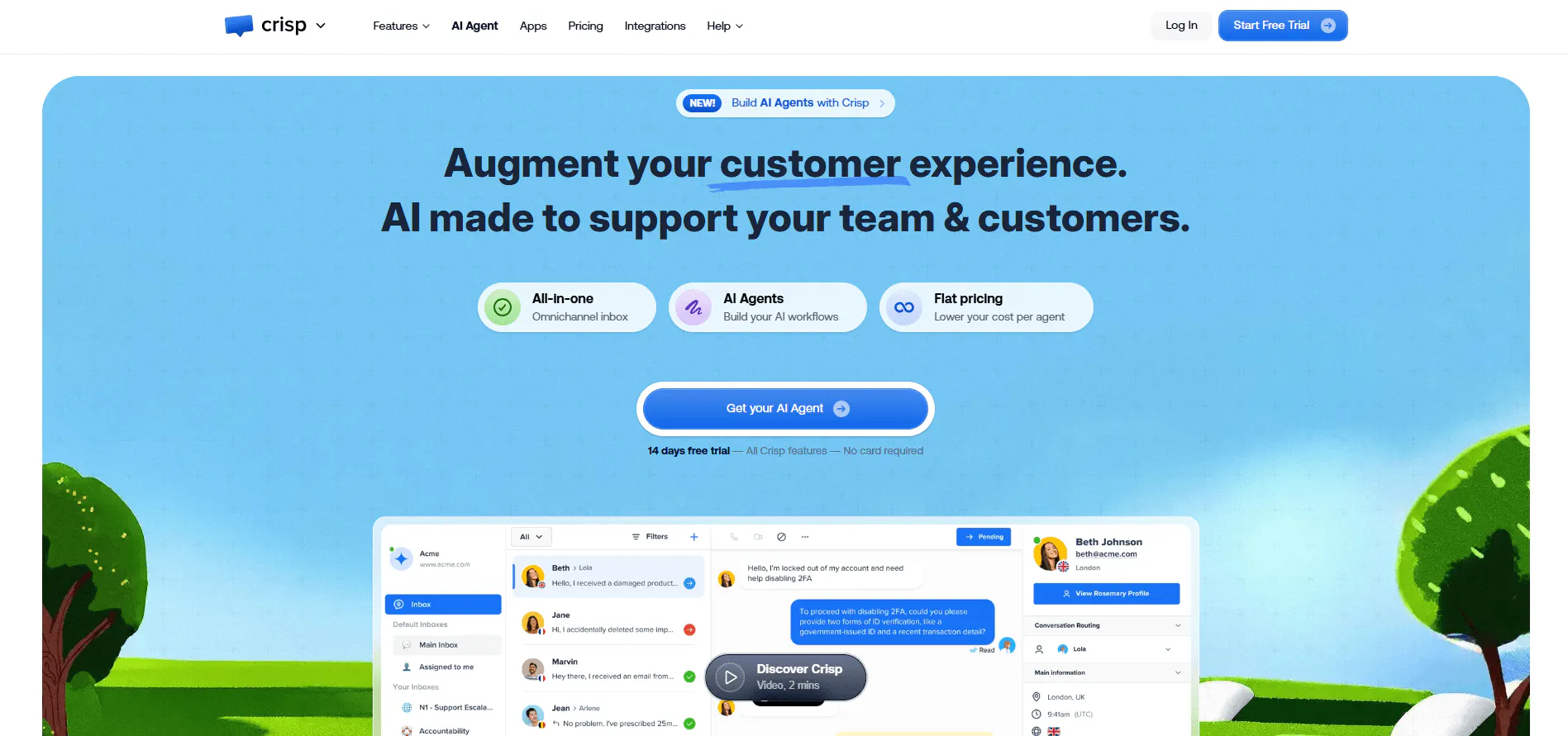
Crisp combines a shared inbox with live chat, AI chatbots, workflows, ticketing, and analytics. It's designed for teams that want to manage customer conversations across channels while adding automation to their existing support process.
The Essentials plan includes an omnichannel inbox, workflow builder, AI chatbot, knowledge base, and analytics. Plus adds ticketing, more integrations, white labeling, and advanced analytics.
What it does well
- Combines AI and human support. The shared inbox helps a team manage conversations that need a person, while the chatbot can handle recurring questions.
- Supports structured workflows. The workflow builder and ticketing features help teams manage requests rather than leaving everything in a chat window.
- Scales team access across plans. Higher tiers provide more seats and additional support features.
- Includes reporting. Analytics can help teams review support activity and understand where automation fits into the workflow.
Pricing
- Free: $0. 2 seats, 100 customer profiles, a chat widget, and a shared inbox. No AI credits.
- Mini: $45/month per workspace. 4 seats, 5,000 customer profiles, a shared email inbox, and $5 of AI credits (around 90 automated conversations).
- Essentials: $95/month per workspace. 10 seats, 50,000 customer profiles, an omnichannel inbox, workflow builder, knowledge base, routing rules, and $25 of AI credits (around 450 automated conversations).
- Plus: $295/month per workspace. 20+ seats at $10 per additional agent, 200,000 customer profiles, ticketing, white labelling, advanced analytics, and $75 of AI credits (around 1,350 automated conversations).
- Enterprise: Custom pricing with dedicated onboarding and a personalized SLA.
Best fit
Crisp is best for mid-sized businesses that want AI support, a shared inbox, and team workflows in one platform.
Our take: Crisp is worth considering when several people need to coordinate customer conversations. Compare the AI credit allowance against your expected automated volume, and choose a plan based on both team size and the support features you need.
Read Next: We Tested the Top Crisp Alternatives for Teams Looking for Chatbot Solutions
7. Zendesk: Best for structured customer service operations
Zendesk is a customer service platform rather than a standalone chatbot. It combines ticketing, AI agents, omnichannel messaging, email, voice, SMS, live chat, routing, automation, analytics, and agent tools.
That wider scope is useful when a company needs to manage customer requests across several channels and teams. AI is one part of the service operation, not a separate chat widget bolted onto it.
What it does well
- Manages support across channels. Teams can handle requests through messaging, email, voice, SMS, live chat, and ticketing workflows.
- Supports more structured operations. Routing, automation, analytics, and team workflows help larger support teams manage requests consistently.
- Combines AI with human support. AI agents and agent tools can work alongside ticket management and escalation processes.
- Offers different levels of service functionality. Businesses can compare Support and Suite plans depending on whether they need the broader customer service platform.
Pricing
- Support Team: $19/agent/month, paid yearly — Includes email and ticketing, ticket routing, prebuilt analytics dashboards, pre-written responses, customer context, automations, and triggers.
- Suite Team: $55/agent/month, paid yearly — Includes everything in Support Team, plus AI Agents, an AI-powered knowledge base, Action Builder, omnichannel routing, messaging and live chat, and telephony.
- Suite Professional: $115/agent/month, paid yearly — Includes everything in Suite Team, plus Admin Copilot, App Builder, Writing Tools, Quick Reports, skills-based routing, and an IVR phone tree.
- Suite Enterprise + Copilot: Custom pricing — Includes everything in Suite Professional, plus Intelligent Triage, Auto Assist, generative AI for Voice, approval workflows, a sandbox environment, and custom agent roles.
Best fit
Zendesk is best for mid-sized support teams that need ticketing, routing, reporting, and AI capabilities as part of a broader customer service operation. It can also suit enterprises with more extensive support requirements.
Our take: Choose Zendesk when the challenge is managing a support operation, not simply adding a chatbot. Compare the cost for your actual number of agents and include any AI add-ons in the budget.
Read Next: Zendesk Pricing 2026: Plans, Costs, AI Add-Ons, and a Simpler Alternative
8. Fin AI: Best for teams focused on support resolution
Fin AI is an AI support agent that can work with Intercom or an existing helpdesk. It supports chat, email, voice, WhatsApp, SMS, Messenger, Instagram, Slack, and API-based experiences.
Its capabilities include procedures, data connectors, APIs, testing, analytics, and human escalation. The focus is on resolving customer requests, rather than simply generating an answer and leaving the customer to work out the next step.
What it does well
- Supports resolution-focused automation. Fin is designed to handle customer requests and can be evaluated against the outcomes it achieves.
- Works across several channels. Businesses can consider deployments across supported messaging and support channels.
- Connects to business systems. Procedures, data connectors, APIs, and MCP support can help an agent work with information and actions beyond a static FAQ.
- Includes testing and analytics. These capabilities help teams evaluate behavior and identify where human escalation is needed.
Pricing
- Fin on your current helpdesk: $0.99 per outcome with a minimum of 50 outcomes per month. No seat, setup, or integration fees.
- Fin with the Intercom helpdesk: $0.99 per outcome plus a monthly seat fee. Essential is $39 per seat, Advanced is $99 per seat and includes 20 free Lite seats, and Expert is $139 per seat and includes 50 free Lite seats.
- Pro add-on: From $99/month for the advanced analysis tools and Operator.
- Copilot add-on: $35 per agent per month.
Best fit
Fin AI is best for support teams that want to automate customer requests and measure performance against resolutions or conversations.
Our take: Fin is worth shortlisting when the goal is to reduce repetitive support work and you can measure the results. Before buying, clarify the billing model and test how reliably it handles your actual support requests.
9. Voiceflow: Best for custom conversational agents
Voiceflow is designed for teams building custom AI agents and conversational experiences. It supports tools, APIs, custom code, instructions, guardrails, and workflows.
Playbooks are intended for complex, open-ended tasks, while Workflows support structured sequences. This distinction is useful when you need to build an agent around a specific customer journey or business process rather than use a standard chatbot template.
What it does well
- Supports custom agent behavior. Teams can configure instructions, guardrails, tools, and integrations to suit their use case.
- Handles different workflow types. Playbooks suit complex tasks, while Workflows are designed for more structured sequences.
- Offers flexibility for technical teams. APIs and custom code can support experiences that require more than out-of-the-box chatbot functionality.
Pricing
Voiceflow uses usage-based and custom pricing rather than a simple fixed monthly plan.
- Plans: Usage-based/custom pricing.
- Editor seats: Additional editor seats cost $50/month.
- Viewers: Viewer seats are free.
Best fit
Voiceflow suits mid-sized businesses that need custom conversational experiences and have the technical resources to design, test, and maintain them.
Our take: Consider Voiceflow when flexibility is a requirement, not just a nice-to-have. If you need a ready-to-use website chatbot at a clearly published monthly price, compare it with simpler alternatives first.
Read Next: Best Voiceflow Alternatives in 2026 [Reviewed & Compared]
Best AI chatbots for enterprises
Enterprise deployments bring a different set of requirements. Multiple teams may need access to different agents, integrations may touch internal systems, and security or procurement teams may require formal commitments. Usage costs also become more important when thousands of customer conversations are involved.
10. Chatling: Best for enterprise teams that need configurable AI agents
Chatling lets businesses build AI agents that answer questions using knowledge-base content, perform tasks through supported integrations, and hand conversations over to human agents when needed. Teams can create separate agents for different workflows, control what team members can access, and configure settings for how agents handle sensitive information and restricted topics.
What it does well
- Supports different customer-facing workflows. Teams can create separate AI agents for use cases such as customer support and lead qualification, rather than relying on one agent for every interaction.
- Connects conversations to actions. AI Actions let agents perform supported tasks through configured integrations, extending their role beyond answering questions.
- Controls access across teams. Chatling offers six roles: Admin, Editor, Analyst, Agent, Billing, and Viewer. Teams can also restrict members to specific AI agents, limiting access to the agents they need for their work.
- Combines AI automation with human support. When a conversation needs human attention, teams can hand it over to a human agent instead of leaving the customer stuck with an automated response.
- Lets teams configure safety and privacy settings. Available settings cover PII handling, compliance requirements, legal disclaimers, restricted topics, and safety rules. Chatling also provides a Data Processing Agreement (DPA) with Standard Contractual Clauses (SCCs), alongside documentation on its data-protection measures and subprocessors.
Pricing
The Scale plan costs $295 per month and includes 35,000 AI credits, seven agents, ten seats, 100 million knowledge-base characters, and 12 actions per agent. Additional seats, agents, credits, and knowledge-base capacity are available at extra cost.
Best fit
Chatling is worth considering for enterprise teams that want configurable AI agents and workflow automation across supported channels, particularly when they don't need every function of a comprehensive customer service suite.
Our take: Map the required agents, team seats, actions, and expected credit usage before selecting a plan. If your organization has strict procurement or contractual requirements, confirm that the available plan and terms meet them before rollout.
11. Botpress: Best for technical teams that need enterprise controls
Botpress is a platform for building custom AI agents. It's especially relevant to technical teams that need control over how agents work, connect to systems, and manage more complex automation.
The Team plan includes routing, role-based access control, team analytics, and collaboration features. Enterprise adds dedicated support, an uptime SLA, security review, custom storage, and a voice channel.
What it does well
- Supports custom agent development. Technical teams can build agents around specific business requirements.
- Includes team management features. Team offers routing, role-based access control, analytics, and collaboration.
- Has explicit enterprise commitments. Enterprise includes dedicated support, an uptime SLA, security review, custom storage, and voice.
- Defines conversation allowances on paid plans. Teams can compare included volume with their expected workload and price additional conversation packs where available.
Pricing
- Free: $0/month. Includes 100 conversations, 3 seats, and 3 agents.
- Plus: $189/month. Includes 250 conversations, unlimited agents, $25 in AI usage, white-label webchat, a custom Help Center domain, and live-chat technical support.
- Team: $939/month. Includes 1,500 conversations, unlimited seats, teams, routing, RBAC, $150 in AI usage, team analytics, and real-time collaboration.
- Enterprise: Custom pricing with dedicated support, SLA, security review, custom storage, and additional capabilities.
Best fit
Botpress is best for technical teams building custom agents, especially organizations that need explicit enterprise support and service commitments.
Our take: Botpress makes sense when you need the flexibility to build and maintain custom agents and can justify the higher paid-plan entry point. Compare your expected conversation volume with the included allowances before choosing a tier.
12. Zendesk: Best for enterprises with established support operations
Zendesk is a strong candidate for organizations that already manage structured support workflows across tickets, email, voice, messaging, and other channels.
Its broader service platform helps coordinate customer requests, routing, automation, and reporting. AI can be added to support operations, but the total cost depends on the selected plan, the number of agents, and any additional AI usage or Copilot charges.
What it does well
- Manages complex support operations. Ticketing, routing, automation, and reporting help teams coordinate customer requests across channels.
- Combines AI with established workflows. AI agents can work alongside human agents and the wider support operation.
- Supports multiple communication channels. Teams can manage messaging, email, voice, SMS, and live chat.
- Provides broader service management capabilities. This is useful when customer support needs consistent processes across teams.
What to consider
Zendesk is a broader platform, so it can be more than a business needs if the only requirement is a website chatbot. Costs also rise with agent count, and AI-agent usage or Copilot can add to the subscription.
For enterprise buying, confirm which AI features are included in the selected plan, how automated resolutions are billed, and whether the package meets your security and governance requirements.
Pricing
Zendesk Support Team costs $19 per agent per month, Suite Team costs $55, and Suite Professional costs $115 with annual billing. Monthly billing costs $25, $69, and $149 per agent per month, respectively.
Suite Enterprise + Copilot has custom pricing. It includes advanced security and governance features, Intelligent Triage, Auto Assist, generative AI for voice, approval workflows, a sandbox environment, and custom agent roles. Businesses need to contact Zendesk's sales team for a quote.
Copilot is also available as a paid add-on for eligible plans, and AI agent usage can incur additional charges based on automated resolutions. Factor these costs into the total price when comparing Zendesk with other platforms.
Best fit
Zendesk is best for enterprises that need a comprehensive customer service platform with AI capabilities, ticketing, routing, reporting, and established support workflows.
Our take: Choose Zendesk when the challenge is coordinating a customer service operation at scale. Calculate the full per-agent cost and include AI add-ons and usage charges in your budget.
AI chatbot pricing: What businesses of different sizes can expect to pay
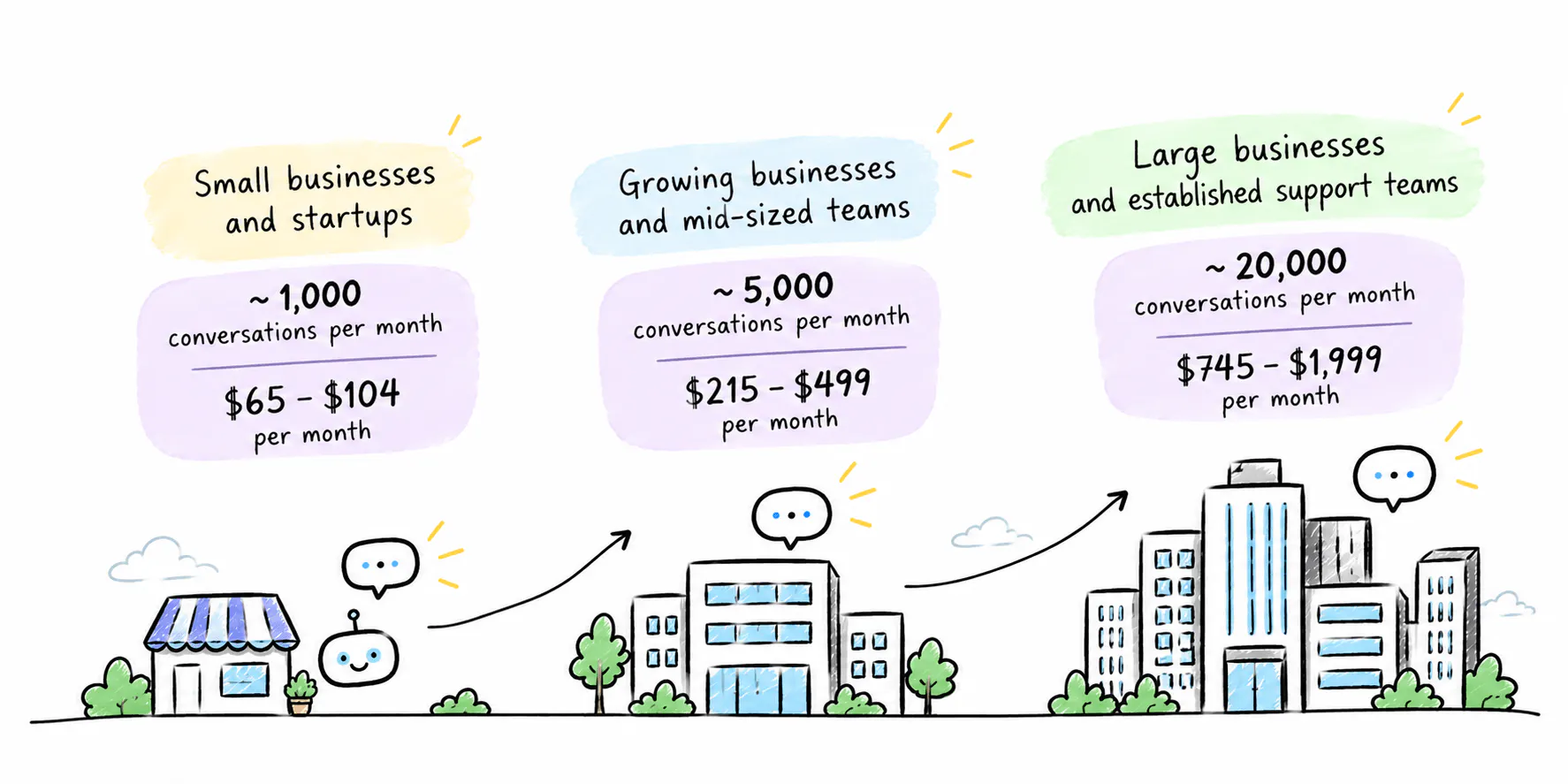
The right chatbot depends on your support volume, the tasks you want to automate, and the tools your team already uses. Here's what to prioritize at each stage of growth and how much you might pay.
Small businesses and startups
Monthly volume: Around 1,000 conversations
Estimated monthly cost: $65–$104
Look for a chatbot that can answer questions from your website and documents, capture leads, and automate simple tasks without requiring a developer.
Growing businesses and mid-sized teams
Monthly volume: Around 5,000 conversations
Estimated monthly cost: $215–$499
Check how each platform bills for AI usage. A plan may cover your expected conversations but still become expensive if customers need more replies per conversation or you exceed the included credits.
Large businesses and established support teams
Monthly volume: Around 20,000 conversations
Estimated monthly cost: $745–$1,999
At this volume, prioritize sufficient AI capacity, integrations with existing systems, team permissions, advanced routing, and reporting. Human handoff should preserve conversation context so customers don't have to repeat themselves.
Compare the full cost of running the chatbot, including additional credits, seats, integrations, and channel fees. Test it against real customer enquiries to see how often it resolves requests without human help.
Need more than a standard plan offers? If you have higher conversation volumes, complex integrations, stricter security requirements, or multiple teams with different workflows, you may need a custom plan. Contact providers for quotes based on your requirements rather than assuming the estimates above will cover your needs.
Read Next: Chatbot Pricing: How Much Do AI Chatbots Cost in 2026?
Which chatbot features matter for your business size?
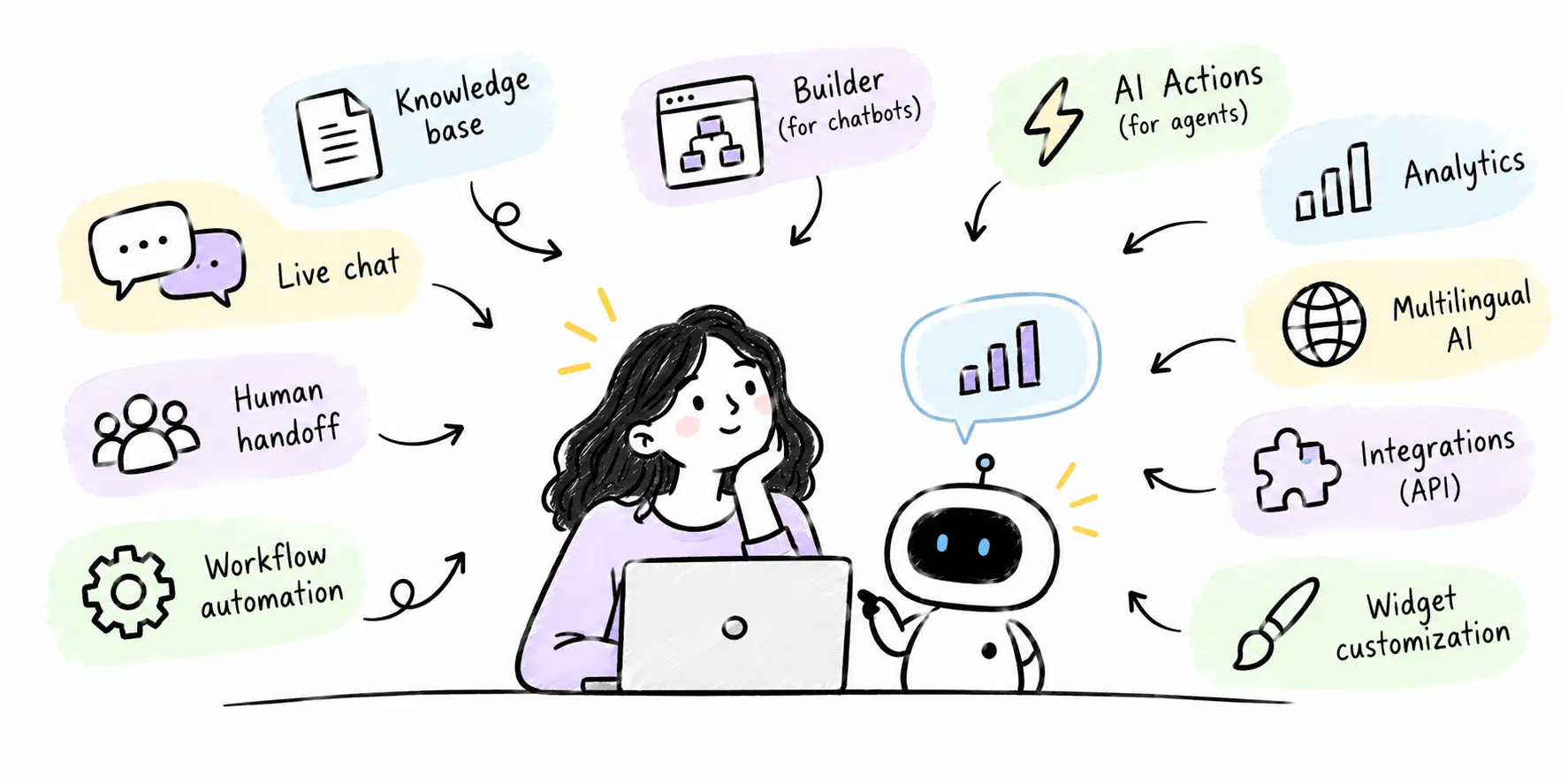
The features worth paying for depend on your support workload. Small businesses need reliable answers and simple automation. Growing teams need integrations, human handoff, and reporting. Enterprises need more control over access, workflows, and how AI fits into their existing support operations.
Feature | Small businesses | Mid-sized businesses | Enterprises |
|---|---|---|---|
AI answers from business content | Essential | Essential | Essential |
No-code setup | High priority | Useful | Depends on internal resources |
Lead capture | Useful | Useful | Depends on use case |
Workflow automation and AI actions | Basic workflows | Multi-step workflows and integrations | Complex workflows across systems |
Human handoff | Basic escalation | Routing with conversation context | Advanced routing across teams |
CRM and help desk integrations | Connect essential tools | Connect support and sales workflows | Integrate with existing business systems |
Analytics and reporting | Basic usage and performance | Resolution, escalation, and support trends | Detailed reporting across teams |
Team seats and permissions | A few users | Multiple agents and supervisors | Role-based access across departments |
Knowledge base capacity and syncing | Enough for core business content | Larger collections and regular syncing | Large knowledge bases with ongoing updates |
Security and governance controls | Standard requirements | Access and data-handling controls | Detailed review of security, governance, and contractual requirements |
Pricing to prioritize | Affordable plan with sufficient usage | Predictable costs as volume grows | Full contract cost, usage charges, and additional services |
Small businesses can start with a chatbot that answers common questions and captures leads. As support grows, integrations, automated workflows, analytics, and human handoff become more useful. The goal is to take repetitive work off your team's plate without making support harder to manage.
For enterprises, the decision comes down to how well a chatbot fits existing systems, teams, and security requirements. If you need advanced ticketing, service-level agreements, or a broader customer service platform, check whether those capabilities are included or require another product.
Chatling is worth considering if you want to automate customer support without losing the option for human assistance. Its AI agents can answer questions using your business content, perform tasks through AI Actions and integrations, and hand conversations over to your team when needed. You can also create separate agents for different workflows and control team access through role-based permissions.
Try Chatling for free to automate customer support, capture leads, and handle repetitive customer questions.
Frequently Asked Questions
What is the best AI chatbot for a small business?
The best option depends on the job. Chatling is worth considering for knowledge-based answers and workflow automation. Tidio is suited to website chat and AI-assisted support, while Fernand is aimed at small SaaS teams that want support connected to product development.
Compare the features you need, the number of people who will use the tool, and the included usage allowance before choosing.
What is the best AI chatbot for a mid-sized business?
Mid-sized businesses should look at tools that coordinate AI with human support. Chatling combines AI agents and chatbots with live chat, human handoff, and workflow automation, making it a good option for teams that want to automate support while keeping human agents involved. Crisp is a good option for a shared inbox, workflows, and ticketing. Zendesk suits teams that need a broader customer service platform, while Fin AI is worth considering when automated support resolution is the priority.
What is the best AI chatbot for an enterprise?
Enterprise teams should evaluate the complexity of their support operation and the controls they need. Chatling is worth considering for configurable agents and workflow automation, Botpress for custom agents with explicit enterprise support commitments, and Zendesk for comprehensive service operations.
How much does an AI chatbot cost for a business?
Some tools offer free plans, while paid subscriptions can start below $30 per month. More comprehensive platforms can cost several hundred dollars per month, and enterprise deployments may require custom pricing.
Can AI chatbots handle customer support without human agents?
AI chatbots can answer common questions and automate some support tasks, but they shouldn't be expected to handle every request. Complex issues, exceptions, and cases requiring judgment may need a human.
What's the difference between an AI chatbot and an AI agent?
An AI chatbot primarily provides a conversational interface for answering questions and responding to users. An AI agent can also use tools and execute actions to complete tasks, depending on its configuration and permissions.
What should enterprises look for in an AI chatbot?
Enterprise buyers should evaluate answer quality, integration capabilities, human escalation, access controls, data handling, reporting, and total cost. Depending on their requirements, they may also need SSO, security reviews, contractual uptime commitments, and dedicated support.
How do you measure whether an AI chatbot is working?
Start with the outcomes the chatbot is meant to improve. Useful measures include resolution rate, escalation rate, customer satisfaction, response time, lead conversion, and cost per resolved request.
Compare these measures with a baseline from before deployment. Review conversations where the chatbot gave an incorrect answer or failed to recognize that a person was needed.