
AI customer service helps small businesses cater to more customers by removing the hurdles they face constantly: limited time and resources.
Most of what customers ask a small business is the same few things: what it costs, where an order is, when you open, and how returns work. When they have a support issue, 90% of users rate a fast reply as important, and by that they mean receiving a response within ten minutes or less.
AI customer service answers those questions for you. You add your website, help articles, and policies as its knowledge base, and it uses them to reply in seconds, round the clock.
This guide covers the benefits of AI customer service for a small business, the use cases to start with, how much you can save, how to set it up, and when a human representative is still needed.
TL;DR: How AI Customer Service Helps Small Businesses
- Worth it if: Most of your customer messages are repeat questions about prices, orders, opening hours, or policies. That is where AI saves the most time.
- Probably not yet if: You get only a few messages a week, or most of them are one-off cases that need a person's judgment.
- What you get: Replies in seconds at any hour, the same answers on every channel, and leads and bookings captured in the chat, without hiring anyone.
- What it costs and saves: A basic AI chatbot typically costs a small business $30 to $150 a month, while one support rep's median wages come to about $3,730 a month. The AI covers routine questions only, so the saving comes from hires or hours you no longer need.
- What still needs a person: Billing disputes, upset customers, large deals, and anything your policies don't cover. The AI hands these over with the conversation summarized.
- Best first step: Sort your last 30 days of messages by question type and automate the most common one first.
What Is AI Customer Service for a Small Business?
AI customer service is a software solution that answers customer questions on your behalf. You train it on your own content as its knowledge base: your website, FAQs, help articles, and policies. When a customer asks a question in the chat, it replies from that content in seconds.
On a small business website, it works as the first responder. It resolves routine questions straight away, collects the details your team needs for the rest, and hands those conversations over. Customers get an answer quickly, and your team spends its time only on the conversations that need a person.
Common uses include answering questions about pricing, orders, and policies, capturing leads, booking appointments, and passing complex cases to the right person.
AI Chatbot vs AI Agent for Small Business: What Each Does
AI chatbots and AI agents are two main types of tools for customer service automation. A chatbot follows conversation paths you build in advance. An agent is a more dynamic solution that works out what the customer wants and picks the answer or action that fits.
AI chatbot | AI agent | |
|---|---|---|
How it decides | Follows the steps, buttons, and branches you build | Reads the customer's intent and picks its next step |
What it handles well | Predictable flows such as FAQs, menus, and short forms | Open-ended questions and requests with several steps |
Tasks it completes | Tasks placed at fixed points in the flow | Tasks it selects during the conversation, such as finding an order and then emailing the confirmation |
Setup work | Mapping each conversation path in a visual builder | Writing instructions and connecting the tasks it may use |
Best fit | Businesses that want tight control over every reply | Businesses whose customers ask varied questions or need things done |
Many small businesses use an agent for open questions and keep a short guided flow for one structured task, such as collecting a quote request. Gartner predicts that by 2029, agentic AI will resolve 80% of common customer service issues without a person.
Benefits of AI Customer Service for Small Businesses
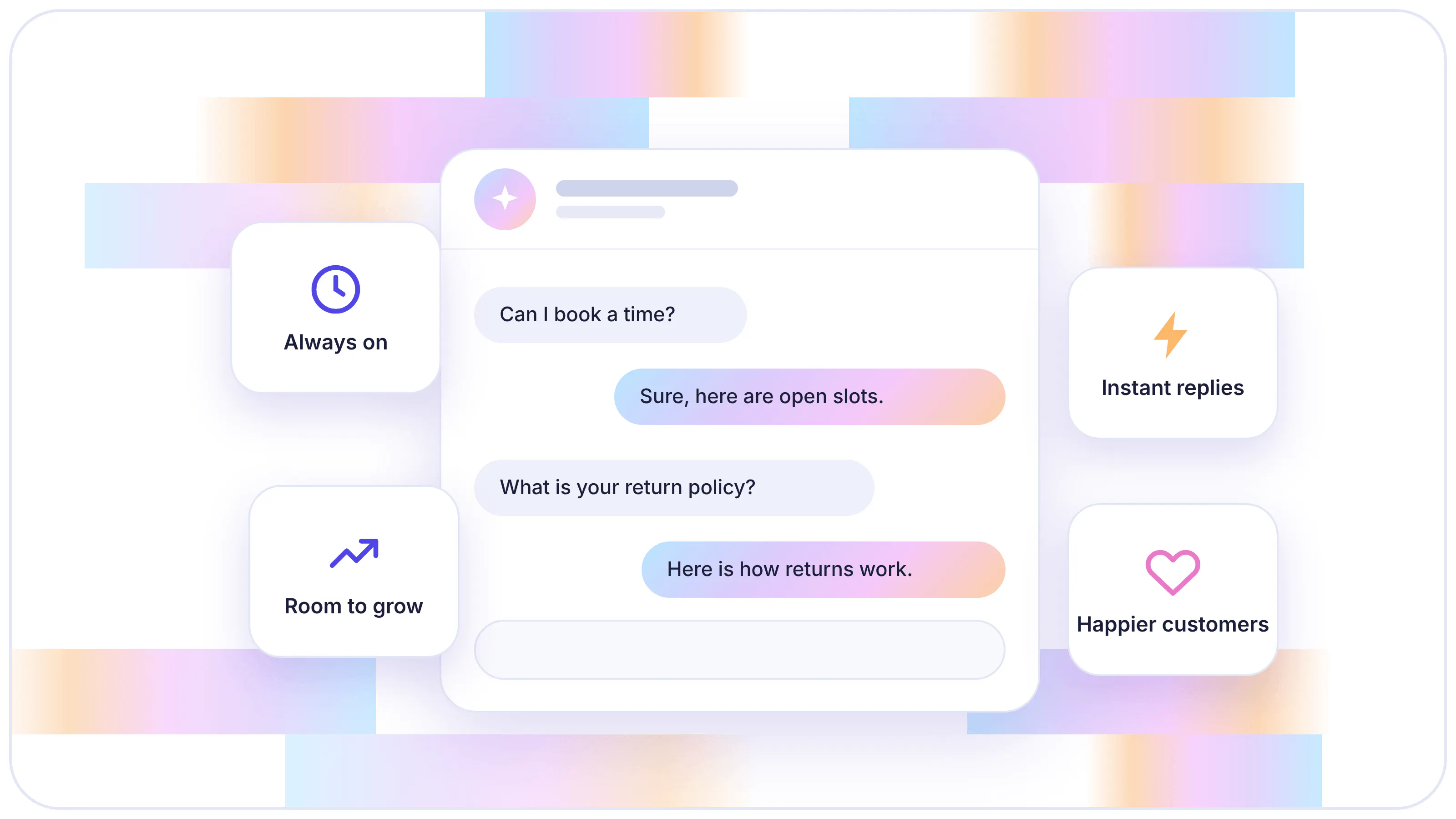
AI customer service gives a small business various benefits: faster replies, support at any hour, lower cost as volume grows, consistent answers, more leads and bookings, and more time for the work that needs a person.
It also help a small team match larger competitors. Large companies meet customer expectations with staffed queues and shifts, and the table shows how a small team can meet the same expectations with AI.
Customer expectation | How large companies meet it | How AI meets it for a small team |
|---|---|---|
A reply within minutes | Agents working a shared queue | Answers in seconds from your own content |
Help outside business hours | Night and weekend shifts | Runs around the clock and queues what it can't resolve |
The same answer on every channel | Training programs and shared reply templates | One set of content serves every channel |
Coverage during busy periods | Seasonal hires | Handles many conversations at once |
Fast follow-up on new leads | Sales development reps | Collects details and books calls during the chat |
Faster Response Times
Almost two-thirds of buyers expect a reply within ten minutes. A small team misses that window whenever the owner is on a call or packing orders.
An AI agent answers from your pages the moment a message arrives, so no one waits in a queue. For a routine question, the first reply often resolves it instantly. Among service teams using AI, 92% say it improved their response times.

Customers get an answer in seconds instead of waiting hours.
24/7 Support Without Night or Weekend Staff
Customers can ask at midnight and on weekends too. A pricing question that arrives at 12 am and gets answered the next afternoon gives the customer a day to buy elsewhere.
An agent that runs around the clock answers that question straight away, using the same content your team would. If a request needs a person, it collects the customer's name, email, and issue, and leaves a summary. You start the morning with cases ready to act on.
It provides clients with quick answers even outside of our working hours
Lower Support Costs as You Grow
With manual support, cost rises with volume. More customers mean more conversations, and more conversations eventually mean another hire. Hiring for the busy season means paying the same staff during slow weeks.
AI resolves repeat questions without a person, so growing volume raises software usage and leaves payroll alone. Most tools bill by message, credit, or resolution, so the cost follows the conversations that happen.
Provides consistent, 24/7 customer support without increasing our team size.
Consistent Answers on Every Channel
Some customers reach you on your website, others on WhatsApp or Instagram. When a different person replies on each channel, two customers can get two versions of the same return policy.
With AI, every reply comes from one knowledge base and one set of instructions. Update a policy page once and the new answer applies on every channel. Tools that re-sync your website on a schedule keep answers current without anyone editing them by hand.
Helps reduce the need for my clients to manually answer the same questions repeatedly, providing accurate, consistent, and quick answers, saving time.
More Leads and Bookings From Support Conversations
Many support chats are buying conversations. A visitor asking about pricing or availability is close to a decision, which makes immediate response a crucial factor in increasing conversions.
An AI agent can answer the question and ask for contact details or offer open times in the same conversation. The lead goes to your CRM, a spreadsheet, or your inbox, so you follow up with people who have already told you what they want and when.
It saves us the first two emails when they reach out asking for an offer.
More Time for Your Team on Complex Issues
Routine questions use up the time your team needs for harder cases. A frustrated customer with a real problem waits as long as someone asking your opening hours.
With routine questions handled automatically, your team spends its time on conversations that need judgment. Each handoff comes with a summary, so your team reads the context in seconds and replies without asking the customer to repeat anything.
Read Next:
- Chatbot Benefits for Business - Boost Efficiency and Customer Engagement
- We Examine How Chatbots Can Improve Your Customer Experience
What Are the Main Uses for AI Customer Service in a Small Business?
AI customer service does two kinds of work: it answers questions and it completes tasks. The use cases below cover both.
- Answering repeat questions instantly: Questions about pricing, delivery times, opening hours, and returns get a correct reply in seconds, drawn from your website and policies. Your team stops retyping the same answers.
- Resolving requests from start to finish: Connected to your order system or other business tools, the AI can look up an order, send a confirmation email, or log a return request inside the conversation. A shopper asking where a parcel is gets the status in the chat.
- Capturing and qualifying leads: The AI engages with interested visitors and collects their contact details and preferences. It then assesses each lead against criteria you set, so your team follows up first with the most promising ones.
- Booking appointments and consultations: The AI books appointments and consultations for customers, so nobody waits for your reply to get a time.
- Covering after-hours messages and busy periods: Questions that arrive overnight, on weekends, or during a sale get an answer, or a clear next step with the details saved for your team. Nothing sits unread until Monday.
- Bringing in sales through support chats: Customers often ask questions right before they buy, such as whether a product fits, what delivery costs, or when it arrives. A fast, correct answer keeps them on your site, and the AI can point them to the right product or plan, or book a call.
- Giving the same answers on every channel: The AI answers from one knowledge base, so a customer gets the same return policy whether they write on your website or in a messaging app.
- Automating technical support: The AI answers how-to and troubleshooting questions from your help articles and guides. When it cannot solve an issue, it logs a ticket with the details and hands the conversation to your team, so your technical staff only see the cases that need them.
How to Choose Which Use Case to Start With
Automating everything at once is the fastest way to ship wrong answers. Start with one high-volume use case. It gives you a clear result to measure and keeps the first setup small, and your inbox shows you which one.
- Export recent messages: Pull the last 30 days of emails, chats, and social messages into one list.
- Group by question type: Tag each message with a short label, such as "delivery time," "pricing," or "booking request."
- Count each group: Rank the groups by how many messages they contain.
- Mark how each one gets resolved: Note whether the answer already exists in your content or needs a task, such as checking an order.
- Start with the top group your content already answers: It gives the AI the highest volume with the least setup, and the result is easy to measure in the first month.
Read Next:
- Our Comprehensive Guide to Successful Customer Service Automation
- We Explore 10 Chatbot Use Cases Across Various Industries
How Much Does AI Customer Service Save a Small Business?
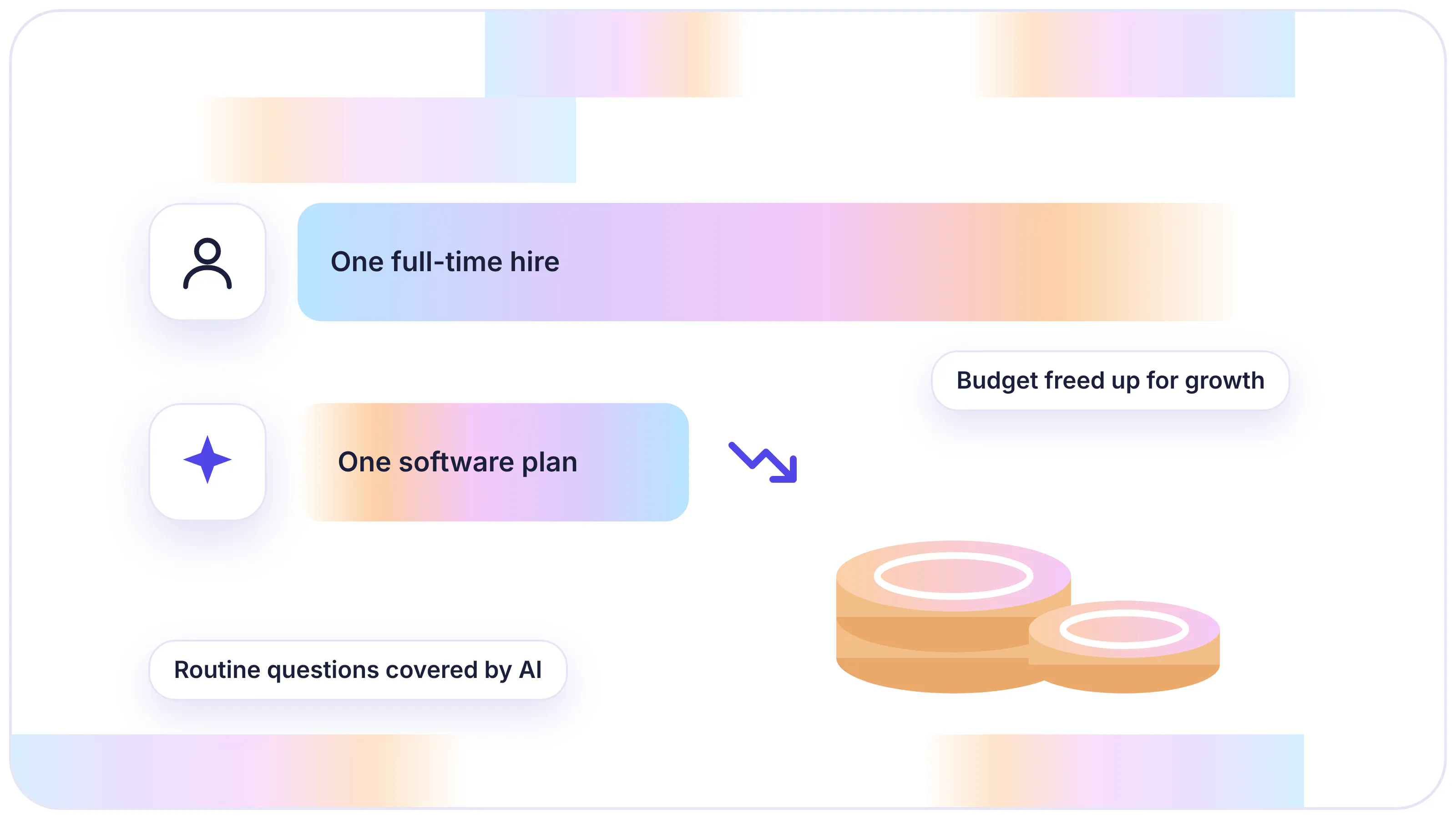
Cost is often the deciding factor when small businesses consider investing in new technology. AI customer service saves money by taking over the routine questions you or your team answer today. To see how much, compare what a support rep costs with what an AI tool costs.
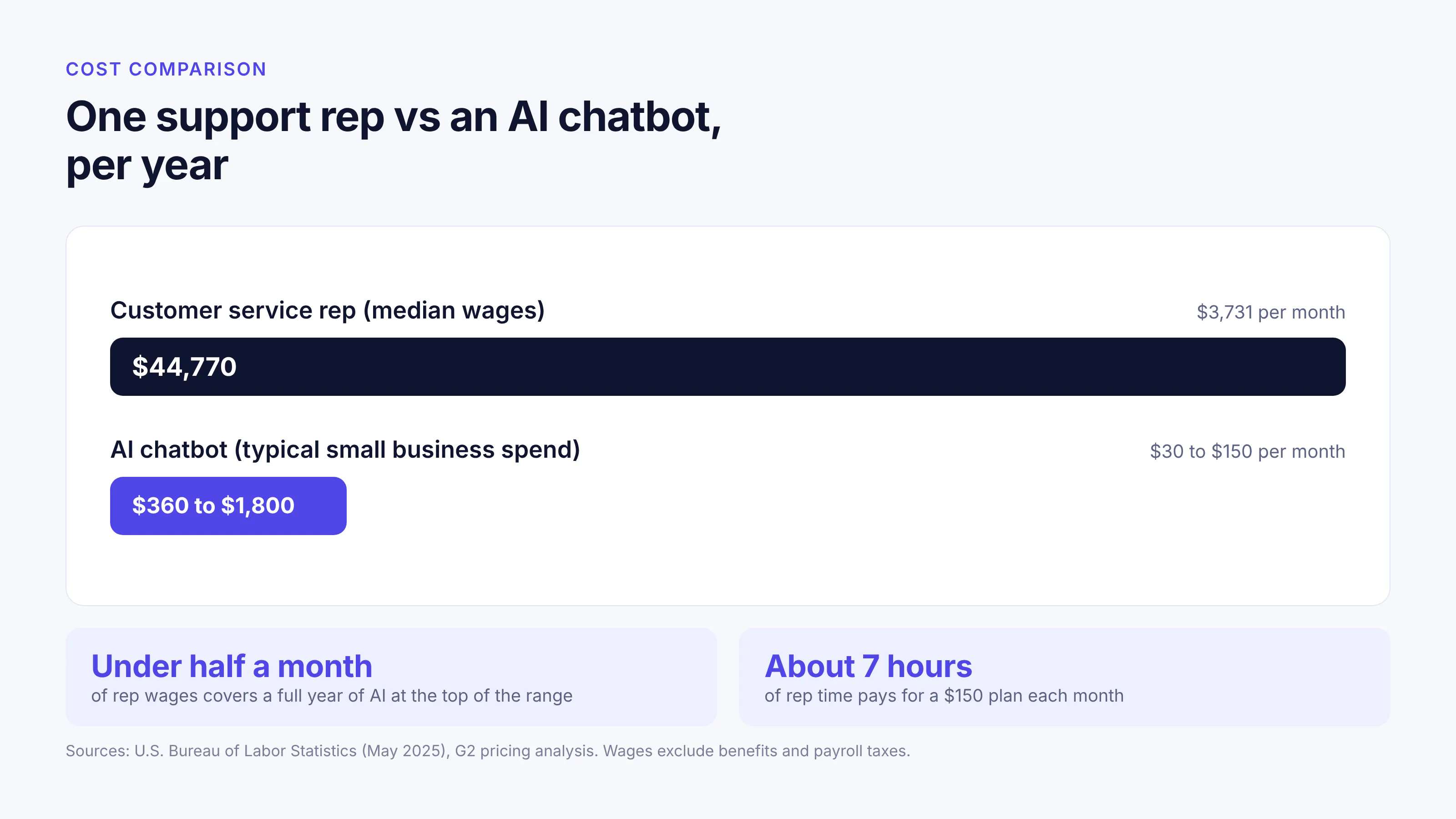
In May 2025, customer service representatives in the U.S. earned a median of $44,770 a year, or $21.53 an hour, according to the Bureau of Labor Statistics. That is about $3,730 a month in wages alone, before benefits, payroll taxes, and training.
Off-the-shelf AI customer service tools cost far less. G2's pricing analysis found that a basic chatbot costs small and medium-sized businesses $30 to $150 a month.
Per month | Per year | |
|---|---|---|
One customer service rep (median wages) | $3,731 | $44,770 |
AI chatbot (typical small business spend) | $30 to $150 | $360 to $1,800 |
Even at the top of that range, a year of AI costs less than half of one month of a rep's wages. At $21.53 an hour, a $150 plan equals about 7 hours of a rep's time, so it covers its price once it takes 7 hours of routine questions off your team in a month.
AI does not replace a full-time rep. It resolves routine questions, and people still handle disputes and exceptions. For a small business, the savings usually show up as a hire you postpone or hours your team gets back.
Check how a tool bills before you compare prices. Some charge a flat monthly fee, and others charge per message, credit, or resolution, so the monthly cost rises with volume. Estimate your monthly conversations and price them at each tool's rate.
How to Set Up AI Customer Service for a Small Business
Setting up AI customer service takes three main jobs: add your content, tell the AI how to behave, and test it before customers use it. On a no-code platform like Chatling, the owner can do all three without a developer.
- Pick one use case: Start with the top question type from your inbox audit. A narrow first scope makes wrong answers easy to spot and fix.
- Gather and clean your content: Collect the pages and documents that answer those questions, such as pricing, shipping, and returns policies, FAQs, and help articles. Update outdated pages first, because the AI answers from whatever those pages say.
- Write instructions: Tell the AI what tone to use, which topics to avoid (such as discounts or legal advice), and when to ask a follow-up question. Clear instructions keep replies on brand and inside your policies.
- Connect only the tasks you need: Add actions such as a lead form, calendar booking, or ticket creation, and give each one a condition for when it runs. That condition keeps a booking form from appearing when someone only asked about prices.
- Set handoff rules: Define when a person takes over and which details the AI collects first, such as name, email, and order number.
- Test with real questions: Run 20 to 30 questions copied from past messages, including awkward ones and ones your content doesn't cover. Check that the AI says it doesn't know when the answer isn't in your content.
- Launch on your website first: Add messaging channels such as WhatsApp or Instagram once the answers hold up.
- Review conversations every week: Read unresolved and low-rated chats, add the missing content, and correct wrong answers. Each fix lifts the resolution rate for every future customer who asks the same thing.
Read Next: Our Guide to Multilingual Customer Support & How to Set It Up Right
When Is a Human Agent Still Needed in AI Customer Service?
AI agents can handle a broad variety of conversations. Still, a human agent is needed whenever a conversation calls for judgment the AI cannot make. In those cases, the tool you use should let a person on your team step into the same conversation, read what the customer and the AI have already said, and reply from there. The customer keeps one thread, and your team starts with the full context.
A customer asking for a person is the clearest trigger, and the handoff should happen at once. Making someone argue with the AI to reach your team costs more goodwill than the handoff saves.
Money and exceptions also belong with a human agent. A billing dispute or a refund outside your stated policy needs judgment that a lookup cannot supply. Frustration is another signal: a repeated complaint, the same question asked twice, or a word like "cancel" often means a customer is close to leaving.
Large orders, custom quotes, and key accounts deserve a personal reply even when the AI could answer. Questions your content doesn't cover, and sensitive topics such as health, legal, or safety, go to a person as well. That gives the customer a correct answer and shows you which content to add.
Read Next: Chatbot vs Live Chat: Which Should You Use for Customer Support?
How to Set Up a Handoff Customers Trust
A handoff works when the customer knows what happens next and your team picks up with the full story. Difficulty reaching a person is the top concern customers have about AI in customer service, and each step below addresses it.
- Write triggers in plain language: For example, "hand off when the customer asks to speak with someone or mentions a billing problem." Include example phrases so the AI recognizes the situation.
- Collect details before the handoff: Have the AI ask for name, email, order number, and a short description. Your team can then act on the first reply.
- Pass a summary of the conversation: A short summary lets your team read the context in seconds, so the customer never repeats themselves.
- Tell the customer what to expect: If your team is offline, the AI should say when someone will reply and where.
- Route each case to the right person: Send billing questions to whoever handles accounts and product questions to whoever knows the product, so cases don't bounce between people.
What Results Can Small Businesses Expect From AI Customer Service?
The results you get from AI customer service depend on two things: how much of your inbox is routine questions, and how complete your content is. Some gains show up as soon as you launch, and others build as you review conversations and fill gaps. The sections below cover what to track and which limits to plan for.
Metrics to Track and How to Read Them
Five metrics show how the AI is performing. Check them weekly for the first month, then monthly once the numbers settle.
Metric | What it tells you | How to measure it |
|---|---|---|
First response time | How long customers wait for any reply | Time from the first message to the first reply, averaged across conversations |
Resolution rate | How much work the AI takes off your team | Conversations closed without a handoff, divided by total conversations |
Handoff rate | Where the AI needs help | Handoffs divided by total conversations; a high rate on one topic points to missing content |
Customer satisfaction (CSAT) | Whether customers are happy with the answers | A one-question rating at the end of each chat |
Unanswered questions | Which content to add next | Questions the AI couldn't answer, grouped by topic |
Limits to Plan For
AI customer service has a few limitations, and a weekly review routine keeps each one manageable.
- Answers depend on your content: Outdated or missing pages lead to vague or wrong answers. Keep pricing and policy pages current, and fix gaps the reports reveal. Check whether your customer support platform offers auto-syncing knowledge bases for automated information update.
- Tasks need connected systems: The AI can check an order or book a meeting only when your order system or calendar connects to it. A business without those connections still gets answers, but its customers wait for a person to complete the task.
- Some customers prefer a person: Some customers would rather deal with a person than an AI. A visible route to your team and fast, correct answers do most of the work of winning them over.
- It needs an owner: Without regular checks on what the AI says, a wrong answer keeps repeating until a customer complains. Frequent checks on the conversations help you fix limited or wrong answers, so more issues get resolved.
Read Next: Our Ultimate Guide to Chatbot Analytics (+ 5 Metrics That Matter)
How to Choose an AI Chatbot or AI Agent for Your Small Business
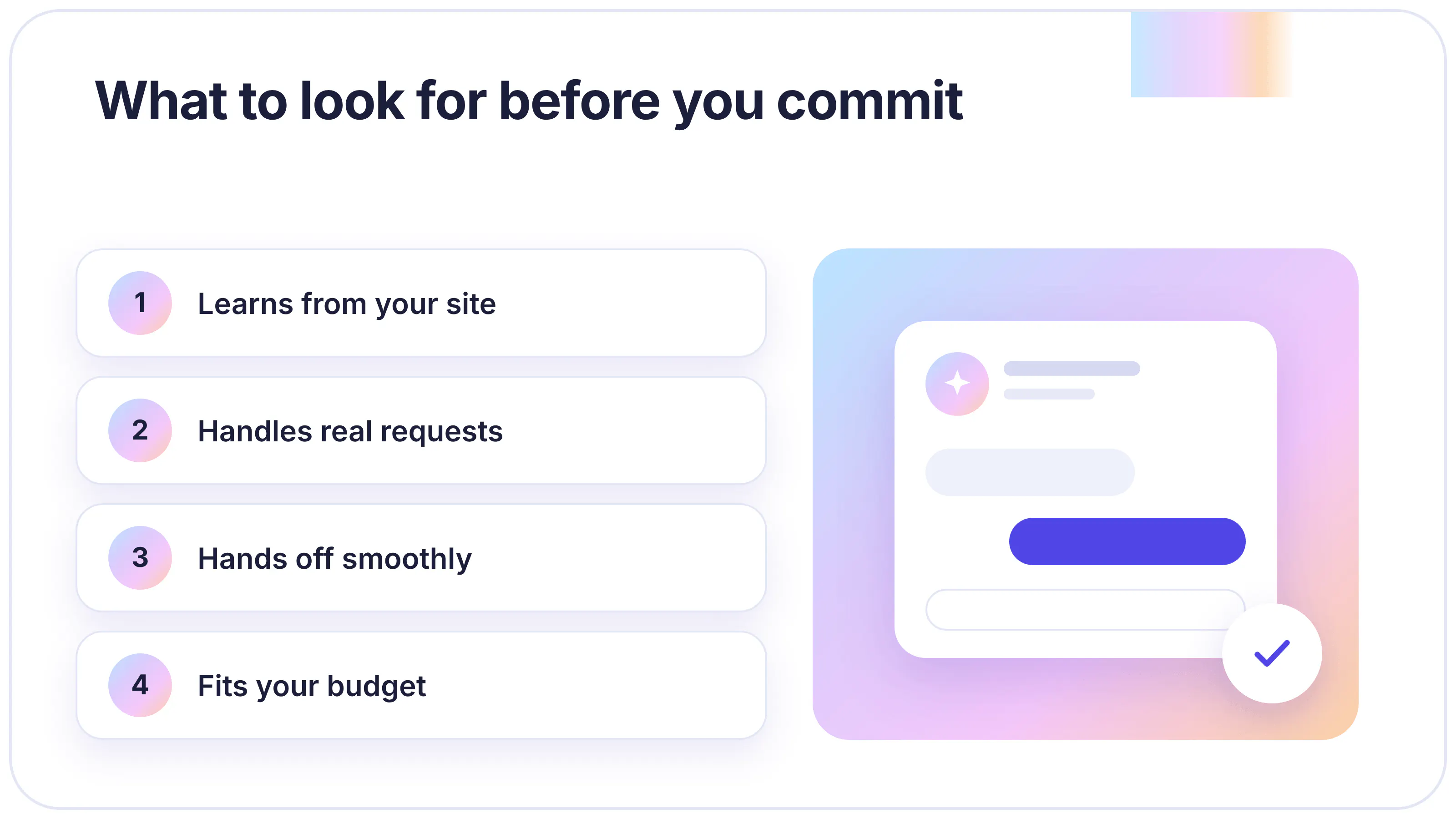
The right tool answers your customers' real questions correctly and fits your volume and budget. Most offer a free plan or trial, so test each point below with questions from your own inbox before you commit.
- Training on your own content: Check that the tool uses your website, documents, and FAQs as its knowledge base and re-syncs them on a schedule. Test it by changing a price on your site and checking how soon the AI's answer updates.
- Tasks it can complete: List your three most common requests that need an action, such as booking a call or creating a ticket. Confirm each one runs from the first message to the final confirmation.
- Human handoff: Confirm you can set your own triggers, collect details before the handoff, and see a conversation summary. Ask the AI for a person during testing and see how it responds.
- Channels: Check that it runs where your customers already message you, and that every channel lands in one inbox your team can work from.
- Pricing model: Find the billing unit, the monthly allowance and what happens past the limit. Price your expected monthly conversations on each tool you compare.
- Setup without code: A non-technical owner should be able to add content, write instructions, and test in a preview window without help from a developer.
Chatling's AI agents are trained on your website, documents, and help center, and they re-sync them on a schedule. They can capture leads, book meetings, and create support tickets, and they hand a conversation to your team with an AI summary when a person needs to step in.
Try Chatling for free to start answering your customer questions on your website, WhatsApp, Instagram, Messenger, and Telegram.
Also Read:
- What Is Chatbot Design? Principles, Best Practices & Examples
- A 2026 Playbook to Master eCommerce Customer Service
Frequently Asked Questions
Is AI customer service worth it for a small business?
Yes, when a meaningful share of your messages are repeat questions. The value comes from staff time saved, reduced representative compensation, replies outside business hours, and leads captured during chats.
How much does AI customer service cost?
A basic AI chatbot costs a small business about $30 to $150 a month. The exact cost depends on the billing unit: per message or credit, per resolution, or per seat. Estimate your monthly AI replies, price them on each tool's plans and check what happens when you pass the limit. Free plans let you test with real questions before paying.
Can AI replace a customer service team?
No. AI handles routine questions and simple tasks, and people handle exceptions, disputes, and relationships. The two work best together: the AI answers repeat questions around the clock, and your team picks up the conversations that need judgment.
What can AI customer service handle on its own?
AI customer service can answer questions from your content, collect contact details, book appointments, and create support tickets on its own. When connected to your order system, it can also look up order status and send confirmations.
Will customers accept AI customer support?
Most customers accept it when it resolves the issue quickly and a person is easy to reach. They push back when AI stands between them and your team, so make the route to a person clear in every chat and hand the conversation over with its history.
Is AI customer service secure?
It can be, but security varies by provider. Check that the tool meets the data protection rules that apply to you, such as GDPR, whether it uses your data to train AI models, how long it keeps uploaded files, and whether you can restrict which websites the chat widget runs on.
What is the difference between an AI chatbot and an AI agent?
An AI chatbot follows conversation paths you design in advance, and an AI agent reads what the customer wants and decides which answer or action fits. Chatbots suit fixed, predictable flows, and agents suit varied questions and requests with several steps.