

The top SiteGPT alternatives for customer support in 2026 are Chatling, Fin AI, Botsonic, Voiceflow, Crisp, Botpress, Chatbase, Tidio, and SiteSpeakAI. They cover different approaches to AI customer support, from knowledge-base chatbots and AI agents to live chat, human handoff, workflow automation, omnichannel support, and advanced integrations.
This guide compares these nine SiteGPT alternatives across the capabilities that matter for customer support, including AI agents, knowledge-base training, AI actions and workflows, human handoff, live chat, and more.
TL;DR: Best SiteGPT Alternatives for Customer Support
Tool | Best for | Key strength | Starting price | G2 Rating | What stands out |
Chatling | AI-powered customer support | AI Agents, actions, live chat, human handoff | Free plan + $25/month | 4.7/5 | Lets AI take actions such as creating tickets, updating CRM records, and booking appointments |
Fin AI | Customer-service automation | Procedures, connected data, and support workflows | $49.50/month minimum | 4.5/5 | Can work with an existing helpdesk without requiring a platform migration |
Botsonic | Agentic support automation | Agentic Actions and workflows | $19/month | 4.6/5 | Supports business tasks such as order updates, scheduling, returns, and database actions |
Voiceflow | Custom AI agents | Agent Builder, Playbooks, Workflows, APIs, and testing | Usage-based / custom | 4.6/5 | Supports multiple LLM providers without locking you into one model |
Crisp | Live chat and shared support | Shared inbox, live chat, AI, and automation | Free plan + $45/month | 4.5/5 | Combines AI support with a traditional shared inbox and customer-support workspace |
Botpress | Complex AI workflows | Agent building, workflows, routing, and integrations | Free plan + $189/month | 4.5/5 | Offers extensive control over agent logic, workflows, and integrations |
Chatbase | AI support and multichannel agents | AI Actions, Helpdesk, escalation, voice | Free plan + 7-day trial + paid from $40/moy | 4.9/5 | Combines AI support with helpdesk, voice, telephony, and outbound campaigns |
Tidio | Live chat and AI support | Lyro AI, live chat, ticketing, and automation | 7-day free trial + paid from $29/month. | 4.6/5 | Separates usage across human conversations, Lyro AI conversations, and Flow visitors |
SiteSpeakAI | AI agents with live data | Live data, actions, handoff, and integrations | Free plan; usage based | 5/5 | Supports 95+ languages and connects agents to external systems through APIs and MCP |
Where Does SiteGPT Fall Short?
SiteGPT covers a wide range of customer-support needs, but there are a few areas where its plans or current functionality may not suit every team.
- Some features require a higher-tier plan. API access starts on Growth, while webhooks, AI conversation insights, and the Zendesk AI Agent are available from Scale upward.
- Automatic content refresh varies by plan. Starter uses manual refresh, Growth refreshes monthly, Scale refreshes weekly with daily sitemap scanning, and Enterprise supports daily refresh.
- Message capacity depends on the model you use. GPT-4.1 and GPT-4.1-mini have different usage costs, so the number of messages included in a plan depends on your model mix.
- Some integrations aren't available as yet. WhatsApp, Intercom, and HubSpot aren’t available as of now.
- Advanced analytics are reserved for higher plans. Starter includes basic analytics, while Growth adds features such as knowledge gaps and engagement funnels, and Scale adds AI-powered insights, including topics, sentiment, and resolution outcomes.
- Pricing can require a closer look. SiteGPT uses model-dependent message limits, while some add-ons have conflicting prices across the current pricing page. The detailed pricing information lists $59/month for both additional 5,000-message packs and branding removal.
These aren't necessarily dealbreakers. They are simply worth considering if you need certain features on a lower-tier plan, higher message volumes, frequent automatic updates, or specific integrations.
What to Look for in a SiteGPT AI Alternative
When comparing SiteGPT with other customer-support platforms, focus on the capabilities that will actually affect how your team handles support:
- AI actions and workflows: Check whether the AI can do more than answer questions. Some platforms can trigger actions such as updating customer information, sending emails, creating tickets, or booking appointments directly from a conversation.
- Human handoff: Look at how conversations move from AI to human agents. Check whether the handoff preserves the conversation history and context, which support tools it connects with, and how easily agents can take over.
- Support channels: Make sure the platform supports the channels your customers use. Depending on your setup, this could include website chat, WhatsApp, email, social messaging, or other supported channels.
- Content sources: Check what information you can give the AI to answer questions accurately. This may include websites, documents, help centers, cloud storage, or connected tools.
- Automatic updates: If your website or support content changes regularly, check how the platform keeps the AI's information current. Some offer manual refreshes, while others support scheduled or automatic syncing.
- Analytics: Look beyond basic conversation counts. Useful analytics can show unanswered questions, conversation trends, customer satisfaction, resolution outcomes, and areas where your AI needs improvement.
- Integrations and API: Check whether the platform connects with the tools your team already uses. API access can also matter if you need to connect the AI to your own systems or build custom workflows.
- Pricing: Compare the limits behind the headline price. Look at message, credit, conversation, outcome, agent, or seat limits and consider what the platform would cost at your expected support volume.
- AI models: Check which AI models the platform supports and whether you can choose between them. This can affect response quality, speed, and how your usage is calculated.
9 SiteGPT Alternatives Worth Considering in 2026
SiteGPT alternatives vary in how much they can do beyond answering questions from your website content. Some add AI actions and automated workflows, while others focus on live chat, human support, custom agent building, or helpdesk functionality. Here are nine options to compare: Chatling, Fin AI, Botsonic, Voiceflow, Crisp, Botpress, Chatbase, Tidio, and SiteSpeakAI.
1. Chatling — Best for AI-powered customer support
Best for teams that want AI support with actions, live chat, and human handoff.
Overview
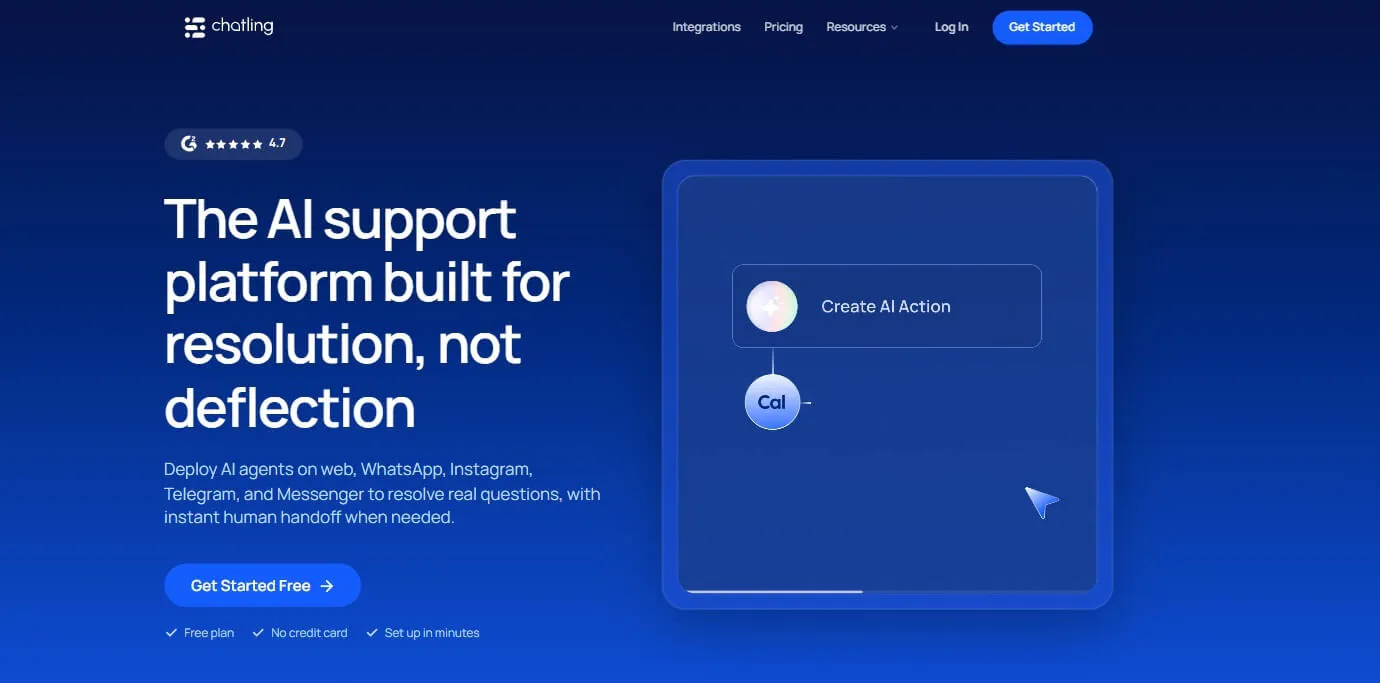
Chatling is an AI customer-support platform built around AI Agents that can answer questions using your business content and take actions during conversations.
Beyond answering support questions, Chatling can connect conversations to workflows such as lead capture, email, Google Sheets, HubSpot, Zendesk, appointment booking, and HTTP requests. It also includes live chat and human handoff, so teams can take over conversations when AI support is not enough.
Key Features
Chatling covers both automated support and the tools teams need when human involvement is required.
- AI Agents: Create AI agents that answer questions and handle customer conversations using your business content.
- AI Actions: Let the AI perform tasks such as collecting leads, sending emails, updating systems, booking appointments, and making HTTP requests.
- Human handoff: Transfer conversations to human agents while preserving conversation history, summaries, priority, sentiment, and context.
- Live chat: View and reply to conversations, take over from AI, assign chats, add internal notes, set priorities, and use routing and notifications.
- AI Analytics: Analyze conversations and support performance to identify useful patterns and areas that need attention.
- Knowledge sources: Train agents using your business content and keep information updated through scheduled syncing on applicable plans.
- Playground: Test different models, instructions, actions, and configurations before deploying an agent.
- Integrations and API: Connect Chatling with tools such as HubSpot, Zendesk, Google Sheets, Cal.com, and other systems through supported integrations and API access.
Pricing
| Feature | Free | Starter ($25/mo) | Growth ($75/mo) | Scale ($295/mo) |
|---|---|---|---|---|
| AI credits | 200 | 1,750 | 6,000 | 35,000 |
| AI agents | 1 | 2 | 5 | 7 |
| Seats | 1 | 2 | 5 | 10 |
| Knowledge base size | 500,000 | 10 million | 30 million | 100 million |
| Knowledge base auto-sync | None | Weekly | Hourly | Hourly |
| Actions per agent | 2 | 4 | 7 | 12 |
| Round-robin routing | No | No | Yes | Yes |
Heads up
Chatling supports both AI Agents and flow-based AI Chatbots. AI Agents handle dynamic requests using instructions, knowledge, and configured actions, while AI Chatbots use the Builder for more structured conversations. Choose the approach based on how much control you want over the conversation flow.
2. Fin AI — Best for customer-service automation
Best for teams that want AI support connected to existing helpdesk workflows.
Overview
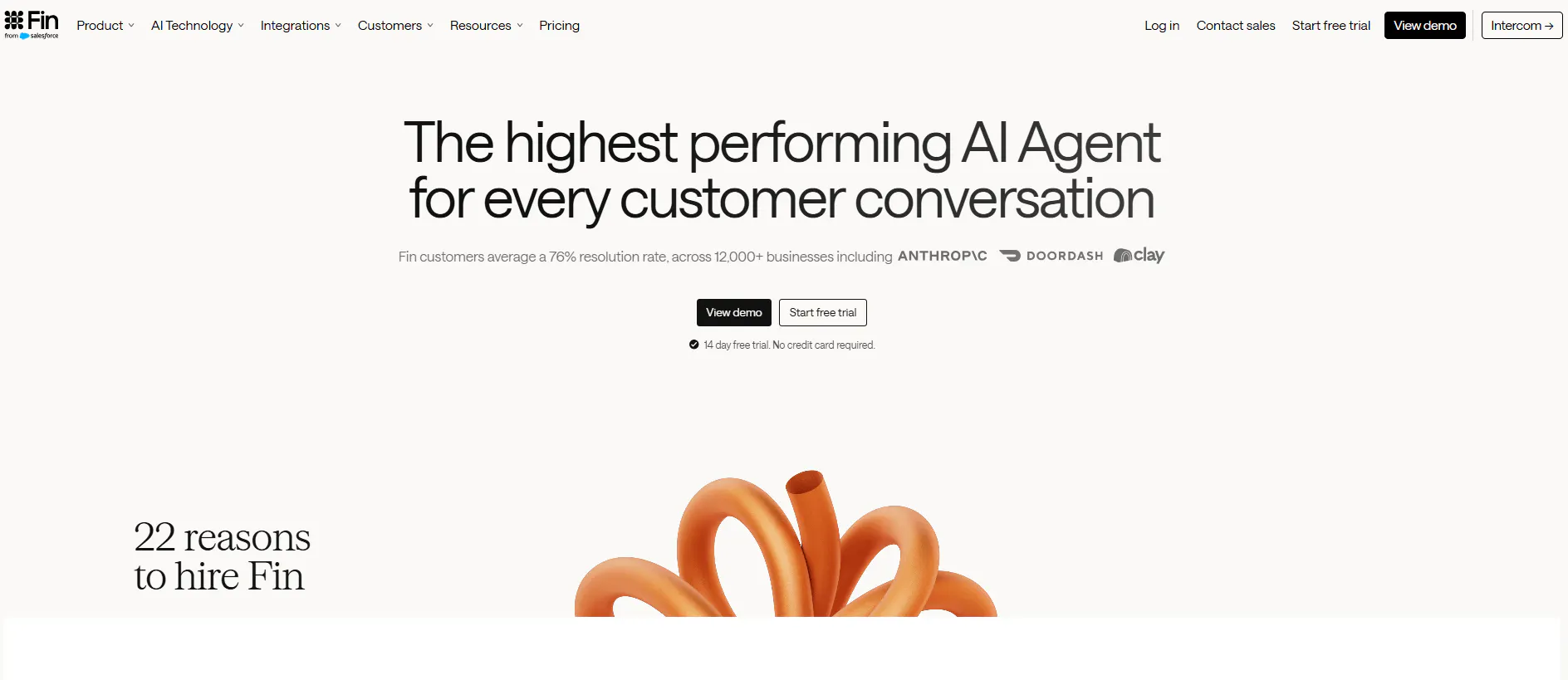
Fin AI is a customer-service AI agent that can answer questions, retrieve information, follow procedures, take actions, and hand conversations to human agents.
One of its main differences is that it can work with Intercom or an existing helpdesk without requiring a full platform migration. Its procedures can also handle multi-step support processes involving business rules and external systems.
Key Features
- Procedures: Build structured processes for tasks such as refunds, cancellations, account updates, subscription issues, disputes, and troubleshooting.
- Actions: Connect AI conversations to external systems and allow Fin to complete supported tasks.
- Human handoff: Transfer conversations to human support when AI cannot complete the request.
- Multiple channels: Support customer conversations across chat, email, WhatsApp, SMS, Messenger, Instagram, Facebook, Slack, and API-supported workflows.
- Analytics: Includes simulations, regression testing, CX Score, AI Topics, trends, recommendations, monitors, and scorecards.
- Existing helpdesk support: Use Fin with an existing helpdesk rather than requiring a complete migration.
Pricing
Fin AI's pricing is primarily based on outcomes:
- Fin with your current helpdesk: $0.99 per outcome, with a minimum of 50 outcomes/month, so the minimum monthly spend is $49.50/month.
- Fin with Intercom: Starts at $0.99 per outcome plus $29/month per helpdesk seat.
- Pro add-on: Starts at $99/month.
- Copilot: $35/user/month.
Heads up
Fin's pricing is tied to outcomes or conversations, depending on the product and plan, so the monthly cost can change with support volume.
3. Botsonic — Best for agentic support automation
Best for teams that want AI agents to take actions and complete support tasks.
Overview
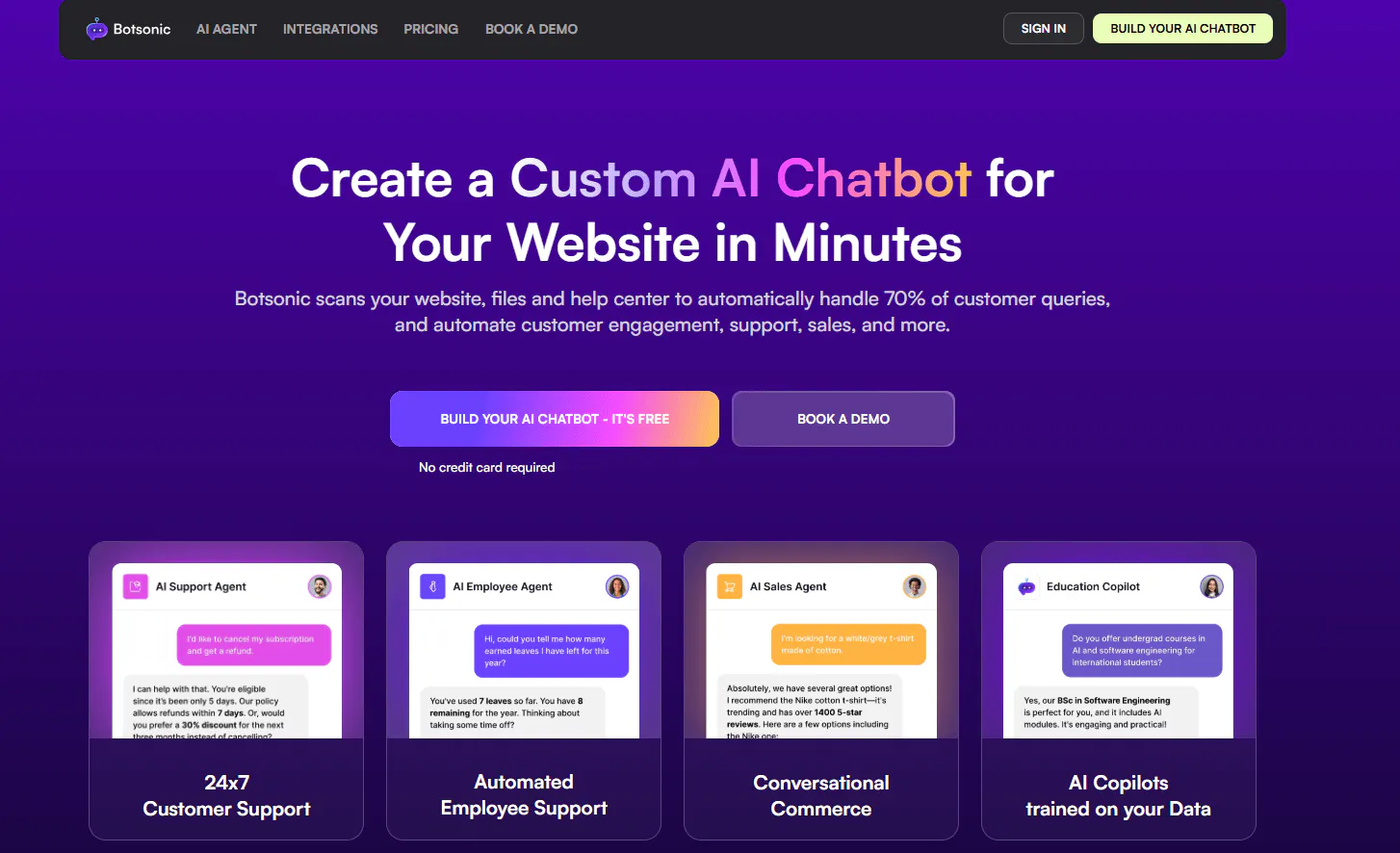
Botsonic combines AI support with agentic actions and workflow automation. The platform can answer customer questions, capture leads, and take actions connected to business processes.
Its action capabilities cover practical support tasks such as order updates, scheduling, returns, customer information, and database operations.
Key Features
- Agentic Actions: Let the AI perform tasks rather than only provide information.
- Workflow automation: Build workflows for support and business processes.
- Lead capture: Collect customer information directly through conversations.
- Order and customer actions: Support workflows involving orders, returns, scheduling, and customer information.
- Human handoff: Applicable plans support handoff and ticketing through tools such as Zendesk, Freshdesk, and Salesforce.
- Channels: Deploy across website chat, WhatsApp, Messenger, Telegram, Slack, and Google Chat.
- Auto-sync: Advanced plans support automatic syncing of content.
- API: API access is available on applicable plans.
Pricing
Botsonic's monthly plans are:
- Starter: $19/month. Includes 1,000 messages, 1 bot, 10 million characters, 3 actions, lead capture, and supported integrations including WhatsApp, Messenger, Telegram, Zapier, WordPress, and Google Drive.
- Professional: $49/month. Includes 3,000 messages, 2 bots, 50 million characters, 5 actions, GPT-4o, Slack, Google Chat, Calendly, and Notion.
- Advanced: $299/month. Includes 12,000 messages, 2 bots, 100 million characters, 10 actions, agent workflows, automatic syncing, API access, and 5 workflows.
- Enterprise: Custom pricing.
Heads up
Some capabilities require higher plans or add-ons. Botsonic also lists a $500 one-time onboarding fee per knowledge base on the Advanced plan, along with optional paid add-ons for branding, API access, support handoff, and additional usage.
4. Voiceflow — Best for custom AI agents
Best for teams that need more control over agent behavior, workflows, and testing.
Overview
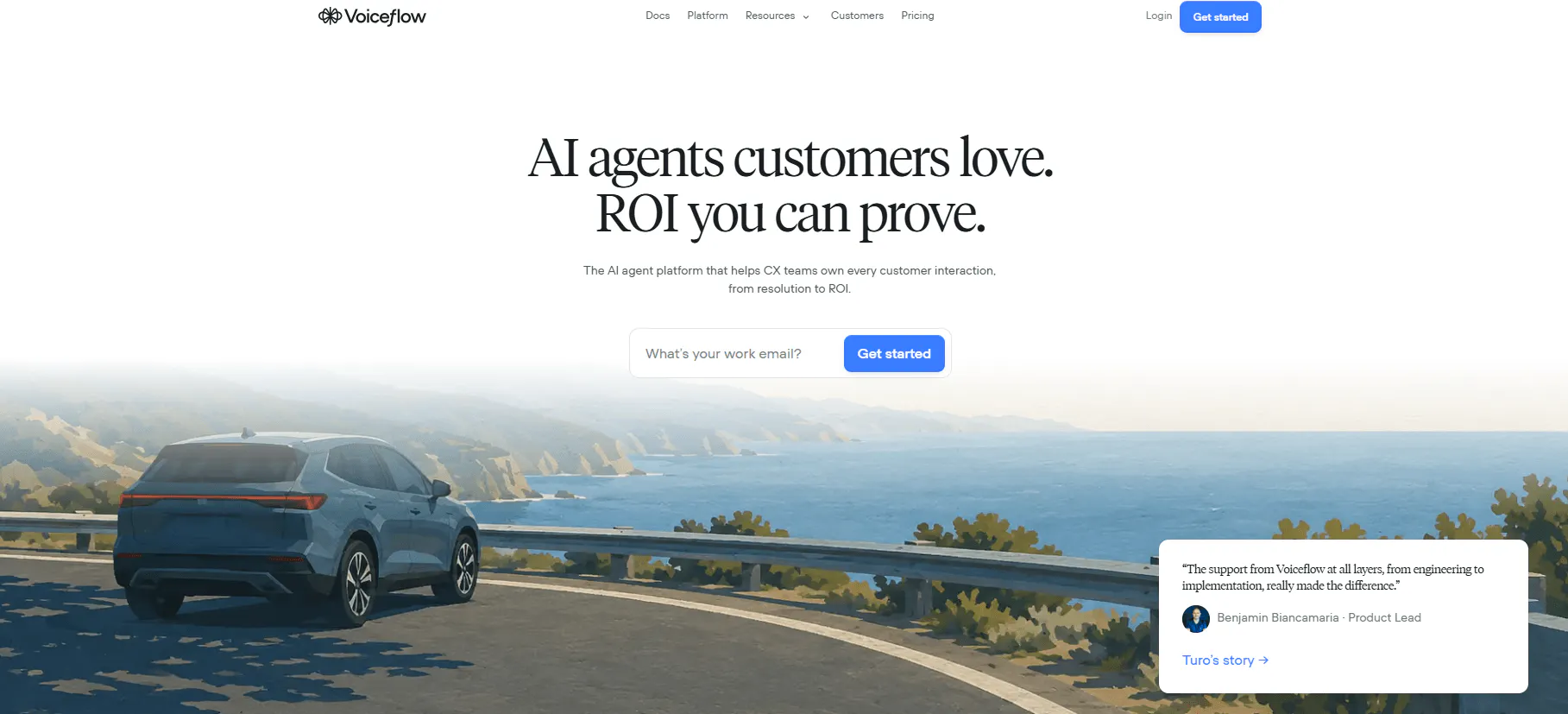
Voiceflow is an AI agent platform with visual tools for building, testing, and deploying conversational agents. It supports both open-ended AI reasoning and more structured workflows.
The platform is designed for teams that want to control how agents behave rather than relying only on a simple website-trained chatbot.
Key Features
- Agent Builder: Build and configure AI agents using visual tools.
- Playbooks: Handle open-ended reasoning and more flexible agent interactions.
- Workflows: Build deterministic, multi-step processes for tasks that need defined logic.
- Knowledge: Connect documents, websites, help centers, product information, internal information, and developer content.
- Integrations and APIs: Connect agents to external systems and applications.
- Testing and evaluations: Test agents and monitor their performance.
- Multiple models: Supports models from OpenAI, Anthropic, Google, Meta, and Grok.
- Multiple channels: Deploy agents across web, apps, WhatsApp, SMS, voice, and other supported channels.
Pricing
Voiceflow uses usage-based and custom pricing rather than a simple fixed monthly plan.
- Plans: Usage-based/custom pricing.
- Editor seats: Additional editor seats cost $50/month.
- Viewers: Viewer seats are free.
Heads up
Voiceflow's pricing depends on usage and configuration, so it is less straightforward to compare with platforms that publish a fixed monthly message or credit allowance.
5. Crisp — Best for live chat and shared support
Best for teams that want AI support alongside a shared customer-support workspace.
Overview
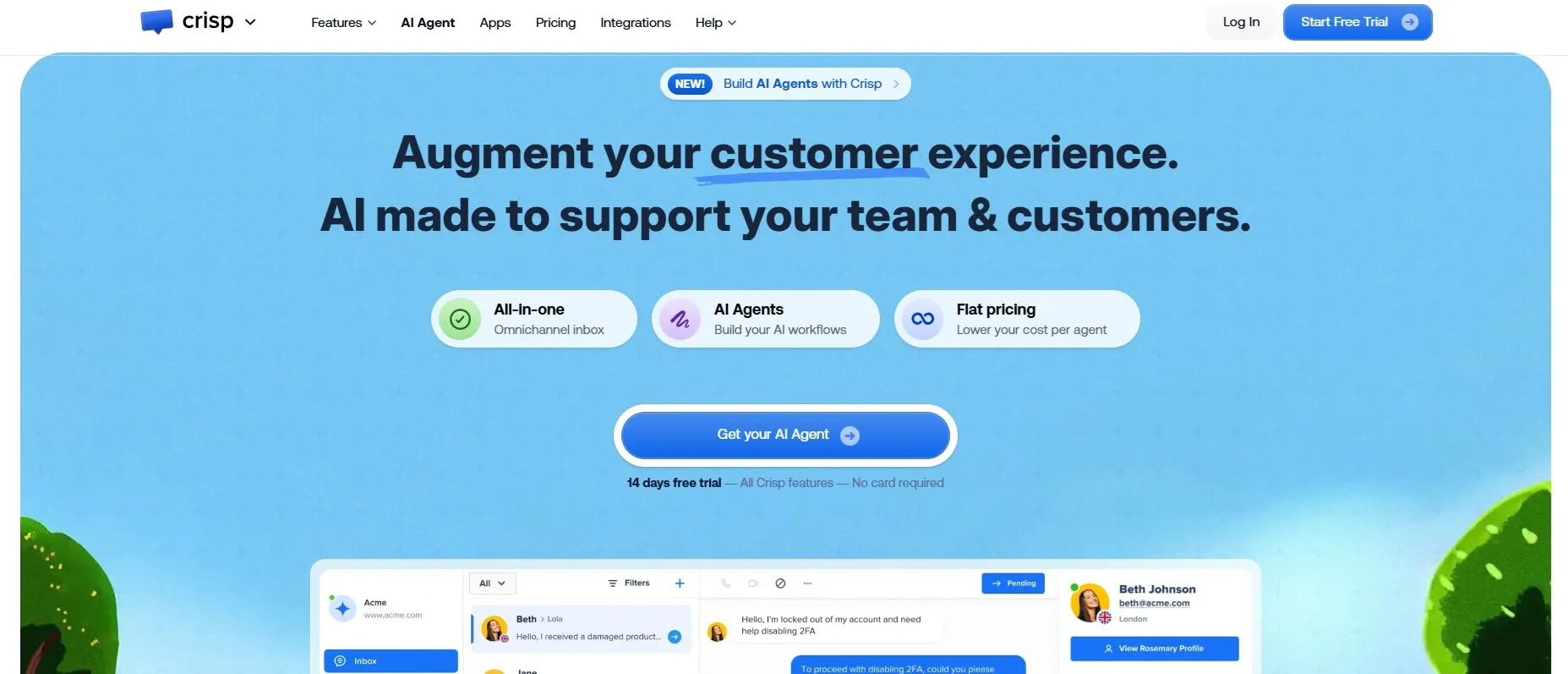
Crisp combines AI support with a shared inbox, live chat, customer data, automation, and customer-support workflows.
Its AI agent, Hugo, can use company information, instructions, workflows, and actions to handle conversations. Human agents can also take over when needed.
Key Features
- Shared inbox: Manage customer conversations collaboratively from one workspace.
- AI support: Hugo AI can answer questions using company information and follow configured instructions.
- Automation: Build workflows for routing, qualification, and other support processes.
- Human escalation: Move conversations from AI to human support when needed.
- Omnichannel support: Connect channels including website chat, WhatsApp, Messenger, Instagram, and email.
- Customer data: Access customer information alongside conversations.
- Analytics: Track support and AI performance on applicable plans.
- Integrations: Higher plans include access to a wider range of integrations.
Pricing
Crisp's monthly plans are:
- Free: $0/month. Includes 2 seats, website chat, shared inbox, and unlimited conversations. AI credits are not included.
- Mini: $45/month per workspace. Includes 4 seats, shared email, around 90 automated conversations, and $5 in AI credits.
- Essentials: $95/month per workspace. Includes 10 seats, around 450 automated conversations, $25 in AI credits, omnichannel support, workflows, AI chatbot, content management, analytics, and routing.
- Plus: $295/month per workspace. Includes 20+ seats, around 1,350 automated conversations, $75 in AI credits, ticketing, 100+ integrations, white labeling, and advanced analytics.
- Enterprise: Custom pricing.
Heads up
Crisp's standard plans include unlimited conversations, but AI usage is subject to fair-use limits and AI credits vary by plan.
6. Botpress — Best for complex AI workflows
Best for teams that need extensive control over agent logic, workflows, and integrations.
Overview
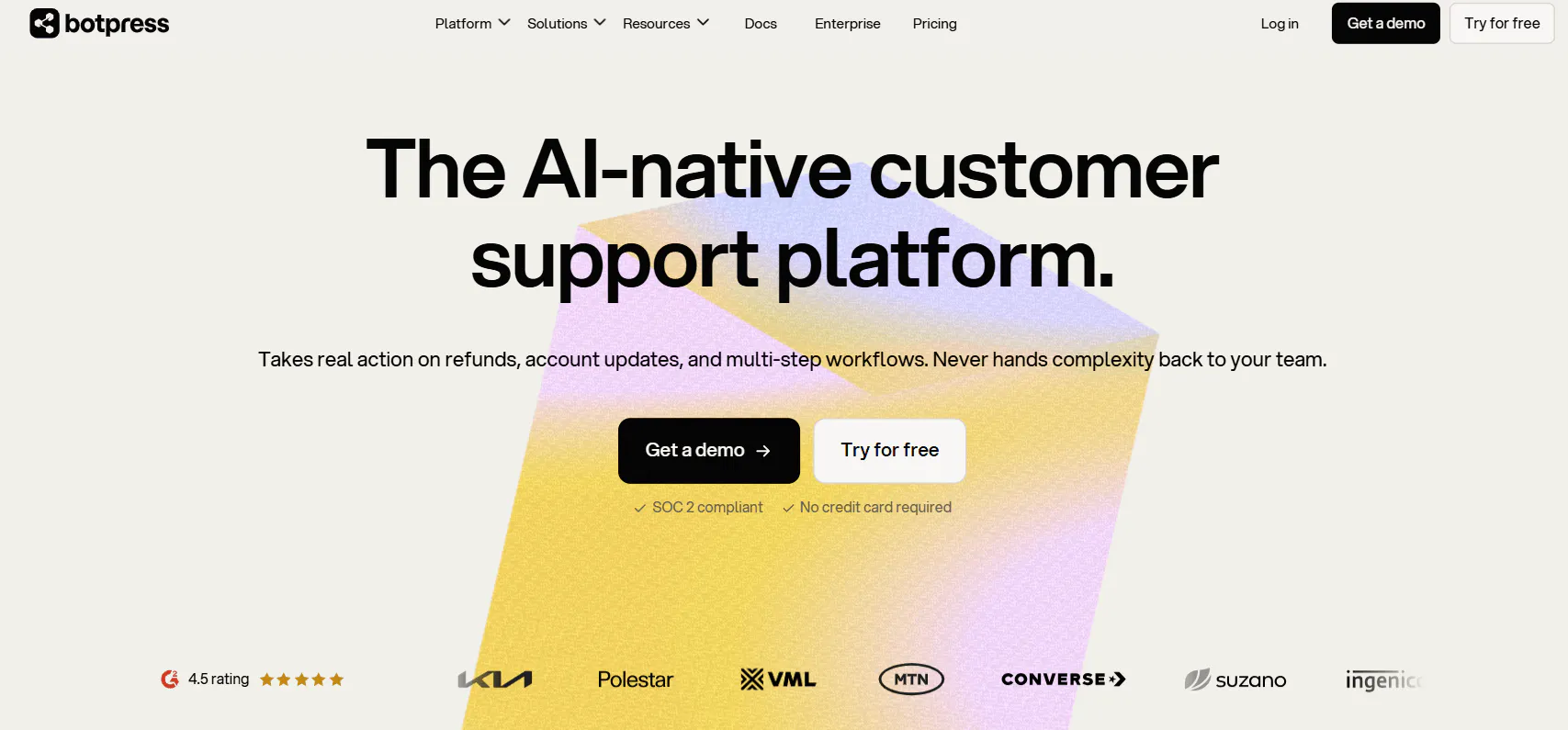
Botpress is an AI agent-building platform designed around workflows, integrations, routing, and agent logic.
It supports use cases including product copilots, workflow automation, internal information access, ticket management, employee support, lead generation, and shopping assistants.
Key Features
- Agent building: Create AI agents with configurable instructions and logic.
- Workflows: Build structured processes for multi-step tasks.
- Routing: Route conversations based on defined conditions and workflows.
- Integrations: Connect with platforms such as Stripe, PayPal, Shopify, HubSpot, Zendesk, and Intercom.
- Analytics: Team plans include team analytics.
- Collaboration: Team plans support collaboration and team management.
- Human handoff: Enterprise includes human handoff capabilities.
- Voice: Voice capabilities are available on Enterprise.
Pricing
Botpress's monthly plans are:
- Free: $0/month. Includes 100 conversations, 3 seats, and 3 agents.
- Plus: $189/month. Includes 250 conversations, unlimited agents, $25 in AI usage, white-label webchat, a custom Help Center domain, and live-chat technical support.
- Team: $939/month. Includes 1,500 conversations, unlimited seats, teams, routing, RBAC, $150 in AI usage, team analytics, and real-time collaboration.
- Enterprise: Custom pricing with dedicated support, SLA, security review, custom storage, and additional capabilities.
Heads up
Botpress is structured around usage and AI-usage allowances, so the headline monthly price does not represent unlimited AI usage.
7. Chatbase — Best for AI support and multichannel agents
Best for teams that want AI support combined with helpdesk, escalation, and additional communication capabilities.
Overview
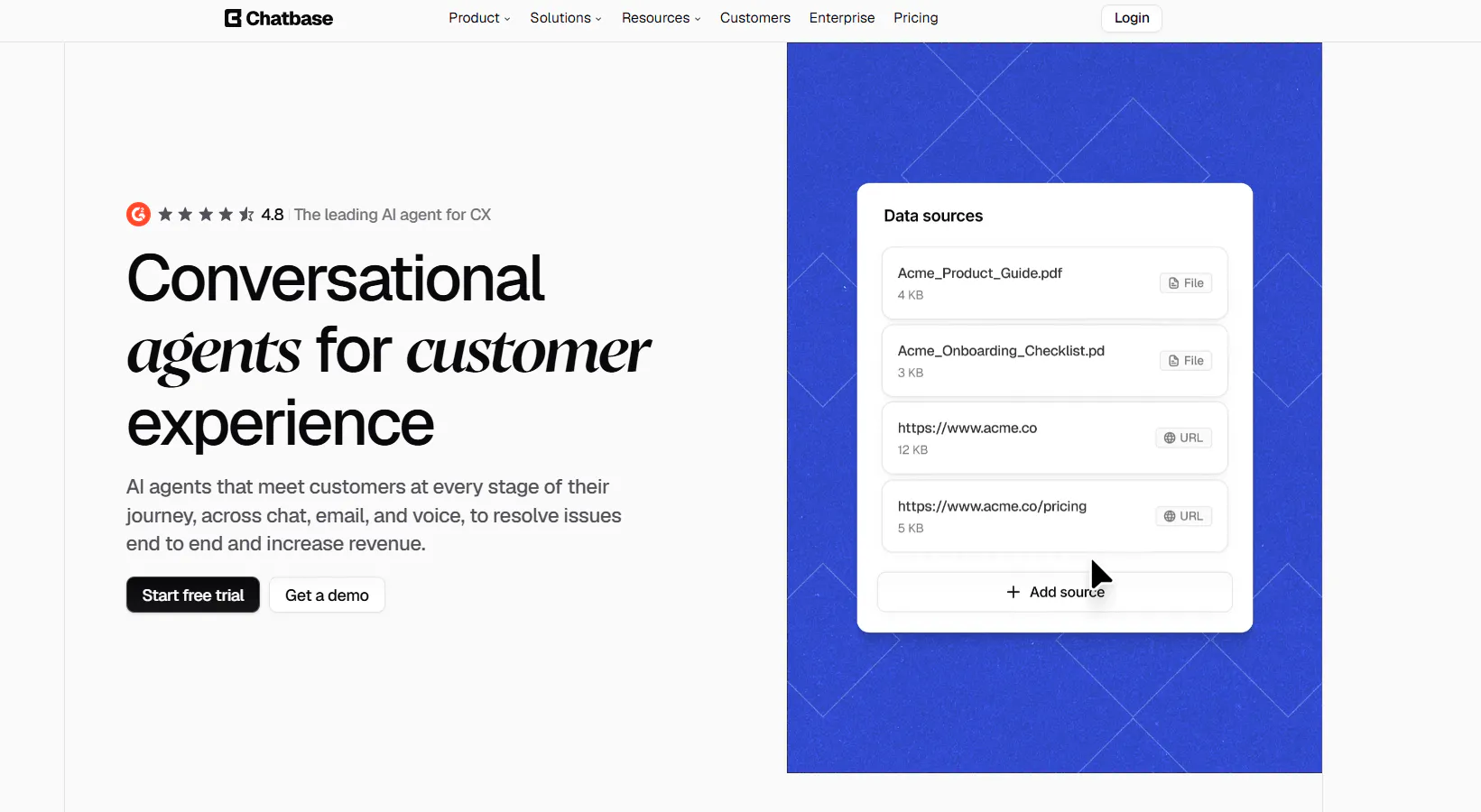
Chatbase is an AI agent platform with tools for building support agents, connecting data sources, configuring actions, testing responses, and escalating conversations to human support.
It also extends beyond website chat with helpdesk functionality, voice, telephony, outbound campaigns, personalization, and API access on applicable plans.
Key Features
- AI Agents: Build AI agents around your support content, instructions, and guardrails.
- AI Actions: Connect conversations to actions and external systems.
- Helpdesk: Manage support workflows and escalations from the platform.
- Human escalation: Connect AI conversations to support systems including Zendesk, Freshdesk, Intercom, Zoho Desk, Help Scout, and Gorgias.
- Analytics: Track AI and conversation performance, with more advanced analytics on higher plans.
- Voice and telephony: Available from the Standard plan.
- Outbound campaigns: Available from the Standard plan.
- Multiple models: Choose from supported AI models rather than being locked into a single model.
- API and integrations: Connect Chatbase with external systems and workflows.
Pricing
Chatbase's monthly plans are:
- Free: $0/month with 50 message credits, 1 member, and limited model access. Agents are deleted after 14 days of inactivity.
- Hobby: $40/month with 700 message credits, 2 members, advanced models, integrations, basic analytics, and attachments. Includes a 7-day trial.
- Standard: $150/month with 4,000 message credits, 3 members, Helpdesk, Voice, Telephony, outbound campaigns, API access, personalization, auto-resync, and advanced integrations. Includes a 7-day trial.
- Pro: $500/month with 15,000 message credits, 5 members, advanced analytics, source suggestions, and tickets as a source. Includes a 7-day trial.
- Enterprise: Custom pricing with higher limits, flexible billing, custom roles, SSO, white-labeling, audit logs, priority support, a success manager, SLAs, and HIPAA eligibility.
Heads up
Chatbase's plans are credit-based, so the number of conversations you can handle depends on usage. Free-plan AI agents are also deleted after 14 days of inactivity.
Read Next: Chatbase Alternatives: 7 AI Customer Support Tools Worth Comparing in 2026
8. Tidio — Best for live chat and AI support
Best for teams that want AI support alongside live chat, ticketing, and visitor management.
Overview
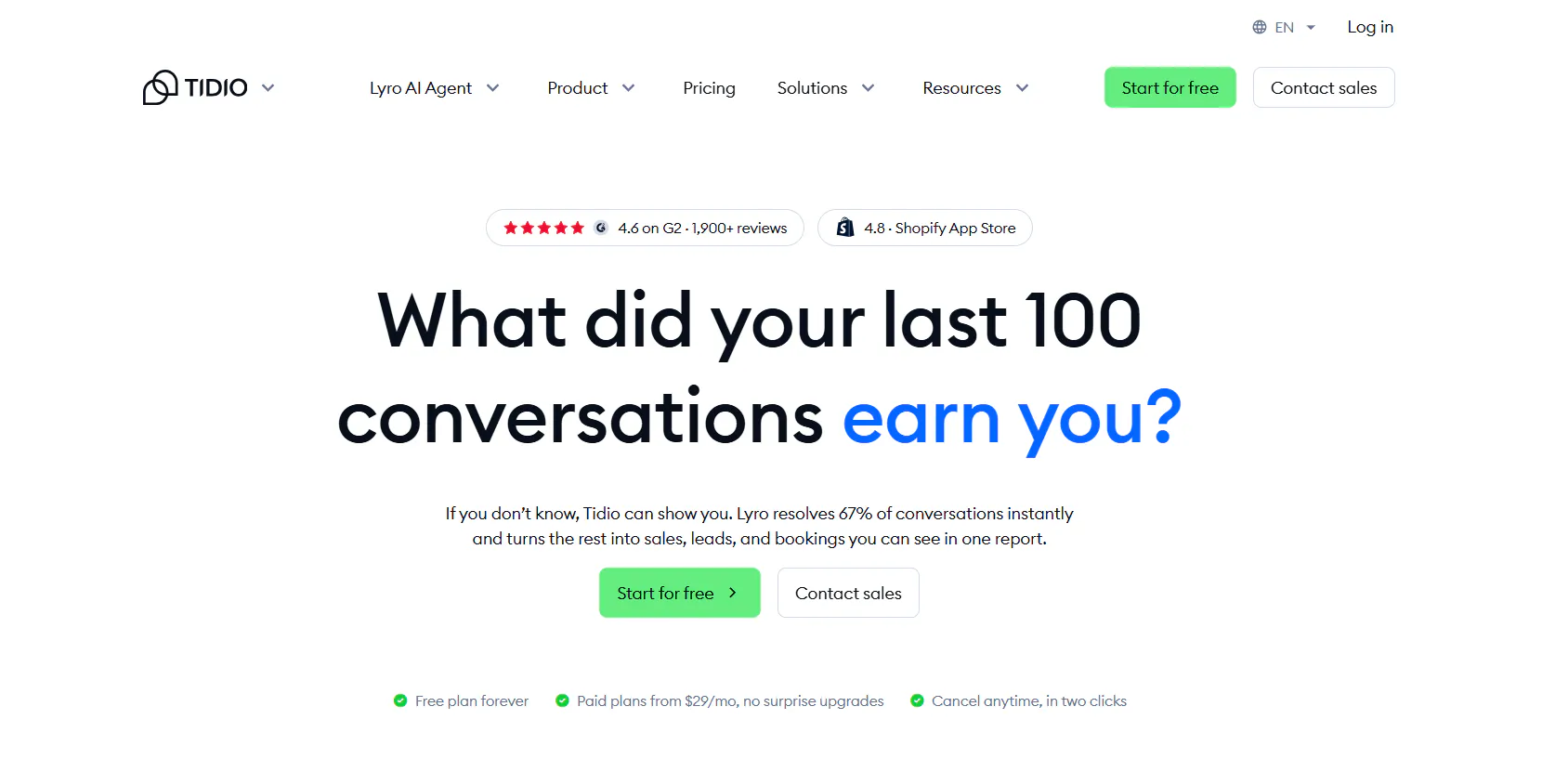
Tidio combines its Lyro AI Agent with live chat, ticketing, automation, and visitor management. Lyro can answer support questions, ask clarifying questions, recommend products, and perform supported actions.
The platform also supports human transfer, so conversations can move from AI to live agents when needed.
Key Features
- Lyro AI Agent: Answer support questions using your support content and customer context.
- Smart Actions: Handle tasks such as order updates, order status, shipping questions, address updates, and lead qualification.
- Human transfer: Move conversations from Lyro to human agents.
- Live chat: Give agents tools for handling conversations, visitors, assignments, and responses.
- Ticketing: Turn support requests into tickets and manage them alongside live conversations.
- Content sources: Use support information from websites, links, PDFs, manuals, FAQs, and supported systems.
- Missed-question reporting: Identify questions Lyro could not answer and use them to improve support content.
- Analytics: Monitor AI and support activity, including real-time performance.
Pricing
Tidio has a free trial, paid plans, and a standalone Lyro option.
- Starter: $29/month for 100 billable conversations, plus 50 one-off Lyro conversations, 100 Flow visitors, live chat, ticketing, and basic analytics.
- Growth: starts at $59/month for 250+ billable conversations, adding advanced analytics, user permissions, automatic assignment, automatic replies, and macros.
- Plus: starts at $300/month + usage with custom conversation limits, premium support, a Success Manager, departments, multiproject, ticketing automation, OpenAPI, and custom limits.
- Premium: custom pricing with 3,000+ Lyro conversations, a 50% Lyro resolution-rate guarantee, pay-per-resolution billing, AI insights, Advanced Copilot, custom analytics, and managed Lyro.
Heads up
Tidio's pricing depends on the combination of products and usage limits you need. The $29 Starter price does not include the Lyro AI Agent or Flows.
Read Next: Best Tidio Alternatives for Customer Support in 2026
9. SiteSpeakAI — Best for AI agents with live data
Best for teams that need AI agents connected to content, live data, actions, and external systems.
Overview
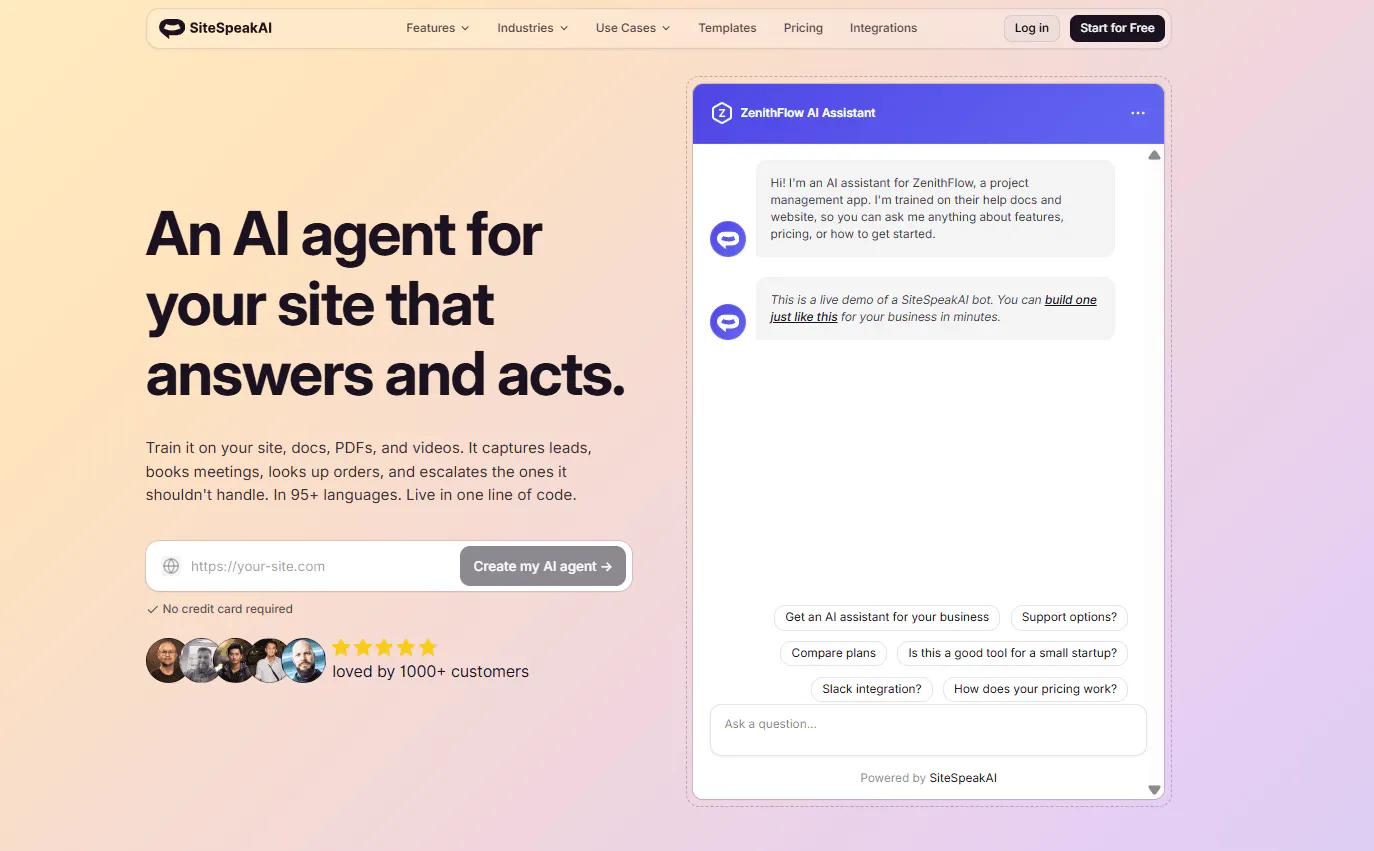
SiteSpeakAI provides AI agents that can answer questions from your content, capture leads, schedule meetings, use live information, and perform supported actions.
It also includes live chat and human escalation, with higher plans adding more agents, actions, integrations, and access to external systems.
Key Features
- AI agents: Build agents around your business content and customer-support needs.
- Training sources: Use websites, documents, PDFs, videos, and other supported sources to provide information to the AI.
- Live data: Connect agents to live information where supported.
- Actions: Allow agents to perform tasks rather than only answer questions.
- Lead capture: Collect information from prospects during conversations.
- Human handoff: Transfer conversations to human support.
- Live chat: Manage conversations and interact with visitors.
- Integrations: Higher plans add integrations such as WhatsApp, Google Chat, and HubSpot.
- API and MCP: Pro and higher plans provide API and MCP Server access.
Pricing
SiteSpeakAI's monthly plans are:
- Free: $0/month. Includes 30 message credits, 1 AI Agent, 10 training sources, basic AI models, and a live chat widget.
- Starter: $29/month. Includes 1,000 credits, 1 AI Agent, 200 training sources, lead capture, and removal of Powered By branding.
- Pro: $79/month. Includes 3,000 credits, 5 AI Agents, 2,500 training sources, all AI models and BYOK, WhatsApp, Google Chat, HubSpot, API access, and MCP Server access.
- Growth: $249/month. Includes 10,000 credits, 15 agents, 8,000 training sources, 15 actions per agent, custom domain, and daily automatic syncing.
- Business: $499/month. Includes 20,000 credits, unlimited agents, 20,000 training sources, 15 actions per agent, dedicated onboarding, and priority support.
Heads up
The number of agents, training sources, actions, integrations, and credits increases substantially across plans, so the right tier depends heavily on how much content and automation you need.
How to Choose the Right SiteGPT Alternative for Your Needs
The right SiteGPT alternative depends on what you need the AI to handle beyond answering customer questions. Use the capabilities below to compare the tools based on the support workflow you want to build.
Capability | Chatling | Fin AI | Botsonic | Voiceflow | Crisp | Botpress | Chatbase | Tidio | SiteSpeakAI |
AI actions & workflows | ✓ | ✓ | ✓ | ✓ | ✓ | ✓ | ✓ | ✓ | ✓ |
Human handoff | ✓ | ✓ | ✓ | ✓ | ✓ | ✓ | ✓ | ✓ | |
Live chat | ✓ | ✓ | ✓ | ✓ | ✓ | ✓ | ✓ | ||
Lead generation | ✓ | ✓ | ✓ | ✓ | ✓ | ||||
Analytics | ✓ | ✓ | ✓ | ✓ | ✓ | ✓ | ✓ | ||
API access | ✓ | ✓ | ✓ | ✓ | ✓ | ✓ | ✓ | ||
Automatic content syncing | ✓ | ✓ | ✓ | ✓ | ✓ | ||||
Multiple AI models | ✓ | ✓ | ✓ | ✓ | ✓ | ||||
WhatsApp support | ✓ | ✓ | ✓ | ✓ | ✓ | ✓ | ✓ | ✓ | |
Appointment booking | ✓ | ✓ | ✓ |
If you need automated actions and workflows, most of these platforms offer them, but the types of actions and workflow controls vary. For teams that need human support, live chat and handoff become more important. If you're using the AI for sales as well, lead generation and appointment booking can narrow the options further. For larger or more integrated support setups, API access, content syncing, and model choice are also worth comparing.
Chatling brings together AI Agents, AI Chatbots, live chat, and human handoff in one platform. Automate customer support, answer questions using your knowledge base, collect leads, and move conversations to your team when needed. Try Chatling for free and start automating your customer support today.
Compare More Tools:
- 10 Best SleekFlow Alternatives To Upgrade Your Customer Support
- 8 Best Fernand Alternatives Compared for Growing SaaS Teams
- 6 Best Help Scout Alternatives in 2026: Pricing, Features & Key Differences
Frequently Asked Questions
What is the best SiteGPT AI alternative?
Chatling is a strong SiteGPT alternative for teams that need AI support with actions, live chat, human handoff, and integrations. Fin AI, Botsonic, Voiceflow, Crisp, Botpress, Chatbase, Tidio, and SiteSpeakAI offer different combinations of these capabilities, so the right option depends on your support workflow and the features you need.
What is the cheapest SiteGPT alternative?
Botsonic has the lowest paid starting price at $19/month, followed by Chatling at $25/month, and Tidio and SiteSpeakAI at $29/month. Fin AI starts at $49.50/month minimum, while higher-priced options include Botpress at $189/month and Chatbase at $40/month. Pricing models differ, so compare the included usage and limits as well as the headline price.
Which SiteGPT alternatives offer human handoff?
Chatling, Fin AI, Botsonic, Crisp, Botpress, Chatbase, Tidio, and SiteSpeakAI support human handoff or escalation. The workflow differs between platforms, including which helpdesks or support tools can receive the conversation and what context is preserved during the handoff.
Which SiteGPT alternatives can take actions, not just answer questions?
Chatling, Fin AI, Botsonic, Voiceflow, Crisp, Botpress, Chatbase, Tidio, and SiteSpeakAI all document action or workflow capabilities. The specific actions differ. Examples include updating customer information, booking appointments, processing support workflows, updating orders, sending emails, and connecting to external systems.
Can SiteGPT alternatives generate leads?
Yes. Chatling, Botsonic, Botpress, Tidio, and SiteSpeakAI include lead-generation capabilities. Depending on the platform, the AI can collect contact details, qualify prospects, gather information such as budget or needs, and support appointment booking.
Which SiteGPT alternatives offer live chat?
Chatling, Crisp, Chatbase, Tidio, and SiteSpeakAI include live-chat capabilities. These features vary from basic agent takeover to shared inboxes, conversation assignment, internal notes, ticketing, routing, and other support-management tools.
Which SiteGPT alternatives support automatic content updates?
Automatic syncing is available across several platforms, although the frequency and implementation differ. Chatling, SiteGPT, Botsonic, Chatbase, Tidio, and SiteSpeakAI document automatic or scheduled content updates on applicable plans.
How much does SiteGPT cost?
SiteGPT's monthly pricing starts at $59/month for Starter, $129/month for Growth, and $429/month for Scale. Enterprise pricing is custom. The plans differ in chatbot limits, content capacity, refresh frequency, analytics, API access, and other capabilities.
Is SiteGPT better than a general AI chatbot?
SiteGPT is designed specifically around customer-support use cases and can be trained on company content. It also includes capabilities such as human escalation, lead generation, analytics, integrations, and automatic content syncing. Whether that makes it a better fit depends on the support workflow and capabilities a team needs.
What should I compare before switching from SiteGPT?
Compare the capabilities that affect your actual support workflow: AI actions, human handoff, live chat, content sources, automatic syncing, lead generation, analytics, integrations, API access, supported AI models, and pricing limits. Pay particular attention to what is included in the plan you would actually use rather than comparing only starting prices.