AI Agent Pricing: How Much Do Customer Support Agents Cost?
By Rumaisa Viqas · Last updated 27 Nov 2026 · 22 min read
Summarize with
 Perplexity
 ChatGPT
 Claude

Quick summary
- There is no single pricing model: AI support tools charge per resolution, conversation, session, credit, action, or monthly subscription. Some combine a platform fee with usage charges.
- The starting price doesn't tell you the full cost: A $25 plan may include a limited number of AI credits, while a $0.99 resolution fee can add up quickly at higher volumes.
- The billing unit matters: Per-resolution pricing charges for outcomes that meet the vendor's definition of a resolution. Per-conversation pricing can charge even when the AI hands the issue to a human.
- Your support volume changes the total cost: A flat monthly subscription can be easier to budget for, but a usage-based plan may work out cheaper when conversation volume is low.
- Check what's included before comparing prices: Agent seats, usage allowances, integrations, extra credits, and implementation can all affect the final bill.
AI agents can handle a growing share of customer support, from answering product questions to completing tasks. Despite their growing adoption, it’s still difficult to work out what they will actually cost.
The problem starts with how vendors charge for AI usage. Two platforms with similar starting prices can produce very different bills due to varying pricing models.
The price of the AI agent is only part of the picture, too. You may also need to pay for a helpdesk, human agent seats, additional usage, or features such as voice and advanced integrations.
This guide breaks down the main pricing models, explains what affects total cost, and compares six platforms so you can estimate what you are likely to pay.
How Much Do AI Customer Support Agents Cost?
AI customer support agents for small and growing businesses typically cost around $25-300 per month for a self-service platform. Entry-level plans often fall between $25 and $50 per month, while plans with higher usage limits, more agents, and additional support features can cost 75–300 or more.
The pricing model makes a difference, though. Some providers charge a monthly subscription and give you a set number of credits or conversations. Others charge for each resolution or session, so your bill rises with usage.
Enterprise platforms widely use custom contracts based on conversation volume, channels, integrations, and support requirements.
You should also account for costs that sit outside the AI agent itself, such as human agent seats, additional usage, and implementation.
Read Next: AI Customer Support Agents: How They Work, Benefits, and Use Cases
6 Common AI Agent Pricing Models for Customer Support

AI support platforms calculate usage costs in different ways. Some charge for each issue resolved, while others count conversations, sessions, credits, or actions. The billing method affects what you pay when a customer needs several replies, a human handoff, or help with a task that involves an external system.
1. Per-Resolution Pricing
A resolution is a customer issue the AI agent has successfully handled. If the rate is $1 per resolution and the agent resolves 500 issues in a month, the usage cost is $500.
The main thing to check is what the vendor counts as a resolution. Some require the customer to confirm that the issue is fixed. Others count a conversation as resolved when the AI provides an answer, completes a workflow, or receives no further reply. These rules can lead to charges for conversations that didn't actually solve the customer's problem.
What to check: Whether escalated, abandoned, or unconfirmed conversations count as resolutions, and whether you can review how the vendor classifies them.
2. Per-Conversation Pricing
With this model, each qualifying conversation handled by the AI agent counts towards your bill, even if the agent doesn't resolve the issue. At $1 per conversation, 1,000 billable conversations cost $1,000.
This is easy to estimate if you know your monthly conversation volume. However, a conversation that ends with a human handoff may still cost the same as one the AI resolves without help.
If many customers need a human agent, you could be paying for AI usage without reducing much of your team's workload.
What to check: When a conversation becomes billable, whether repeat conversations count separately, and whether a human handoff changes the charge.
3. Per-Session Pricing
A session groups messages exchanged during a set period into one billable interaction. For example, a provider might count all messages exchanged in a 24-hour chat window as one session rather than charging for each message.
The session length depends on the provider and channel. If a customer returns after the window expires, the follow-up may count as a new session, even when it's about the same issue. This makes the session rules important when estimating costs for customers who need several days to resolve a request.
What to check: The session length for each channel and whether a returning customer starts a new billable session.
4. Credit-Based Pricing
A credit-based plan gives you a monthly allowance that the AI agent uses to process requests. Each response or task consumes credits according to the platform's rules. The amount may vary by AI model or task.
For example, 1,750 credits cover 1,750 replies if each reply uses one credit. If a model uses five credits per reply, the same allowance covers 350 replies. This means the number of conversations included in a plan depends on how you use it.
What to check: The credit cost of each model and operation, how usage is tracked, and the price of additional credits.
5. Per-Action Pricing
An action is a task the AI agent performs through a connected application. For example, checking an order, updating a customer record, creating a support ticket, or processing a refund.
A refund request could involve several actions: retrieving the order, checking its eligibility, changing its status, and submitting the refund. If each action is charged separately, the request costs more than a simple question answered using your support content.
Some platforms include a set number of actions in their plans, while others charge through credits or separate usage fees.
What to check: Which actions are included, whether each operation has a separate cost, and whether failed or repeated actions are charged.
6. Subscription and Hybrid Pricing
A subscription gives you access to the AI support platform for a fixed monthly fee. The plan may include a set number of AI credits, conversations, agents, human seats, or other features.
With hybrid pricing, usage charges are added to the subscription fee. For example, a plan might cost $75 per month and include 6,000 credits. If you use the full allowance, you'll need to buy more credits or move to a higher plan. Extra seats and paid add-ons can also increase the monthly bill.
What to check: The monthly fee, included usage, extra usage rates, seat limits, and the cost of add-ons.
What Affects the Total Cost of an AI Customer Support Agent?

The pricing model determines how a vendor calculates your bill. These factors determine how much you actually spend.
Monthly Conversation Volume
The number of conversations your AI agent handles is one of the biggest cost drivers. With per-conversation, per-session, or per-resolution pricing, higher usage usually means higher costs.
Start with your current monthly support volume and estimate how many conversations the AI will handle. Don't use website traffic as a substitute: visitors who never contact your team won't generate support usage.
Account for seasonal changes, too. An online store may receive more questions during a sale, while a travel business may see a spike during holiday periods. If your plan has a usage limit, these increases can lead to extra charges or an upgrade.
AI Resolution Rate
Your AI resolution rate is the percentage of conversations the agent resolves without human help. Its effect on costs depends on how the vendor bills you.
With per-resolution pricing, a higher resolution rate means more billable outcomes. With per-conversation pricing, the charge may stay the same because every conversation counts, whether resolved or escalated.
For example, a business receives 2,000 conversations per month, and its AI agent resolves 60%. That's 1,200 resolutions and 800 conversations requiring another outcome, such as a human handoff. A per-resolution plan may charge for 1,200 outcomes, while a per-conversation plan may charge for all 2,000 interactions.
Calculate your expected costs using your resolution rate, not just your monthly conversation volume.
AI Model Selection
Some platforms, including Chatling, let you choose between AI models from providers such as OpenAI, Claude, and Gemini. Models differ in cost, response speed, and ability to handle complex requests.
A smaller model may be enough for questions about shipping, returns, or business hours. More advanced models may be better suited to detailed requests, long messages, or tasks involving several steps.
On credit-based platforms, your model choice can affect how quickly you use your allowance. A model that consumes more credits per response leaves you with fewer replies from the same balance. Test different models against your actual support questions before deciding which ones you need.
Actions and Integrations
An agent that answers questions from your knowledge base has different requirements from one that can access your systems and complete tasks.
For example, answering a question about your return policy may only require information from your knowledge base. Processing a return could involve retrieving an order, checking the return window, updating a record, and starting a refund through an integration.
These operations may use credits or incur separate charges. Some platforms include a fixed number of actions in each plan, while others charge for API calls or workflow runs. You may also need a paid subscription to the connected software.
List the tasks you want your agent to handle and check which integrations and actions are included in the plan.
Human Agent Seats
Some AI tools are standalone products. Others are part of customer support platforms that charge for each human agent using the inbox.
This can change the total cost significantly. For example, a team of 10 support representatives paying $30 per seat has a $300 monthly seat cost before AI usage fees.
Check how many seats your plan includes and whether everyone who views or replies to conversations needs a paid seat. Some platforms offer limited collaborator seats with fewer permissions.
Additional Features and Implementation
The advertised plan may not include every feature you need. Advanced analytics, voice support, custom reporting, larger knowledge bases, and additional channels may cost extra.
Implementation can add to the bill, especially for enterprise deployments. Connecting internal systems, preparing support content, configuring workflows, and testing the agent may require paid onboarding or professional services.
Ask vendors for a breakdown of first-year costs, including setup, monthly usage, add-ons, and ongoing support. That gives you a more complete picture than the advertised subscription price.
AI Customer Support Agent Pricing Compared: 6 Tools
AI agent pricing varies widely depending on the platform, billing model, and features included in each plan. The comparison below covers six popular tools, their starting prices, and how they charge for AI usage.
Platform | Pricing Model | Published Starting Price | How Usage Is Charged |
|---|---|---|---|
Chatling | Subscription and credits | $25/month | Monthly AI credit allowance; extra credits available |
Chatbase | Subscription and credits | $150/month | Monthly message credits; extra credits available |
Intercom Fin | Per outcome | $0.99 per outcome | Charged for qualifying outcomes; Intercom seats are separate when using its helpdesk |
Tidio Lyro | Subscription and per-conversation usage | $39/month for 50 Lyro conversations | Monthly conversation allowance; higher volumes cost more |
Freshdesk Omni Freddy AI | Subscription and sessions | $35/agent/month | 500 trial sessions once per account; additional sessions cost extra |
Ada | Custom enterprise pricing | Custom quote | Pricing depends on the agreement and deployment |
1. Chatling

Chatling is an AI agent platform for businesses that want to automate customer support across channels. You can build agents using your knowledge sources, connect them to external tools, and use AI Automations to handle tasks such as retrieving information or updating records.
Chatling uses a subscription and credit-based model. Each plan includes a monthly AI credit allowance, a set number of agents and seats, and a knowledge base limit. Credit usage varies depending on the AI model you select.
- Free: $0/month. 200 AI credits, one AI agent, one seat, and 500,000 knowledge base characters.
- Starter: $25/month. 1,750 AI credits, two AI agents, two seats, and 10 million knowledge base characters. Includes four actions and five workflows per agent, weekly knowledge base syncing, API access, analytics, and voice input.
- Growth: $75/month. 6,000 AI credits, five AI agents, five seats, and 30 million knowledge base characters. Includes seven actions and 15 workflows per agent, daily knowledge base syncing, satisfaction surveys, and round-robin routing.
- Scale: $295/month. 35,000 AI credits, seven AI agents, 10 seats, and 100 million knowledge base characters. Includes 12 actions per agent, unlimited workflows, and the option to remove Chatling branding.
You can also add capacity without upgrading your plan. Extra credits cost $10 per 1,000 per month, additional seats cost $10 per month, and extra AI agents cost $3 per month.
2. Chatbase
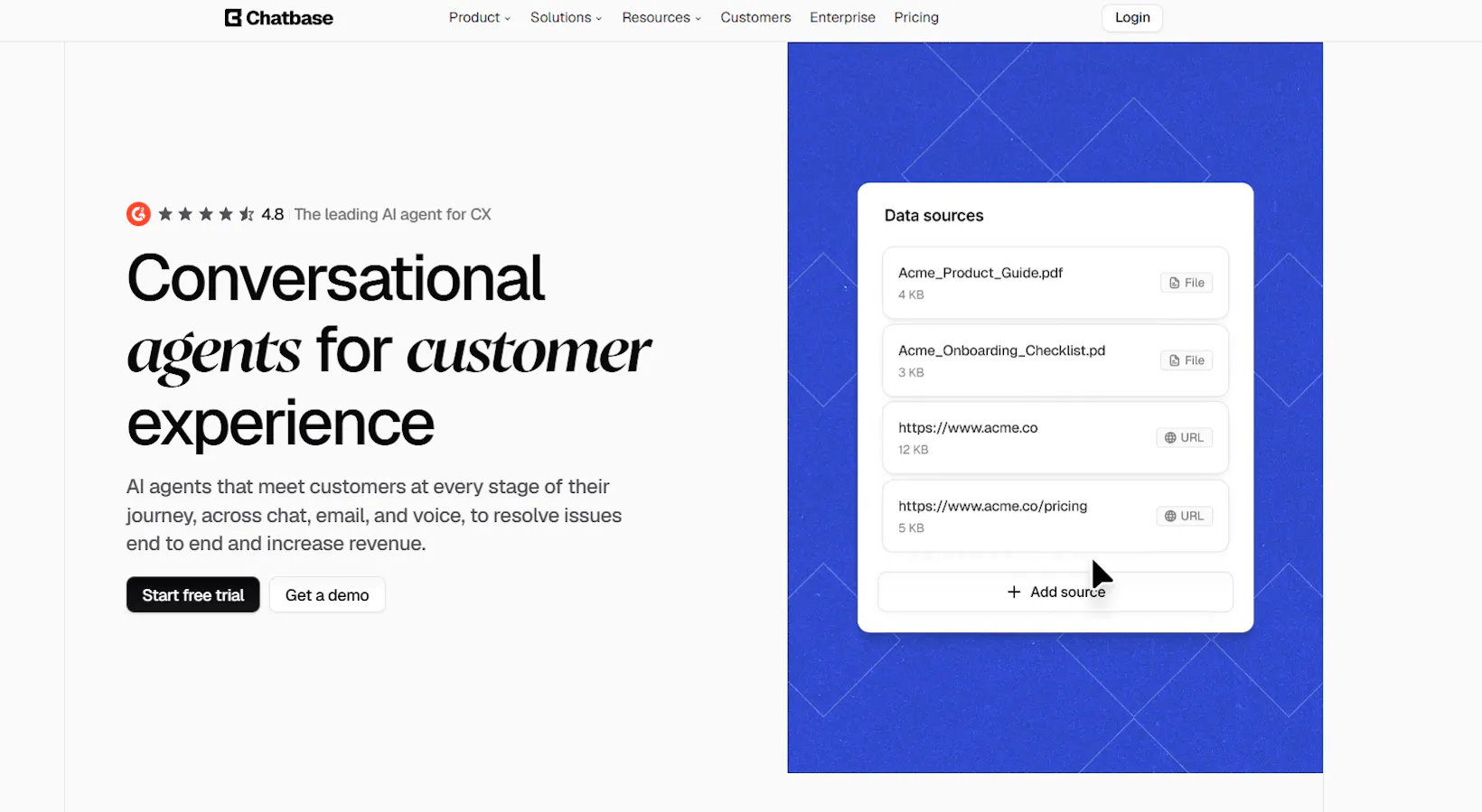
Chatbase lets businesses build AI agents trained on their own content and connect them to support tools. It also includes a helpdesk inbox, integrations, AI Actions, and Procedures, making it useful for teams that want customer-facing automation alongside their support workflow.
Chatbase's current pricing page lists three plans: Basic, Business, and Enterprise. The first two use monthly message credit allowances, while Enterprise offers custom usage and billing.
- Basic: $150/month. 4,000 message credits, 500 test credits, one AI agent, unlimited workspace members, eight AI Actions per agent, and four Procedures per agent. Includes integrations, API access, basic analytics, voice, and the Chatbase Helpdesk inbox.
- Business: $500/month. 15,000 message credits, 1,000 test credits, one AI agent, unlimited workspace members, 12 AI Actions per agent, and six Procedures per agent. Adds advanced analytics, source suggestions, and the option to use tickets and Zendesk macros as sources.
- Enterprise: Custom pricing. Custom usage and flexible billing, with higher limits, enterprise reporting, custom roles and permissions, SSO, audit logs, white-labeling, and SLAs.
Chatbase also offers add-ons. Automatic credit recharges cost $40 per 1,000 message credits, extra agents cost $25 per month each, and removing Chatbase branding costs $99 per month.
Read Next: Chatbase Alternatives: 7 Best AI Customer Support Tools
3. Fin
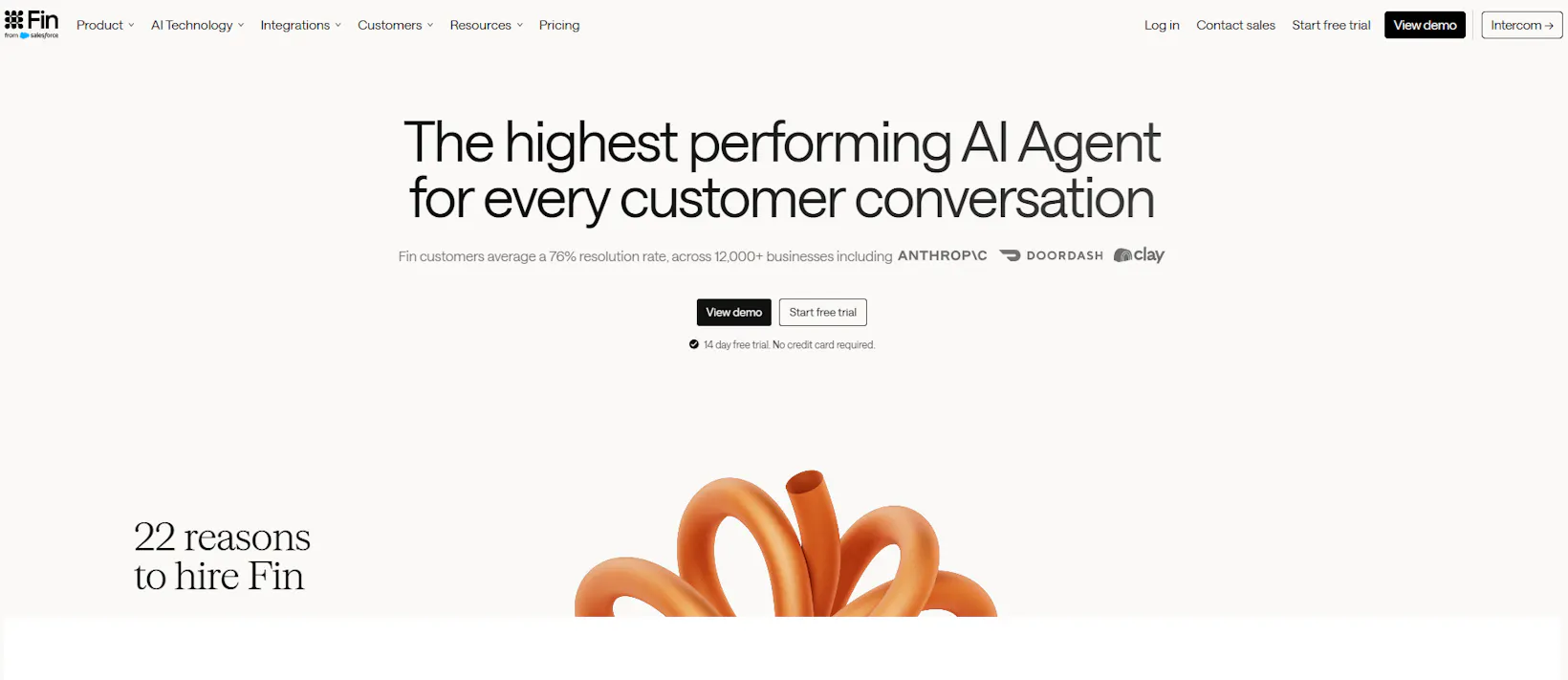
Fin is Intercom’s AI agent that answers customer questions, follows configured procedures, and can take actions through connected systems.
Fin uses outcome-based pricing. Each qualifying outcome costs $0.99, and Intercom charges once per conversation even if Fin answers several questions or completes multiple steps.
An outcome can count when a customer confirms their issue is resolved, doesn't ask for more help after Fin responds, or Fin completes a configured procedure.
If you use Fin with Intercom's helpdesk, you'll also need a seat plan:
- Essential: $39 per seat/month. Core customer support tools, including a shared inbox, ticketing, Messenger, and pre-built reports.
- Advanced: $99 per seat/month. Adds multiple team inboxes, workflow automation, round-robin assignment, and 20 Lite seats.
- Expert: $139 per seat/month. Adds SSO, HIPAA support, SLAs, and multibrand Messenger and Help Center features.
You can use Fin with an existing helpdesk, including platforms such as Salesforce and Freshdesk. Intercom says this option has no seat costs, although minimum commitments may apply. If you use Fin as part of Intercom's own helpdesk, you also pay for the relevant seat plan.
4. Tidio
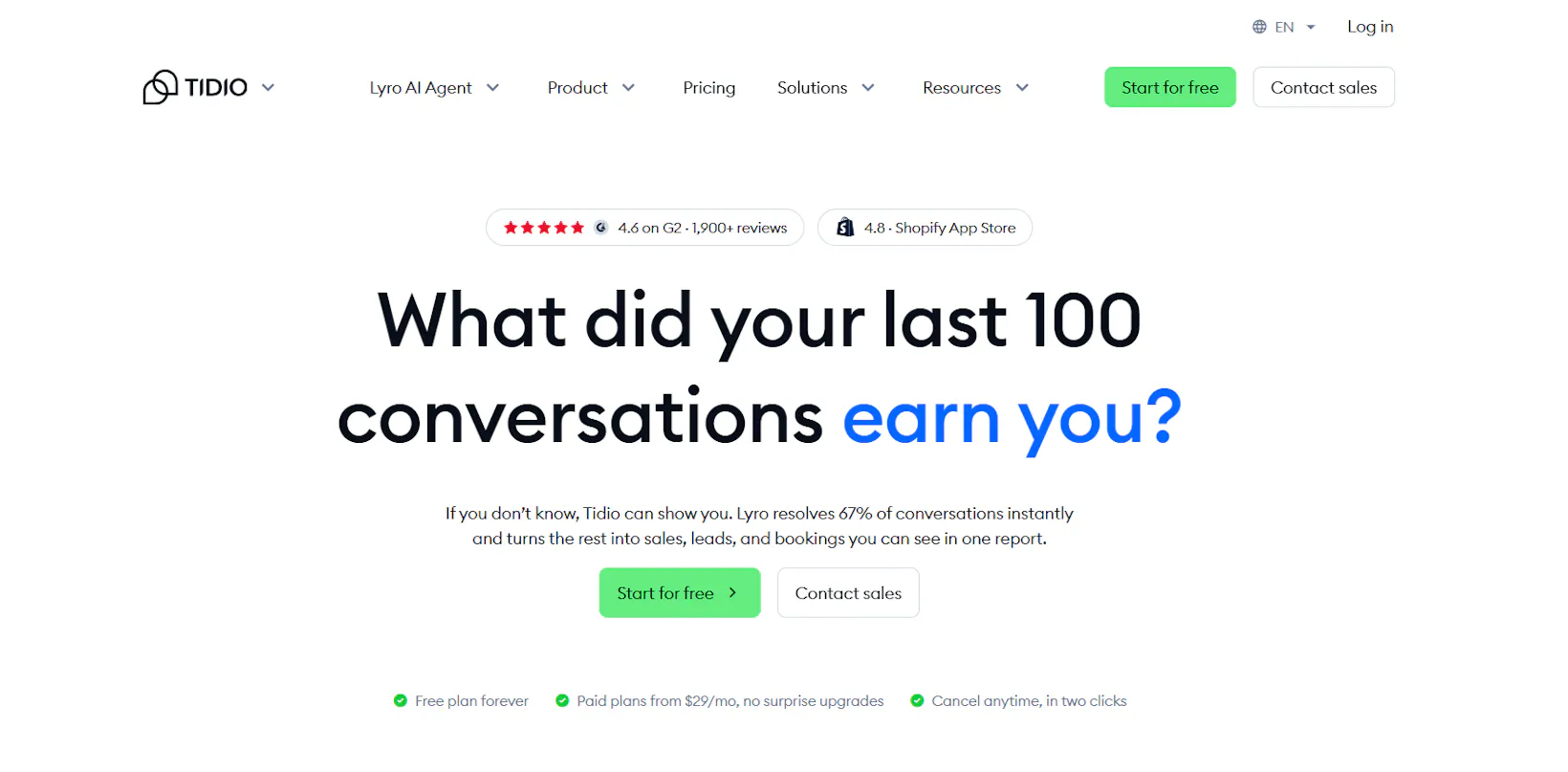
Tidio combines live chat, ticketing, and customer support automation. Its AI agent, Lyro, handles routine customer questions across chat and email, then passes conversations to human agents when needed. Tidio is particularly suited to small and growing businesses that want AI support alongside a shared inbox.
Lyro pricing is based on monthly AI and human conversation quotas. Conversations handled by Lyro and your team count toward the same plan limit. The current monthly plans are:
- Starter: $39/month. 50 AI and human conversations, up to 10 agent seats, live chat, ticketing, social channels, basic analytics, Lyro for chat and email, three Smart Actions, and three MCP tools.
- Growth: Starts at $75/month. Starts with 100 AI and human conversations. Higher quotas are available: 200 for $140, 300 for $210, 500 for $350, 750 for $525, and 1,000 for $700 per month. Includes up to 10 seats, advanced analytics, automatic routing, ticketing workflows, five Smart Actions, and five MCP tools.
- Plus: Starts at $300/month, plus monthly usage. Offers custom conversation limits, custom seat counts, discounted usage rates, a dedicated Success Manager, and 10 Smart Actions and MCP tools.
- Premium: Custom pricing. Designed for high-volume businesses that need custom analytics, SSO, compliance features, and managed Lyro AI deployment.
Every new account also gets 50 Lyro AI conversations as a one-time allowance. This is separate from the monthly plan quota and does not renew.
Read Next: Best Tidio Alternatives for Customer Support in 2026
5. Freshdesk Omni Freddy AI

Freshdesk Omni combines customer support across channels with Freshworks' Freddy AI tools. Its Freddy AI Agent can handle customer questions through chat and email, while the wider platform provides ticketing, a shared inbox, routing, and reporting.
Freshdesk Omni charges per human agent seat, with additional usage fees for Freddy AI sessions. The following are the monthly per-agent rates:
- Growth: $35 per agent/month. Includes ticketing, a shared inbox, a customer portal, a knowledge base, reporting, and 500 Freddy AI Agent sessions as a one-time allowance per account.
- Pro: $95 per agent/month. Adds multilingual support, custom dashboards, intelligent routing, multiple SLA policies, and external collaborators. Also includes the 500 one-time AI session allowance.
- Enterprise: $143 per agent/month. Adds Freddy AI Insights, skill-based routing, custom objects, a sandbox, and audit logs. Also includes the 500 one-time AI session allowance.
Once you've used the included sessions, additional Freddy AI Agent sessions cost $49 per 100. A chat session groups interactions within a 24-hour window, while an email session covers a 72-hour window from the customer's first email. Multiple replies within the same window count as one session.
This means you should account for both the helpdesk seats and the AI sessions when estimating your monthly cost. A team with 10 support agents on Growth would pay $350 per month for the platform, before purchasing additional AI sessions.
Read Next: 6 Freshworks Alternatives for Teams Hitting Automation Limits
6. Ada

Ada is an enterprise AI customer service platform built for businesses handling large volumes of customer conversations across multiple channels.
Its AI agents can answer questions, connect to business systems through API tools, and complete tasks using configured actions and workflows.
Ada offers custom enterprise quotes based on each company's requirements. Its pricing model is primarily conversation-based, with a resolution-based option available for enterprises with specific needs.
- Conversation-based pricing: Charges for each conversation the AI agent has with an end user. Ada positions this as its standard model because costs are easier to forecast as conversation volume grows.
- Resolution-based pricing: Available for enterprise customers with specific requirements. The charge is tied to conversations that meet the agreed definition of a successful resolution.
If you're evaluating Ada, ask for the rate per conversation or resolution, any minimum volume commitments, and how the vendor defines a billable interaction. Also, request a breakdown of implementation, integrations, and ongoing services so you can compare the quote with platforms that publish their prices.
How to Calculate Your AI Customer Support Costs
A cost estimate starts with three numbers: your monthly support volume, the percentage of conversations you expect the AI agent to resolve, and the vendor's price per billable unit.
The calculation changes depending on the pricing model. For per-resolution pricing, multiply your expected AI resolutions by the price-per-resolution. For per-conversation pricing, multiply all billable conversations by the conversation rate. For credit-based plans, estimate how many credits your expected replies and actions will consume, then compare that with the plan allowance.
Here's a simple example.
A business receives 2,000 customer support conversations each month and expects its AI agent to resolve 60% of them. That gives it 1,200 AI resolutions and leaves 800 conversations for human support or other outcomes.
If the provider charges $0.99 per resolution, the monthly AI usage cost would be:
1,200 resolutions × $0.99 = $1,188 per month
If the same provider charged $0.99 per conversation instead, the cost would be:
2,000 conversations × $0.99 = $1,980 per month

The difference is $792 per month, even though the AI agent handles the same support volume and resolves the same percentage of issues. That's why you should never compare per-resolution and per-conversation rates as if they measure the same thing.
For a subscription-based platform, start with the monthly plan fee and check whether your expected usage fits within its allowance. Add the cost of extra credits, seats, or actions if you expect to exceed those limits.
Finally, include the costs that aren't part of AI usage. If the platform requires paid human agent seats, add those fees. Do the same for integrations, voice support, and implementation services. The result is a more useful estimate of your total monthly spend.
How to Choose the Right AI Agent Pricing Model
Before comparing plans, think about what you want your pricing model to reward, how much control you need over costs, and what happens when your support volume increases. A low starting price doesn't tell you much if the billing rules make costs difficult to predict.
- Decide whether you want to pay for activity or results: Conversation-based pricing charges for interactions, while resolution-based pricing ties costs to completed issues. The difference matters when your AI agent handles many conversations but resolves only a portion of them. Compare both against your actual resolution rate.
- Check how costs change as your AI agent handles more requests: A flat subscription may look affordable at 500 conversations but become restrictive when volume reaches 5,000. Credit-based and hybrid plans can also become more expensive if complex requests consume more resources than expected.
- Look beyond the headline usage rate: A $0.50 conversation may seem cheaper than a $1 resolution, but the comparison changes if the AI resolves only half of its conversations. Include human handoffs, repeat sessions, extra actions, and overage charges in your estimates.
- Consider how much cost visibility the vendor gives you: You should be able to see what counts as billable usage, track consumption, and estimate your next invoice. If the vendor doesn't publish its rates or explain its billing rules, ask for sample calculations based on your expected support volume.
- Be careful with pricing that penalizes complex support requests: A customer asking for an order update may need one action, while a refund request could involve several. If every action or session adds to the bill, more complicated customer issues can cost considerably more to handle.
- Calculate the cost of a resolved issue, not just the cost of AI usage: Include the platform subscription, usage fees, additional seats, and any human support still needed. This gives you a more useful comparison than looking at the price per conversation or resolution alone.
A Deeper Look at AI Agent Pricing
AI agent pricing is easier to compare when you look at what each vendor actually charges for. The best model isn't necessarily the one with the lowest rate. It's the one that keeps costs manageable at your expected support volume without creating unexpected charges as your AI agent takes on more work.
- Compare billing models: Check whether the vendor charges per conversation, resolution, session, credit, or action.
- Calculate the full cost: Include the subscription, usage fees, extra seats, and overage charges.
- Account for growth: Estimate costs at your current support volume and at higher volumes before choosing a plan.
Want to see what Chatling offers at each price point? Explore Chatling pricing to compare plans and included features.
AI Agent Pricing FAQs
How much does an AI customer support agent cost per month?
Self-service AI customer support platforms often start at around 25–50 per month. Plans with higher usage limits and more features can cost 75–300 or more per month. Enterprise platforms may use custom pricing, while usage-based tools charge separately for conversations, sessions, or resolutions.
Do AI customer support agents charge per conversation or per resolution?
Per-conversation pricing charges for each qualifying interaction the AI handles, even if it escalates the issue to a human. Per-resolution pricing charges when the interaction meets the provider's definition of a successful outcome.
Is per-resolution pricing cheaper than per-conversation pricing?
It can be, especially when the AI agent resolves only a portion of the conversations it handles. With per-resolution pricing, unresolved conversations may not incur a usage charge. However, the actual cost depends on the rate and how the provider defines a billable resolution.
Are AI customer support agents included in helpdesk subscriptions?
Some helpdesk platforms include an AI agent or a limited number of AI sessions in their subscriptions. Others charge separately for AI usage. Check the plan's included allowance and overage rates before assuming the AI agent is covered by the monthly seat fee.
What hidden costs should I look for when choosing an AI support agent?
Check for extra charges related to AI credits, conversations, sessions, human agent seats, integrations, API usage, voice support, and implementation. Also check whether the plan has minimum commitments or charges for usage above its monthly allowance.
How can I estimate the monthly cost of an AI customer support agent?
Start with your monthly support volume and estimate how many conversations the AI agent will handle or resolve. Multiply that figure by the vendor's price per billable unit, or estimate the credits your usage will consume. Then add the platform subscription, agent seats, integrations, and any extra usage fees.