
The best HubSpot alternative depends on your support needs.
Here are our top picks:
- Chatling: For AI support, repetitive question resolution, lead capture, and human handoff.
- Zendesk: For large teams that need deep omnichannel support and reporting.
- Help Scout: For small teams that want a simple shared inbox and personal support.
Visit the Chatling blog for more guides like this.
Why pay for HubSpot's marketing suite when you just need support?
For support teams, HubSpot Service Hub is a capable support tool. It sits inside a large CRM, handles tickets, and offers a knowledge base. But the price climbs fast once your team grows.
The jump from Starter to Professional is steep, and onboarding fees add thousands in the first year. Many support teams also find it heavier than they need. They want context-aware replies, fast resolutions, and a clean interface, not a full marketing and sales suite.
In this Chatling guide, we have handpicked the best HubSpot alternatives built exclusively for customer support. Each one owns a clear use case, from AI first resolution to ecommerce ticketing.
Why listen to us?
Chatling builds AI customer service agents for teams that need faster answers across website chat, WhatsApp, Instagram, Telegram, and Messenger. More than 1,000 teams use Chatling, with a 4.7/5 rating on G2, and SnapDownloader resolves 45% of their support questions. This gives us practical insight into when HubSpot is enough and when focused AI support is a better fit.
What does HubSpot actually do for customer support teams?
HubSpot Service Hub is HubSpot’s customer service software for managing support conversations, tickets, self service content, and customer feedback inside the same CRM used by sales and marketing teams.
It helps teams receive requests, track issues, assign work, answer common questions, and measure service quality from one connected customer record.
Key features
- Helpdesk: Manage customer requests from one support workspace.
- Ticketing: Track issues from open to closed with clear ownership and status.
- Live chat and messaging: Support customers in real time across chat channels.
- Knowledge base: Create self service answers for common customer questions.
- AI agents and AI assistance: Help answer repetitive questions and support agent productivity.
- Customer portal: Let customers view and track their ticket updates.
Pricing
HubSpot Service Hub has a free plan for up to two users. Paid plans include:
- Starter starts at $10/month/seat, with higher limits, live chat branding removal, ticket pipelines, routing, calling, snippets, and reporting.
- Professional starts at $100/month/seat, plus $1,500 onboarding, adding AI agents, helpdesk, knowledge base, portal, and surveys.
- Enterprise starts at $150/month/seat, plus $3,500 onboarding, with SLAs, analytics, skill based routing, and advanced controls.
Why look for a HubSpot alternative?
HubSpot Service Hub works well when you use the whole HubSpot platform. On its own, the cost and the complexity add up. Here are the common reasons support teams switch:
- Pricing climbs with every seat: Service Hub charges per seat. The free tier covers two users. Starter runs about $7-10 per seat. Professional then jumps to around $90 to $100 per seat, and that tier holds the features most teams need, like automation, SLAs, and a knowledge base. A five person team feels that jump right away.
- Onboarding fees hit in year one: Professional carries a required onboarding fee near $1,500. Enterprise adds about $3,500. These costs never show on the headline price.
- More advanced support features sit on higher tiers: Ticket routing, SLA tracking, and the knowledge base live on Professional and above. Small teams on Starter hit walls fast.
- It works best inside the HubSpot ecosystem: Service Hub is strongest when support, sales, marketing, and customer data already live in HubSpot. If the real issue is repetitive questions, slow replies, and simple requests becoming tickets, a focused AI support tool can be a better fit.
None of this makes HubSpot a bad tool. It just makes a focused support platform a smarter buy for many teams.
Top 6 HubSpot alternatives for support teams to choose from
Before the full review, here’s a comparison table of the HubSpot alternatives covered in this guide:
Tool | Choose it when | Not right if | Starting price |
|---|---|---|---|
Chatling | You need an AI agent to answer repetitive questions, capture leads, and hand chats to your team with context. | You need a full CRM, sales pipeline, or marketing automation suite. | Free plan available. Paid plans start at $40 per month. |
Zendesk | You need deep omnichannel support, advanced reporting, routing, AI agents, and a large app marketplace. | You are a small team that only needs simple chat or basic ticketing. | Support Team starts at $19 per agent per month. |
Freshdesk | You want ticketing, knowledge base, automation, and AI options at a lower entry price. | You need advanced enterprise support operations from day one. | Free program available. Paid plans start at $23 per agent per month. |
Intercom | You support SaaS users inside your product and want AI, messaging, help content, and human support together. | You need predictable AI costs or a simpler shared inbox. | Helpdesk starts at $19 per seat per month, plus $0.99 per Fin outcome. |
Help Scout | You want a simple shared inbox, personal support feel, live chat, knowledge base, and light automation. | You need deep routing, complex workflows, or enterprise scale controls. | Paid plans start at $30 per user per month. |
Front | You want collaborative support across email, SMS, WhatsApp, social, and chat in one workspace. | You need a low cost entry plan with full omnichannel support included. | Paid plans start at $35 per seat per month. |
1. Chatling
Chatling is an AI support platform built to resolve customer questions, not just deflect them. You train an AI agent or chatbot on your website, docs, and help center. The AI agent or chatbot then answers questions in seconds and hands off to your team when a human is needed. It runs with no code, so support and marketing teams can launch without help from developers.
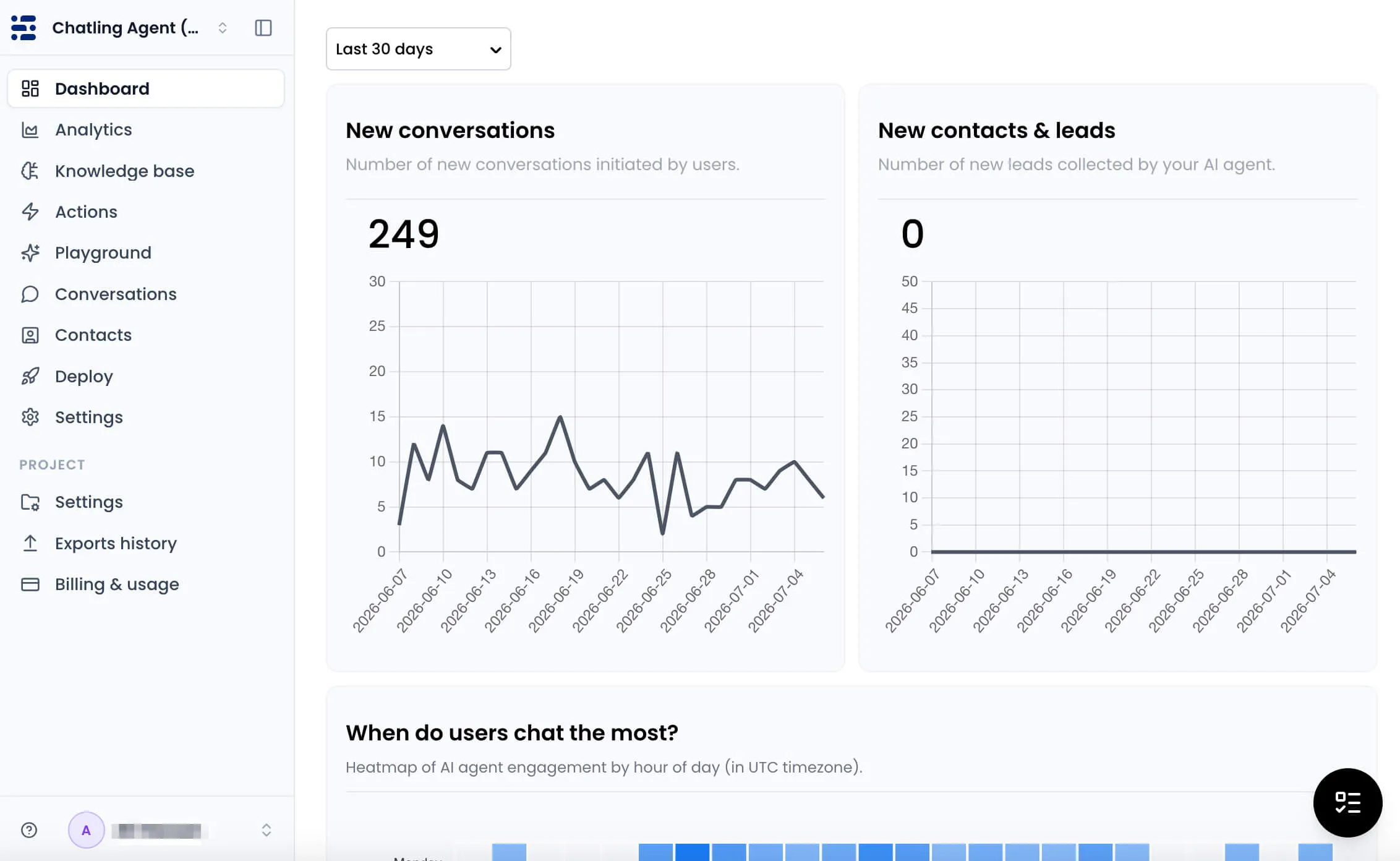
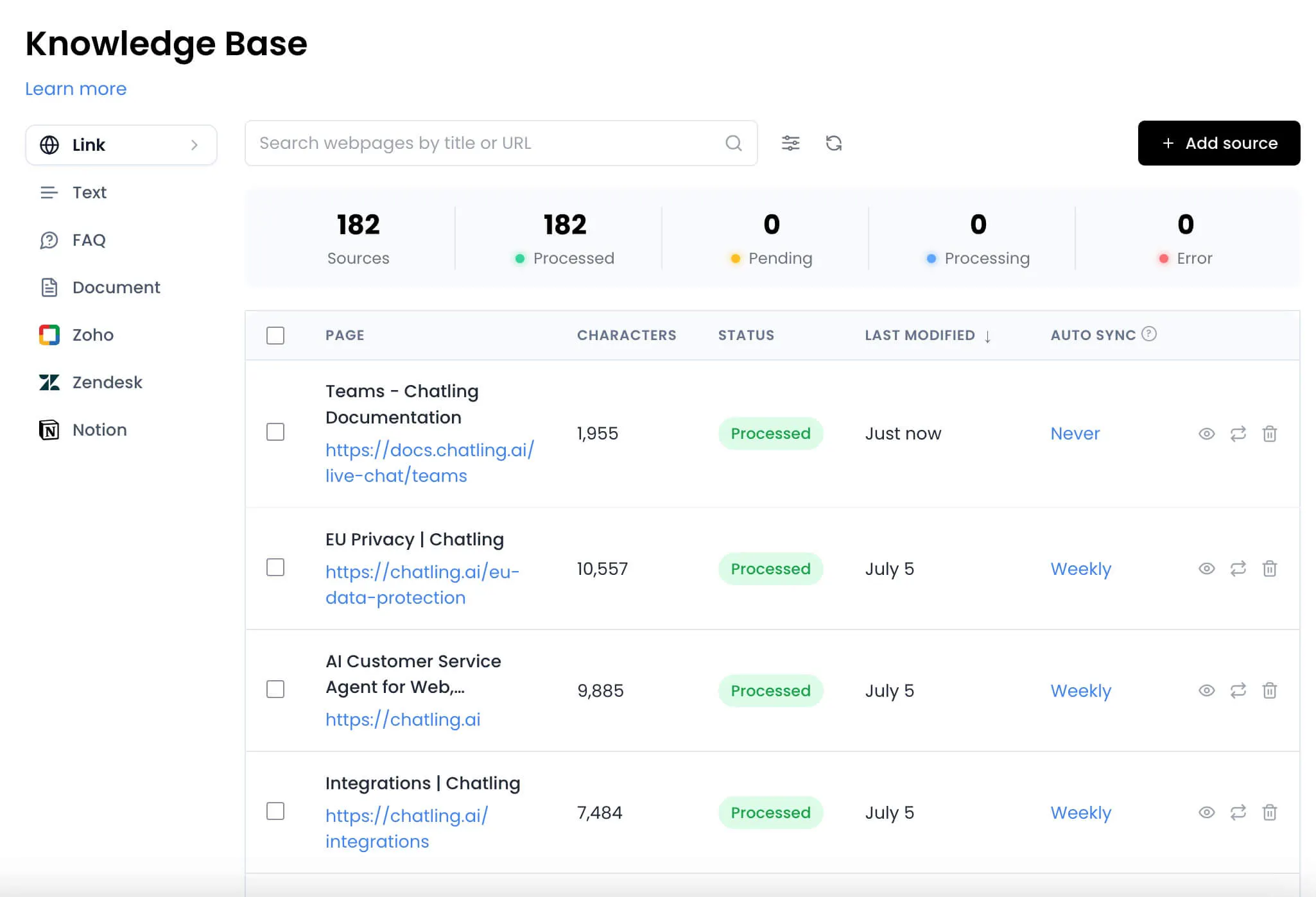
Where HubSpot spreads across marketing, sales, and service, Chatling stays focused on support. That focus shows in setup speed and daily use. The agent syncs your knowledge sources on a schedule, so answers stay current without manual edits. It also integrates with HubSpot, so you can keep your CRM and add a stronger support layer on top.
If you are looking for a place to start, see our guide on how to create a chatbot for free.
Key features
- AI chatbots: Build structured flows for predictable tasks like FAQs, bookings, lead qualification, and guided support.
- AI agents: Handle complex requests across website chat, WhatsApp, Instagram, Messenger, and Telegram using shared instructions, knowledge, tools, and real time decisions.
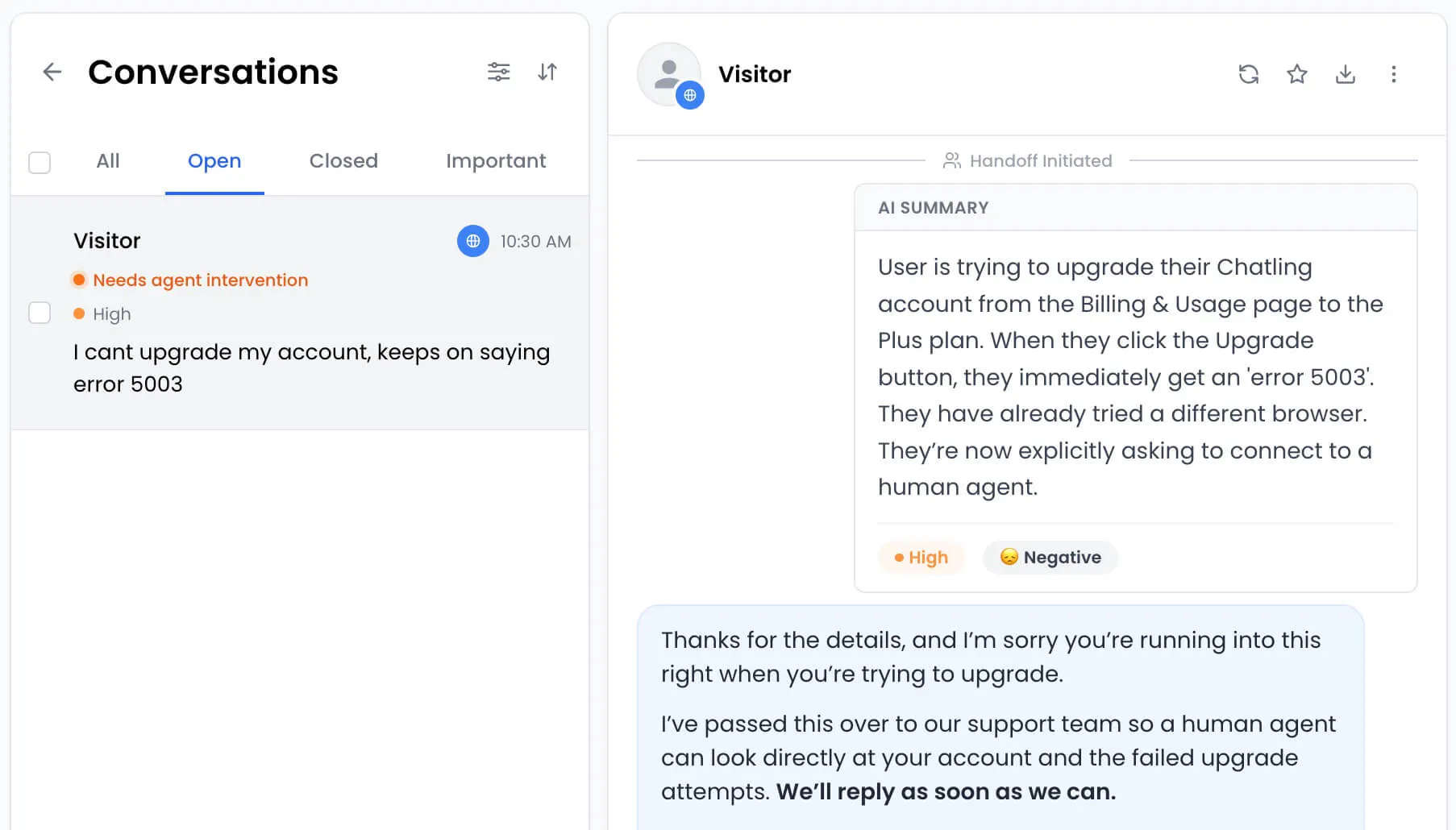
- Human handoff with context: Pass complex chats to your team with an AI summary, so agents can see what happened before they reply.
- Auto syncing knowledge base: Keep answers current by syncing content from your website, docs, and help center.
- Support in 80+ languages: Help customers in their preferred language via live chat without setting up separate bots for each region.
- Live chat, analytics, and CSAT: Manage human support, track performance, and measure customer satisfaction in one place.
Pros
- Strong fit for AI support automation
- Works well with HubSpot instead of forcing a full move
- Supports website chat and messaging channels
- Seamless integration with 15+ platforms
- Fully GDPR compliant
Cons
- Not a replacement for full marketing automation
2. Zendesk
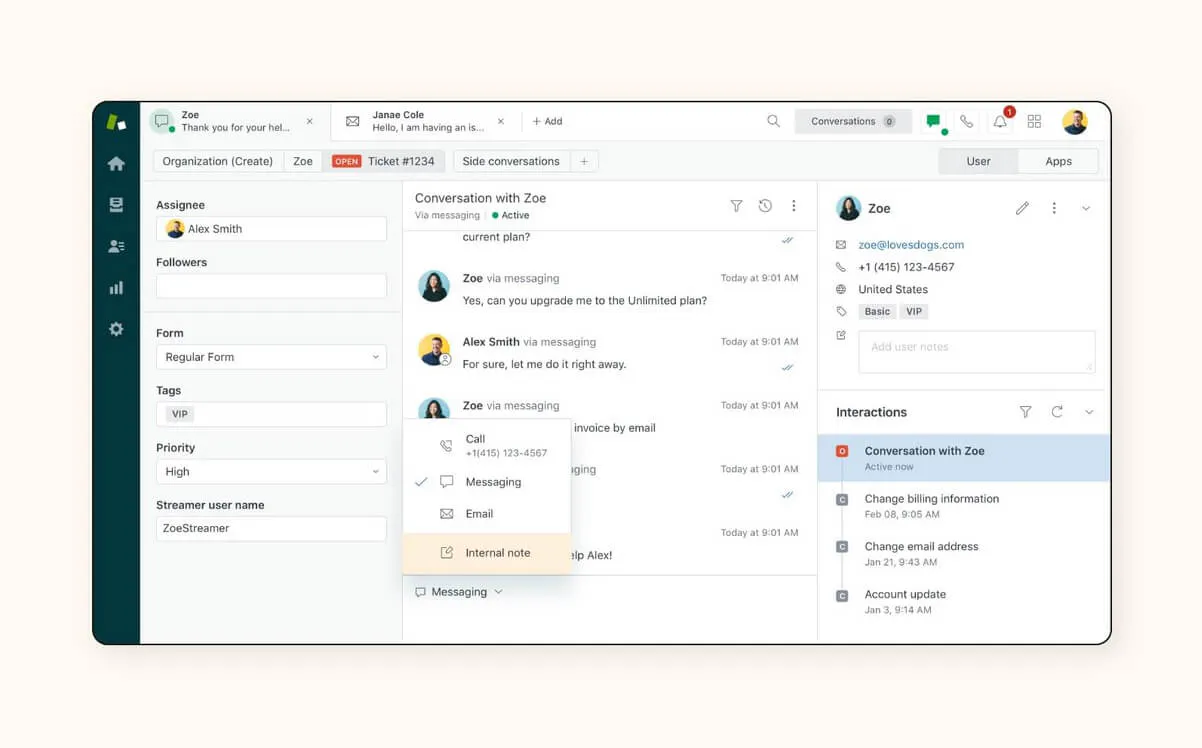
Zendesk is one of the most established names in customer service. It brings ticketing, live chat, messaging, voice, and a help center into one suite. Large teams value its depth, its reporting, and its wide app marketplace. Zendesk positions itself around customer experience, which is where HubSpot, with its newer service product, comes up short.
Key features
- Omnichannel ticketing: Manage customer requests across email, chat, social, and voice.
- AI agents: Resolve customer issues automatically, with billing tied to resolutions.
- Help center: Create self service content so customers can find answers without contacting support.
- Reporting: Track support volume, agent performance, and customer experience metrics.
- Integration marketplace: Connect Zendesk with sales, support, ecommerce, and productivity tools.
Pricing
Zendesk does not offer a free plan, but it has a 14 day trial. Paid plans include:
- Support Team starts at $19 per agent per month.
- Suite Team starts at $55 per agent per month.
- Suite Professional starts at $115 per agent per month.
- Suite Enterprise uses custom pricing.
AI agents are billed per resolution, and Copilot costs about $50 per agent per month.
Pros
- Strong fit for large support teams with complex queues
- Large app marketplace for teams with an existing software stack
- Scales well for companies with high support volume
Cons
- Can be more software than smaller teams need
- Costs can rise with AI usage, Copilot, higher plans, and extra seats
- Setup may require admin time before teams see full value
3. Freshdesk
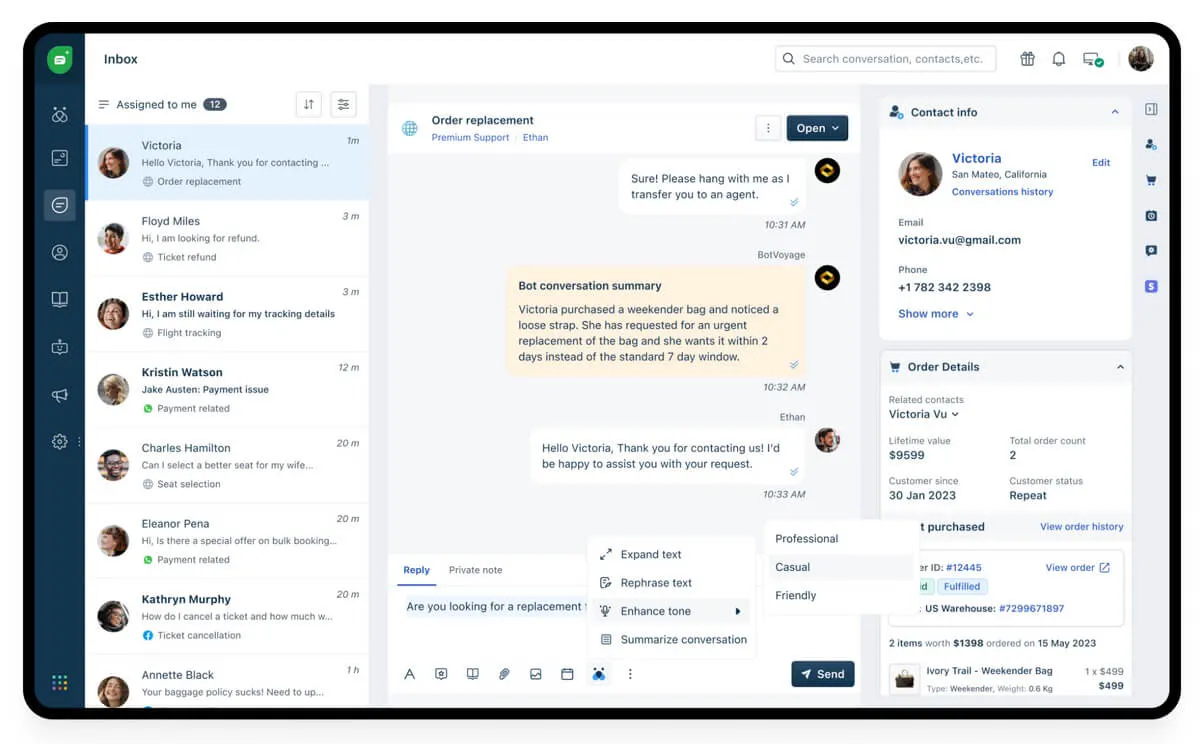
Freshdesk, from Freshworks, is a helpdesk built for teams that need clear ticketing without the weight of a larger enterprise platform. Unlike HubSpot's CRM-based service tools, it is support-first with a lower entry price. Freshdesk helps teams manage requests from one place, organize agent work, support customers with self service, and adds automation as support volume grows.
Key features
- Ticketing workspace: Manage customer issues through tickets, shared inboxes, threads, and tasks.
- Customer portal: Give customers a place to find help and track support requests.
- Multilingual helpdesk: Support customers across different languages as your audience grows.
- Freddy AI Agent: Add AI powered resolution through Agent Studio and Email AI Agent.
- Freddy AI Copilot: Give agents AI help with replies, insights, and support work.
Pricing
Freshdesk has a free program for 1 to 2 agents for six months. Paid plans include:
- Growth at $23 per agent per month: Core ticketing, shared inbox, customer portal, multilingual helpdesk, and collaborators.
- Pro at $66 per agent per month: Broader automation, analytics, and AI options.
- Enterprise at $107 per agent per month: Advanced administration, security, and reporting.
Freddy AI is available on Pro and Enterprise.
Pros
- Easy entry point for teams moving from shared inboxes to a real helpdesk
- Strong balance of price and support depth for growing teams
- Cleaner fit than heavier enterprise tools when the support process is still simple
Cons
- AI usage can add to the total cost as support volume grows
- Advanced controls may require higher plans
4. Intercom
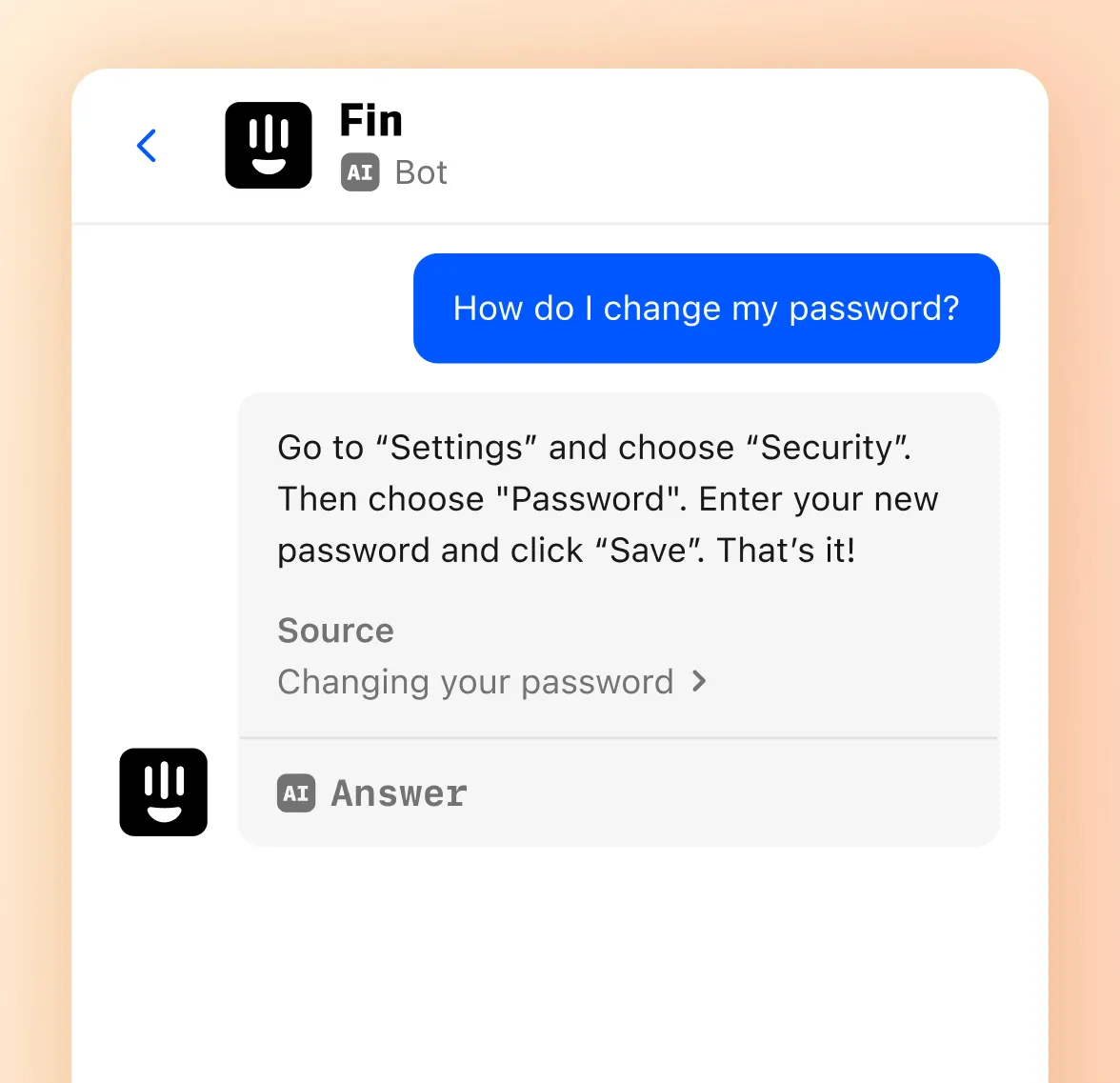
Intercom pairs a support inbox with in-app messaging, which makes it popular with SaaS companies. Where HubSpot spans a full CRM, Intercom focuses on reaching users inside your product. Its Fin AI agent resolves questions from your help content and can take actions through your stack.
The messenger is polished, and the product suits teams that talk to users inside their apps. If Intercom is on your list, you can also compare the best Intercom alternatives.
NOTE: Salesforce signed an agreement to acquire Fin, formerly Intercom, in June 2026, so factor that into any long range buying decision.
Key features
- Support inbox: Manage customer conversations from web, app, and email channels.
- Fin AI agent: Resolve customer questions from your help content and support data.
- Help center: Publish self service articles that Fin and your customers can use.
- Workflow automation: Route conversations and trigger actions across your support stack.
- Integrations: Connect Intercom with tools such as Salesforce, Shopify, and Slack.
Pricing
Fin can work with your current helpdesk at $0.99 per outcome, with a 50 outcome monthly minimum. Intercom Helpdesk starts at $19 per seat per month, plus $0.99 per outcome for Fin. Pro costs $99 per month for analysis of 1,000 conversations. Copilot costs $35 per agent per month.
Pros
- Strong fit for SaaS companies with active product users
- Polished messenger experience for web and in app conversations
- Good option for teams that want AI and human support in the same workspace
Cons
- Outcome based AI pricing are harder to forecast than fixed monthly plans
- Too heavy and complex for smaller teams
- The Salesforce acquisition affects future product direction
5. Help Scout
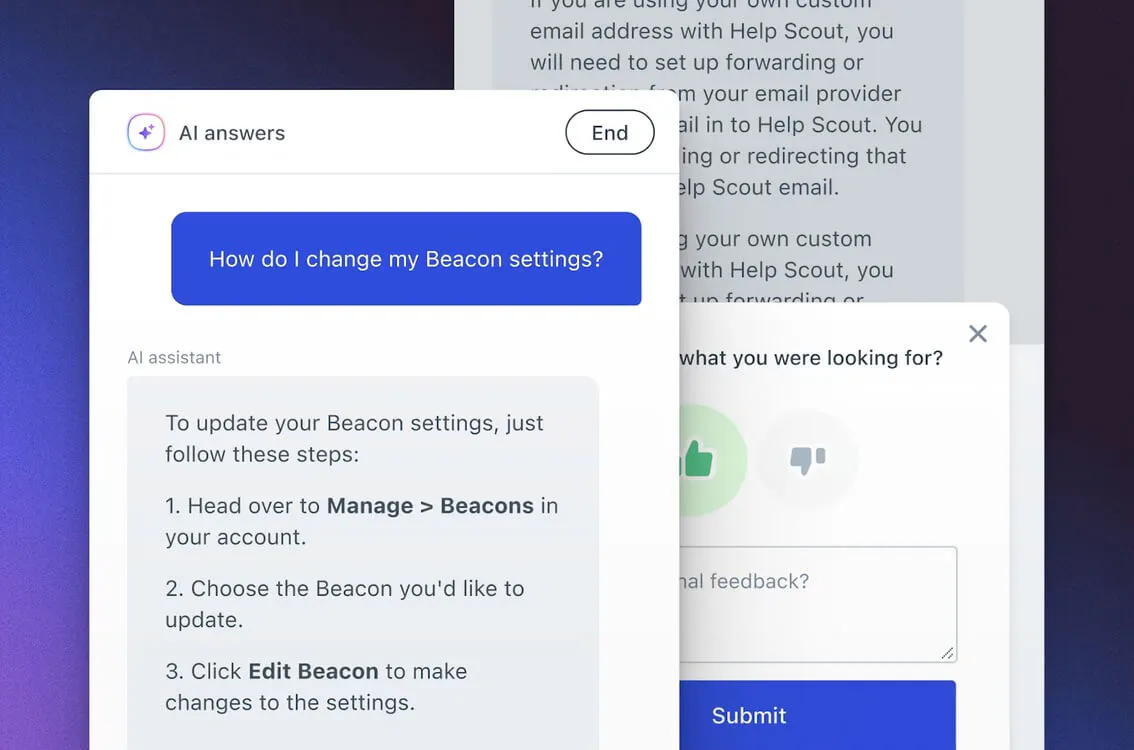
Help Scout keeps support easy to manage. It is a lightweight support tool, not a full CRM like HubSpot Help Scout centers on a shared inbox that feels like email, so customer replies stay personal. It also includes live chat, knowledge bases, AI assistance, Instagram, Messenger, and WhatsApp support. Teams that want a human support feel without a heavy helpdesk often choose Help Scout.
Key features
- Shared inbox: Manage customer conversations in an email style workspace.
- Knowledge base: Publish help articles so customers can find answers on their own.
- Live chat: Support visitors in real time through chat.
- AI Inbox assistant: Draft replies and summarize conversations for agents.
- Channel support: Manage Instagram, Messenger, WhatsApp, and live chat.
Pricing
Help Scout offers a free trial. Paid plans include:
- Standard at $30/user/month: Multiple inboxes, live chat, knowledge bases, saved replies, AI Inbox assistant.
- Plus at $54/user/month: Advanced workflows, two advanced SLA policies, unlimited AI Drafts, routing, HubSpot, Salesforce, and Jira.
- Pro at $90/user/month: Unlimited workflows, SLAs, routing, SSO, SAML, HIPAA compliance, light users, and onboarding support.
Pros
- Easy for small teams to learn
- Keeps support personal and simple
- Good shared inbox experience.
Cons
- Limited depth for complex support operations
- Advanced routing needs higher plans
- Not ideal for enterprise scale
6. Front
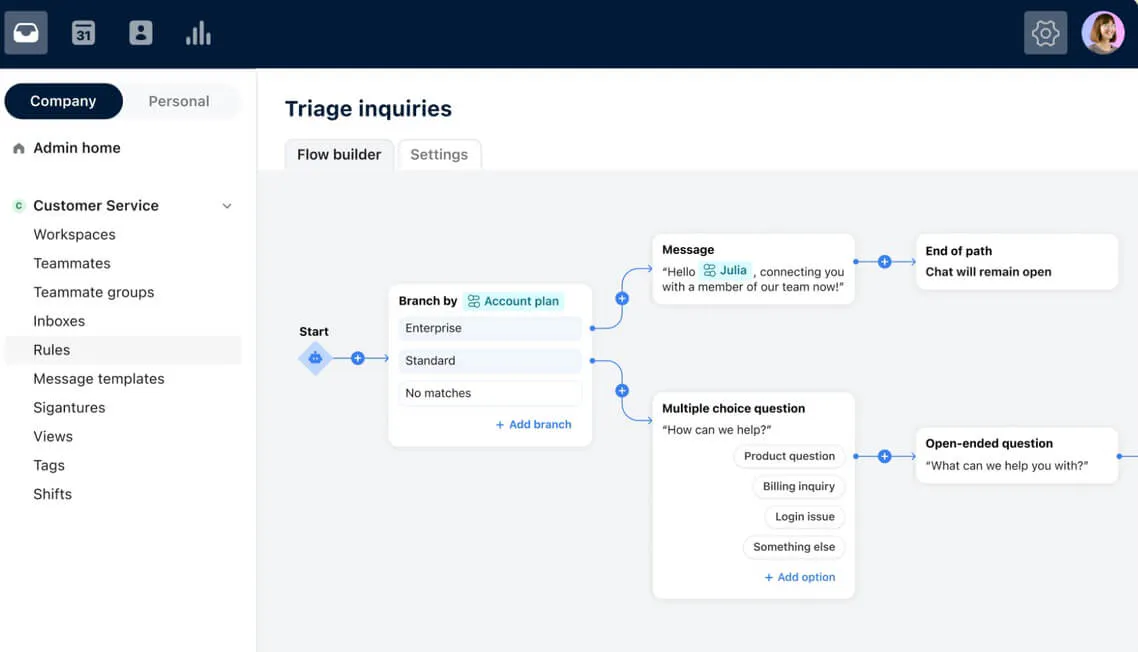
Front is a customer service platform built around team collaboration. It helps support teams manage email, chat, SMS, WhatsApp, social messages, and other customer conversations in one shared workspace. Front is a strong HubSpot alternative for teams that want support to feel personal, while giving agents the tools to work together on complex customer issues.
Key features
- Omnichannel inbox: Manage email, SMS, WhatsApp, social, and chat conversations in one workspace.
- Shared inbox and ticketing: Track, assign, and resolve customer requests with team visibility.
- Front AI: Analyze conversations, assist agents, and automate support work.
- Team collaboration: Use mentions and internal comments to bring the right teammate into a conversation.
- Workflows: Build rules, macros, and automations for repeat support processes.
Pricing
Paid plans include:
- Starter at $35/seat/month: Shared inbox, ticketing, AI Topics, automation rules, analytics, and knowledge base.
- Professional at $85/seat/month: Omnichannel support, macros, advanced analytics, workspaces, SSO, SCIM, and AI add ons.
- Enterprise on annual pricing only: Smart rules, unlimited macros, multi language knowledge base, roles, AI Copilot, QA, and CSAT.
Pros
- Strong for collaborative support teams
- Clean workspace for shared ownership
- Good fit for email heavy support
Cons
- Starter plan supports only one channel
- Seat limits apply on lower plans
- Enterprise pricing is not public
Choose Chatling when faster support is the goal
The best HubSpot alternative depends on what your team needs to fix. Zendesk, Freshdesk, Front, Intercom, and Help Scout each suit different support setups, but if repetitive questions and slow replies are the real problem, Chatling is the natural next step.
Chatling gives teams an AI agent that answers from your content across web, WhatsApp, Instagram, Messenger, and Telegram. It captures leads, supports human handoff with context, and helps agents focus on the conversations that need them.